Dear players,
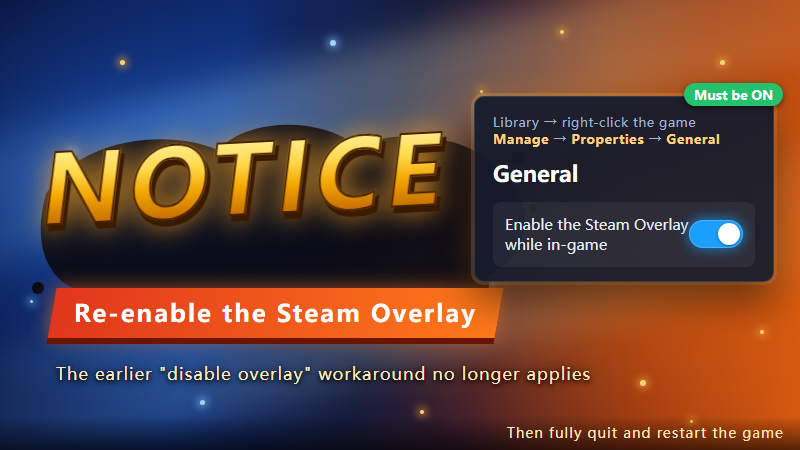
The top-up (purchase) issue caused by a recent Steam client update has been fully fixed in the latest game update. After this fix, the Steam Overlay must be ENABLED for purchases to work.
The temporary workaround from our previous notice (disabling the overlay) no longer applies — please do not disable it.
If you previously disabled the overlay following that notice, you will now be unable to make purchases. Please turn it back on:
1. In your Steam Library, right-click the game → Manage → Properties
2. Select General on the left
3. Turn ON "Enable the Steam Overlay while in-game" (see screenshot below)
4. Fully quit and restart the game
Notes:
- New players, or anyone who never changed this setting, already have it enabled by default — no action needed.
- Please also make sure your Steam client is updated to the latest version.
We sincerely apologize for the inconvenience. If the problem persists, please contact customer support.