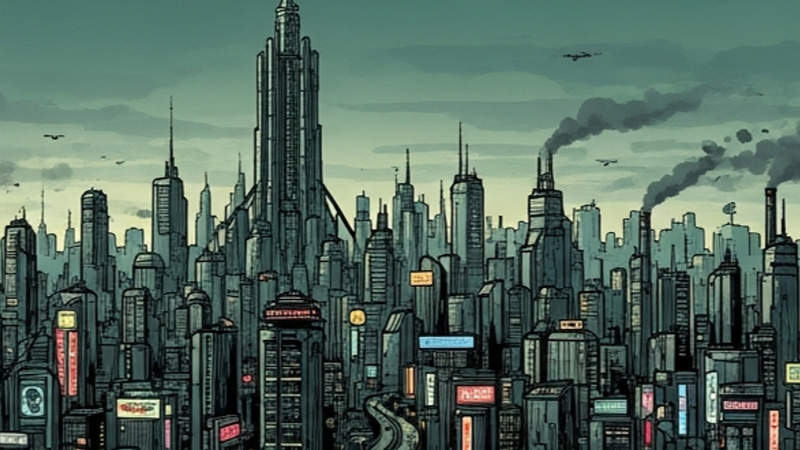
Update 2.5.0 — Controller Support, a Living Soundscape & World Map Zoom[/h1]
Commanders,
This is a big step on the road to Steam. MEGACITY now plays end to end on a controller, your city has a voice, and the world map finally zooms. Here's everything that's new.
Full controller, keyboard & Steam Deck support.
Play from start to finish without a mouse. On-screen focus highlighting moves you between buttons, menus and the district grid, and a built-in controls panel lists every binding. The Steam Deck's controls work right out of the box.
A city that sounds alive.
A new mood-reactive soundscape shifts with the state of your city — calmer tones when things are stable, tenser layers as unrest, crime and disorder climb. It's on by default and respects your mute, volume and reduced-motion settings, so you can dial it back or switch it off any time.
World map zoom.
Pinch to zoom the world map and read crowded sectors with ease. Markers and their labels stay crisp and legible as you zoom in instead of overlapping, and the filter and legend bars now sit tight under the header for more map space.
Steam Cloud save protection.
Play on more than one machine? If the same save gets changed in two places, the game now detects the conflict and protects your progress instead of silently overwriting it.
Smoother and faster.
Two rounds of performance work plus an engine cleanup mean quicker startup and steadier late-game ticks.
Your existing saves load as-is — nothing needs resetting.
Thank you for sticking with MEGACITY while I keep building toward launch. This is my first game, and your feedback shapes what comes next. More soon.
— Green Kamino *Megacity)