Version 1.1.0 - UI Overhaul & Performance Update
I rebuilt the interface from the ground up using native Windows UI components for a more cohesive experience that feels right at home on Windows.
- Modern Fluent Design - Redesigned interface using Windows Fluent components for better visual consistency with your operating system
- Improved Dark Mode - Fully native dark/light theme support that seamlessly matches Windows system preferences
- Cleaner Layout - Reorganized main window with better spacing and visual hierarchy
- No More Distracting Animations - Removed unnecessary UI animations for a snappier, more responsive feel
- Enhanced Settings Panel - Redesigned settings flyout with better organization and clearer labels
- Native Dialogs - All dialogs now use Windows-native styling for consistency
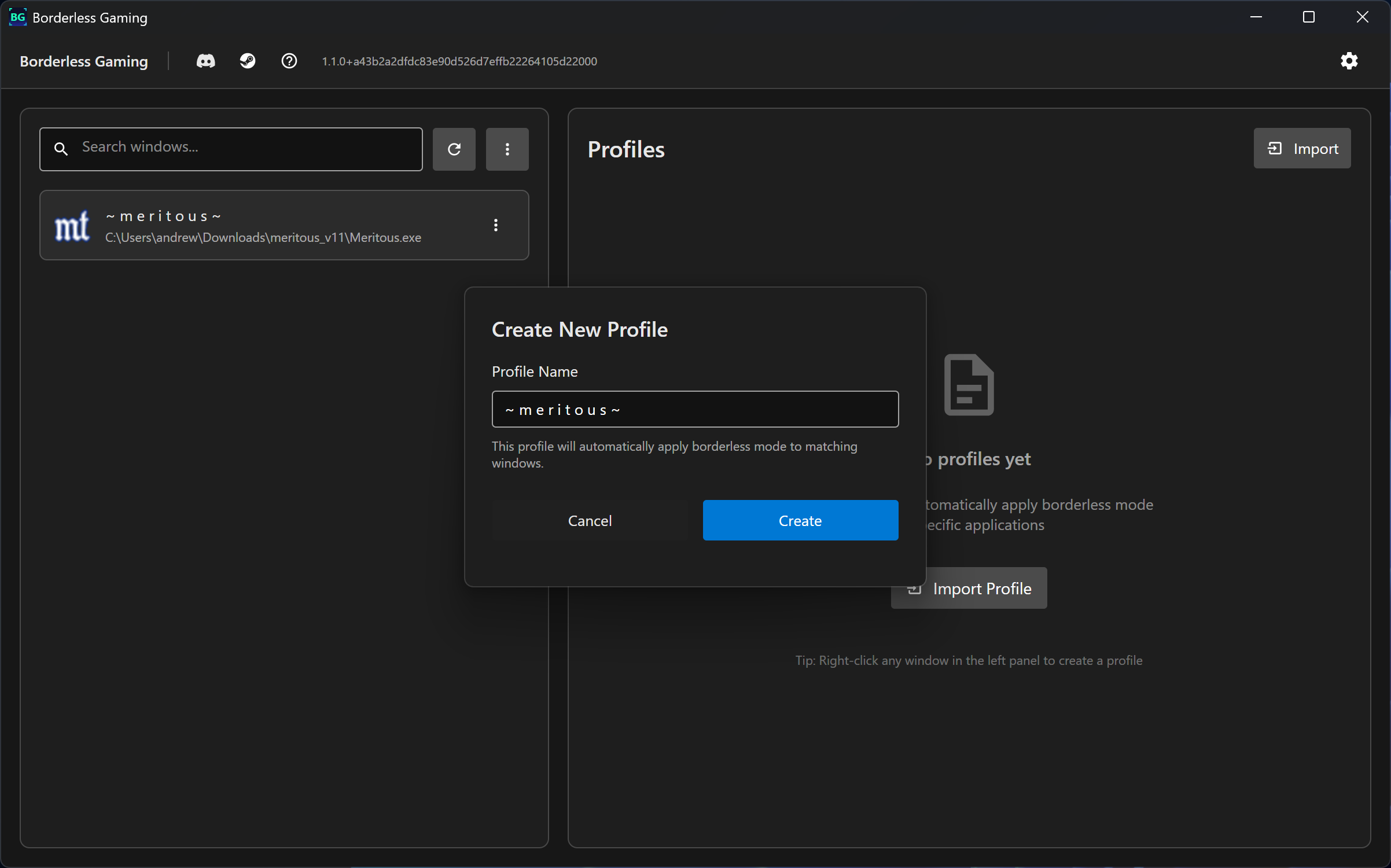
Brand New Profile Editor
Say goodbye to cramped, nested expanders! I built a completely new dedicated profile editor with a beautiful settings layout.
- Organized Sections - Settings grouped into logical categories with sidebar navigation
- Better Visual Hierarchy - Clear headings, descriptions, and help text for every setting
- Full-Screen Experience - Editor scales to 80% of window size for comfortable editing
- Live Preview - See your background container images in a large preview panel
- Comprehensive Options - All profile settings in one beautiful, organized interface
Profile Editor Sections:
- Profile Information
- Window Display Settings
- Size and Position
- Advanced Window Options
- Timing and Offsets
- Background Container
- Danger Zone (Delete Profile)
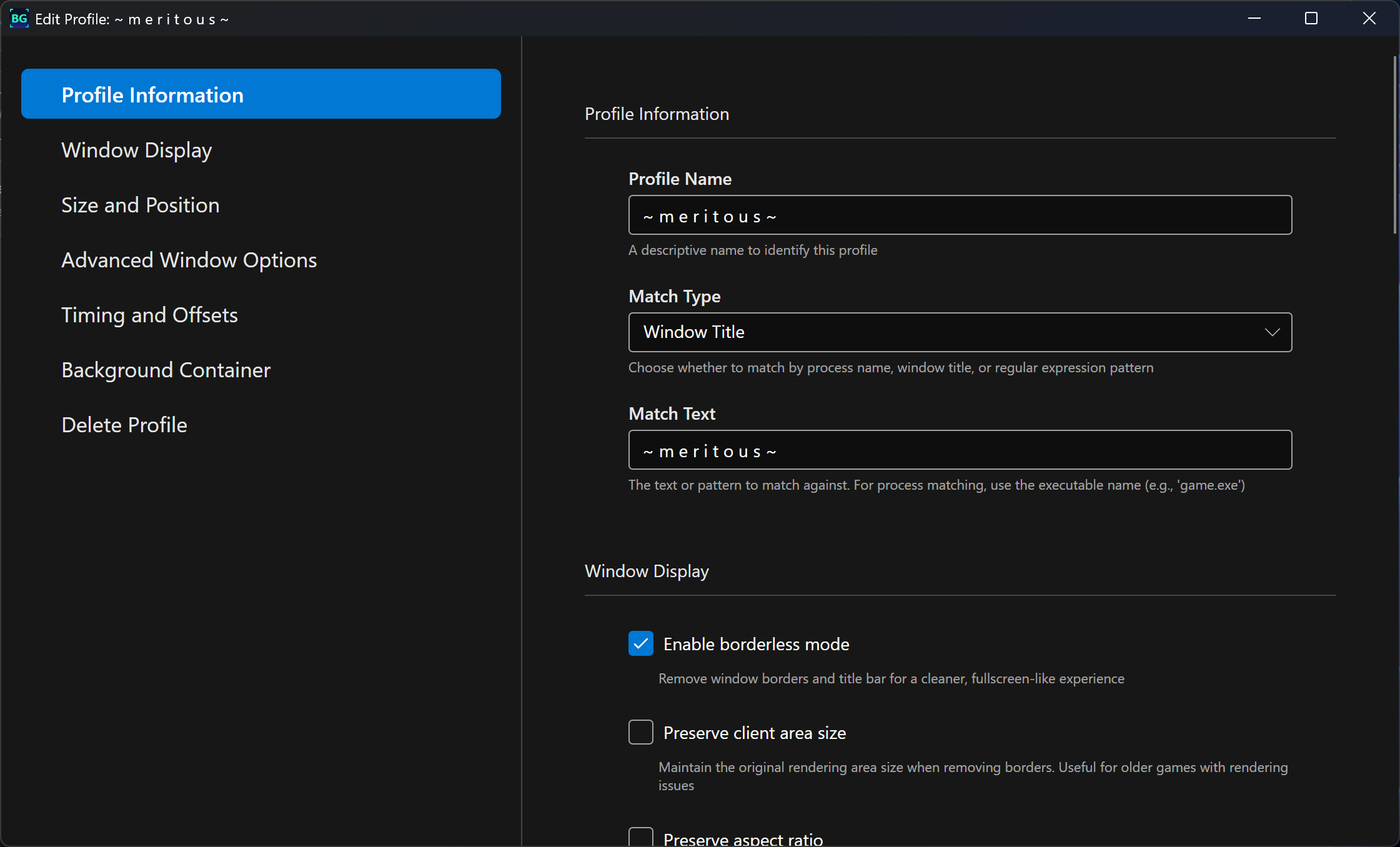
Performance Improvements
- Reduced Memory Usage - Removed heavy animation and blur frameworks
- Faster Startup - Streamlined initialization and resource loading
- Smoother UI - Eliminated expensive rendering effects for better responsiveness
- Lower CPU Usage - More efficient rendering pipeline with optimized graphics settings
New Features
- Process Path Regex Matching - New matching type that lets you match games by their full executable path using regular expressions (useful for games in different install locations)
- Enhanced Startup Task - Completely rewritten startup task creation with gaming-optimized settings:
- Works on battery power (no AC requirement)
- No execution time limits
- Won't interfere with gaming sessions
- Better error handling and reliability - Improved Notifications - Native Windows notification system replaces old toast system
- Open File Location - Right-click any window to quickly open its containing folder in Explorer
Bug Fixes
- Fixed Launch on Startup - Completely rewrote Task Scheduler integration for reliable startup functionality
- Fixed Window State Persistence - Window size and position now properly saves and restores
- Better Error Handling - Improved error messages and graceful failure handling throughout
- Profile Image Loading - Fixed issues with background container image paths and preview generation
- Settings Persistence - All settings now properly save and load on application restart
UI/UX Improvements
- Redesigned Window List - Cleaner window cards with better icon sizing and text hierarchy
- Enhanced Profile Cards - More compact design with quick access to edit and toggle
- Better Keyboard Shortcuts Panel - Redesigned shortcut recorder with clearer visual feedback
- Improved WinIgnore Manager - Better layout and more intuitive controls
- Enhanced Confirmation Dialogs - Custom designed dialogs that match the new UI aesthetic
- Cleaner Context Menus - Reorganized options with better icons and clearer labels
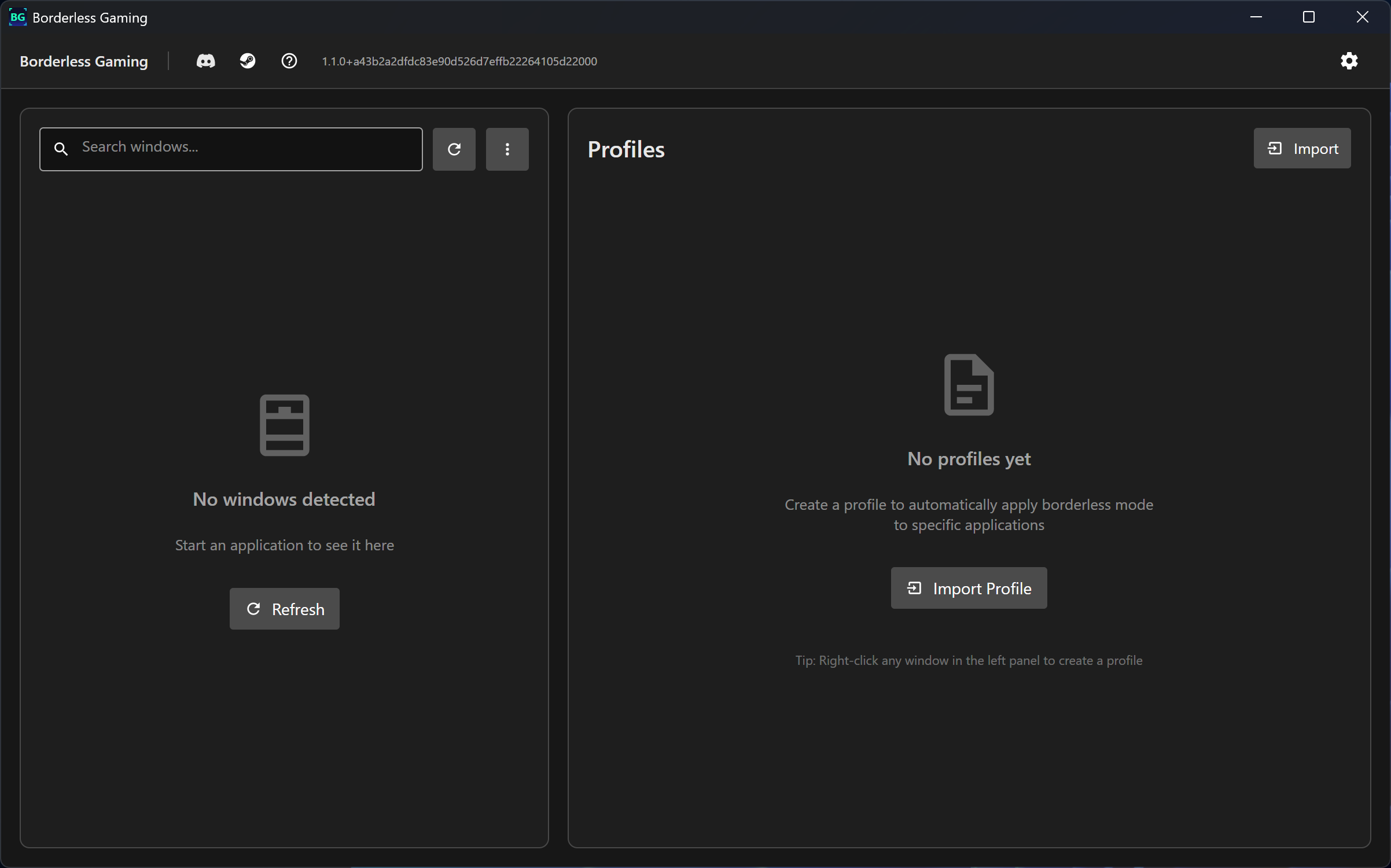
- Better Empty States - Helpful messages and suggestions when no windows or profiles are present
Compatibility Notes
- All existing profiles will work without modification
- Settings will be preserved during update
- Startup task will be automatically recreated with new settings
Thank you for using Borderless Gaming!
Join the community:
Discord Server | Steam Discussions | Documentation
If you enjoy Borderless Gaming, please consider leaving a positive review and telling your friends!
More from Borderless Gaming
Other announcements
Legacy BranchHello all, For those that have been asking - if you prefer the legacy version of Borderless Gaming (9.6.0) and want to use it on Steam - you can now do so by setting your branch to 'legacy'.Code Signature Temporarily RemovedWe’re experiencing an issue with our code-signing vendor that caused prior builds of Borderless Gaming to stop working. As a temporary fix, we’ve removed the EV code-signing signatures from BorderlessGaming.exe and appcontainer.exe . Because these files are temporarily unsigned, Windows may display an “Unknown publisher” warning and some antivirus products may flag them. We have no indication t…v1.4.0 - Steam DeckBGFX now works on Steam Deck. How it works Install Borderless Gaming from Steam, open the app, pick a game, choose your effects. Borderless Gaming installs a Vulkan layer that hooks into your games automatically — you launch games the way you always do, from Steam, and the effects are just there. No desktop mode, no scripts, no extra software. Your presets are saved per game. Set it once and fo…