Status
SteamPeaks
ChartsSalesUpcomingPatchesNewsCalculator
New on SteamEvery app, DLC and depot the minute Steam creates itAppsEvery app on Steam, newest change firstPackagesSubs and bundles, and what each containsDepotsDepots, manifests and install sizesTagsSteam's user tags and the games under themDevelopers & publishersCompanies and their cataloguesTechnologiesEngines, SDKs and anti-cheat found in the filesChange historyEvery PICS changelist as it lands
SignalsNineteen readings of the whole catalogueCompareAny games side by sideRecordsAll-time peaks and the days they were setReportsWeekly and monthly write-upsAlerts & newsroomWatch a game, get told when it movesSteam statusIs Steam up, right nowWeb API explorerTry the endpoints in the browser
NewsSteam's own announcements and the sales calendarCalculatorWhat a Steam account is worth, and its pile of shame
/
Sign in
/
SteamPeaks
The ultimate resource for Steam data.
ExploreChartsSalesSales and festsUpcomingPatchesNewsRecordsTrendingSignals
DatabaseAppsPackagesDepotsTagsDevelopersTechnologiesChange history
ToolsCalculatorCompareSearchAlertsSteam statusAPI
SiteMethodologyFAQDiscordSupportSign in via Steam
Not affiliated with Valve or Steam. Game names and artwork belong to their owners. All times UTC.
PrivacyCookiesFair useStatus
Word PlayNewsAccessibility in Word Play
Community

Accessibility in Word Play

Word Play · published 17 Jun 2025, 12:32 UTC

All newsPlayers around this dateRead on Steam

Hey!

With Word Play less than one month away, I wanted to check in and talk about an important part of the game: accessibility.

Accessibility refers to options, features, and design decisions that open a game up to people who have specific needs or requirements. And I've tried to pack the game with this stuff so that as many people as possible can enjoy the game.

Let's look at some of the main ones...

Visual Accessibility
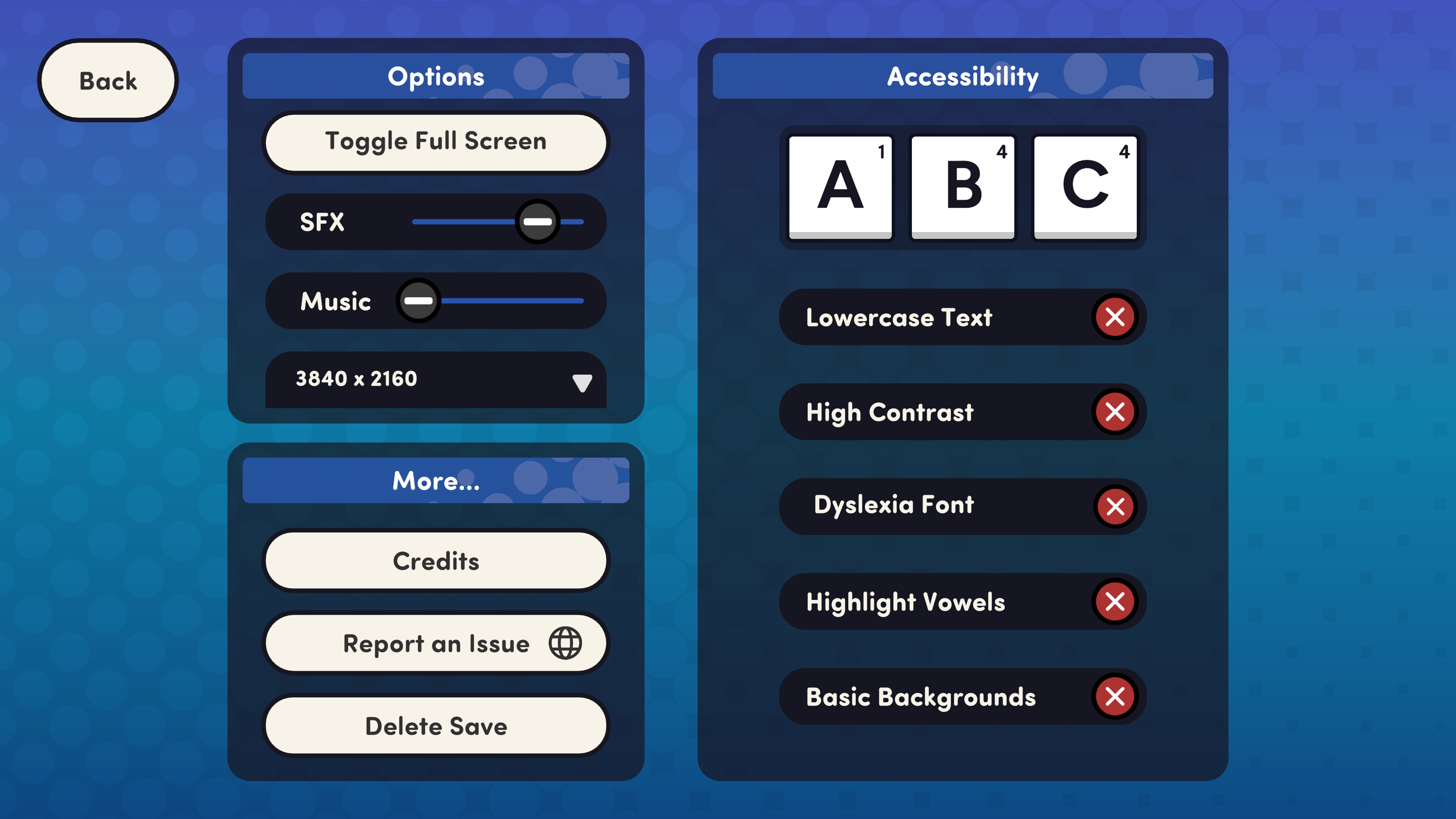
The options menu features a bunch of ways to make the tiles more readable. That includes...

  • Lowercase Letters
  • High Contrast Colours
  • Multiple Dyslexia-friendly fonts
  • Colourful tags on vowels

Mix and match them to find a set-up that works for you.

There's also a feature to turn off the spotty animated backgrounds if those prove too distracting.

Motor Accessibility
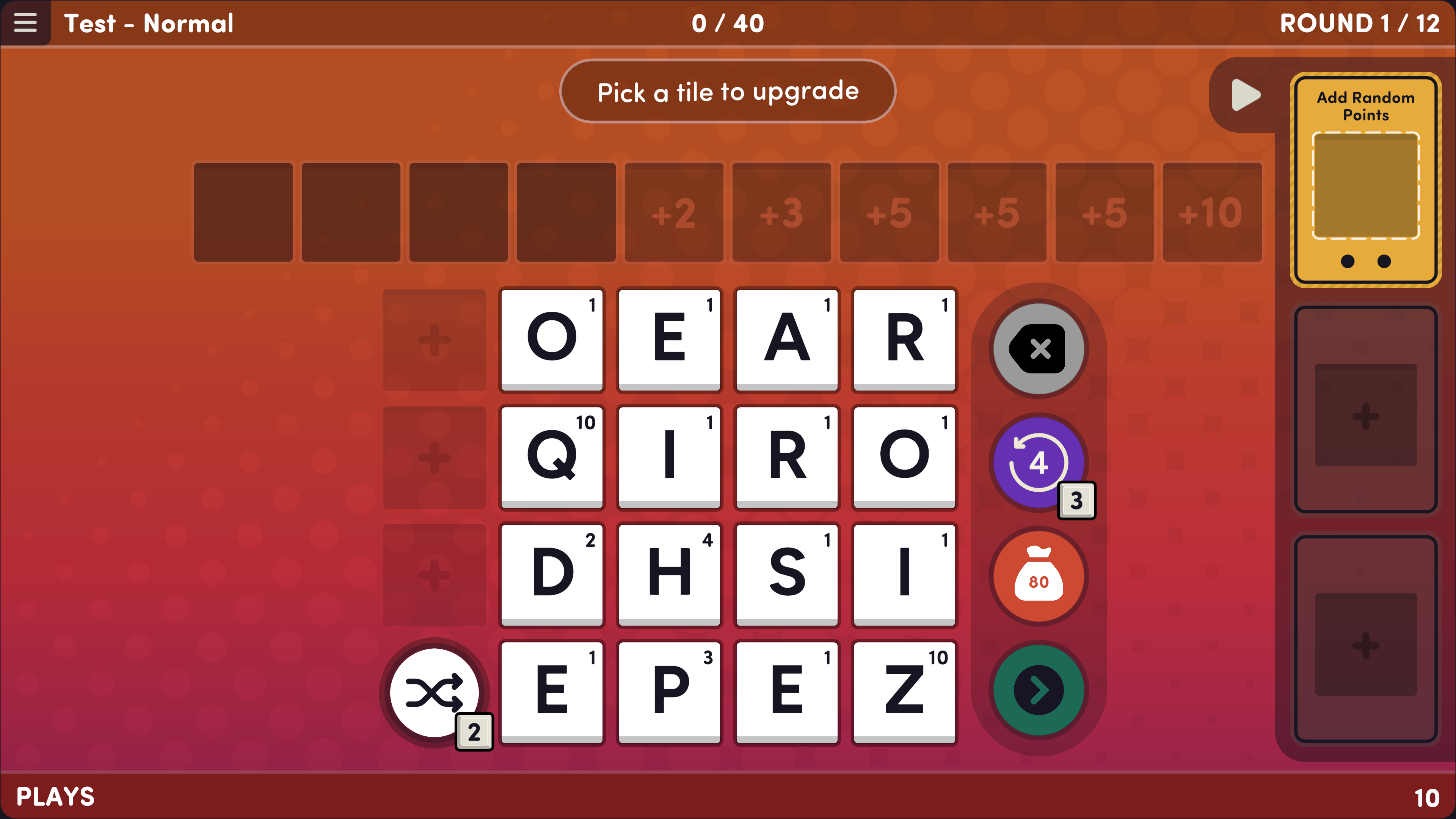
Word Play should be effortless to interact with. So with that in mind, I've tried to make the game work across a number of input types. You can play Word Play entirely with...

  • A mouse
  • A keyboard
  • A controller
  • A touchscreen

The game can be played with a single hand. And while you can drag and drop tiles, you never need to do it. For instance - instead of dragging and dropping a tile onto the upgrade card, you can just click the card and then click a tile.

Other Accessibility
There are no punishments for taking too long to find a word, pick a perk, or choose your strategy. And there are no modifiers that provide a bonus for playing faster. So take as much time as you need to play.

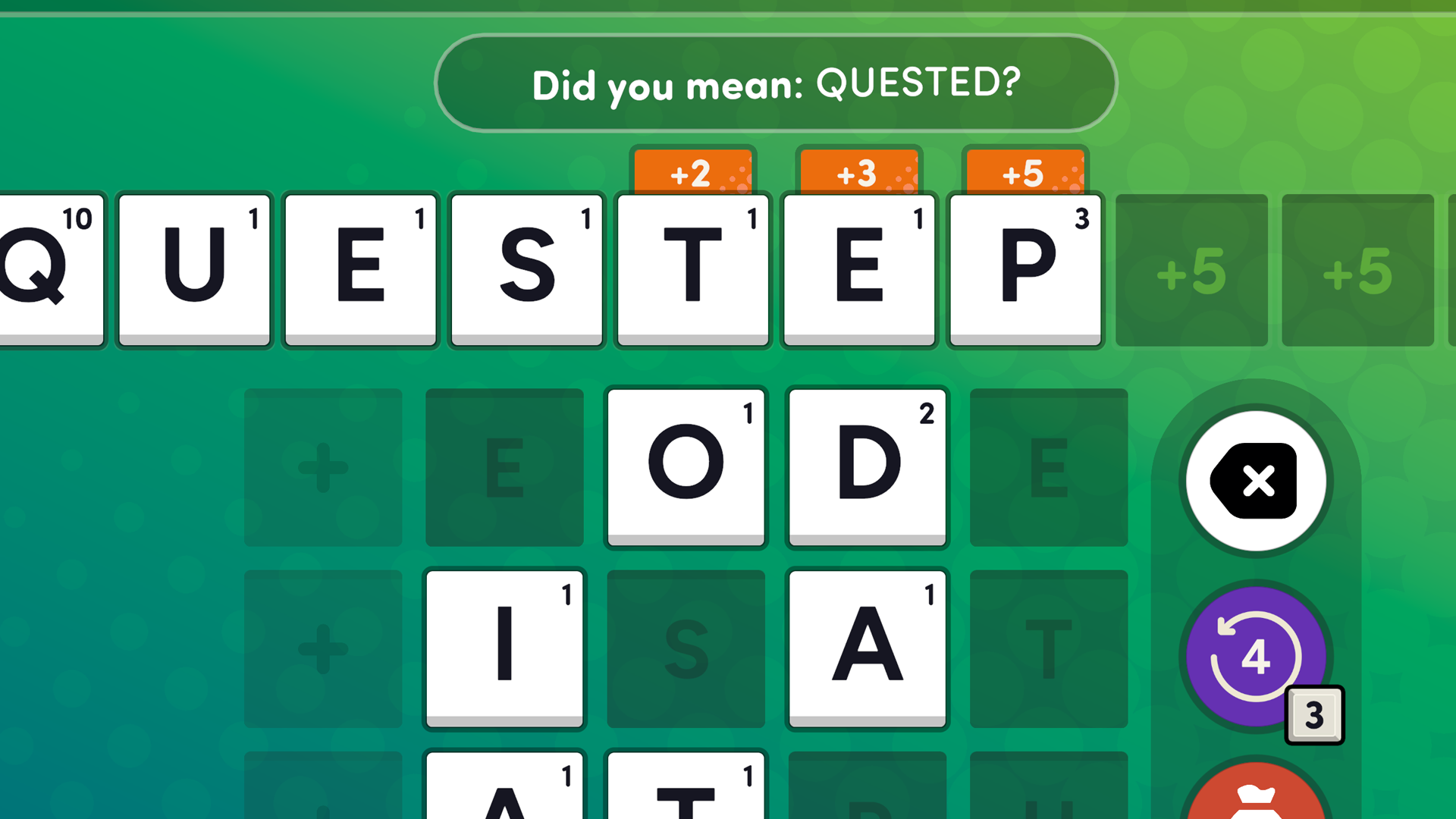
There is also no punishment for spelling a word incorrectly - and the game will even try to suggest a close match word in a little "Did you mean...?" bubble. Handy!

Difficulty Modes
Word Play can get pretty tricky - just try the Legendary or Marathon modes! But there's also an Easy Mode that's lots of fun too.

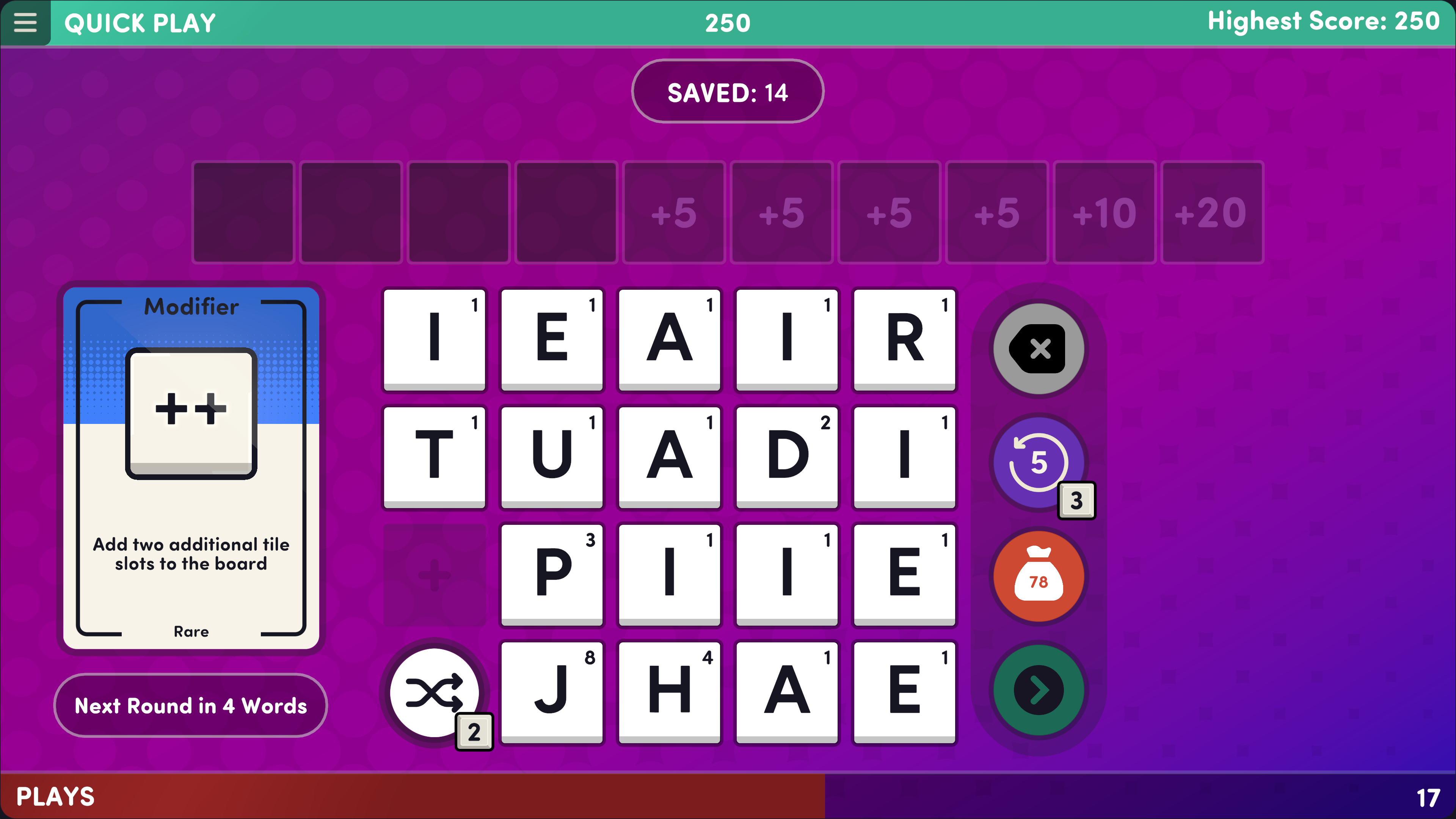
Plus - there's the more casual Quick Play mode. This one doesn't require as much strategic thinking, and there's no fixed score requirement to hit - instead, it's just about how many points you can score. The only thing you need to beat is your own high score!

I hope these features will make Word Play more accessible to more people. If you have a certain request or requirement that I might be able to implement please get in touch and I'll see what I can do.

More from Word Play

Other announcements

All news
Game update27 May 2026Bug fixes - 1.10- Made "Ultramarathon" mode's final score attainable without having to make a game-breaking build - Added a number of user requested words to the dictionary, including DOOMER, WEEBS, PALEO, LOWKEY, and JACKALOPE - Fixed bug with the modifier "If the word begins with A, multiply the Final Score by 2 (Letter changes every round)", where the short and long descriptions could get out of sync, causi…Game update19 Aug 2025Bug fixes - 1.09- Fixed bug where hitting "Play Again" after losing a game would let you resume to your pre-lose state - Fixed visual bug when resuming a save game in High Contrast mode with Locked Tiles - Improved readability of highlighted words during special rounds (i.e "Plays" and "Refresh") - Fixed bug involving Modifiers that add extra tile slots to the boardGame update4 Aug 2025Bug fixes - 1.08Hey! Here are this week's bug fixes · Word Play now works with touchscreen Windows devices · Modifier "If two adjacent tiles share the same letter, both score 3x" now works with Mirror Tiles · Fixed issue with modifier "Add 10 Bonus Points during Special Rounds" · Glass duplicates now duplicate the tile's upgraded score · Improved updating issues with Mirror and Exclamation tiles · Improved vis…