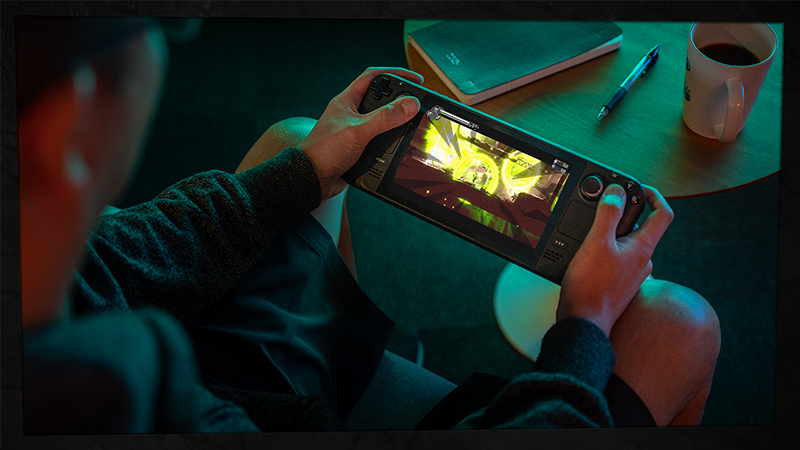
With the Executive Decisions Update, we encountered an issue on Steam Deck where Death stays in the Charged Attack stance preventing progress. The problem seems to come from the main attack key being held down with the keyboard/mouse controls, and only appears with the *7.0-6 version of Proton*. Here are two temporary workarounds that you can use while we work to resolve the issue:
1st option: If you want to stay on the version 7.0-6 of Proton (we assume you forced it in the Compatibility settings)
- Start the game
- While on the Title Screen or In game, go to the options
- Go to "Controls" tab
- Click on "Keyboard"
- Click on "Main attack"
- Change the input by another one with the virtual keyboard (Steam + X)
2nd option: Disable the use of a specific Steam Play compatibility tool
- Select Have A Nice Death on your Steam Deck’s library
- Go to the settings (the gear icon)
- Select “Properties”
- Select “Compatibility”
- Disable the option "Force the use of a specific Steam Play compatibility tool"
We're currently working on a hotfix to resolve the issue asap.
More from Have a Nice Death
Other announcements
Get Have a Nice Death at 65% off now!The darkly charming roguelike hit of 2023, Have a Nice Death, is on sale now as part of the Steam Summer Sale! Head over to Steam to get the hack’n’scythe adventure at 65% off. Don’t miss your chance to get this indie gem at 65% off before the sale ends July 7! Want to play the Steam version of Have a Nice Death on the go? Thanks to the power of GeForce NOW, you can stream Have a Nice Death, on…Have a Nice Death is 60% off now!The darkly charming roguelike hit of 2023, Have a Nice Death, is on sale now for 60% off! Don’t miss your chance to get this indie gem on sale at a massive discount. Want to play the Steam version of Have a Nice Death on the go with any device? Thanks to the power of GeForce NOW, you can stream Have a Nice Death, on any device and anywhere you want. Are you ready to fight to show Death Inc. who…Have a Nice Death is on Sale NowThe darkly charming roguelike hit of 2023, Have a Nice Death, is on sale now as part of the Steam Autumn Sale! Head over to Steam to get the hack’n’scythe adventure for 50% off. Don’t miss your chance to get this indie gem on sale before the holidays begin, as the sale ends December 4! Head to the game’s steam page to grab it for half off. Want to play the Steam version of Have a Nice Death on…