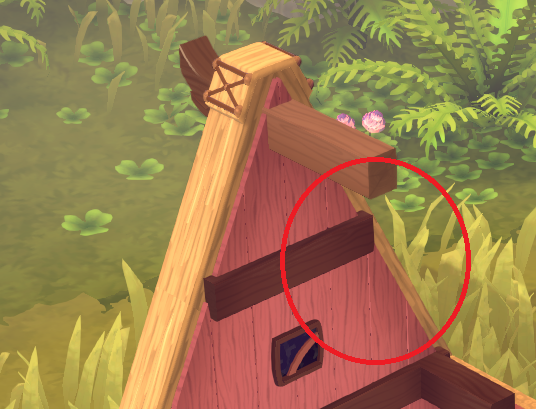
This post is about a few different aspects regarding how the game is being rendered. It's mostly technical but I figured it might still be interesting to see behind the scenes a bit.
We're using Unity as the engine for this game. A game engine is a piece of software that provides various features for you, such as systems for animations, the UI, or how things get drawn (rendered).
This brings a bunch of benefits for game developers - creating all of this yourself is a big non-trivial task, so using an existing engine can save a lot of time. Plus if it's an engine that's already been used by many other games that probably means it comes with many helpful features have been proven to work well.
On the other hand, using something that has been created by others to work across a wide variety of games can also mean that despite being adaptable to your needs it's probably not going to be a 100% perfect match. If you need a feature to work slightly differently you might be out of luck, especially if it's an engine like Unity where you can't change the source code yourself. Also, since the features were designed to work for many different purposes and to have as few limitations as possible, they are probably doing things that you never need, or are doing things in a way that aren't necessarily the most optimal performance-wise for your specific game.
This is why we're not using many of Unitys default features and are developing our own solutions instead. One big area where we're doing a lot of custom work is rendering.
You might think: why are you even using Unity then, couldn't you just make your own engine?
We're still using many lower-level Unity features such as the graphics API abstractions; how assets are being loaded; and being able to deploy to many different platforms is great. So while we're not using some big parts of it the remaining parts still save us a lot of time.
I also want to point out that this is not supposed to be a "Unity is bad" post. When we decide to not use a Unity feature it's usually not because what Unity has is not good, but because we have some needs that other games might not have, or we might want to have more control over what's going on so we can do some slightly unusual things. Also Unity is constantly changing too - some of the things we have developed ourselves they have added in similar form in the meantime as well, so if were restarting development on this game today then the decision to develop some things ourselves might look differently.
Frustum culling
You don't want to tell the graphics card to render things that aren't visible on screen, so you need to check if your object would be visible or not.
Unity does this on the CPU, which can have some benefits. For the type of games that we're making that's not great though, because:
- we have lots of objects (e.g. a single house is not "one object" but created from hundreds of individual pieces).
Checking them individually one after another is slow. - our games are more CPU-intense than most. Simulating all the little people running around needs to happen on the CPU, so ideally we want to avoid keeping it busy with other tasks as much as we can.
So we're doing this on the GPU instead. This is great because GPUs can easily do these visibility checks for many objects in parallel, and since we're not going for AAA graphics we can afford moving some tasks to the GPU.
LOD
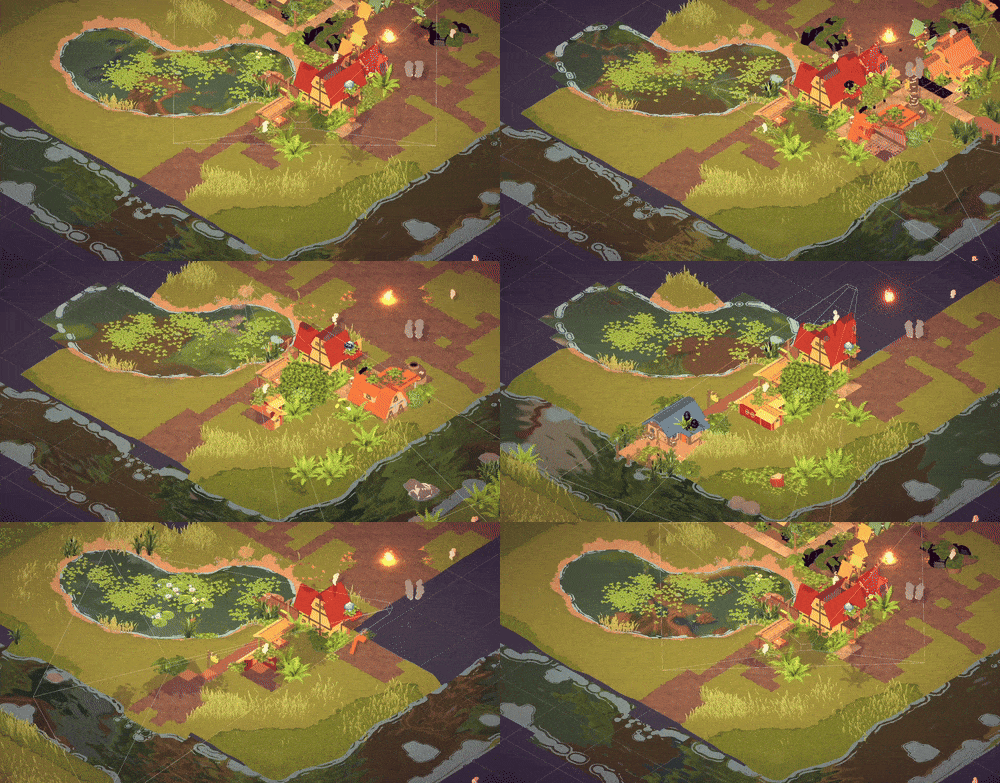
Usually it's a good idea to draw things that are appearing tiny on screen at a lower level of detail.
Unity unfortunately doesn't have a tool to automatically generate lower level of detail versions of your objects (it looks like they're adding one soon though).
Building these manually is a mind-numbing task, and while there are some commercial tools for creating them automatically the ones we found are either super expensive or not very good, so we built this ourselves.
Postprocessing
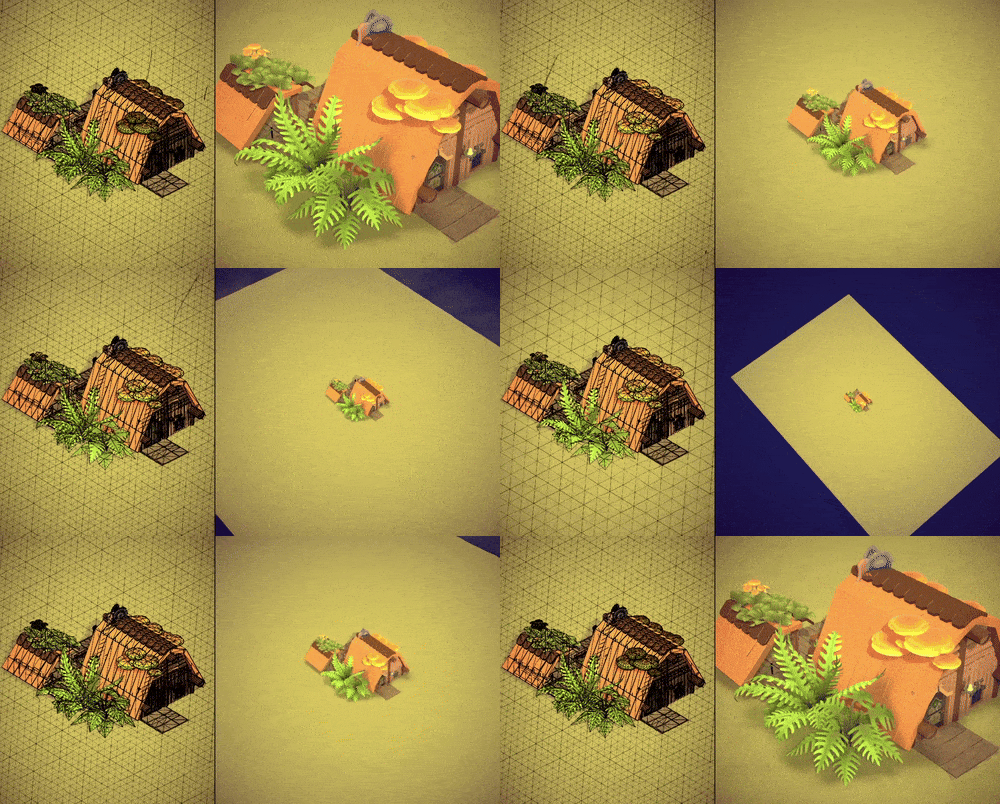
Postprocessing layers effects on top of the rendered image, which can change the look of the game quite significantly.
Here's a look at some of our most important postprocessing effects.
Forest shadows
We want to give the feeling that the town is located in a clearing somewhere deep within an ancient, dense forest.
To emphasize this we gradually darken anything outside the area you can build in. It's essentially the same as a distance fog effect, just using the distance to the playable area instead of the distance to the camera.
Apart from looking nice this effect has the additional benefits of making it a bit more clear where you can't build, and it nicely hides the seam that would otherwise be visible where our terrain ends.
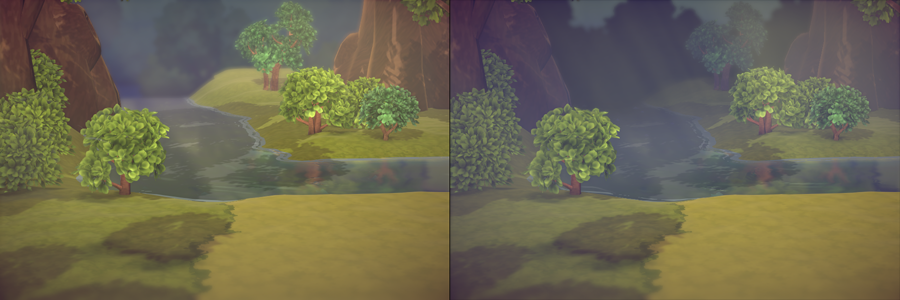
Left: effect off; right: effect on
Volumetric light rays
These light rays add a lot to the atmosphere of the scene.
They are ray marched. We tried a few ways to fake them with geometry which would be cheaper performance-wise but it didn't give us results we were satisfied with.
This effect only appears at the edge of the playing area. It would be a bit distracting if it appeared everywhere.
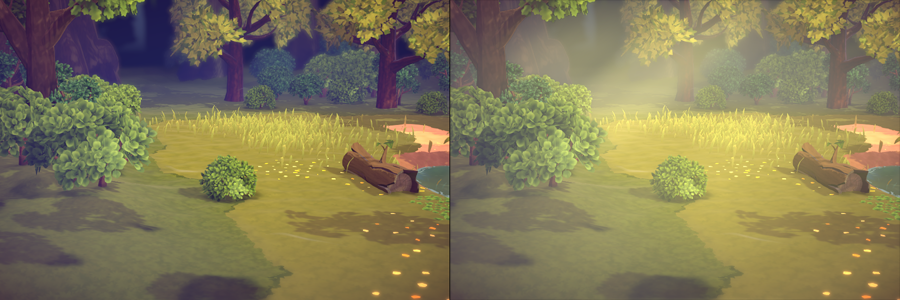
Left: effect off; right: effect on
Voxel AO/GI
This one seemed a bit crazy to do, but it's working really well.
Nice lighting is one of the most important things for making a game look good. In games with predesigned levels it's achieved by doing some heavy pre-calculations that can take many hours to complete.
In our games the players place all of the objects, so we can't pre-calculate anything. To still get nice lighting in Parkitect we used screen space ambient occlusion (SSAO), which is an effect that tries to darken areas that less directly exposed to light. There can be some artifacts such as some flickering when objects disappear or dark halos around objects where it doesn't make much sense but overall it works reasonably well.
I've been keeping an eye on better methods for the past few years and one called Voxel Cone Tracing was looking quite promising, so we tried building something based on that for Croakwood.
This article gives a pretty good overview for the technical details, but in short, we first create a voxel representation of our scene. This means rendering any contributing object a second time (at a lower LOD level) in a special way, which gives us this slightly Minecraft-looking version of the world:
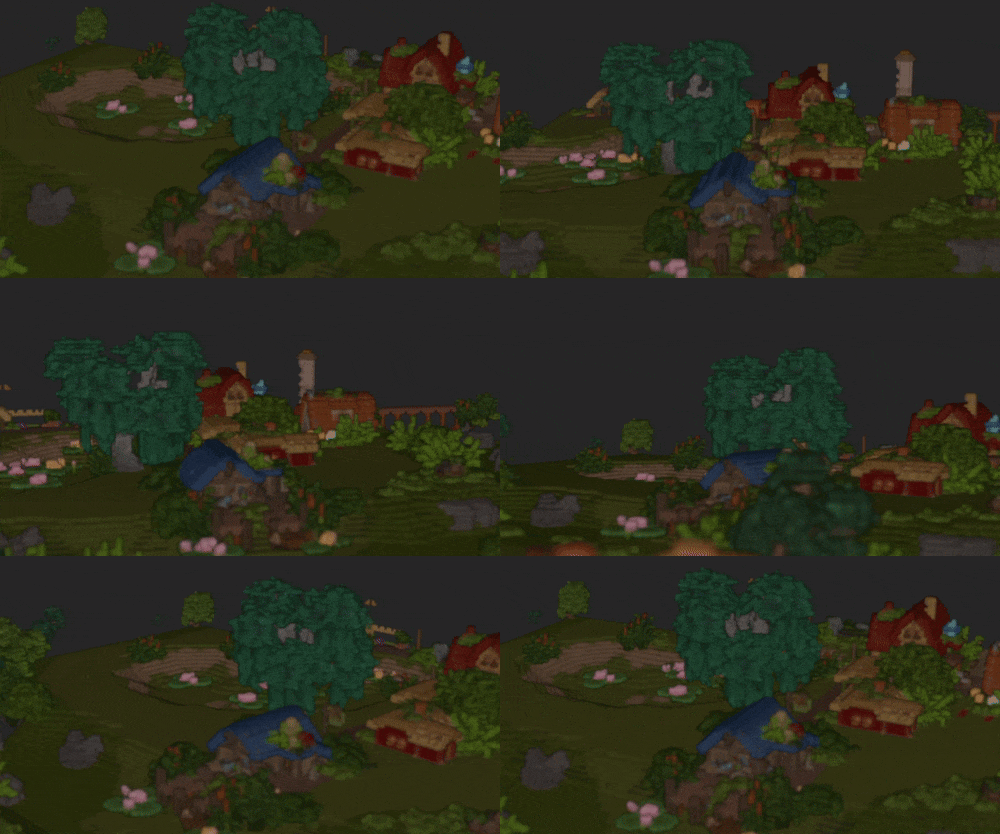
This can then be used to fairly efficiently calculate ambient occlusion and color bounces:
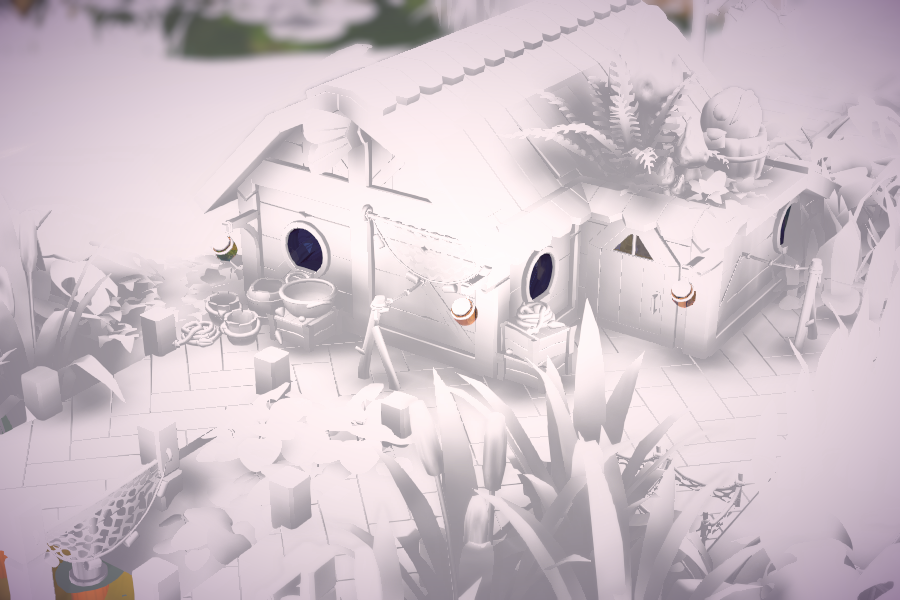
Ambient occlusion
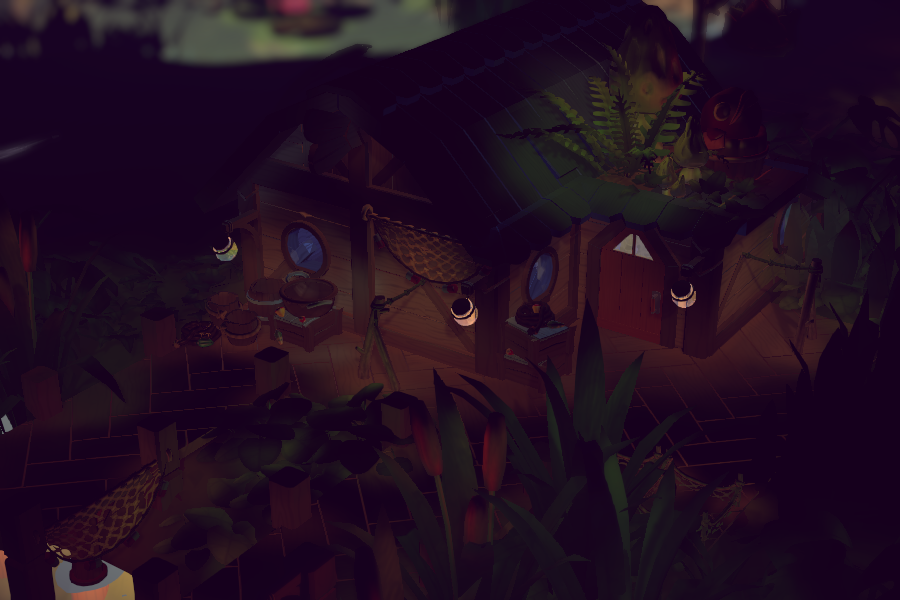
Color bounce
Here's a comparison how this looks in-game with the effect turned on/disabled:
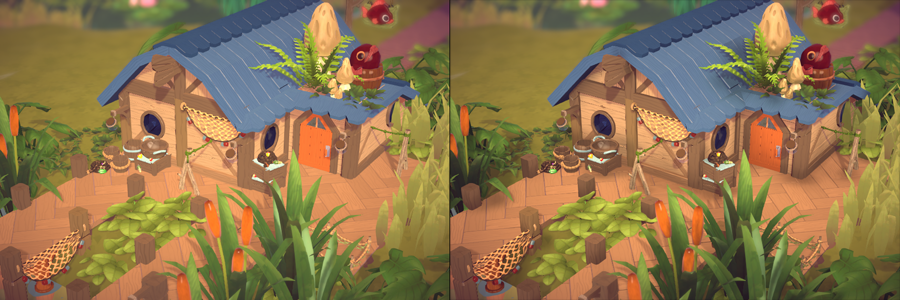
Left: effect off; right: effect on
We think the AO we get from this looks nicer and more "correct" than SSAO, without any of its artifacts. Additionally we get a light color bounce along with the AO more or less for free, as a sort of very basic GI approximation.
Some open areas for improvements that we still want to investigate is doing more light bounces, and using the voxel representation for real-time reflections on shiny materials.
Another benefit that's quite specific to our game is that it allows us to still get AO from objects that aren't visible, which is quite nice when looking into a building.
Note how in this example the roof is hidden, but you still get a color gradient on the wall in the corner where the roof would be: