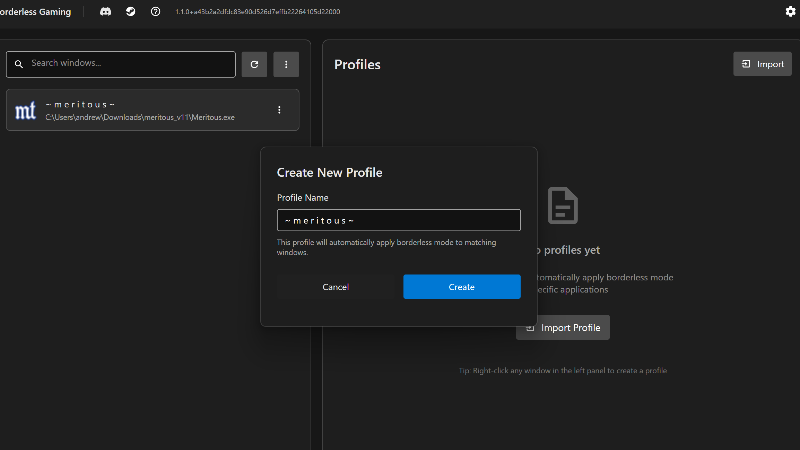
This update brings multi-language support, a new compatibility mode for troubleshooting stubborn games, and several quality of life improvements.
Multi-Language Support
Borderless Gaming now supports multiple languages (again)! The entire UI has been localized in 31+ languages and language files are easily customizable. If you want to contribute a new language, join the Discord.
Compatibility Mode
Some games use non-standard window handling that doesn't play well with modern borderless techniques. I've added a Compatibility Mode that replicates the exact window manipulation behavior from the original Borderless Gaming.
How it works:
- Launch Borderless Gaming with the --compat command line argument
- The title bar will show "" to indicate you're running in compatibility mode
- Uses legacy-style window style removal and positioning that some older games expect
When to use it:
If a game works in compatibility mode but NOT in normal mode, please let me know! Report the game on Discord or Steam Discussions so I can investigate and potentially add native support for that game's window handling quirks.
Profile Pinning & Sorting
Managing lots of profiles is now easier with new organization features.
- Pin Profiles - Right-click any profile to pin it. Pinned profiles always appear at the top of your list
- Smart Sorting - Profiles are now sorted alphabetically, with pinned profiles grouped at the top
- Visual Indicators - Pinned profiles show a pin icon for easy identification
Improved Monitor Detection
- Better Fallback Logic - If monitor detection fails, the app now gracefully falls back to the primary monitor
- Enhanced Logging - More detailed logging for monitor retrieval helps diagnose multi-monitor issues
- Improved Reliability - Fixes edge cases where monitor info could fail on certain display configurations
Technical Improvements
A Note on Compatibility Mode
The new compatibility mode exists because modern Windows and game engines have evolved significantly since the original Borderless Gaming was written. The new default behavior works better with most games, but some older or quirky titles expect the exact sequence of Windows API calls from the original version.
If you find a game that:
- Works with --compat flag but not normally
- Has visual glitches in normal mode but not in compat mode
- Crashes or behaves strangely only in one mode
Please report it! Include the game name and what happens in each mode. This helps me improve the default behavior so fewer people need to use compatibility mode.
Thank you for using Borderless Gaming!
Join the community:
Discord Server | Steam Discussions | Documentation
If you enjoy Borderless Gaming, please consider leaving a positive review and telling your friends!