Gaming Copilot v1.2.0 Update: Real-time Translation Break Language Barriers
Gaming Copilot · published · build 17878825
Dear Players,
Thank you for your continued support and companionship! To make your gaming experience more seamless and immersive, Gaming Copilot has released the brand-new v1.2.0 update. This update brings several practical optimizations to make every adventure even more enjoyable!
1. New Translation Feature: Unlock Global Gaming Without Language Barriers
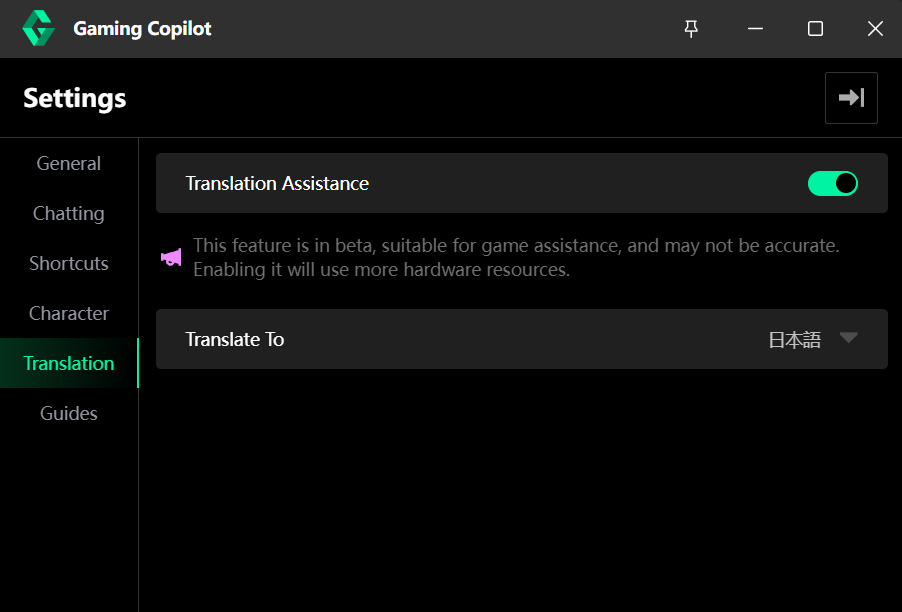
Now, you can summon Gaming Copilot to translate in-game text in real-time while playing! Whether it’s quest dialogues, item descriptions, or hidden lore, simply press a hotkey to translate text into 12 common languages (such as English, Japanese, and Korean). The translation interface supports adjustable transparency and font size, and you can switch between translation and chat modes with a single click.
Many players abandon their favorite games due to language barriers, and this feature aims to break that limitation. While the current translation accuracy is still being optimized (testing phase), it already helps you quickly understand game content without missing key details. We will continue improving it in future updates to make cross-server co-op even easier!
2. Character Art Customization: A More Flexible Companion Experience
You can now freely adjust the transparency and position of your companion character! Depending on the game scene, you can set character transparency independently (to avoid screen obstruction) or drag the character anywhere on the screen.
Whether you need full focus during intense battles or prefer a quiet companion while exploring, this feature ensures that your AI buddy is "just right"—never intrusive, yet always by your side for added immersion.
3. Smarter AI Conversations: More Human-like, Better at Solving Problems
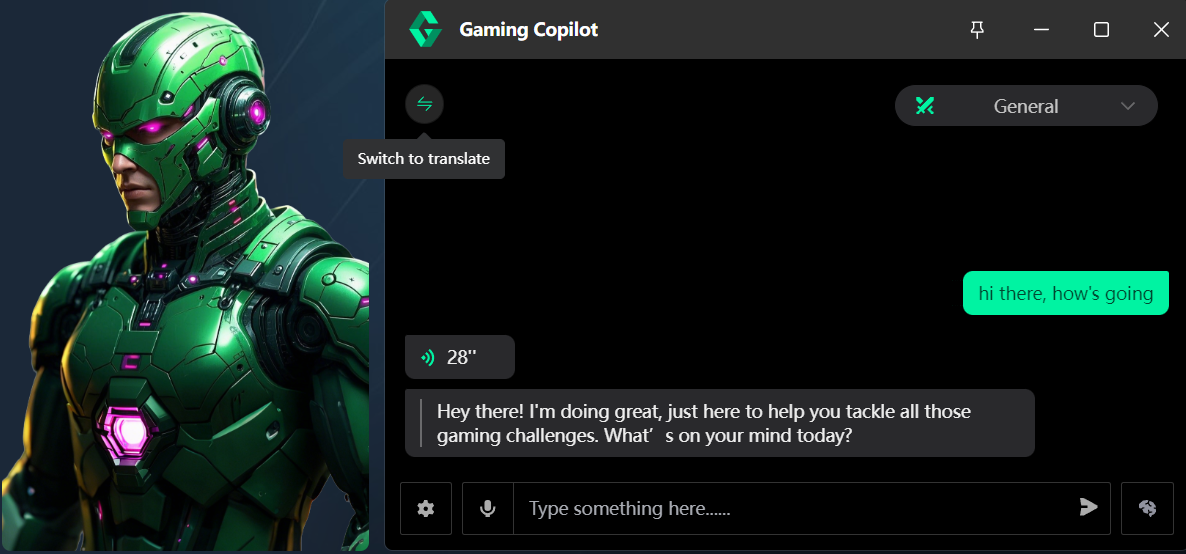
Gaming Copilot’s conversation logic and response speed have been greatly improved! Now, it can not only chat more naturally but also integrate search results directly into its answers (e.g., how to obtain rare items or unlock special achievements), allowing for quick solutions even to niche problems. The "Deep Thinking Mode" remains available for those who want to explore complex strategies.
Whether you’re a beginner asking, "How can I level up fast?" or a veteran wondering, "What’s the best way to defeat the hidden boss?" the optimized AI provides more precise and human-like assistance, truly becoming your "gaming encyclopedia."
4. Expanded Guide Library & Stability Enhancements
This update includes expert guides for several popular games (with more to come), covering story analysis, map routes, gear combinations, and other useful content.
Additionally, we’ve fixed multiple bugs reported in previous versions, improved system stability, and enhanced response speed to ensure a smoother interaction with Gaming Copilot!
We firmly believe that the magic of gaming lies in exploration and connection. Gaming Copilot is here to make every adventure more free, warm, and full of possibilities. If you have any suggestions or feedback on the new features, feel free to let us know—your voice drives our progress!
See you in the game, fellow adventurers!