The Enjenir V0.5 HUGE UPDATE + STEAM WORKSHOP! 🤯
The Enjenir: The Engineering Physics Building Simulator · published
Hey everyone!
We have yet another huge update for you today, which includes one of the most requested features for the game finally here - Steam Workshop Support! The other changes are listed at the bottom of the patch notes, but the main ticket item is Steam Workshop features.
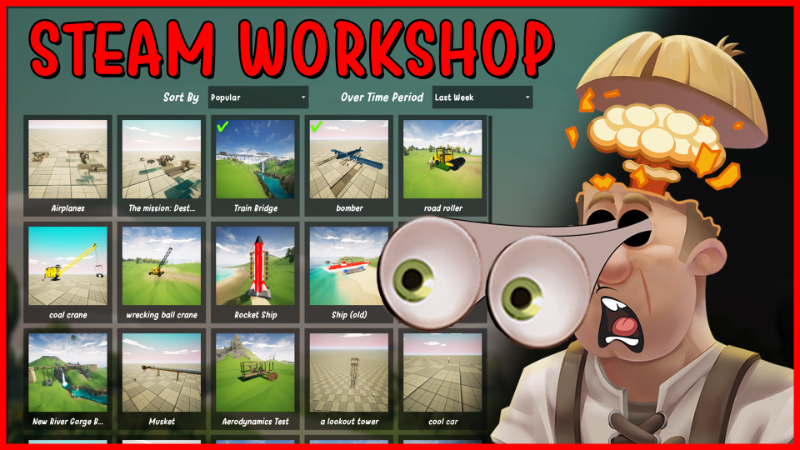
In its current state, the Steam Workshop integration allows players to easily share / upload / download your favourite saves - all within the game!
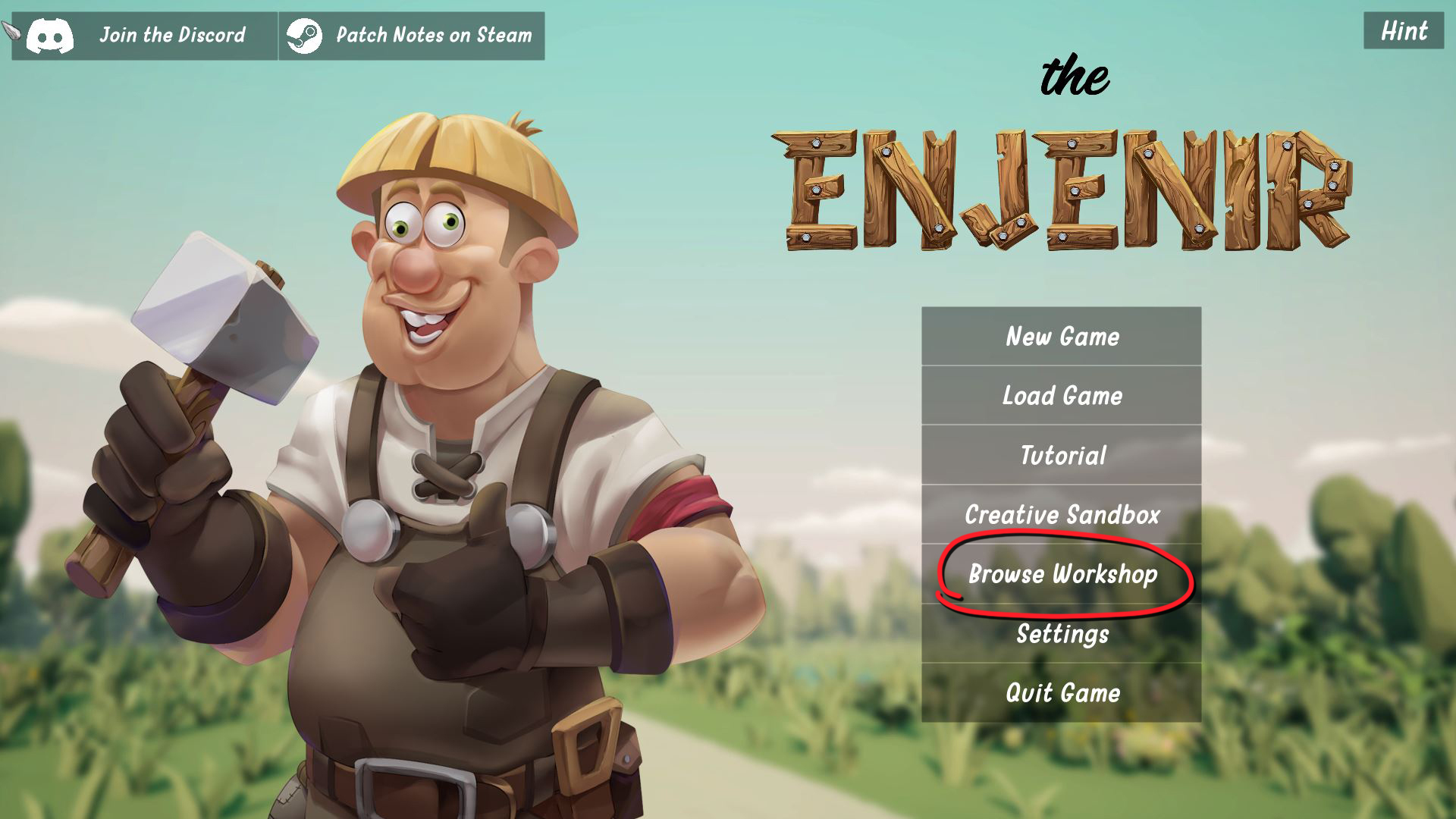
To view all the builds that have been uploaded, from the Main Menu - just click "Browse Workshop"
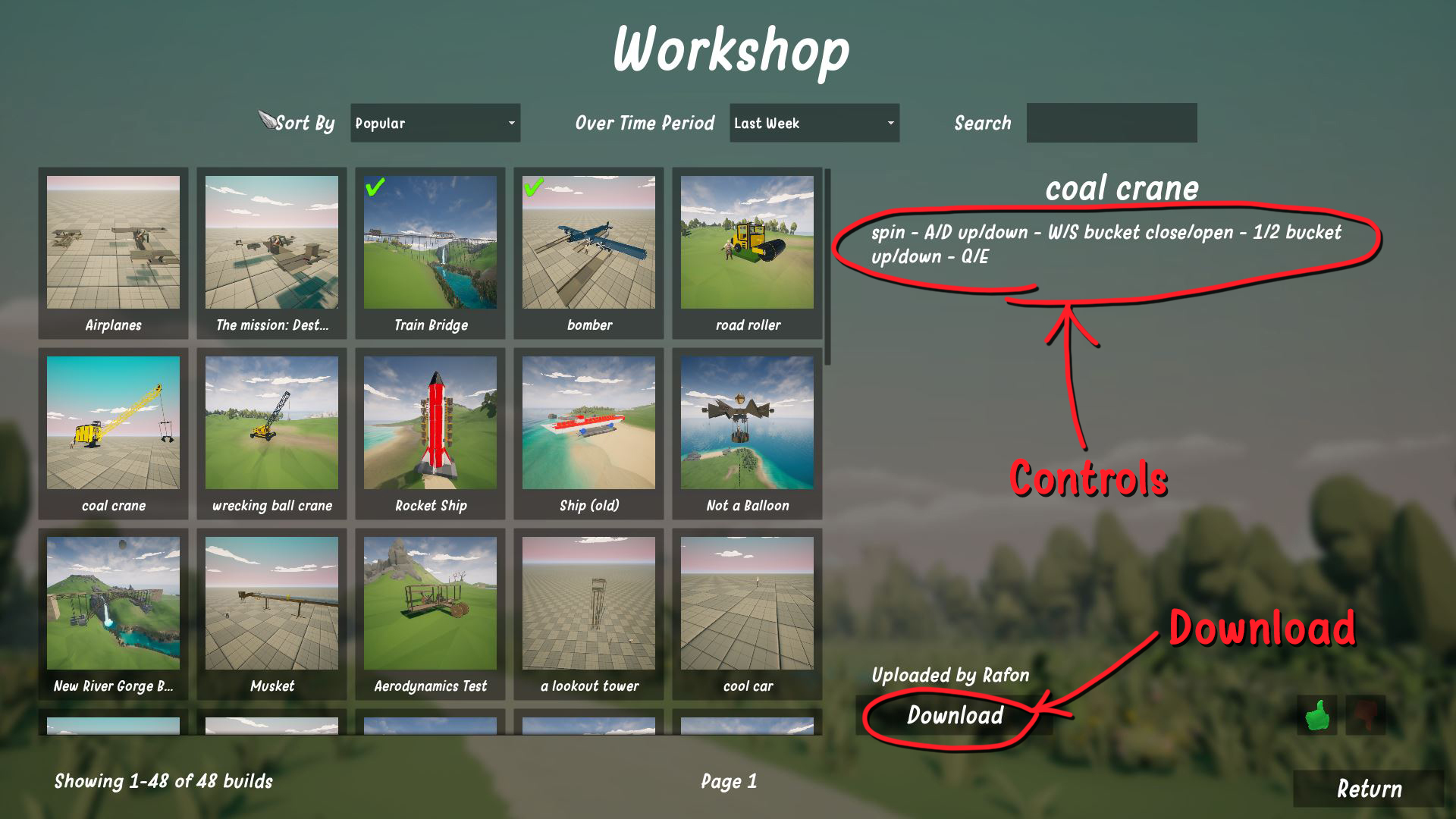
Once in this menu, you can browse through all the uploaded builds already available, and download the ones you want. Usually, if the contraption is controllable using the wiring system - they controls/keys are usually written in the description. Once downloaded, you can open them up straight away!
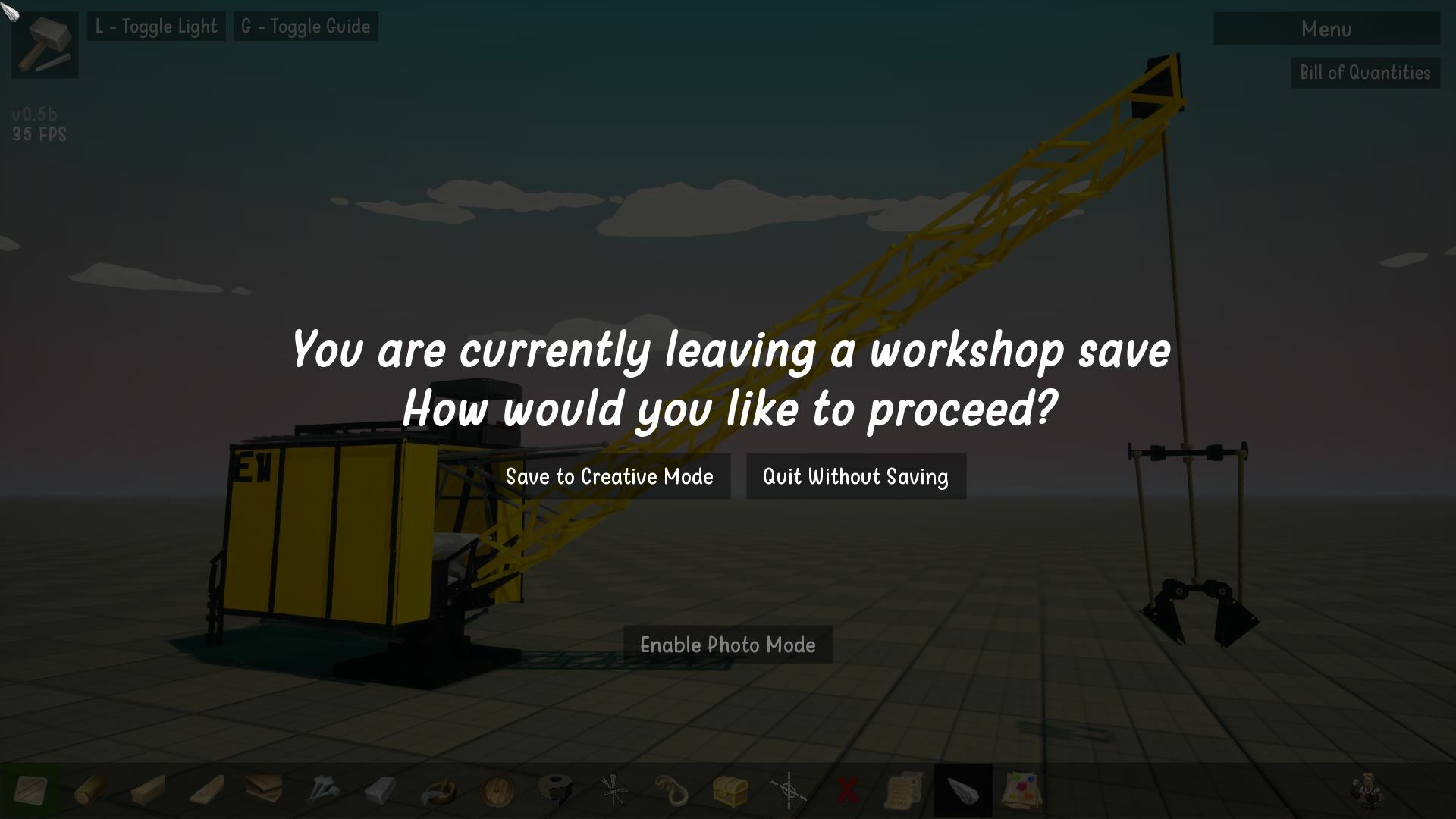
From here, you can view and play with the build, make tweaks and changes as you see fit! Once you are done, you can choose to "Save and Quit" and save your modified version of the build directly to a creative slot in the Sandbox mode, or you can just quit without saving.
"But don't I only have 10 Sandbox Save Slots?!" - Not anymore! We have completely revamped the Creative Mode save system, and you now have the ability to add as many saves as you want! (Technically there is a limit of ~200!) With these new Creative Mode changes comes an overhaul the Creative Mode loading screen to make all these changes clearer!
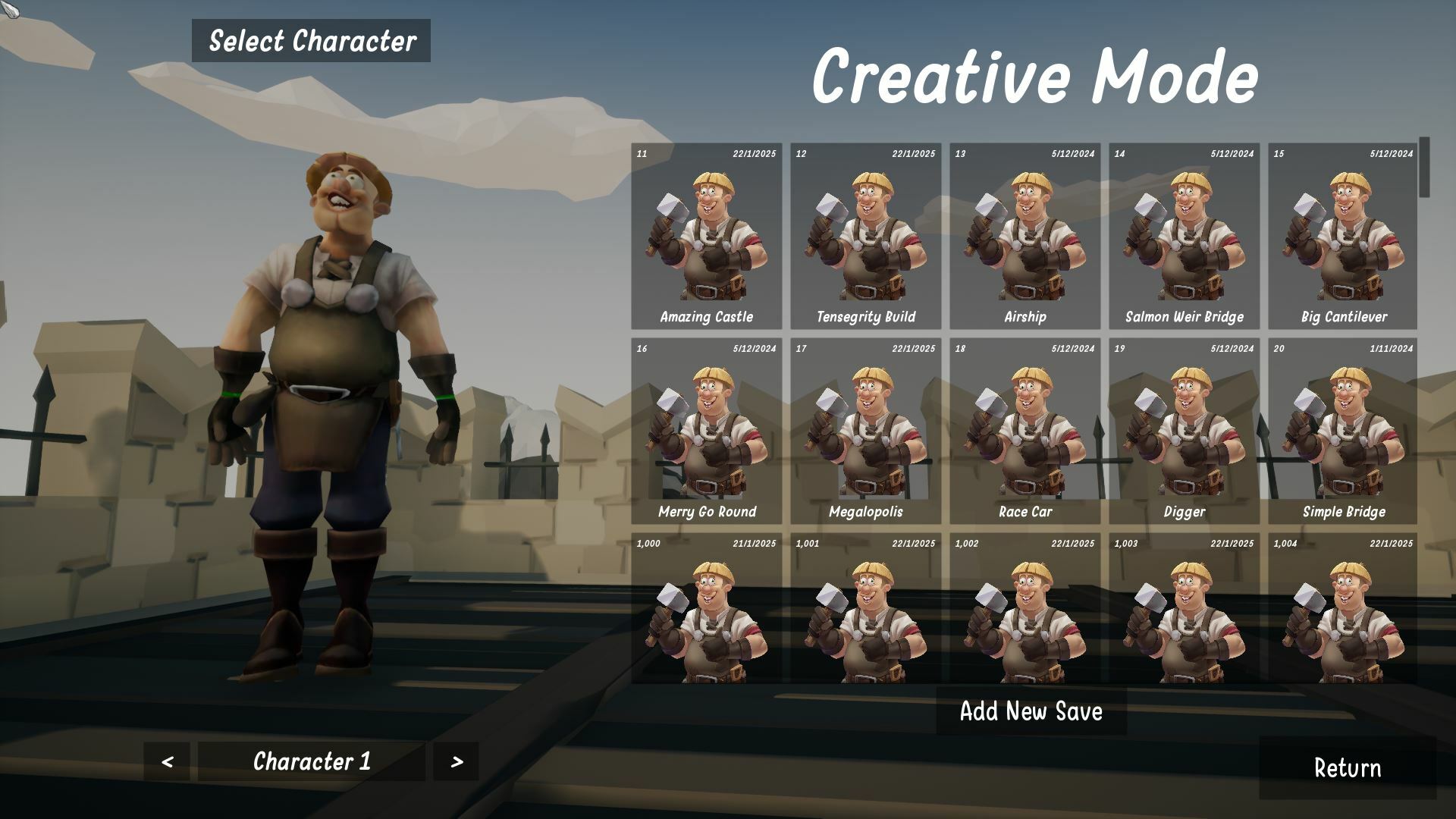
If you wish to add a brand new save slot - you can just click "Add New Save" at the bottom of the screen! We've also simplified how you can rename the Save slots, so you can remember what is in each save. We hope these new changes and the refreshed interface makes life easier to manage all your saves without needing to override olds ones :)
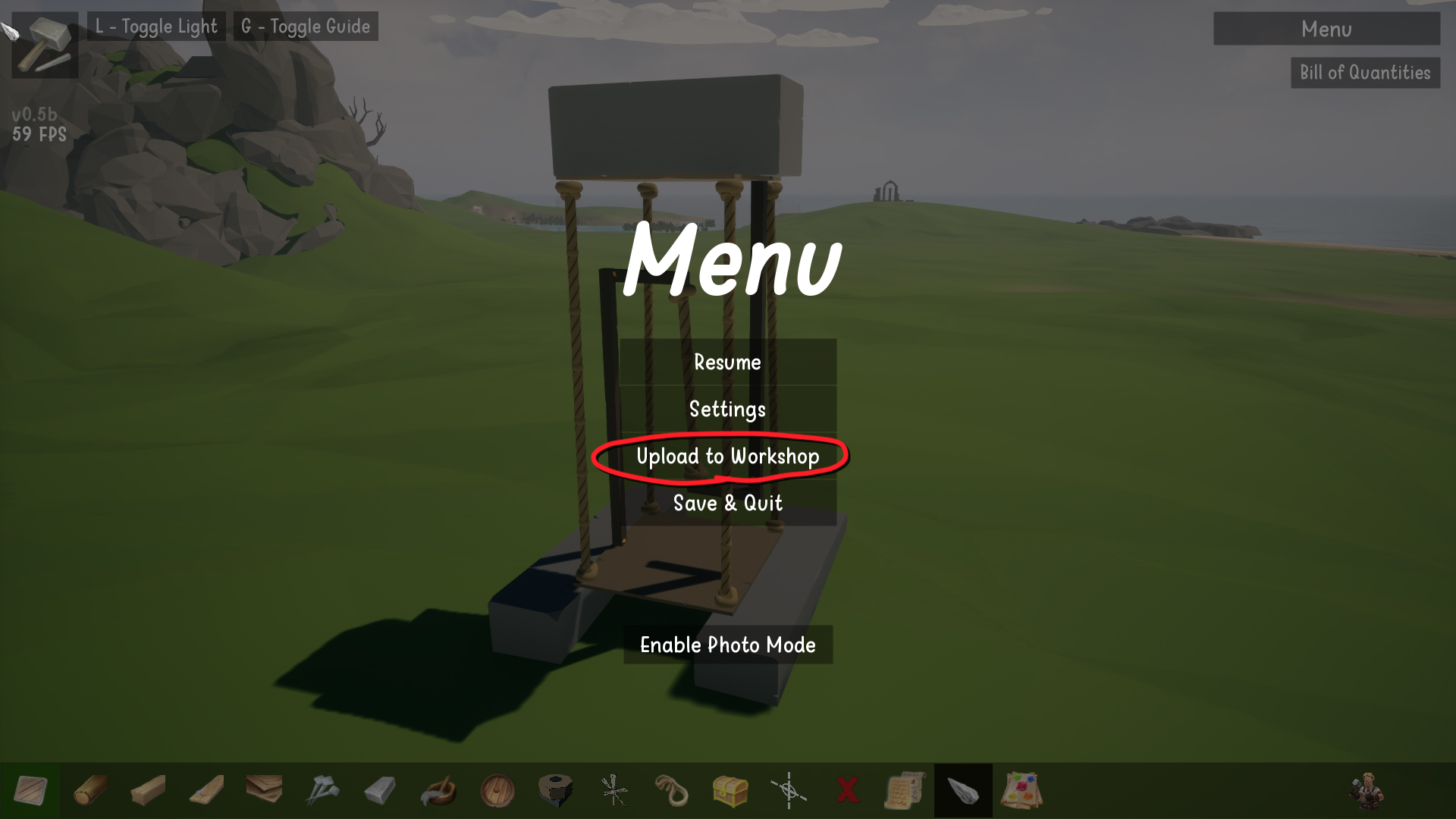
If you want to upload any of your builds to the Steam Workshop, simply pause the game and hit "Upload to Workshop" - remember to add a description and the key bindings for any controllable elements to it!
Also, the other changes available in this patch are are as follows:
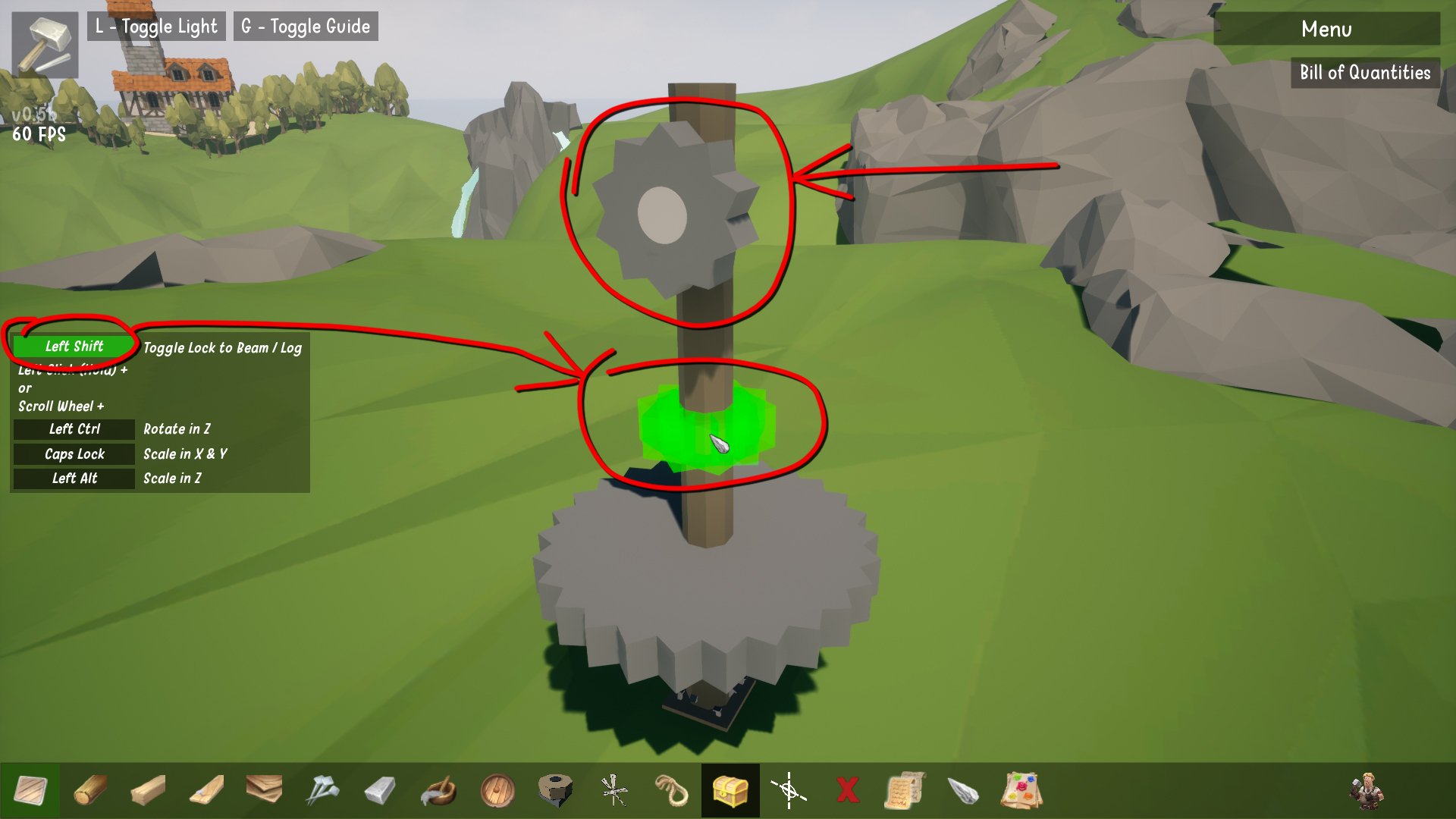
- Gears are now in the game! They can be placed onto surfaces, but also centrally along beams and logs. To switch between placing a gear flat on a surface, or centrally along a beam/log - just hit the Toggle button, which is set to "Shift" by default!
- Added the "Photo Mode - Screenshots Folder" link to open the folder within the game
- Expanded the "Copy Tool" The tool now includes two different functions:
- Copy Member
This is the existing "Copy" tool that has been available for months, now renamed to "Copy Member." It allows you to duplicate a specific member's shape/rotation, etc. - Copy Properties
This tool allows you to click on a member and apply all its settings (e.g., wiring, aerodynamics) to another member of the same type.
For example: If you have 20 Wyvern Enjines, you only need to wire one with all the commands you want. Then, use Copy Properties to apply the same settings to all other Wyvern Enjines, saving you from wiring them individually.
Hope everyone enjoys this update, please feel free to upload your builds to the workshop and myself and Neil will be checking them out!
As always, thanks for your support, please consider throwing a thumbs up / positive review on steam if you haven't already, and keep an eye out for more updates coming that we coming... Here is a sneak peak of one feature we're working on...
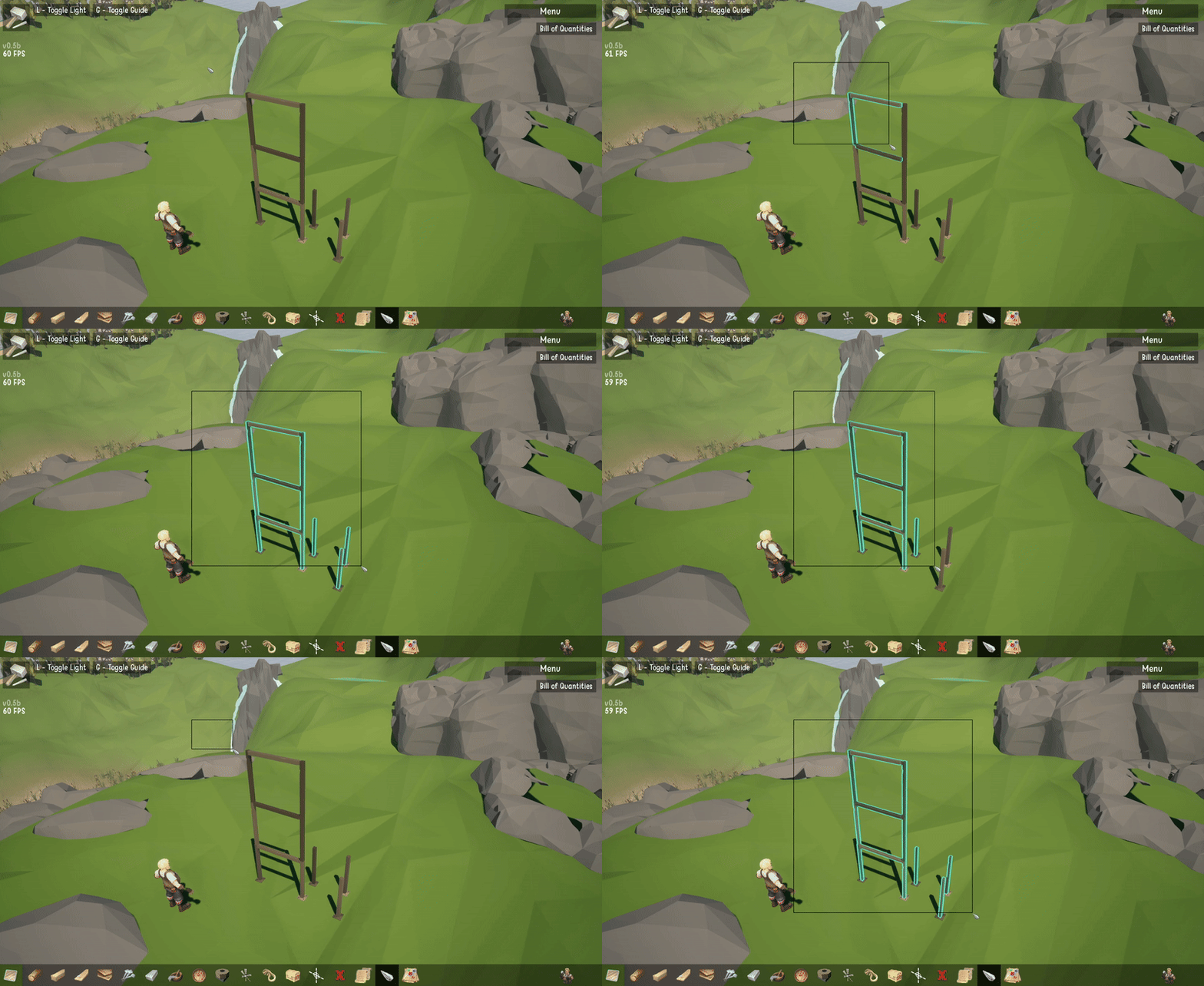
👀👀👀👀
Any how, that's all for now. Enjoy the update, and let's see your structures and contraptions!
All the best,
Cillin and Neil