In-game event
Added flat cartoon style of materials to fix unnatural facial shadows
DesktopDancer · published
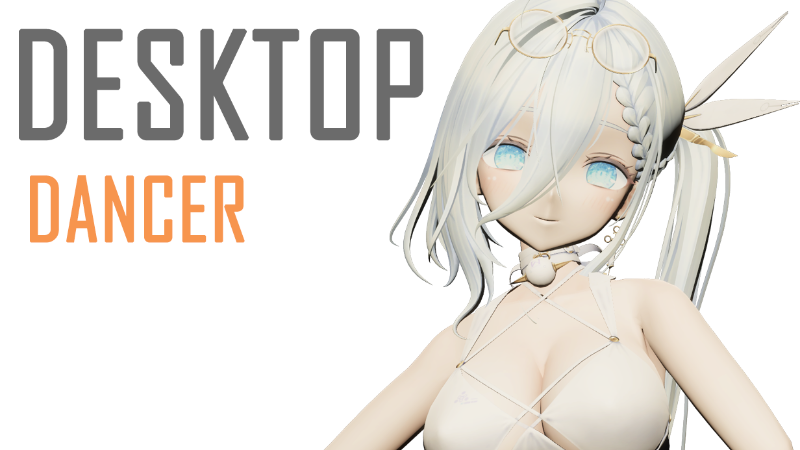
Added flat cartoon materials to fix unnatural facial shadows, making characters more anime-styled
How to use cartoon flat style:
Edit a character, go to the Clothing page.
Select the clothing item, find the “Face” material in the list, then choose “Flat” in the Style options on the right.
(Optional) You may also adjust flatness and brightness to match the character's overall tone.
(Optional) You may also apply flat style to character body/skin materials in the materials list.
Video Tutorial:
More from DesktopDancer
Other announcements
Default outfit switching changed to a 50% chance every 30 secondsOptimized character loading speed and visual display. · Improved program stability. · Default outfit switching changed to a 50% chance every 30 seconds.Fixed a slight jitter when changing outfits.Fixed a slight jitter when changing outfits.Updated to version 2.0, Add Endfield-Style RenderingUpdated to version 2.0, Add Endfield-Style Rendering · Optimized launch speed and reduced file size