Hello
Four weeks have passed since the release. During the first dozen or so days, we mainly focused on fixing bugs. There were also several improvements and a few new features. However, today’s update jumps from EA 1.0.11 to EA 1.1.0. Despite spending two weeks primarily on fixes, we made an effort to deliver new features and improve overall gameplay quality. We also added a new mode that many of you asked for. Unfortunately, we are postponing printer updates to Q1 2026, as this update requires more than two weeks of work to ensure everything works exactly as intended.
Free Play Mode
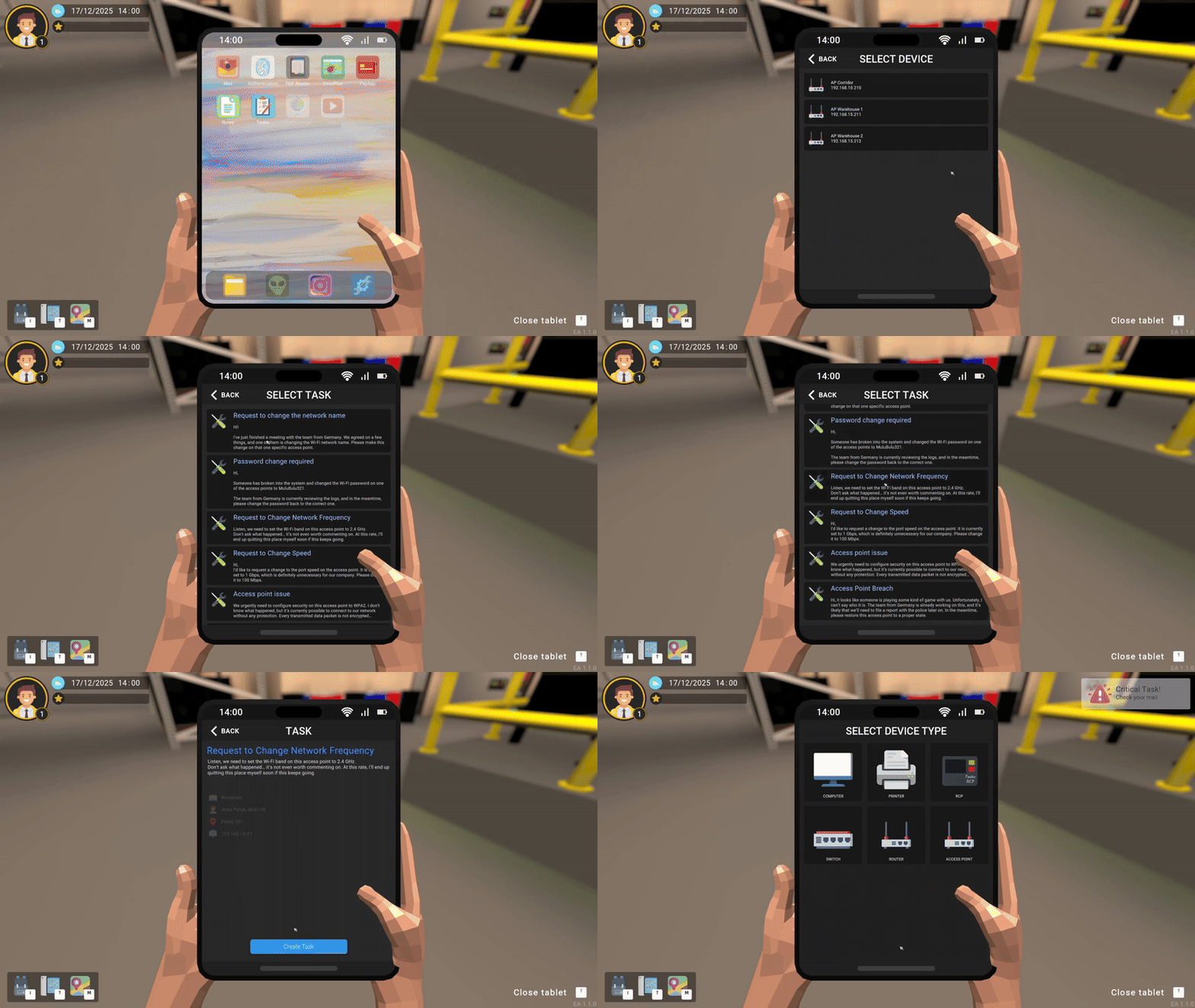
Many of you wanted a mode where you could complete tasks without time pressure or penalties. Starting today, Free Play Mode is available. You can access it from the menu under the Learning button. This mode has no time limit. You can exit it at any moment. Progress is not saved in this mode. The mode received a dedicated tablet application where the player generates tasks for specific hardware. Each task can be completed an unlimited number of times. Every task includes a title and a description.
Other changes:
Added:
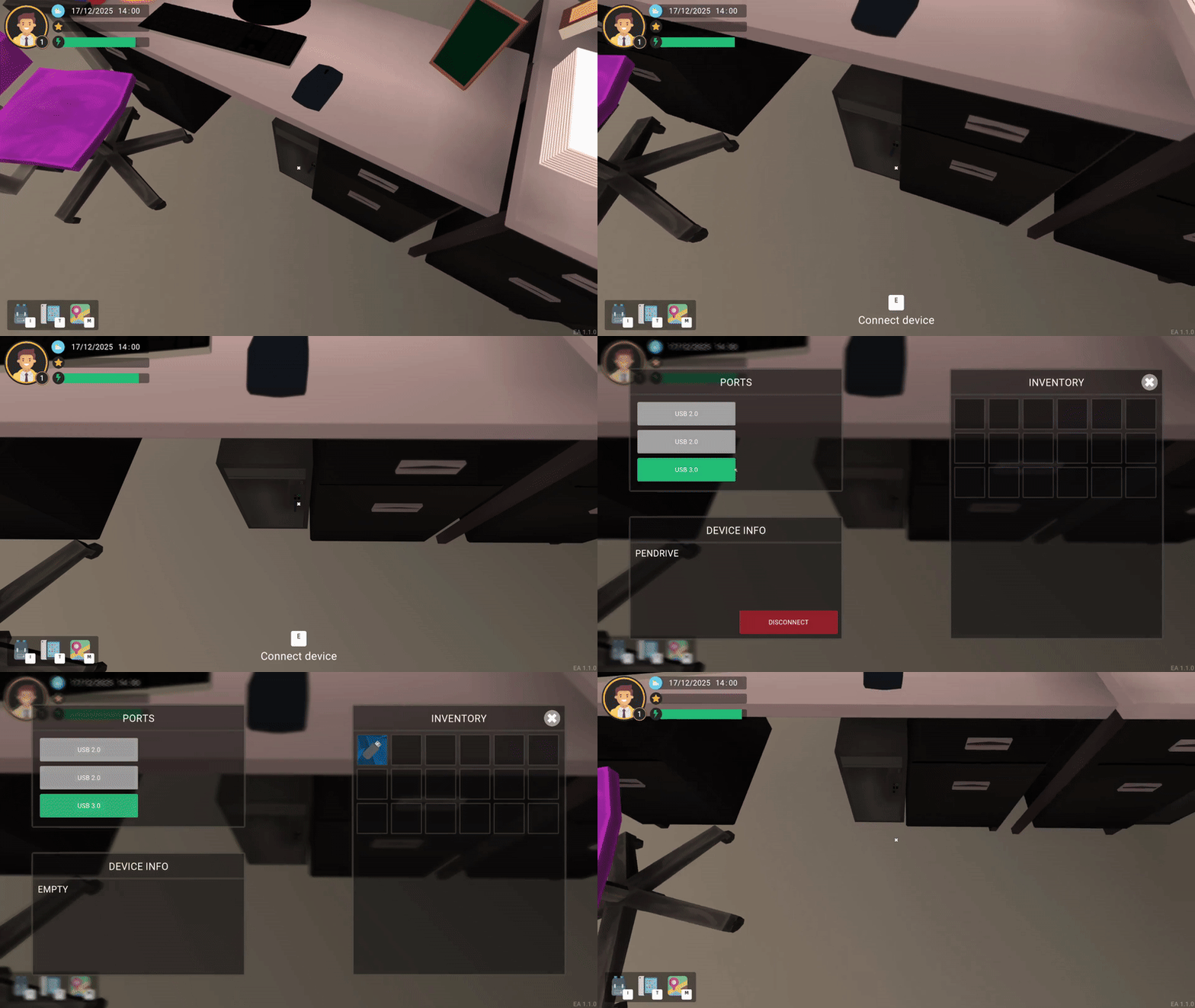
- From now on, when a USB flash drive is connected to a USB port, it is displayed as a physical object connected to the USB ports. Additionally, it indicates the exact port it is plugged into.
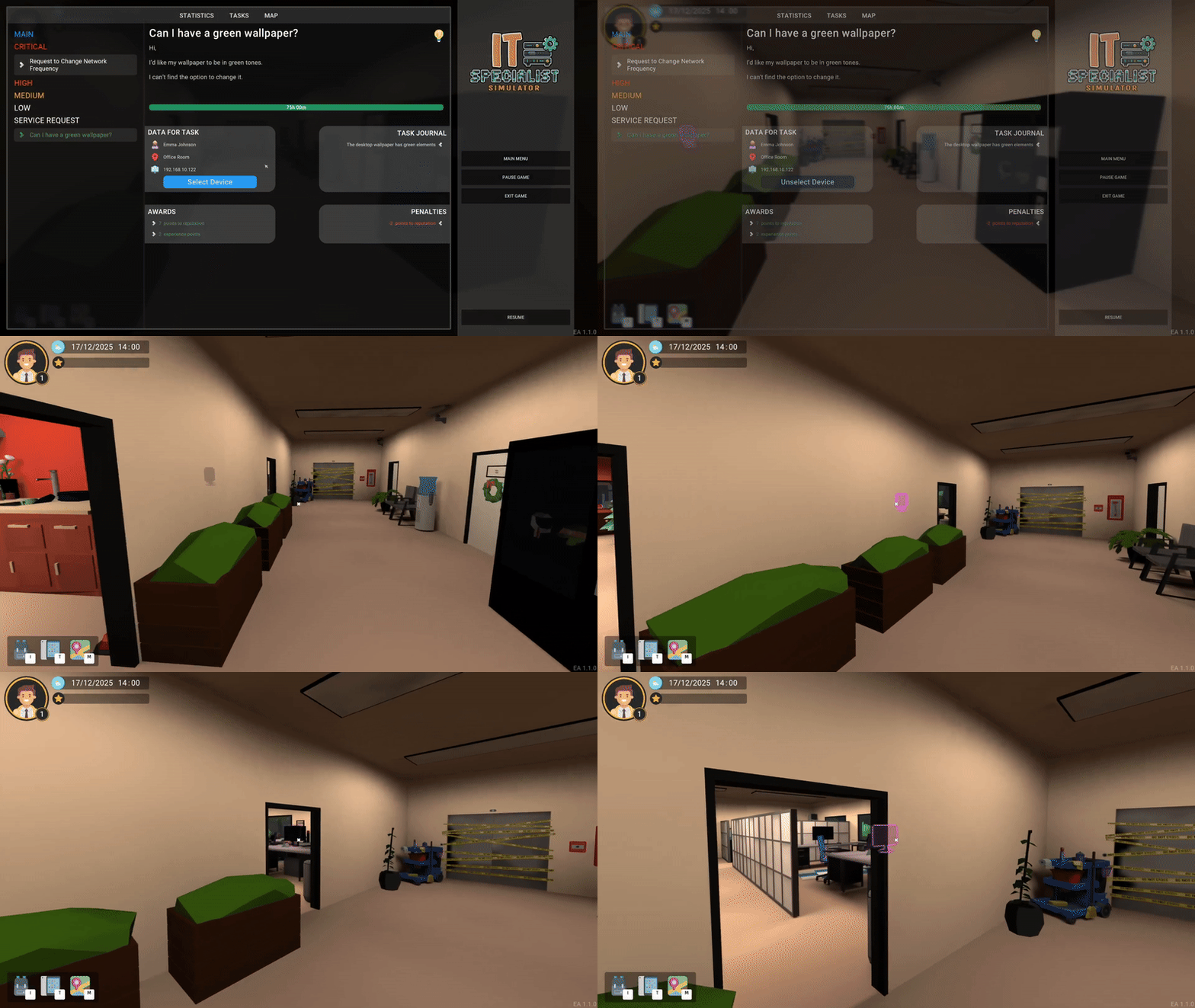
- A navigation option has been added to tasks – the game highlights the device referenced in the task.
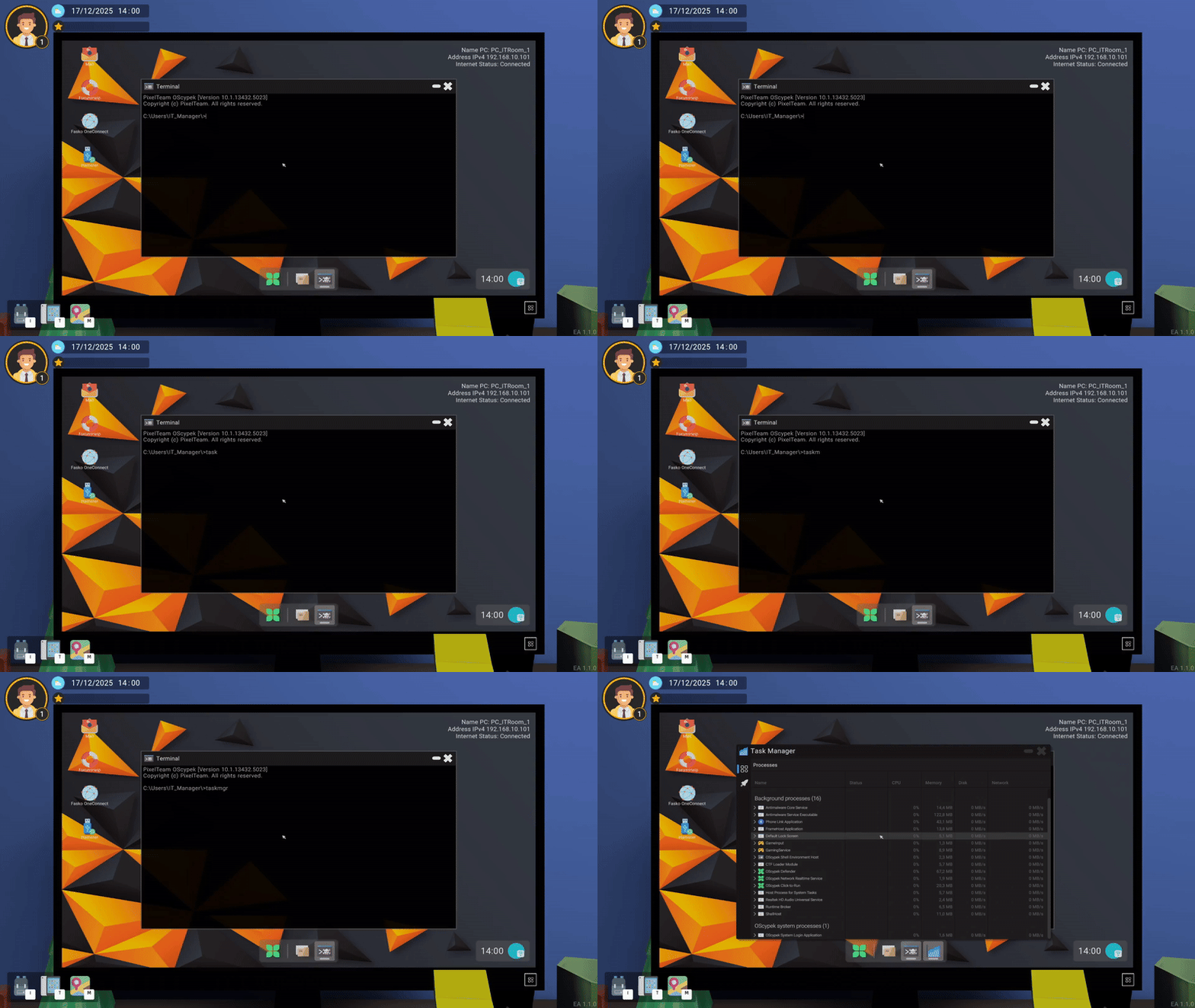
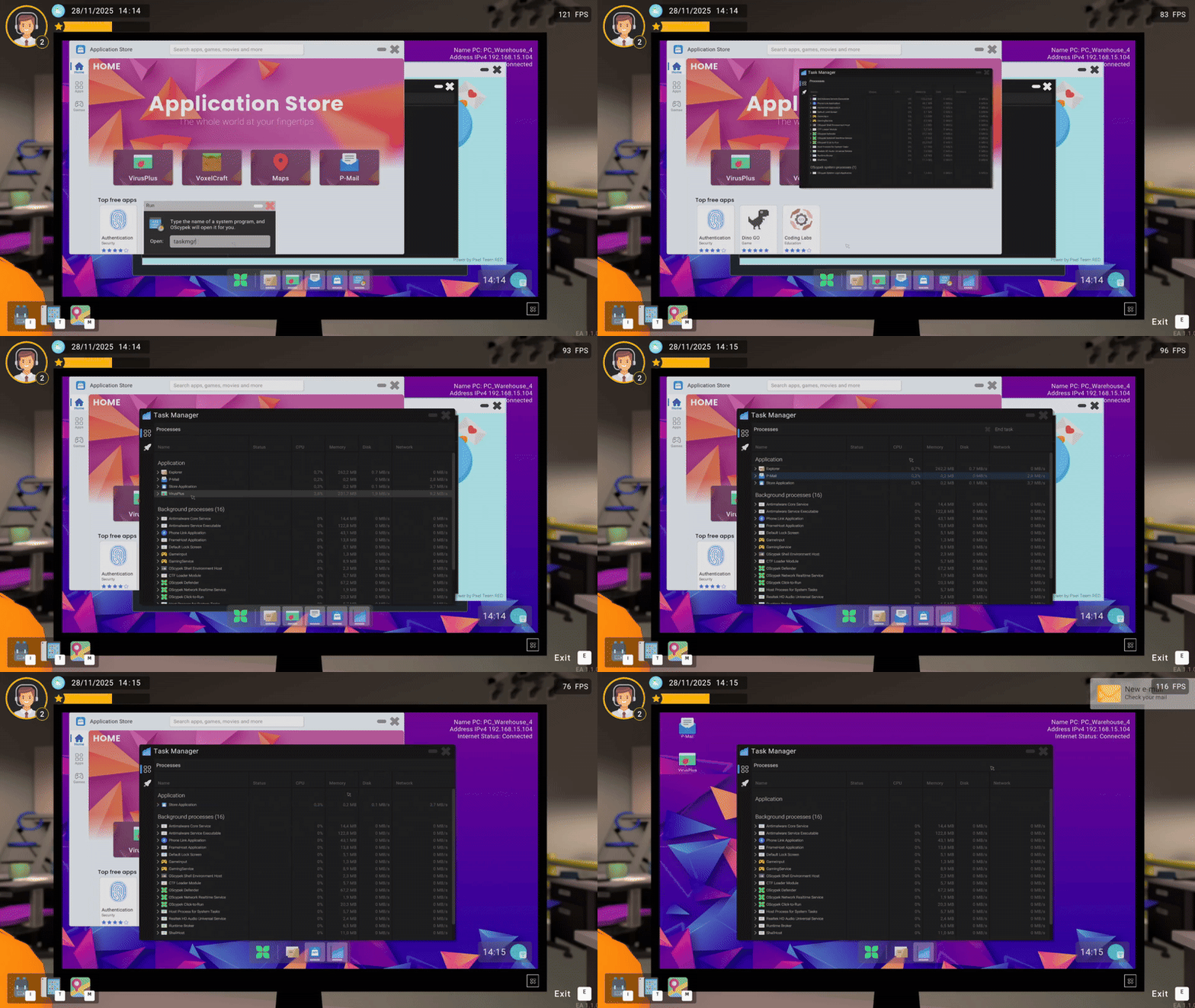
- For the Run, Terminal, and Powershall applications, appropriate commands have been added to launch the Task Manager.
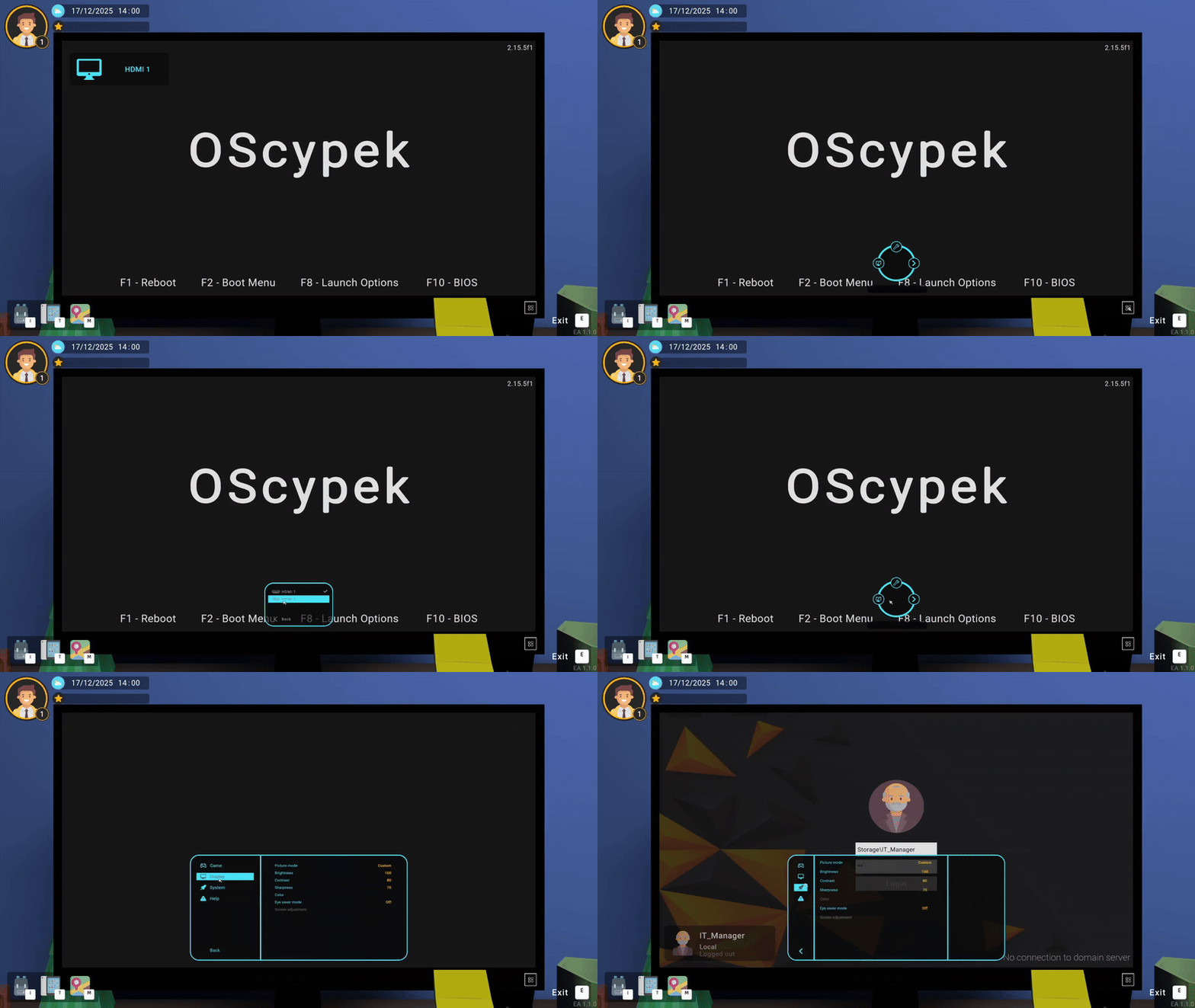
- Display settings have been added – we decided to introduce dedicated monitor settings. We did not see this request in any survey, email, or forum post, but we chose to add this option anyway.
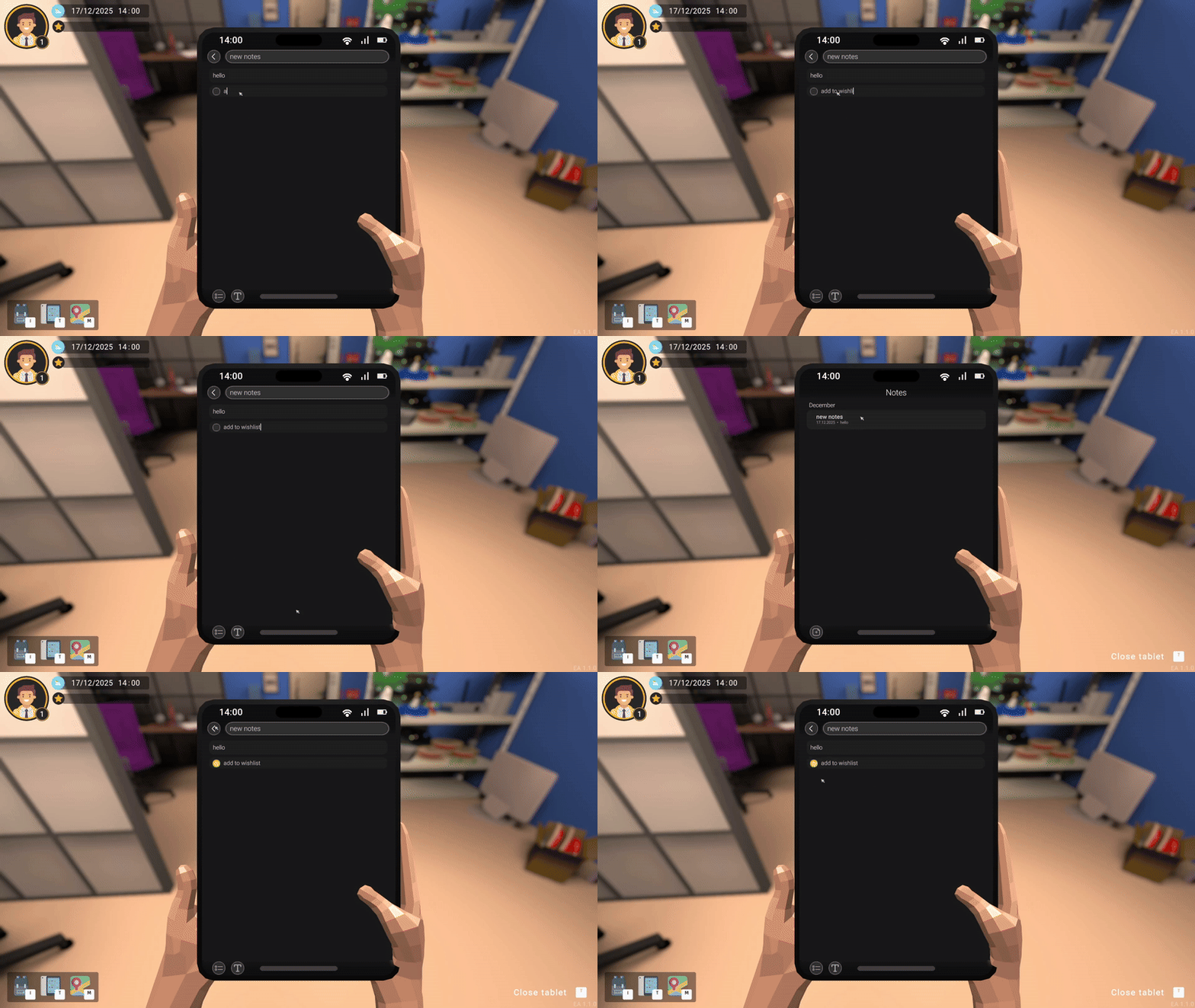
- Tablet – Notes application. You can save notes such as passwords or problem solutions.
- Task Manager application added – if an application freezes, for example during a system scan, you can now close it.
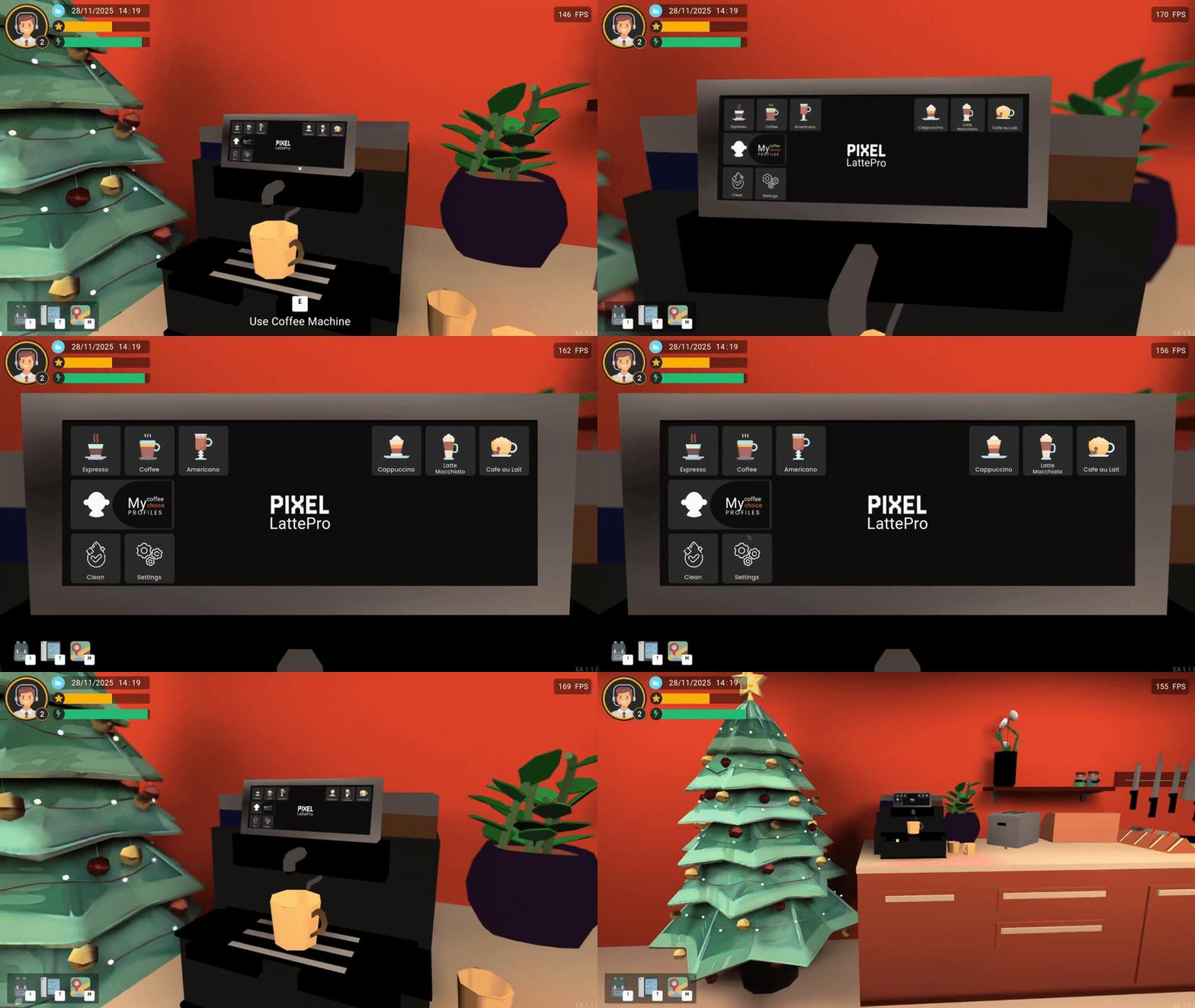
- A coffee machine has been added – currently it does not have any meaningful function.
- The option to finish the day from 3:00 PM via an early exit (items must be left in the locker). The player receives a penalty of 20 reputation points for leaving work early. This is a good option for players who need to end their session suddenly and save the game.
- A new website for calculating subnet masks has been added.
- Japanese and Korean languages have been added.
- The option to disconnect WiFi on the tablet has been added.
- An animation for ending the day has been added.
- 12 new tasks have been added, including tasks related to access points and monitors, along with several task updates.
Changed:
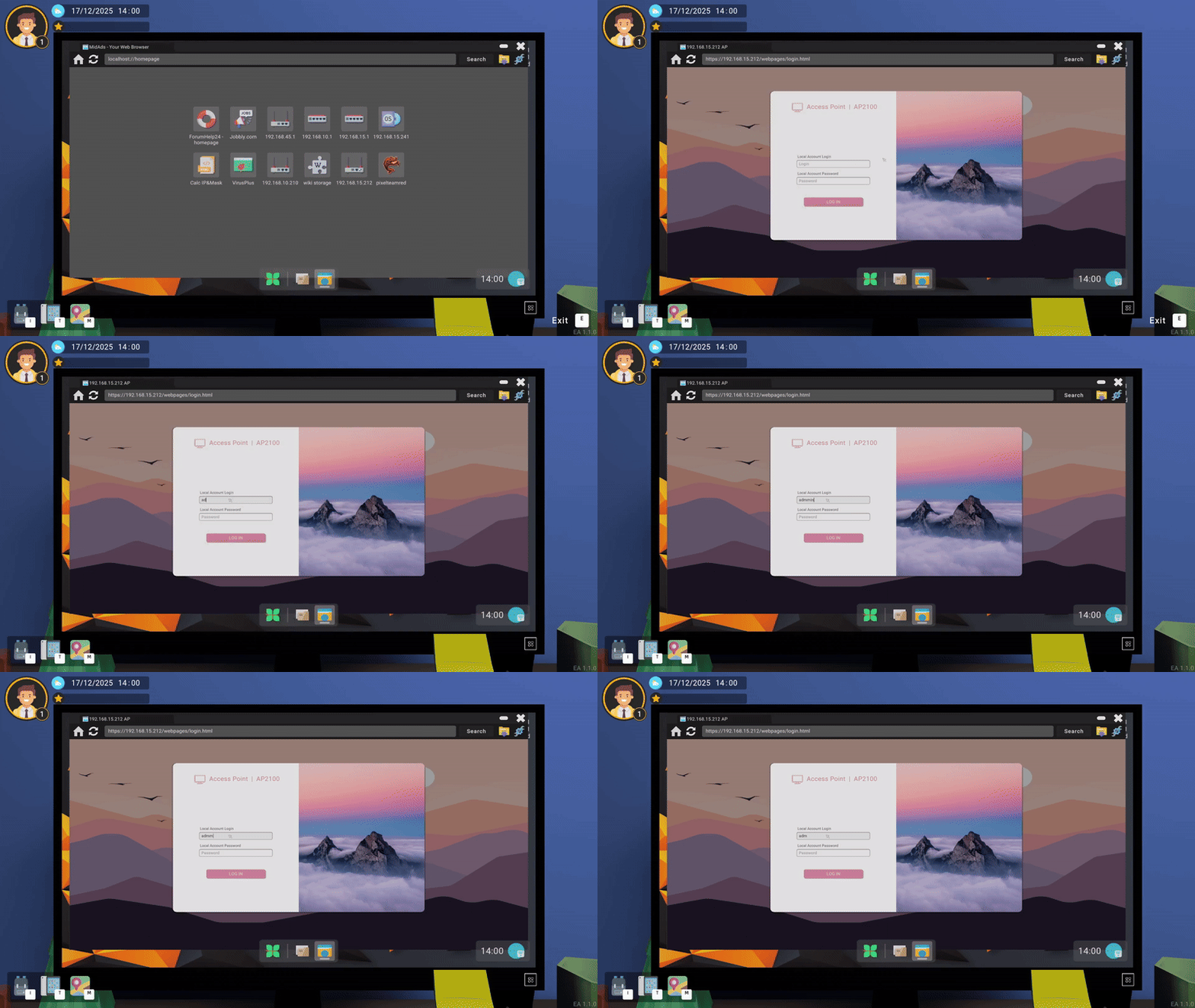
- The AP login page has received a visual update.
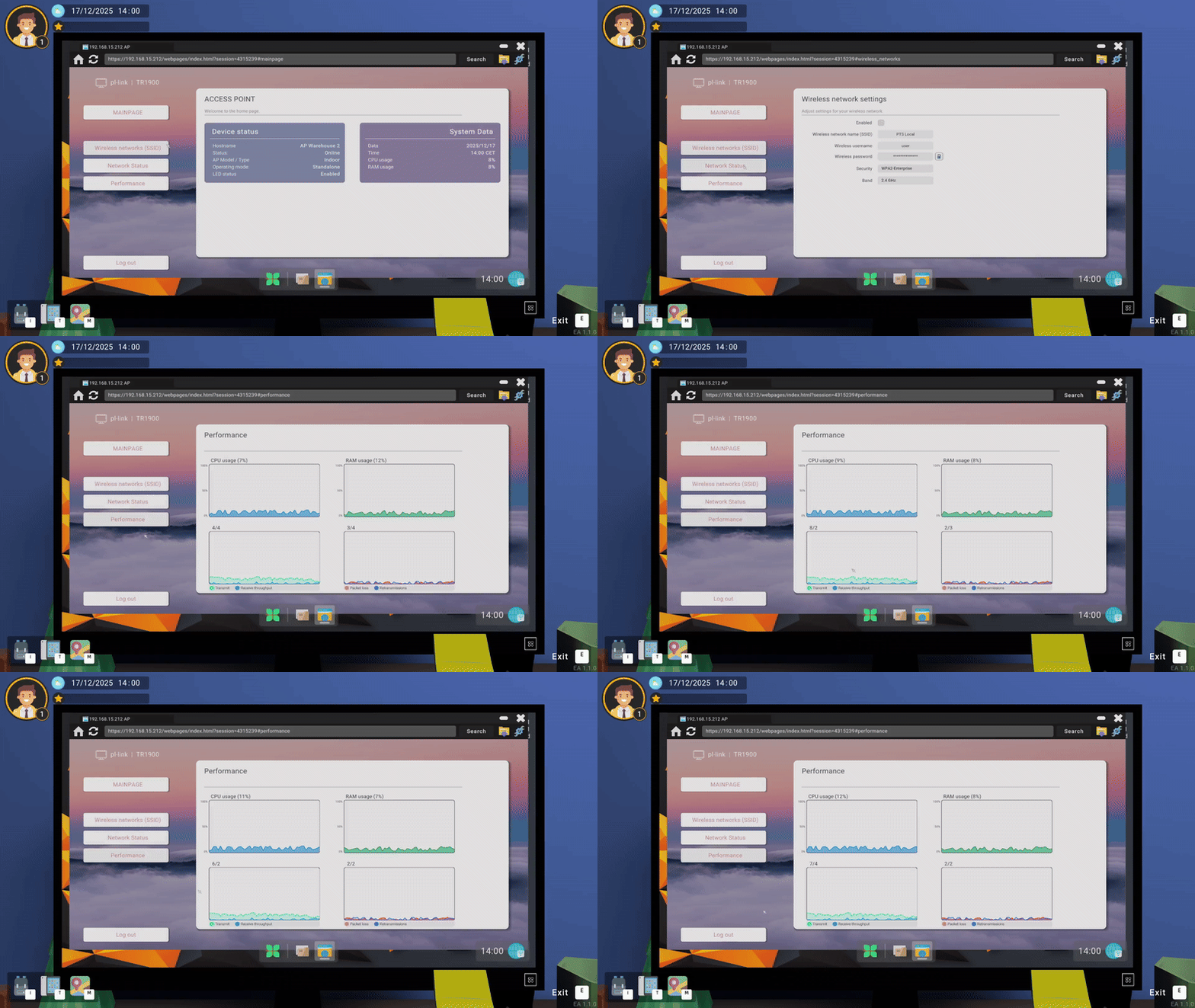
- The AP page has been updated with new features and tabs.
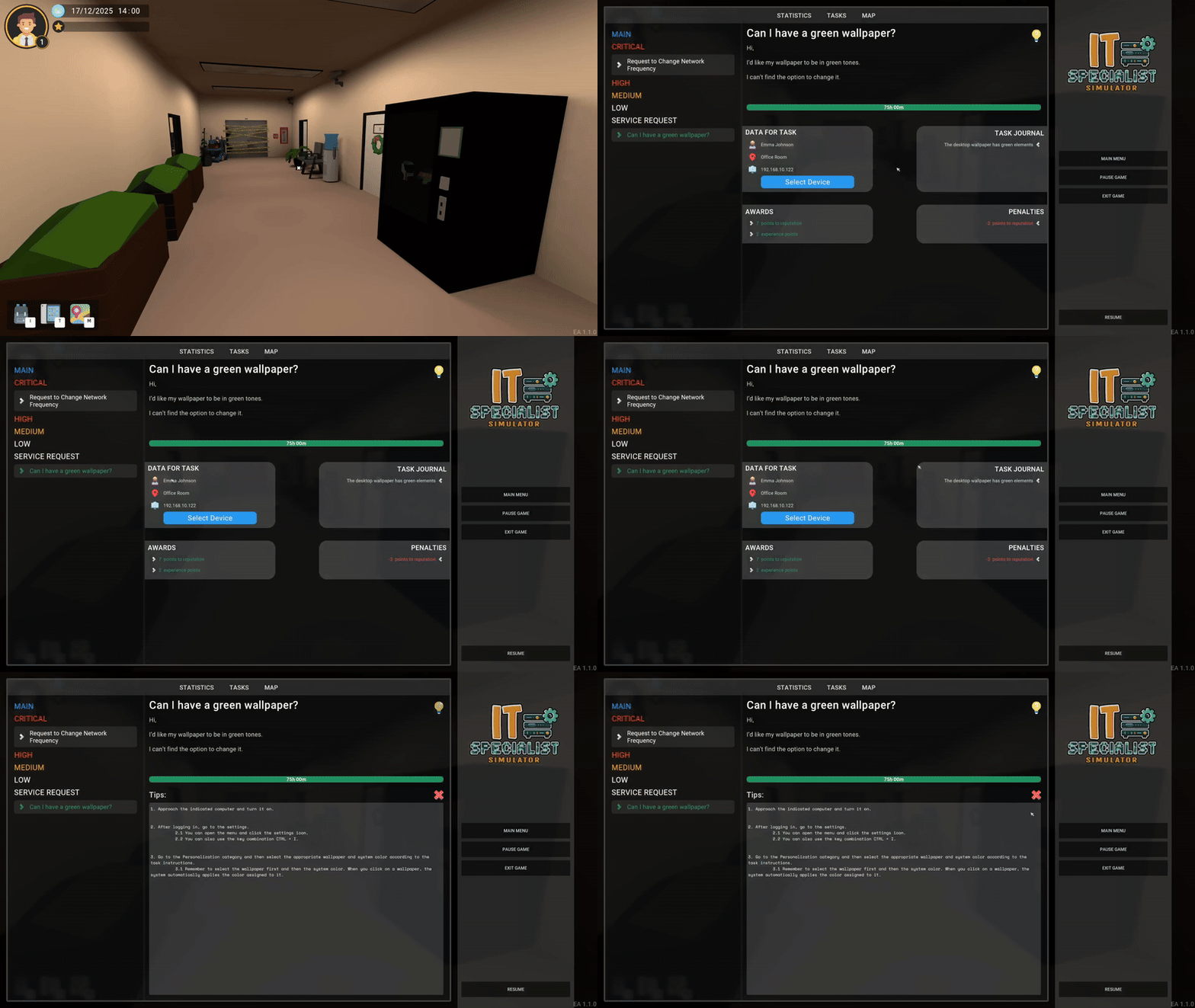
- The task preview layout has been changed.
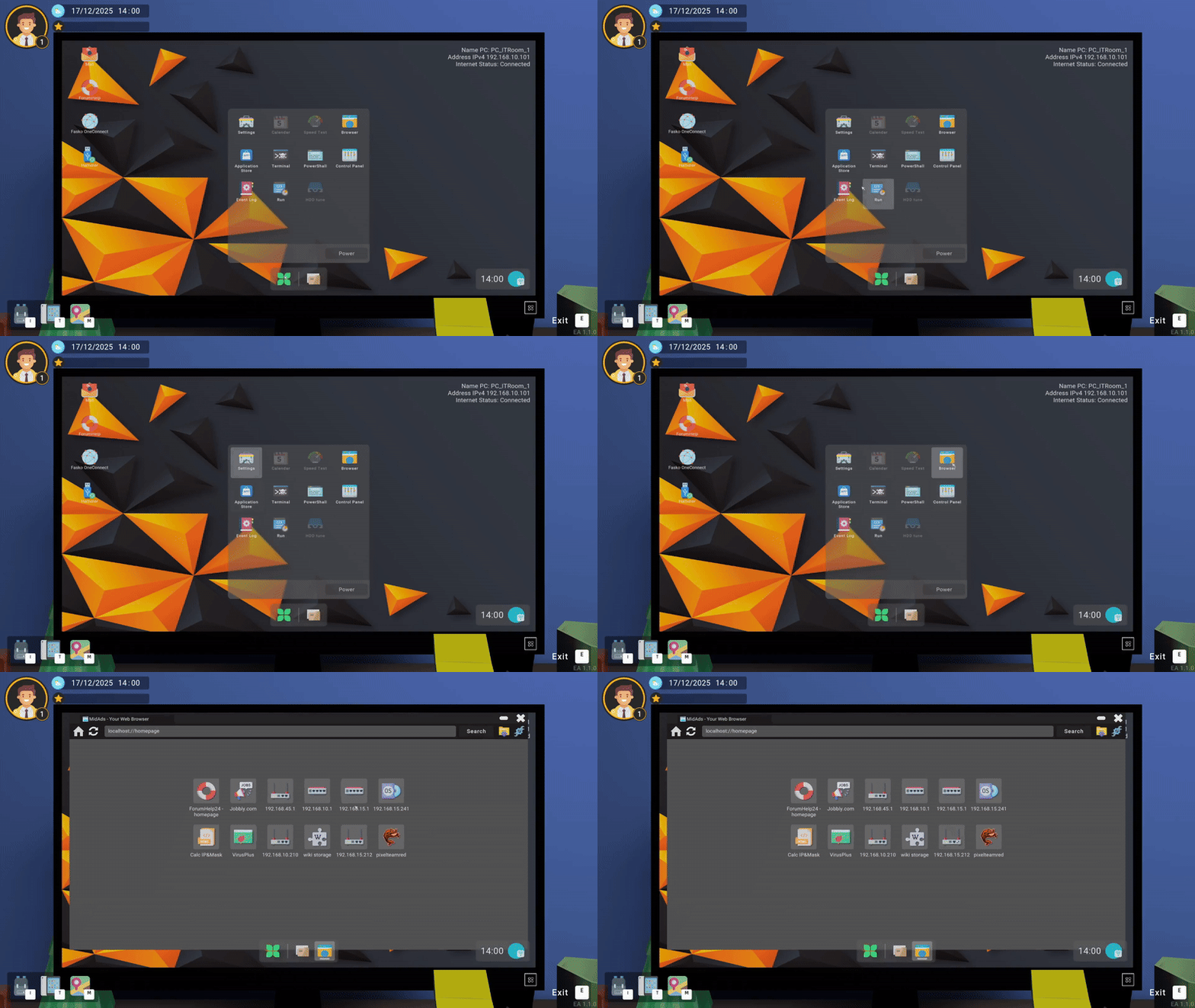
- A second row of links has been added to the browser to expand information about in-game websites. The user workstation still has only one row of links.
- The jobbly link leading to an external website now displays an appropriate message before opening.
- All tasks now have a new hint type. In some tasks, the hint becomes available after a certain amount of time.
- The ForumHelp thread related to subnet mask calculation has been expanded.
- The restart button on the RCP disappears when it cannot be used.
- The penalty for not returning items to the locker (theft) has been increased from 50 to 70 reputation points.
- The animation for exiting to the menu (option with save loss) has been sped up.
- Task hints become available after 30% of the task time has elapsed.
Fixed:
- Fixed the display of settings in the BIOS – some elements disappeared on the first entry into the settings.
- One of the PDA thresholds in player statistics was displayed incorrectly.
- Two printer-related tasks were checking the condition incorrectly. The issue was that the game compared the first three octets with the full IP address, which is incorrect.
- The RCP could be restarted multiple times at the same moment.
- Code improvements in several applications.
- Code improvements in the RCP.
New and updated models:
- The computer model has been slightly modified – in the future it will feature a fully detailed interior, which will also lead to new types of tasks related to, for example, RAM and the battery.
- 2 x audio jacks
- Power button
- 2 x LEDs (power and disk)
- Graphics card (early model) with two HDMI ports
- 4 x USB 3.0 ports on the back of the computer
Art style change
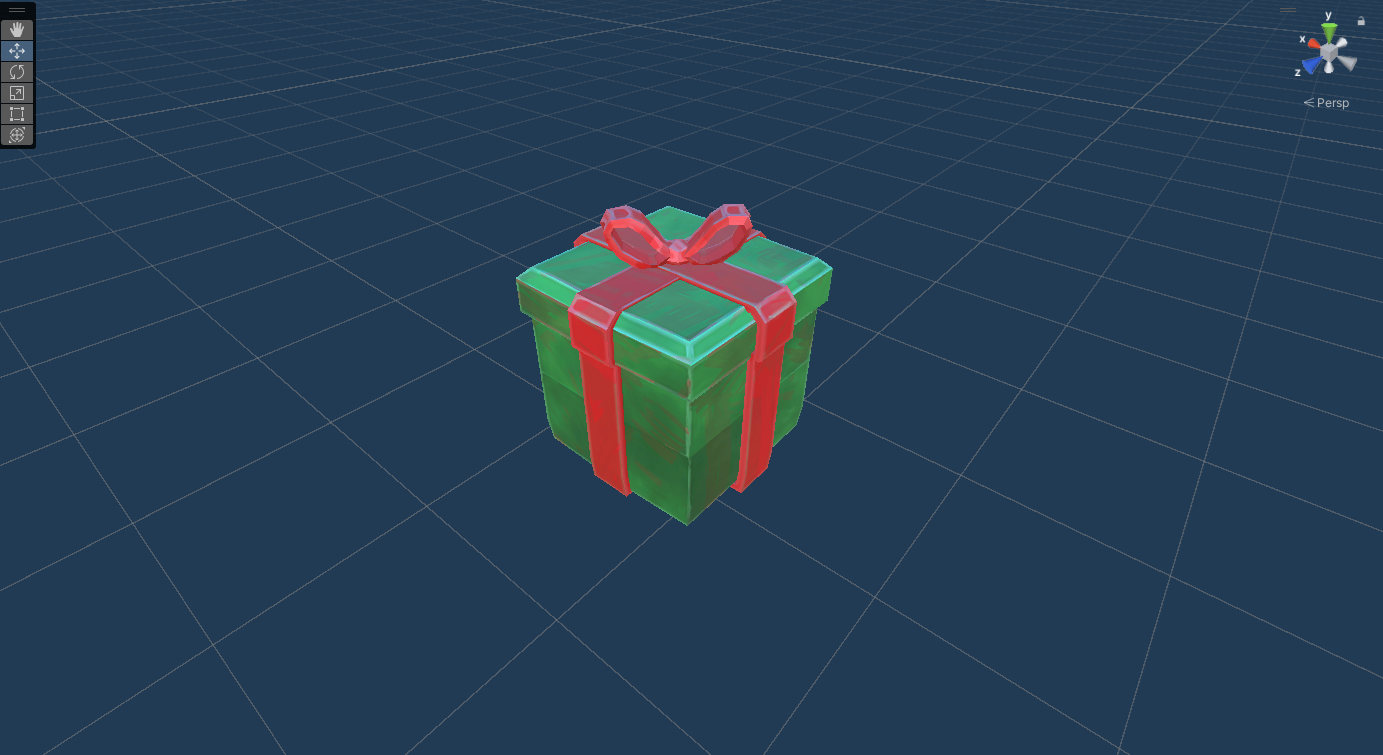
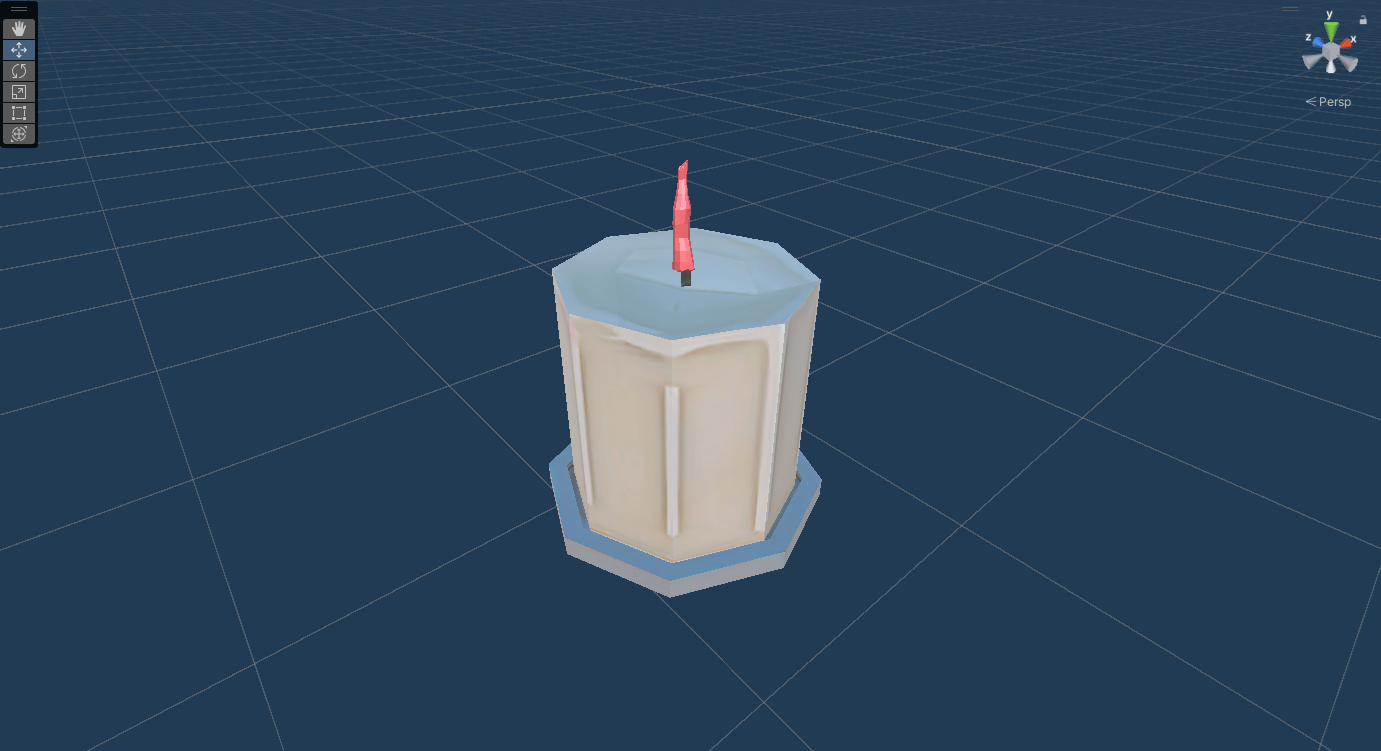
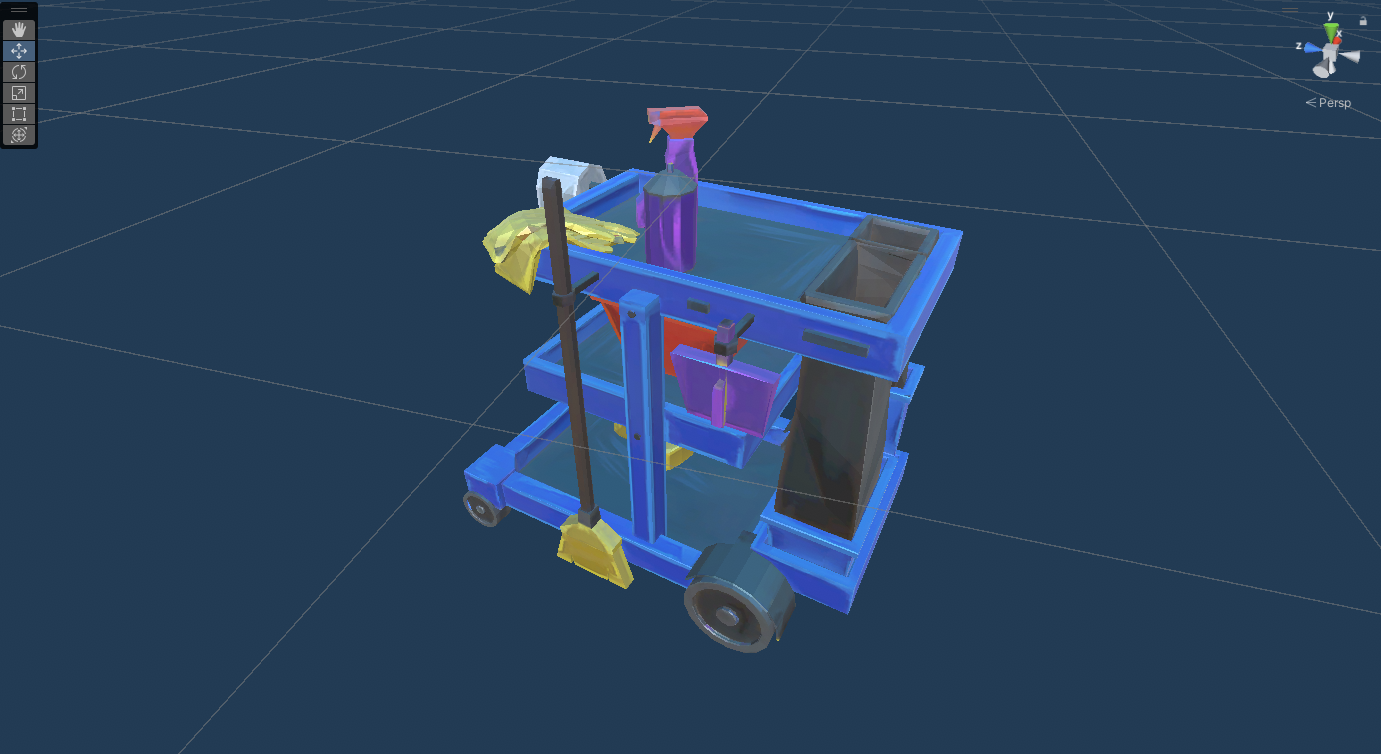
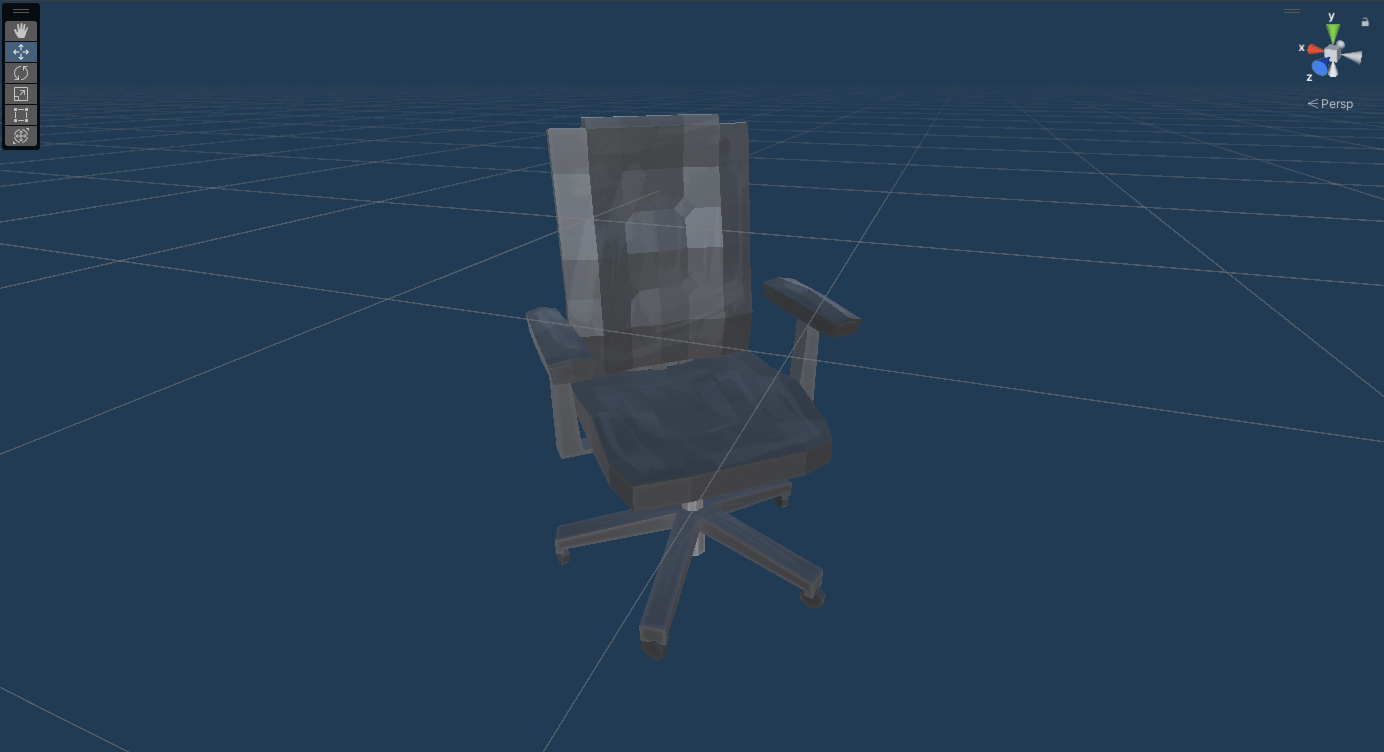
In the game, you may notice that some models look different from others. We are in the process of replacing models and graphics. Previously, objects had a flat color applied; the new models will feature hand-painted textures.