Status
SteamPeaks
ChartsSalesUpcomingPatchesNewsCalculator
New on SteamEvery app, DLC and depot the minute Steam creates itAppsEvery app on Steam, newest change firstPackagesSubs and bundles, and what each containsDepotsDepots, manifests and install sizesTagsSteam's user tags and the games under themDevelopers & publishersCompanies and their cataloguesTechnologiesEngines, SDKs and anti-cheat found in the filesChange historyEvery PICS changelist as it lands
SignalsNineteen readings of the whole catalogueCompareAny games side by sideRecordsAll-time peaks and the days they were setReportsWeekly and monthly write-upsAlerts & newsroomWatch a game, get told when it movesSteam statusIs Steam up, right nowWeb API explorerTry the endpoints in the browser
NewsSteam's own announcements and the sales calendarCalculatorWhat a Steam account is worth, and its pile of shame
/
Sign in
/
SteamPeaks
The ultimate resource for Steam data.
ExploreChartsSalesSales and festsUpcomingPatchesNewsRecordsTrendingSignals
DatabaseAppsPackagesDepotsTagsDevelopersTechnologiesChange history
ToolsCalculatorCompareSearchAlertsSteam statusAPI
SiteMethodologyFAQDiscordSupportSign in via Steam
Not affiliated with Valve or Steam. Game names and artwork belong to their owners. All times UTC.
PrivacyCookiesFair useStatus
Swanky PaintNewsSwanky Paint Alpha +11 : Part 4 - Image Resize & User Interface
Community

Swanky Paint Alpha +11 : Part 4 - Image Resize & User Interface

Swanky Paint · published 2 Aug 2018, 19:07 UTC

All newsPlayers around this dateRead on Steam

https://www.youtube.com/watch?v=cQqOrauxGG8

IMAGE RESIZE is a new feature that will enhance the way you organise your workspace.

Trim off excess space easily by cropping your current image or increase your canvas to accommodate more assets.

Using the 'Anchor', you can specify from where your image is resized or cropped. The Image Size Adjuster window also lets you add new layers to your current image as well as resize your canvas, at the same time.
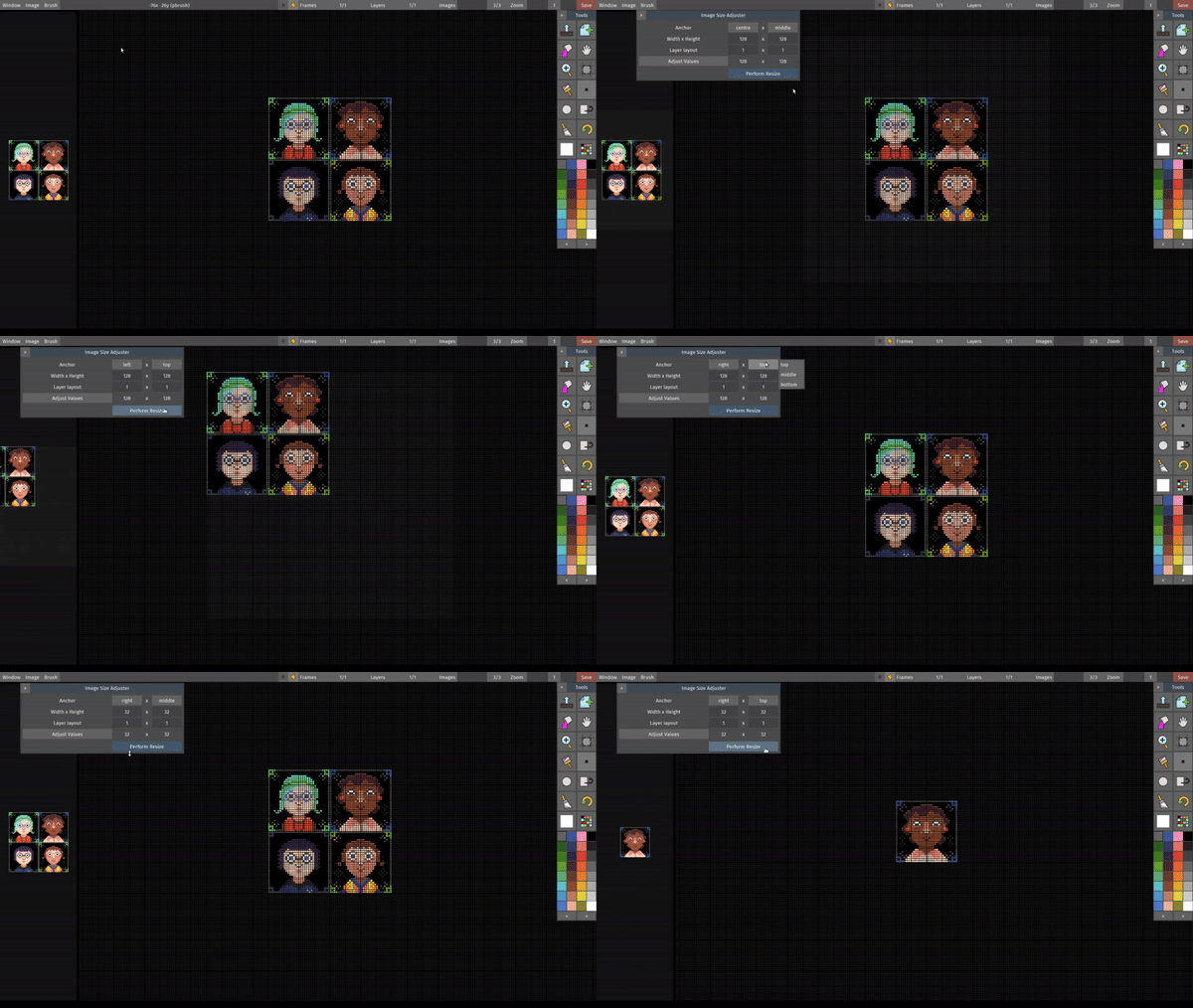

Resizing an image in various ways

Have a go at this new feature and tell us what you think! We want to improve the window interface for this feature so your feedback will help tremendously.
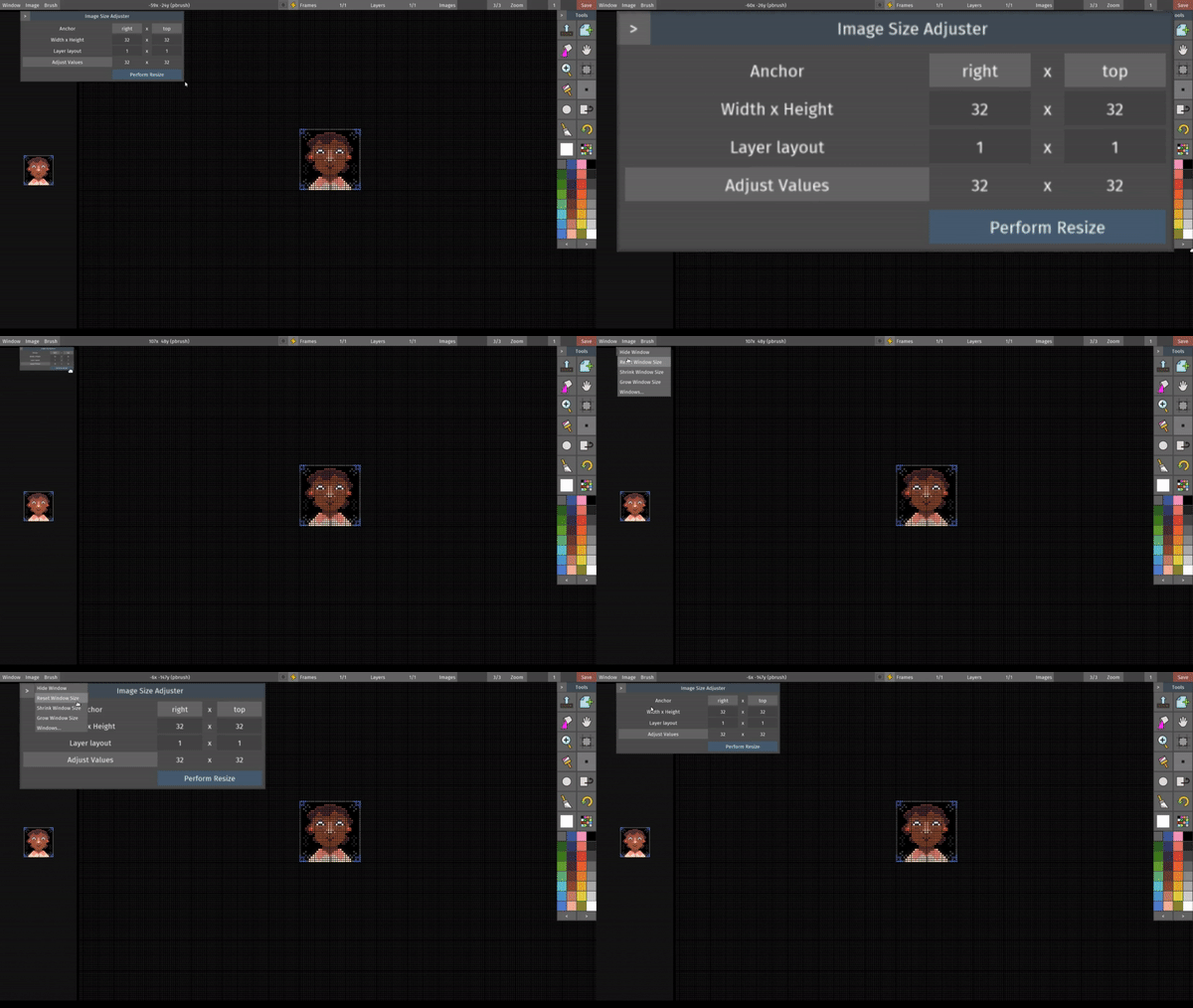

Scale your windows up to see better

With the new user interface design and structure, we now have our own windows system.

This gives us complete control over the application and allows us to do magical things like saving your preferences (which includes the layout of where the toolbox and preview area lives), creating our own buttons and menus and having the windows scale to accommodate legibility.
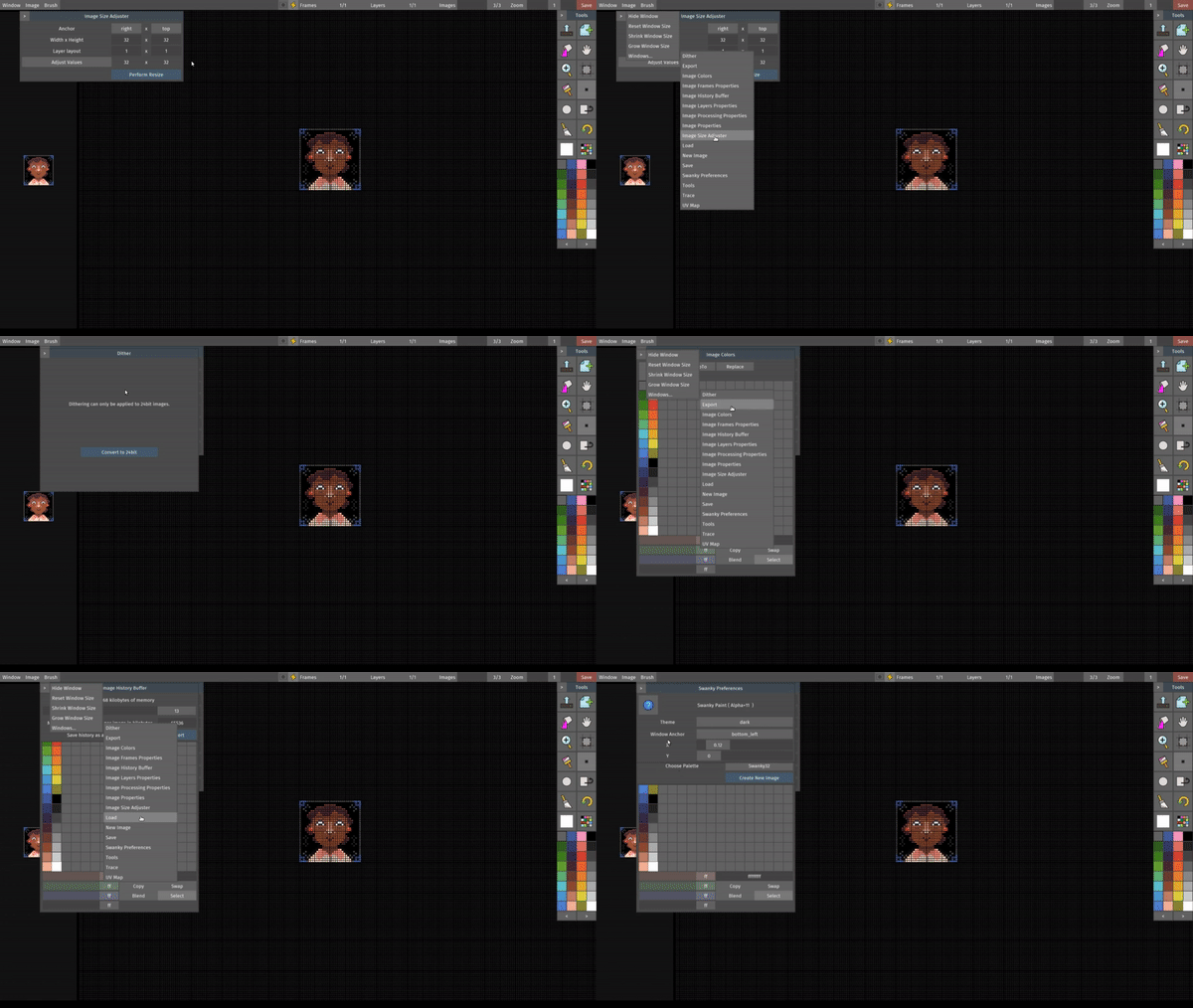

Windows inception - we put windows in your windows

You now have access to all other windows from a currently opened window. This should make it easier for you to get to where you want without having to navigate to the menu bar. It's the little things, innit?

It's almost time! We're posting videos of the new features you'll be seeing in the next version of Swanky Paint leading up to the official release party on the 4th of August, 2018 so see you next time!

More from Swanky Paint

Other announcements

All news
Community4 Aug 2018Official Release: Swanky Paint Alpha +11 is now here!Thank you for being here and supporting Swanky Paint all these years! When we first started developing, we didn't know it was going to grow to become the software that it is now. This was more a tiny experiment and tribute to the fantastic Deluxe Paint. Swanky Paint will remain to be a niche application for those who love creating within the retro limitations of old hardware in years to come. W…Community3 Aug 2018Swanky Paint Alpha +11 : Part 5 FINALE - Recap & Wrap upWe’re almost there! The official release of Alpha +11 is tomorrow! This will be the last video in the series before the launch but we’ve had so much fun doing them, we might peep in new updates with more ‘How to’ videos so watch out for those. By the way, if you ever want us to do a specific video about a feature or certain techniques, drop us a note! Without further ado, here be the new things…Community1 Aug 2018Swanky Paint Alpha +11 : Part 3 - Layers, Frames & WRAP MODEThe new Wrap Mode feature allows tile previewing which is useful for textures and things that need to be repeated when used as backdrops and background assets. As game artists, an obviously repeated pattern is an eyesore, especially at small samples. This should make it easier to work out a more natural looking placement for your pixel art and games. Tiling preview With this new feature, artist…