Hello Global Farmers,
i want to take you on a short tour and explain what technology this game is based on.
In general we use open street map data (OSM) and more specifically the data you can see here:
https://osmlanduse.org/
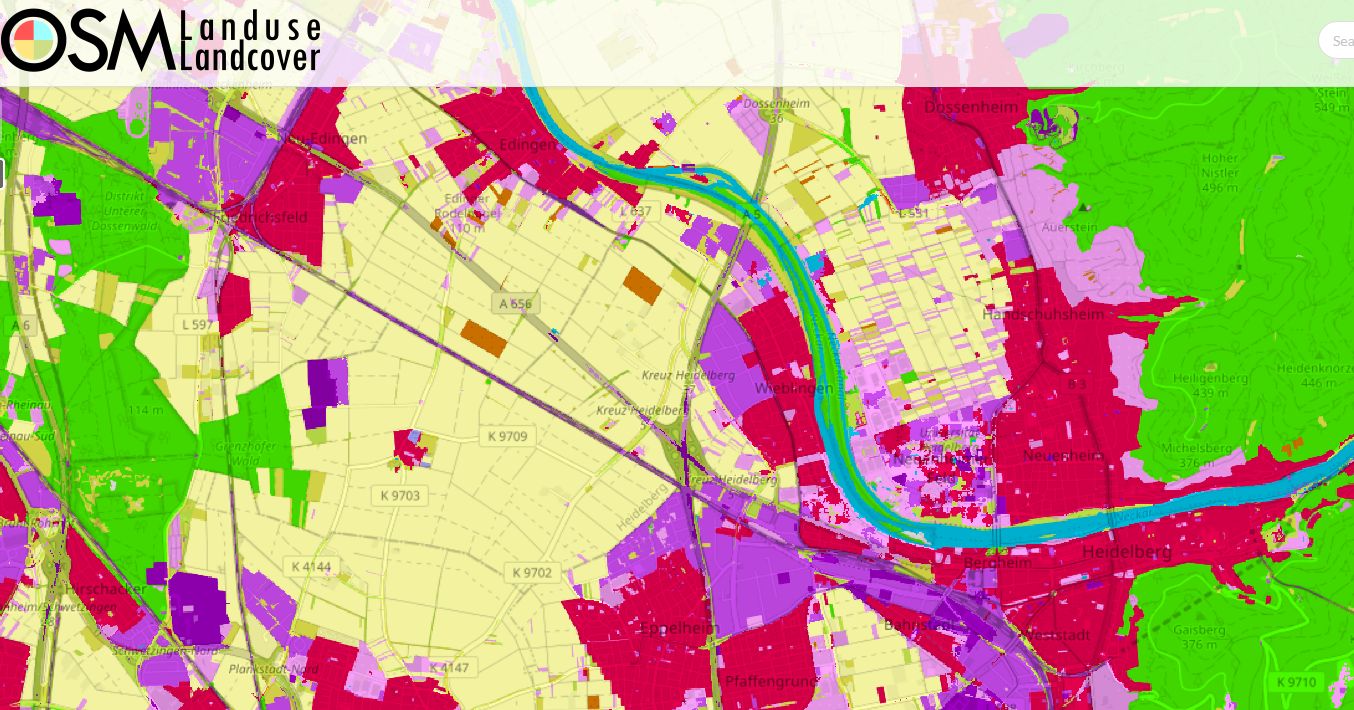
Besides streets there is also data for fields and this is were global farmer focuses on. There is info on its shape, size and type (Meadow, orchard, farmland). Those types are used ingame to spawn different initial crops or farm animals.
To see where you find good data to play we created this heatmap showing the data density where you will find plenty of fields.
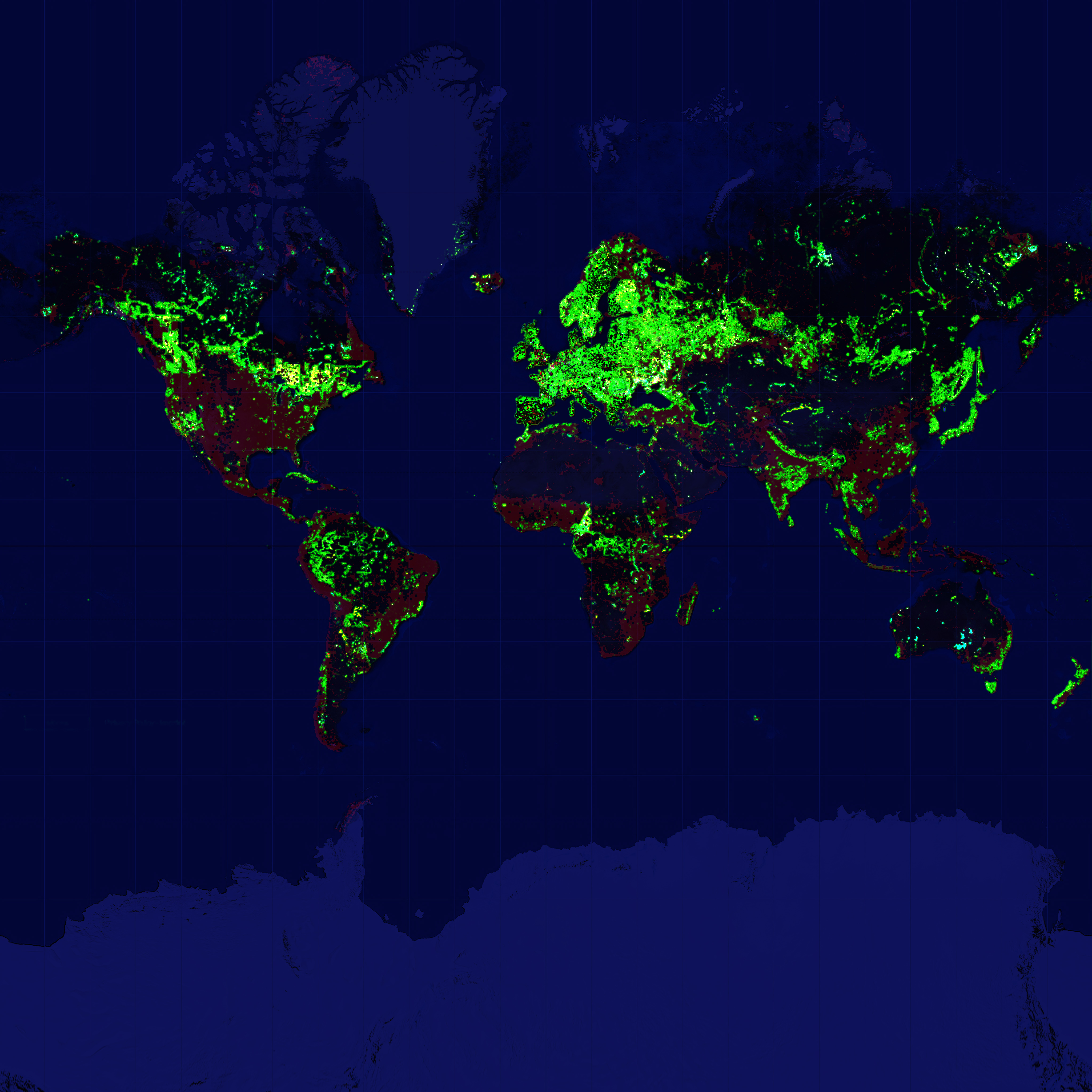
The current data set we use is roughly a year old and will be updated in the near future, so this means if you make changes and additions to OSM, you have to wait till we update to see them in the game.
Hints to find good locations to play:
- In general Europe has the best quality and density of data
- You can search on https://osmlanduse.org/ for good locations
- You can click fields there and see how big they are with their outline
- Try to look for more smaller individual fields
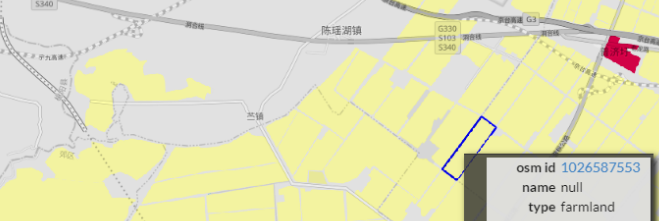

- In the address bar of the website you see the longitude and latitude values.
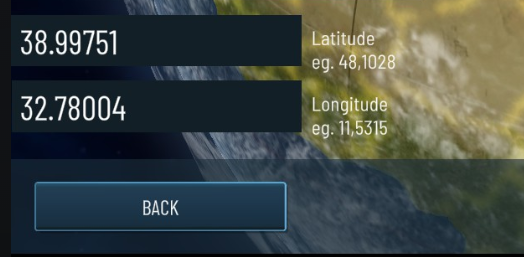
- Open global farmer and go to the globe with new game
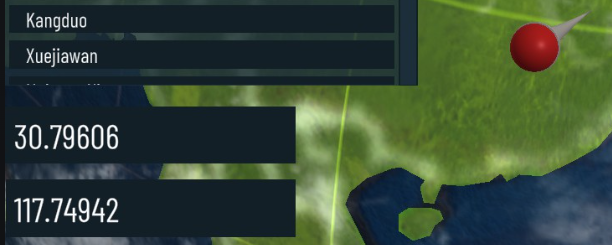
- Enter the coordinates
- Copy the later value in the address first as the latitude value
- Copy the first value in the address as the longitude value
For example it should change from this to that with the needle jumping to the new location you entered:
How to play anywhere:
We early on saw the problem that not everywhere on the globe you get good data to play. We tried different approaches and ended up with the Map Editor.
If you want to play in your hometown and it does not look nice or has not enough fields you can use the editor.
- In the game you can go to to the map editor
- Click create new custom map
- Enter postal code or coordinates and load it
- Create new fields by clicking empty ground and place each corner of the field you want to make
- Cancel creation mode with ESC
- Activate delete mode to delete big fields that do not look nice or cause overlapping with other fields
GEO Image
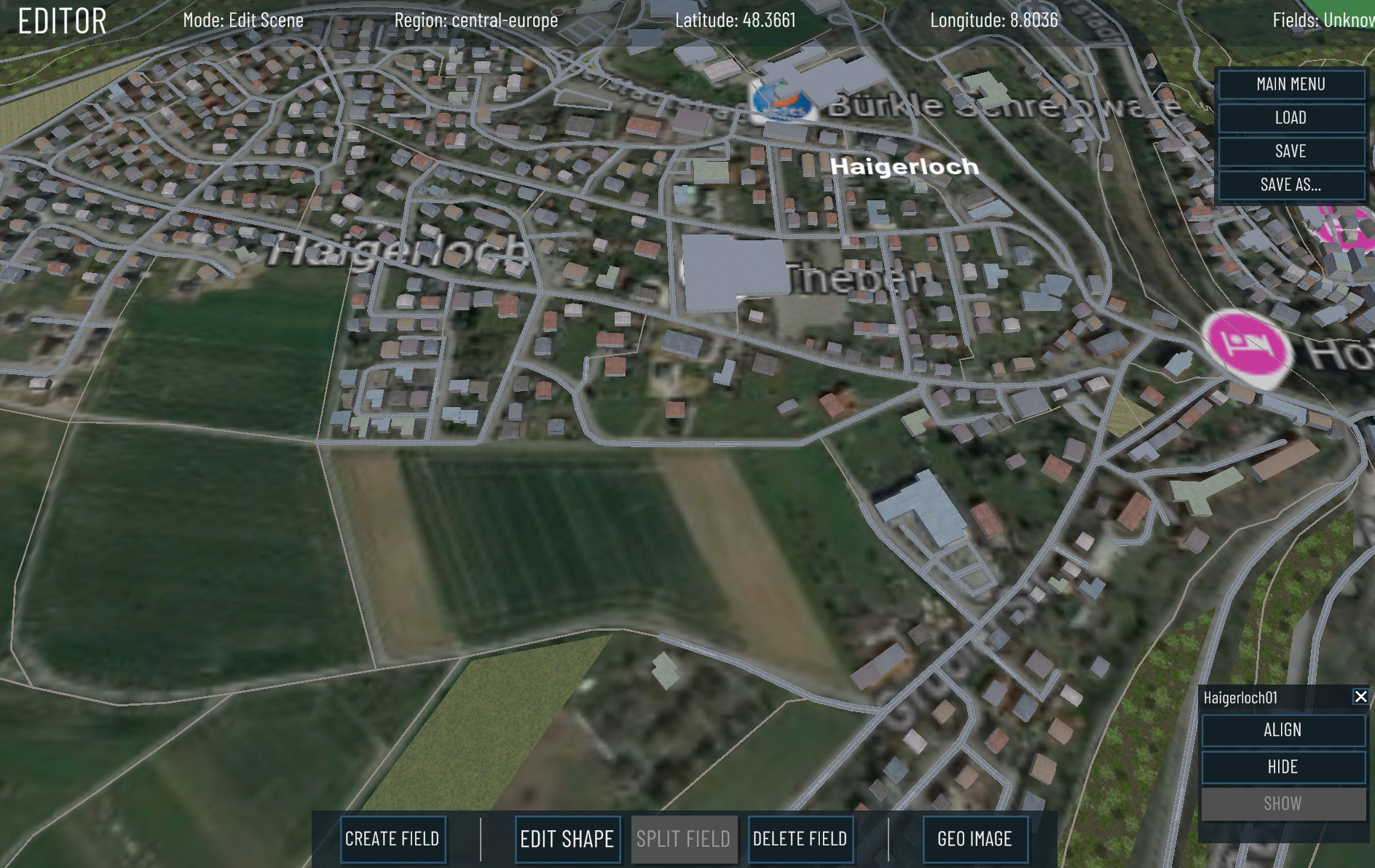
If you want to draw the actual fields close to your hometown you can use the editors GEO image feature.
- Load your location in the map editor
- Make a screenshot of your hometown in google maps or any other map viewer
- Make sure the screenshot is roughly the size of the map regarding how far you zoomed in
- Save the screenshot to your PC
- Press the GEO Image button in the map editor
- It lets you select your file
- Follow the steps
- The texture gets overlayed on the map
- Find good visual indicators on the loaded map and the texture, like houses, street crossings
- You will then select those visual markers trying to match both maps
- This will rotate and scale the loaded texture to perfectly align with your map
- Start creating fields
If it all goes right it can look like this:
Steam Workshop
The maps you create can be uploaded to the steam workshop via the savegame map editor screen. (There is a cloud button somewhere)
- If you set it public the map will show on the globe in the according region so other players can download it and play it
- Those recommended maps are ordered by ratings
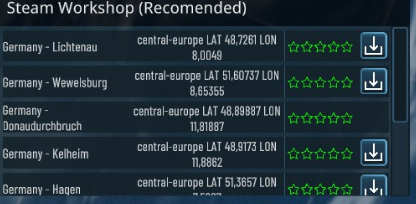
- Press the download icon
- Wait
- Press the location again, needle should jump to the correct coordinate
- Confirm and load it
With this feature we hope that you bring nice locations to regions with worse OSM data, happy map making!