Status
SteamPeaks
ChartsSalesUpcomingPatchesNewsCalculator
New on SteamEvery app, DLC and depot the minute Steam creates itAppsEvery app on Steam, newest change firstPackagesSubs and bundles, and what each containsDepotsDepots, manifests and install sizesTagsSteam's user tags and the games under themDevelopers & publishersCompanies and their cataloguesTechnologiesEngines, SDKs and anti-cheat found in the filesChange historyEvery PICS changelist as it lands
SignalsNineteen readings of the whole catalogueCompareAny games side by sideRecordsAll-time peaks and the days they were setReportsWeekly and monthly write-upsAlerts & newsroomWatch a game, get told when it movesSteam statusIs Steam up, right nowWeb API explorerTry the endpoints in the browser
NewsSteam's own announcements and the sales calendarCalculatorWhat a Steam account is worth, and its pile of shame
/
Sign in
/
SteamPeaks
The ultimate resource for Steam data.
ExploreChartsSalesSales and festsUpcomingPatchesNewsRecordsTrendingSignals
DatabaseAppsPackagesDepotsTagsDevelopersTechnologiesChange history
ToolsCalculatorCompareSearchAlertsSteam statusAPI
SiteMethodologyFAQDiscordSupportSign in via Steam
Not affiliated with Valve or Steam. Game names and artwork belong to their owners. All times UTC.
PrivacyCookiesFair useStatus
EvenicleNewsEvenicle v1.03 Patch
Game update

Evenicle v1.03 Patch

Evenicle · published 19 Oct 2018, 07:40 UTC

All newsPlayers around this dateRead on Steam


The following updates have been made in this patch:
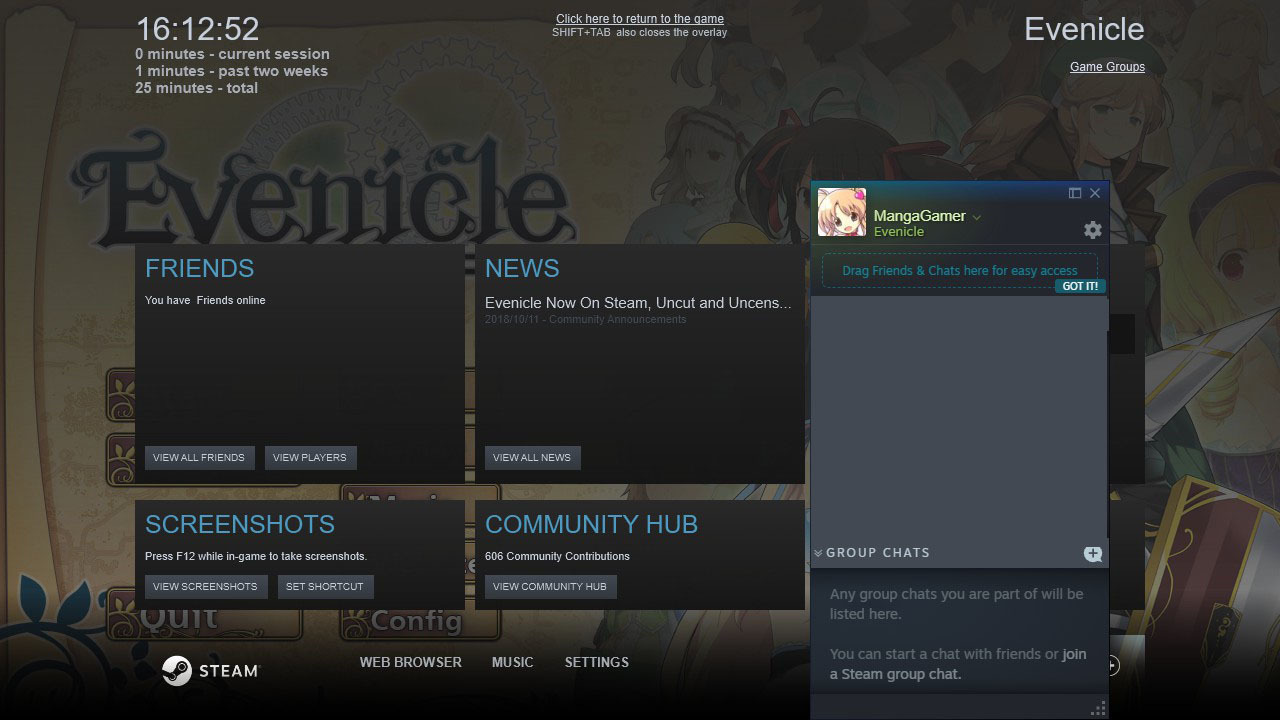
- Fixes the Steam Overlay
- No longer exits with an error message when loading corrupted global save files
- Option to use censored CGs
(The last page of your config/Game Settings)
- Some typo fixes

Please just let steam auto-update itself.
You can check the version of your game from the help/about in your top menu.

More from Evenicle

Other announcements

All news
Community22 Mar 2019Steam Trading Cards Now Available!Evenicle Trading Cards are now available through Steam!Game update16 Nov 2018Evenicle v1.04 PatchAdded an option to fix graphics if the screen is not refreshing properly (CONFIG - Window - Use Compatibility Mode) Checking this is not necessary if you haven't experienced any graphical problems with your game. You can check the version of your game from the help/about in your top menu.