Oblivity Update 2.9 // Sensitivity Finder Improvements, Routine UI, new Sounds
Oblivity · published
Developer Note
Hello Oblivity Community,
This update focuses on making the Sensitivity finder easier to use. We also reworked some of the Routine ingame interface, and included new sounds. Many of the new features and bug fixes in this update were inspired by your feedback on our official Discord server. We encourage you to join the conversation and help us continue to improve Oblivity! Additionally, we are now activly seeking new testers through the Discord server.
Cheers,
Poly Games
Change Logs
Sensitivity Finder
The goal of this update for the Sensitivity Finder is to make it easier to use and minimize user errors. We received feedback that some parts are still overwhelming for new players. Also, there were some common user errors, so we’re updating the UI to fix that.
Because of this, we decided to completely update the First Steps and add a new quick guide on how to use the Sensitivity Finder.
Additional minor improvements to the Sensitivity Finder include:
- The optimal sensitivity is now rounded to match the number of decimal places allowed by the game.
- The optimal sensitivity will only appear after 100 rounds to stop beginners from using an inaccurate sensitivity too soon.
- A round counter ingame now shows how many rounds have been completed in the current session.
- While in the scenario, a large progress bar at the top shows how many runs are left to complete the current day.
First Steps
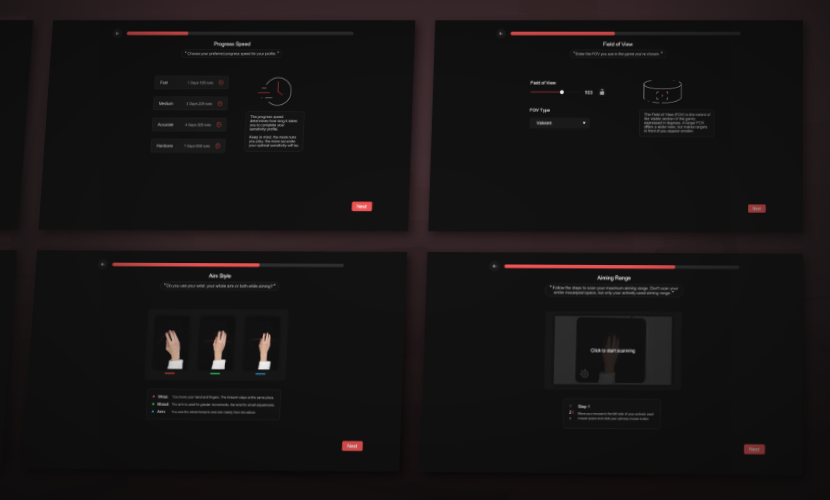
The First Steps have been completely updated. To make it easier for players to follow, the settings are now spread across 9 pages with additional explanations.
Sensitivity Finder Tutorials
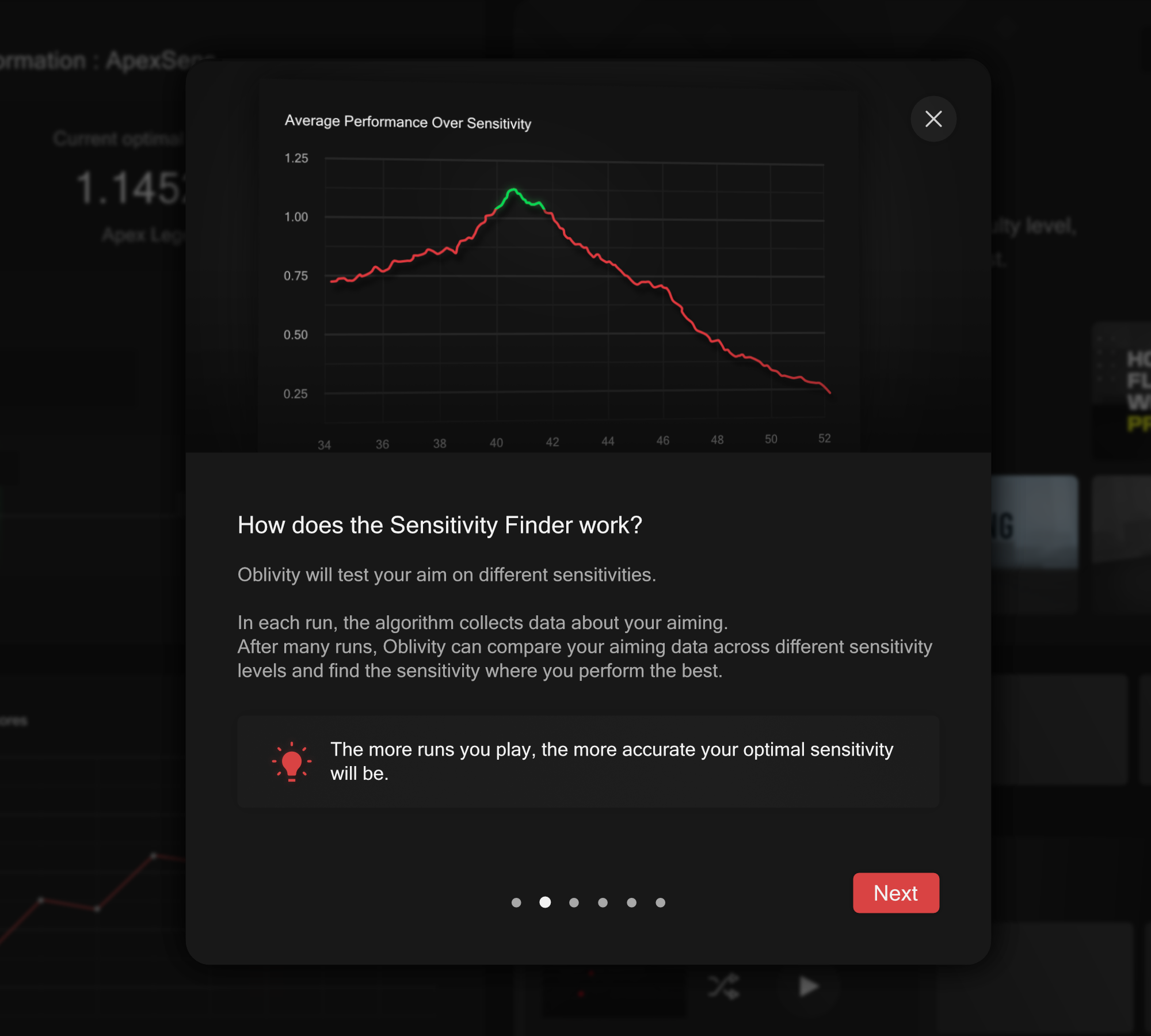
After finishing the First Steps, a short tutorial pop-up will appear. It contains 6 pages and gives a quick overview of the Sensitivity Finder basics for new players. You can reopen this tutorial anytime from the main screen of the Sensitivity Finder by clicking the "Help" button.
Routine Checklist
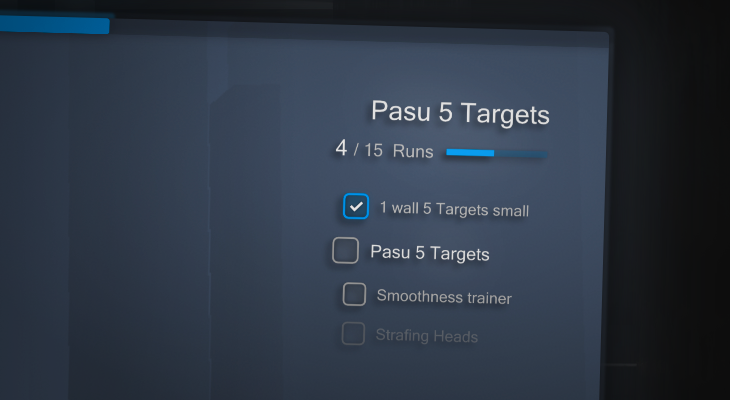
Our routine feature has also been improved to make it easier to track your progress in the game.
Now, between rounds, a small checklist will appear in the top right corner of the HUD. This shows how many rounds are left in the current scenario and what scenarios are coming up next.
Additionally, a large progress bar at the top of the screen shows how far your progress is on the current routine day.
You can now also view your current routine directly from the ESC screen while you're in a routine.
UI Sounds
After multiple requests for UI sounds in the menu, they are now available. This gives better feedback and should make the experience more enjoyable. More sound adjustments and additional sounds will be added in the future.
The new sounds include:
- Several hover sounds
- Multiple button click sounds
- A progression sound for the Sensitivity Finder and the routine
- A startup sound
Bugs & Quality of Live
- Fixed arrow overlapping on the Routine Online Page
- Fixed title overlapping author on the Routine Page
- The navigation bar now closes the sens finder profile UI ingame
- Simplified the navigation bar sens profile rows
- Added setting to toggle the top progression bar
This was a Feature update, in the next patches we will focus more on bug fixing.