Status
SteamPeaks
ChartsSalesUpcomingPatchesNewsCalculator
New on SteamEvery app, DLC and depot the minute Steam creates itAppsEvery app on Steam, newest change firstPackagesSubs and bundles, and what each containsDepotsDepots, manifests and install sizesTagsSteam's user tags and the games under themDevelopers & publishersCompanies and their cataloguesTechnologiesEngines, SDKs and anti-cheat found in the filesChange historyEvery PICS changelist as it lands
SignalsNineteen readings of the whole catalogueCompareAny games side by sideRecordsAll-time peaks and the days they were setReportsWeekly and monthly write-upsAlerts & newsroomWatch a game, get told when it movesSteam statusIs Steam up, right nowWeb API explorerTry the endpoints in the browser
NewsSteam's own announcements and the sales calendarCalculatorWhat a Steam account is worth, and its pile of shame
/
Sign in
/
SteamPeaks
The ultimate resource for Steam data.
ExploreChartsSalesSales and festsUpcomingPatchesNewsRecordsTrendingSignals
DatabaseAppsPackagesDepotsTagsDevelopersTechnologiesChange history
ToolsCalculatorCompareSearchAlertsSteam statusAPI
SiteMethodologyFAQDiscordSupportSign in via Steam
Not affiliated with Valve or Steam. Game names and artwork belong to their owners. All times UTC.
PrivacyCookiesFair useStatus
FastivalNewsSteam Deck Support and Optimal Settings
Community

Steam Deck Support and Optimal Settings

Fastival · published 30 May 2024, 16:44 UTC

All newsPlayers around this dateRead on Steam

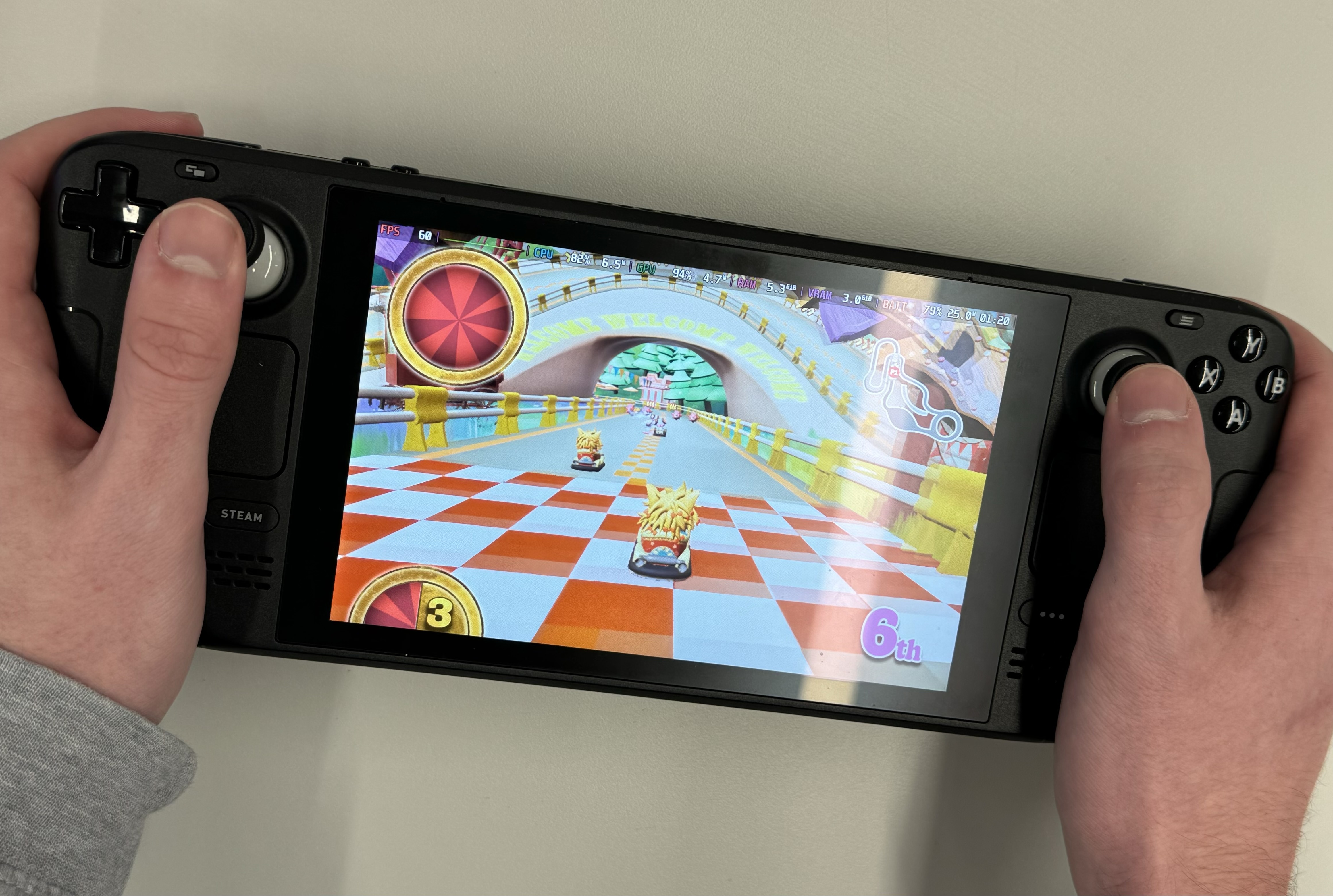
The team has worked hard to ensure compatibility with Fastival on a Steam Deck. You'll want to tweak your settings a bit to get the game running well:

  1. In the main menu, go to Settings > Video
  2. Set the resolution to 1280x800 (the native Steam Deck resolution)
  3. Set the graphics quality to Medium for ~60fps
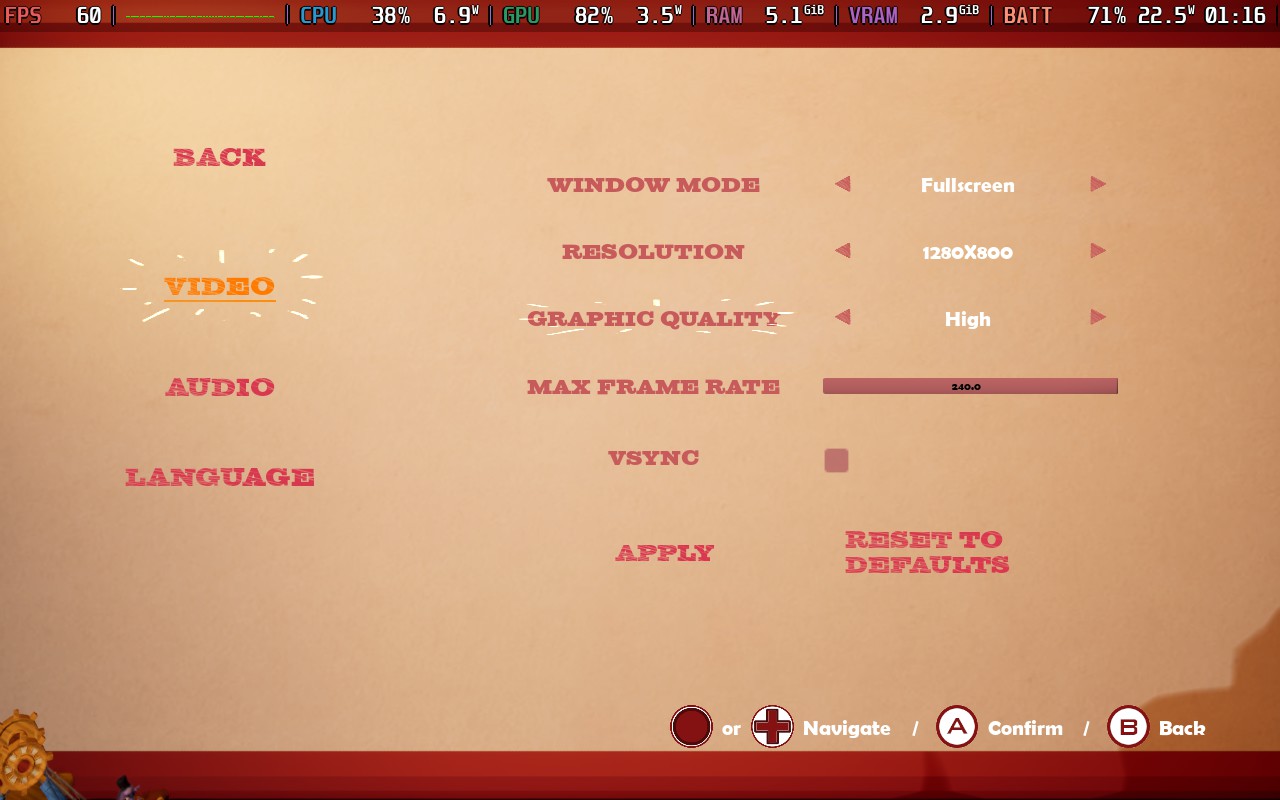
The game's default 1080p on Epic will not run well on a Steam Deck, but once you make the changes above, it's a buttery smooth framerate.