'Quiz Mode' & More Update Now Live!
Shashingo: Learn Japanese with Photography · published · build 14443042

Introducing 'Quiz Mode'
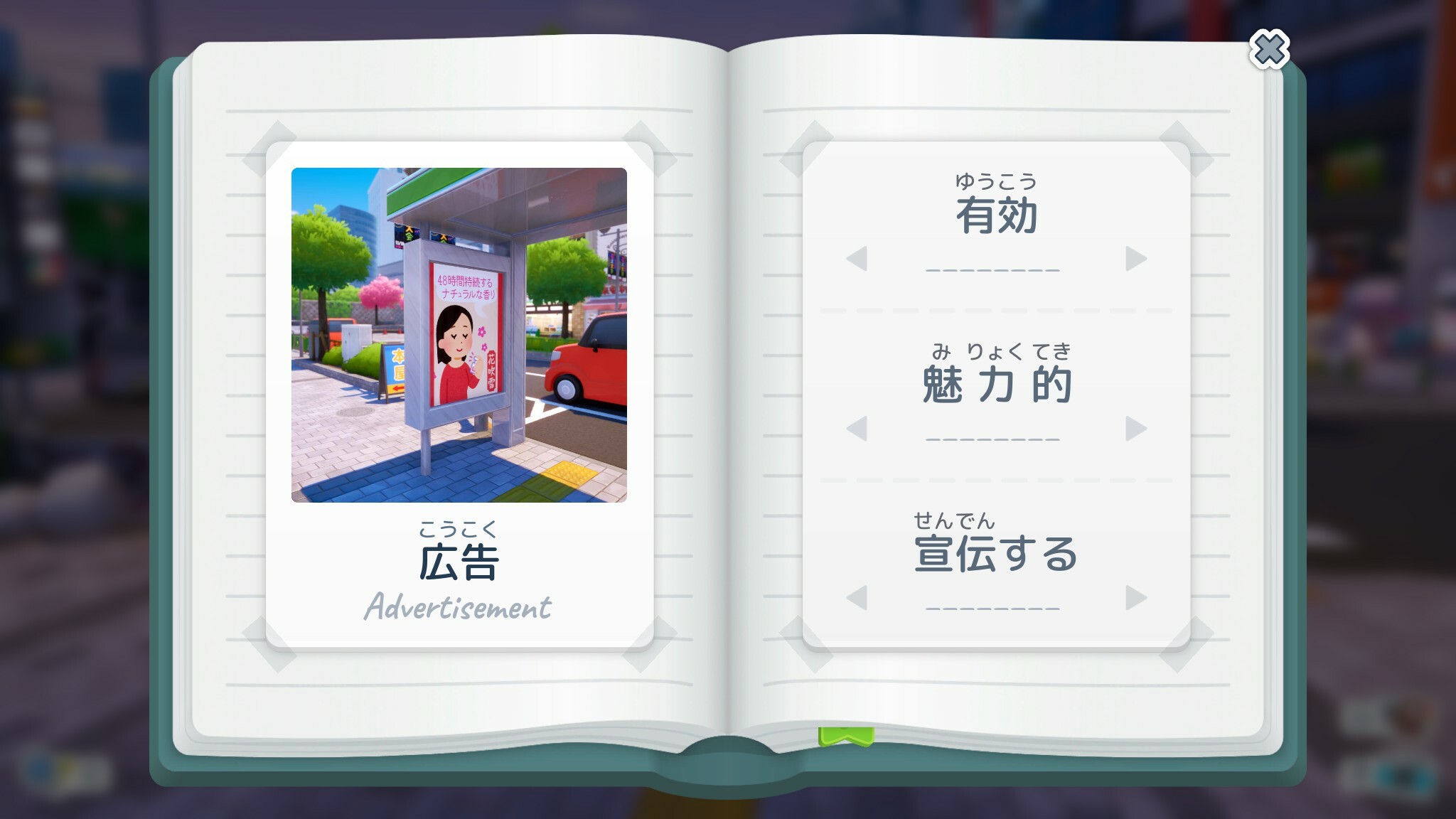
Quiz Mode lets you study the vocabulary that you learn on the back of your Photo Flash-Cards!
You can set up a study session in-game and answer multiple choice questions to earn more coins for buying Filters!
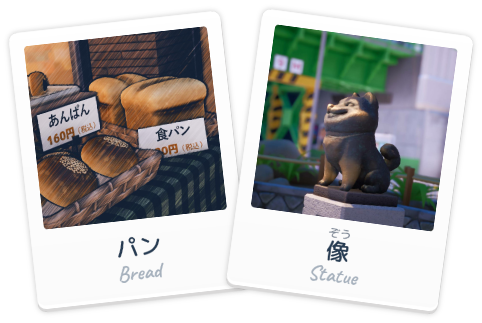
Export Your Photos
You can now export your favourite photos as .jpegs and transparent .png flash-cards!
If you have any issues with this feature, please let me know in the Discord or Steam discussions area!
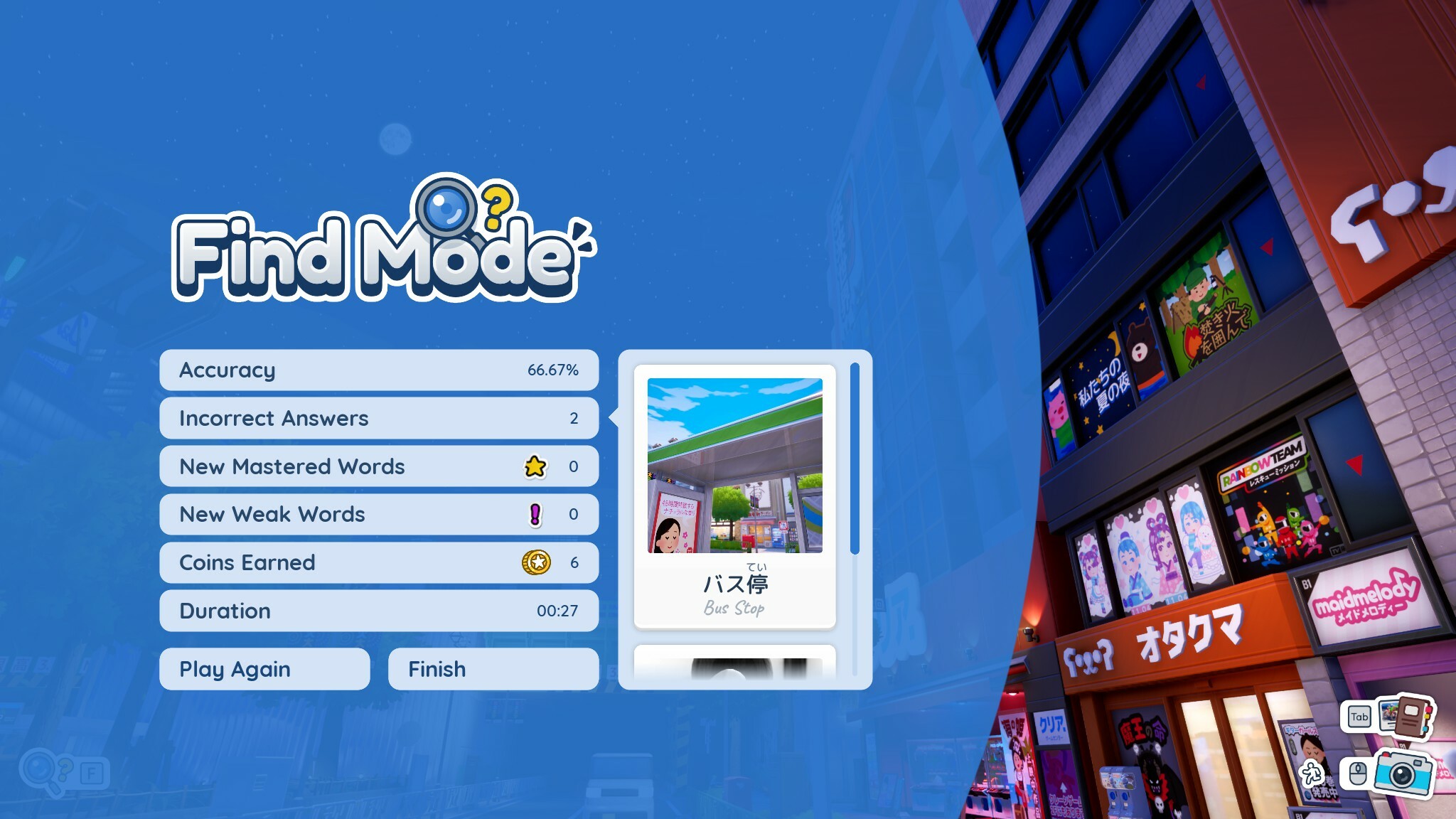
Incorrect Answers Now Shown After Find Mode!
Your incorrect answers will now be given as a list at the end of a session of Find Mode (and the new Quiz Mode!), so you'll know which words you'll need to study more!
Reading & Listening Setting
Find Mode & Quiz Mode now let you swap between Reading & Listening, Reading or Listening modes so you can practice the way you want to!
Extra Answers Accepted in Find Mode
Some words in Shashingo could technically have different multiple "correct" answers when you make a guess. Now, some words will accept a few additional answers when photographed.
For example: If you are searching for "food / tabemono", you can now answer with a photo of an "egg / tamago"
I understand how annoying it must've been to take a photograph of a cherry blossom tree and it be marked incorrect for "tree." It's now possible!!
Pop-up Translation Size Slider
In the settings menu you can now change the size of the in-world pop-up translations!
Invert X or Y-Axis
Many users asked for this option, so here it is! The setting words for both controllers and mouse input.
Updated Tutorial Images
One or two tutorial images have been updated for clarity, as some users are missing out on some of the game's features.
Added The 2 Karaoke Songs to the Credits
Additional Kickstarter backers will be added to the credits soon too.
Plus various other bug fixes!
Thanks for playing,
Ryan!