Golfing In Aether Update Released [1.6.9]
Golfing In Aether - Deluxe Edition Upgrade · published
This update contains a handful of quality of life additions, several bug-fixes, and also adds a couple of new hat options as part of an update to the free Dustbowl DLC.
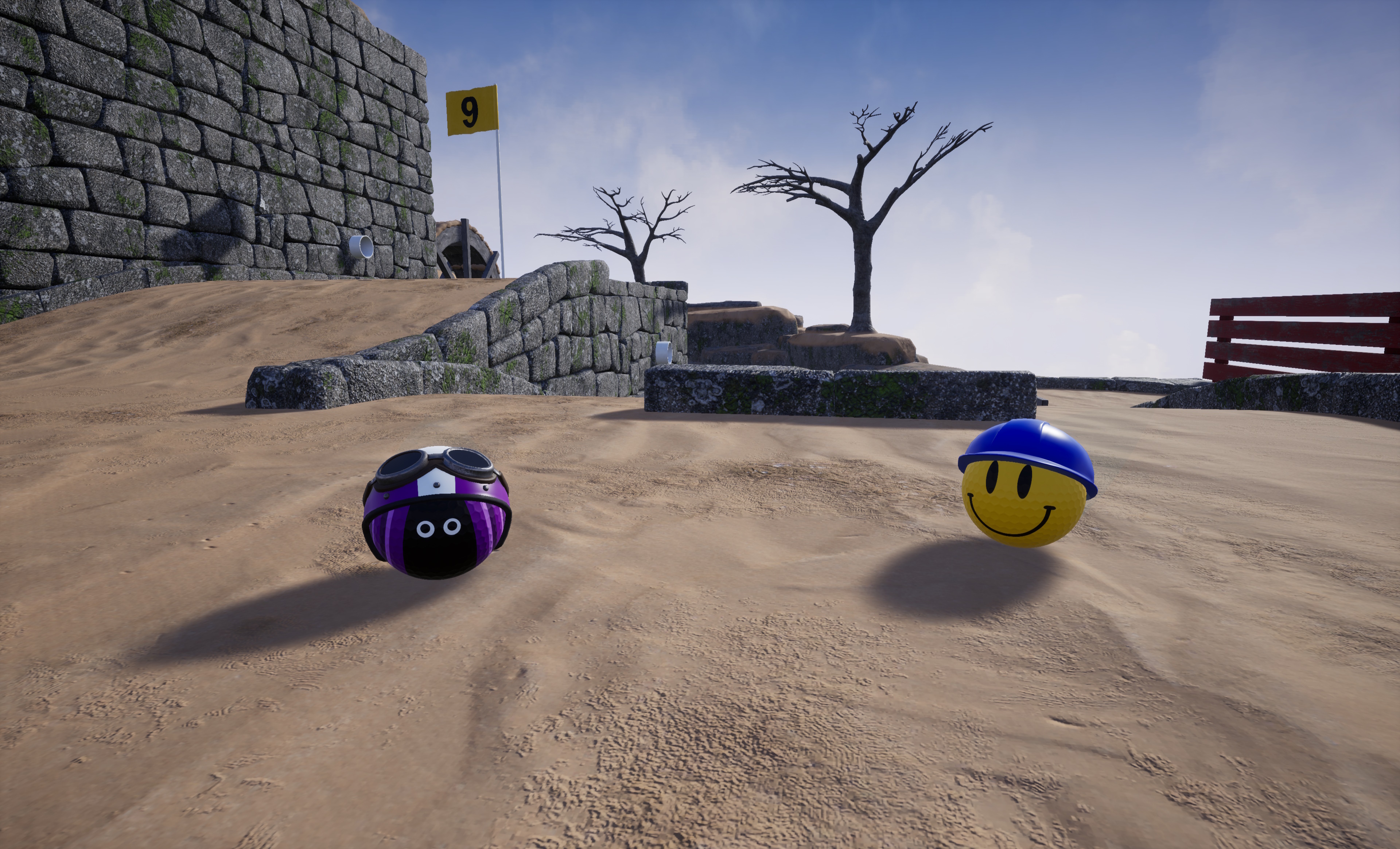
New hats as part of free Dustbowl DLC
In the previous update I added some hats to the free Leviathan DLC to match the earlier DLC's, such as Autumn and Winter, which include some seasonal content. So as part of this update I've added the 'Race' and 'Safety' helmets as part of the free Dustbowl DLC.
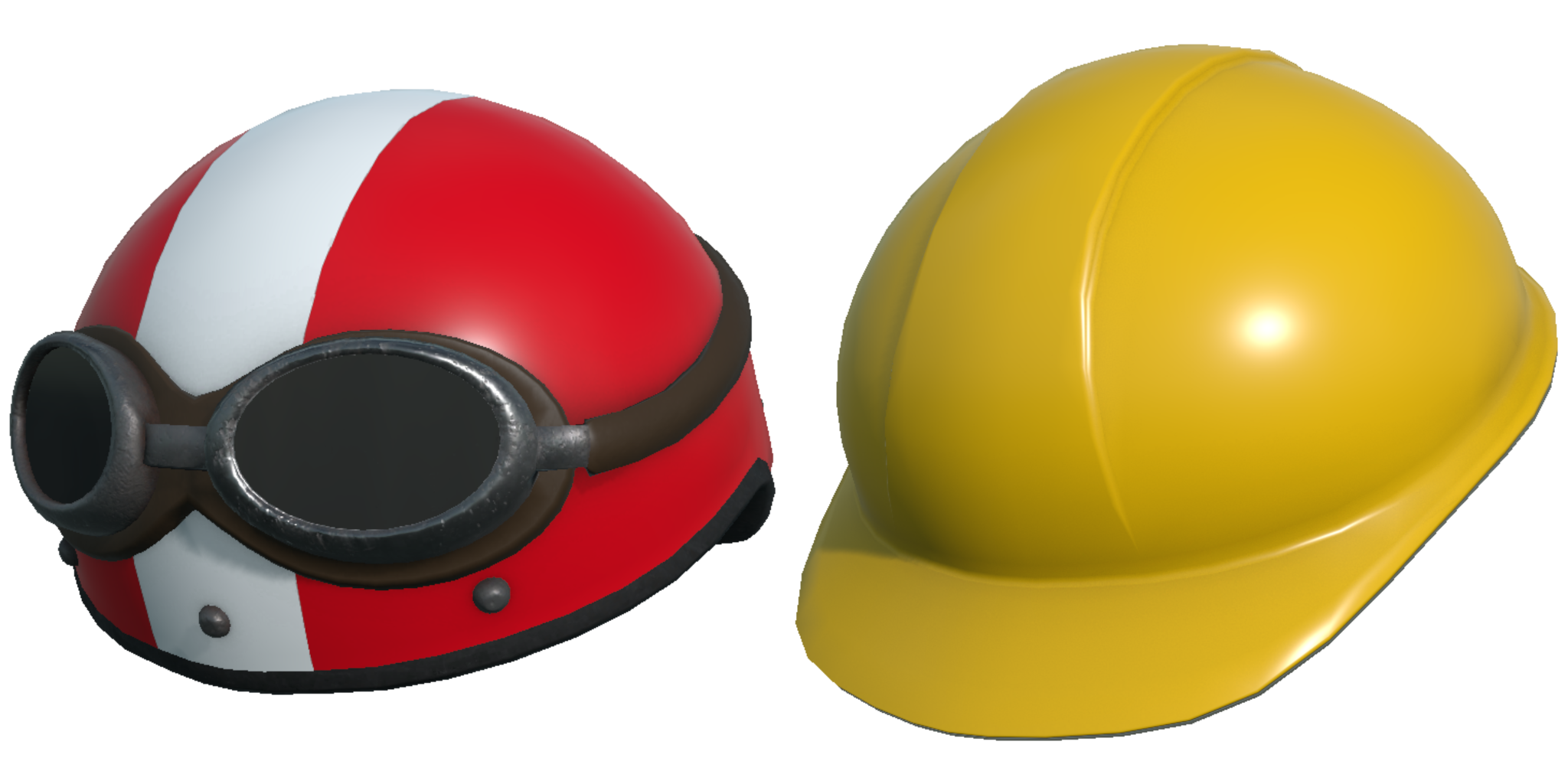
Each of these hats are well detailed for their size and come with all the usual color options included with other hats. You will find these available right away when you look in the hat/accessory options.
https://store.steampowered.com/app/2577930/Golfing_in_Aether__Dustbowl/
Dustbowl was the fourth free expansion released last November. It introduced a desert-like environment featuring sand and dust covering the usual grassy levels. The theme supports all existing levels as well as the DLC adding ten additional levels to the game.
While I'm not ready to reveal what the next free expansion will be, there is some work towards it underway.
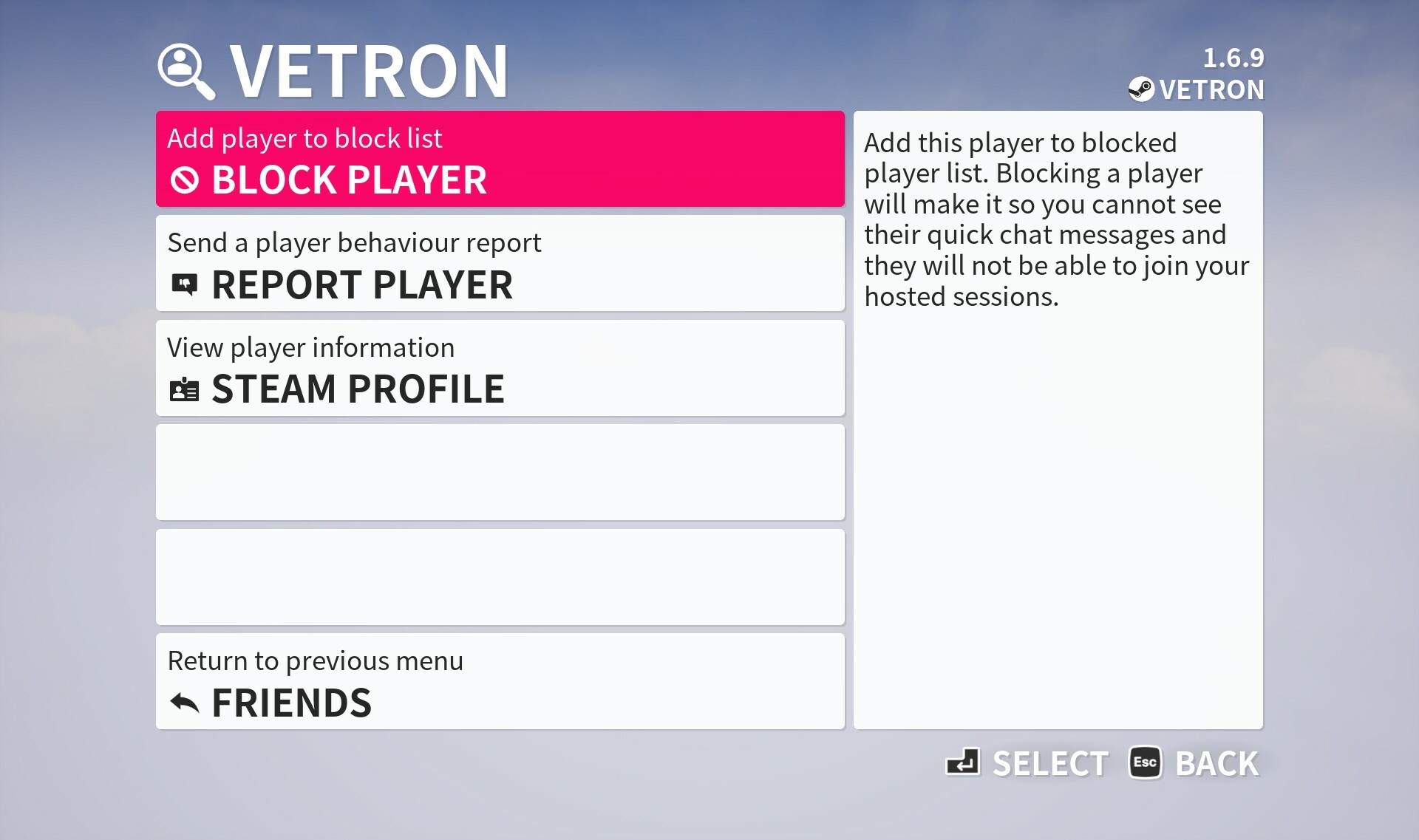
Improved social menus
The invite and block menus have been reworked to focus on the consistent inspect menu for actions. Improvements have been made so you can maintain additional friends/block list in-game on top stream friends list.
The point of this is so when the game is available on other platforms as crossplay you also have this as an option as a fully functional alternative than having to use accounting linking already provided if its not something you want to do.
When in the friends menu, by default you'll only see your Steam friends list until you add a player from another platform, then you'll have an ability to switch views and interact with a combined list if you wish.
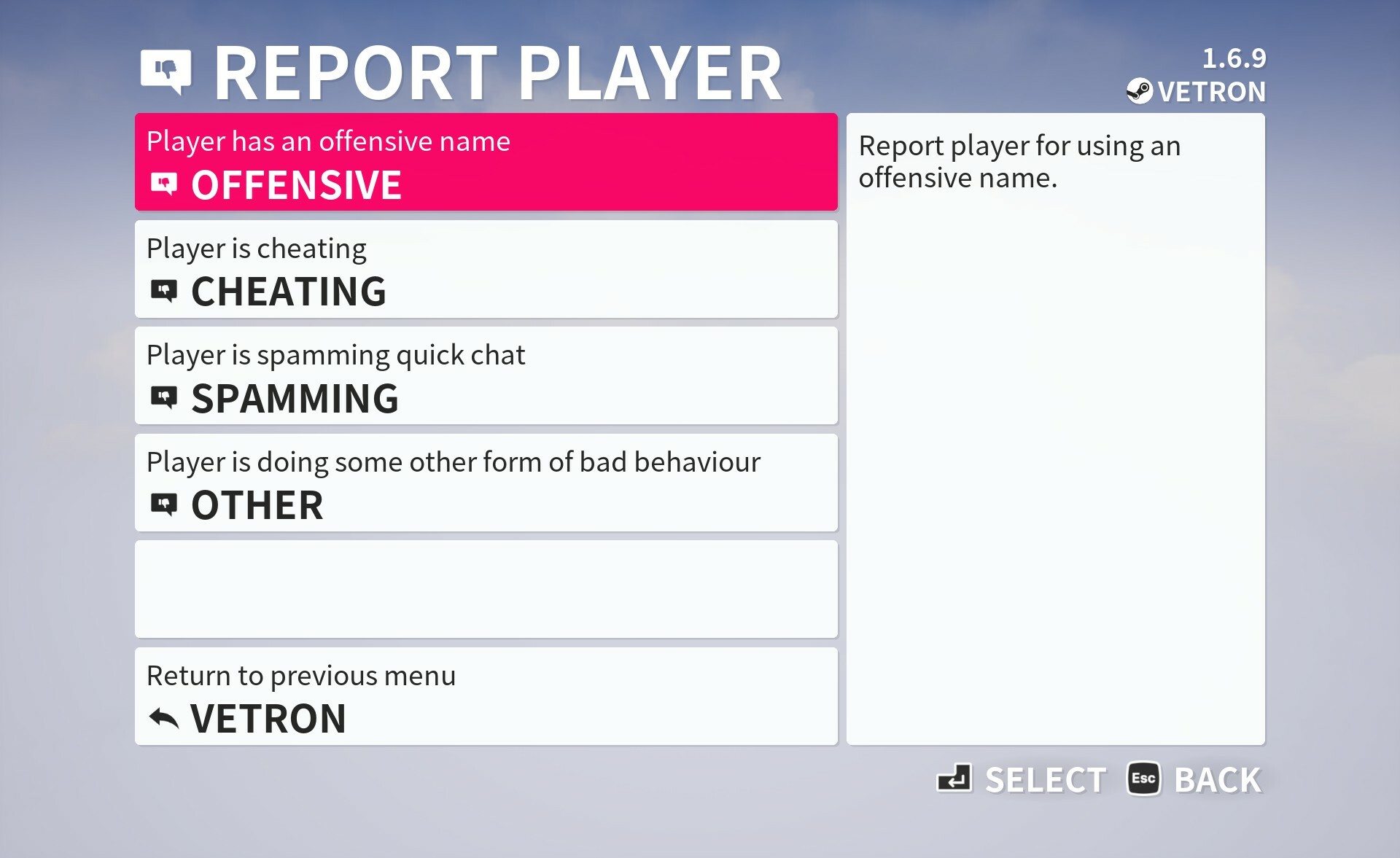
A report players menu has been added, these are automated reports based on options you pick and are sent to us to look into. The primary point of this menu is should you encounter players from other platforms outside Steam you have issue with.
You can still reach out to us at our support email with any specific issue, but if its with another Steam player your best bet is to just report them directly in Steam as all we will be doing is interfacing with platform account providers in most cases ourselves.
For proactively dealing with things like offensive names and that kind of thing we will be maintaining a basic filter list but are not expecting much in the way of problems.
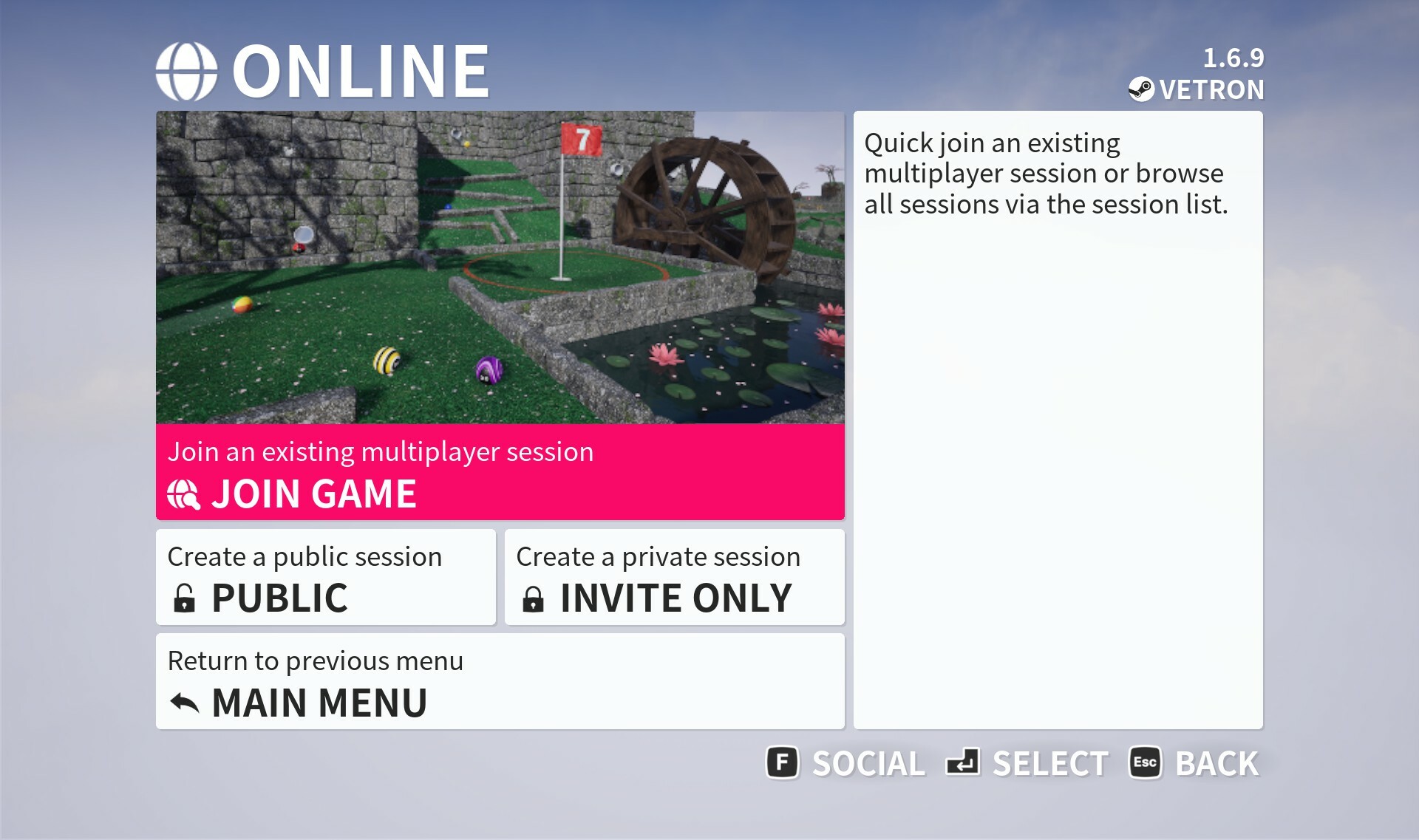
You can also access this social menu now via the "Online" menu, it doesn't have to be solely done in-game.
We still don't have an launch date in mind for other platform versions of the game, such as consoles, but hopefully later this year.
It should be said the game is functional for crossplay already (it was developed originally from the start with this in mind) so don't expect any changes to how the game behaves beyond a few tweaks here and there to things like improving the in-game social menus.
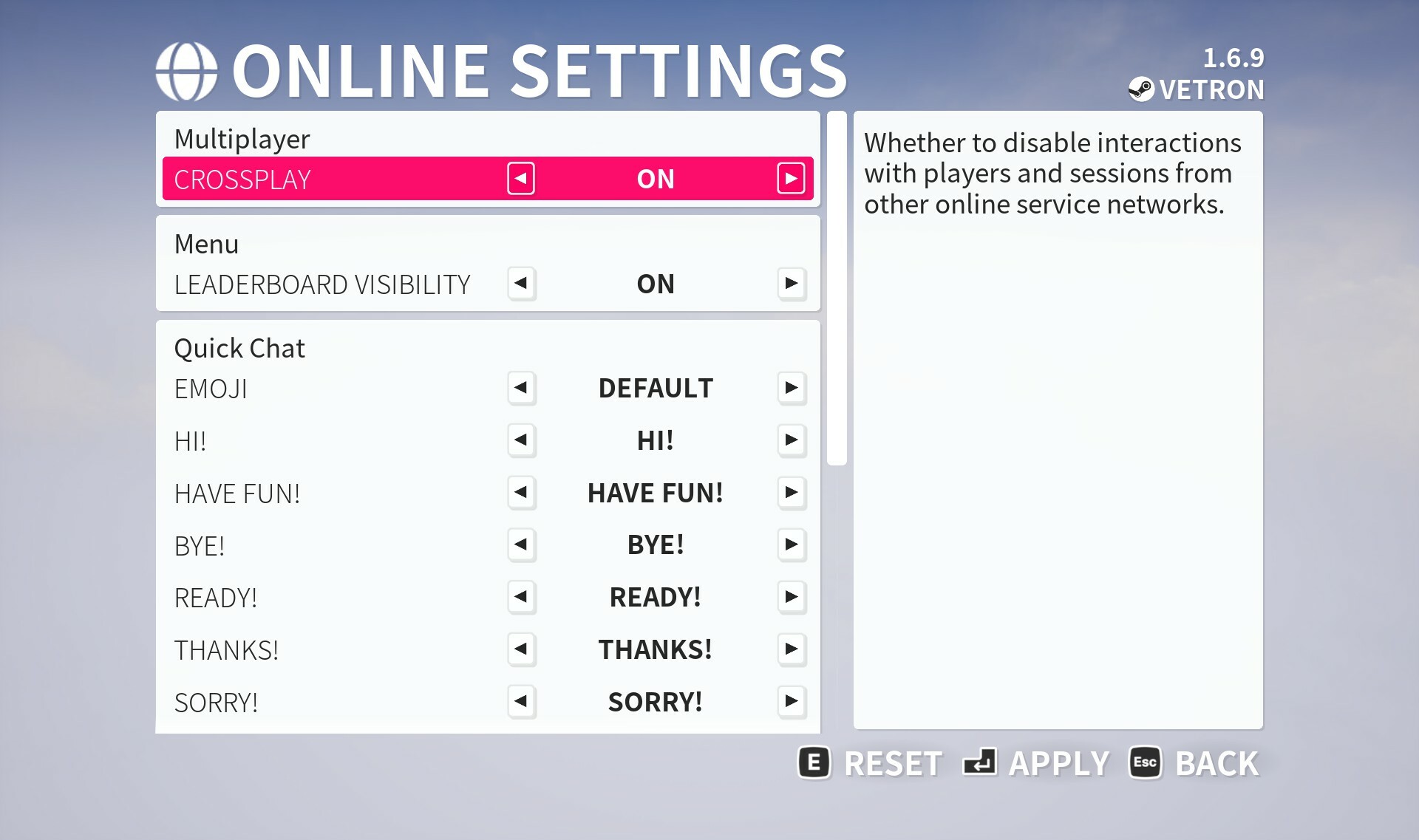
Online settings menu
Some of the settings found in 'game' settings have been moved to a dedicated 'online' menu as I thought it was a bit packed, especially with all the quick chat options in it.
You'll find an additional option for "Crossplay". When you disable this you'll only encounter non crossplay sessions and wont have any interactions beyond other Steam users. Leaderboards menu's will only display the Steamworks leaderboards and not the option to switch between those and global.
Functionally the game remains the same, its just a series of flags to provide a block to interacting with players not from Steam if that’s something you wish. You can also set a separate setting as part of creating a custom session and filter for these sessions if you wish that as well.
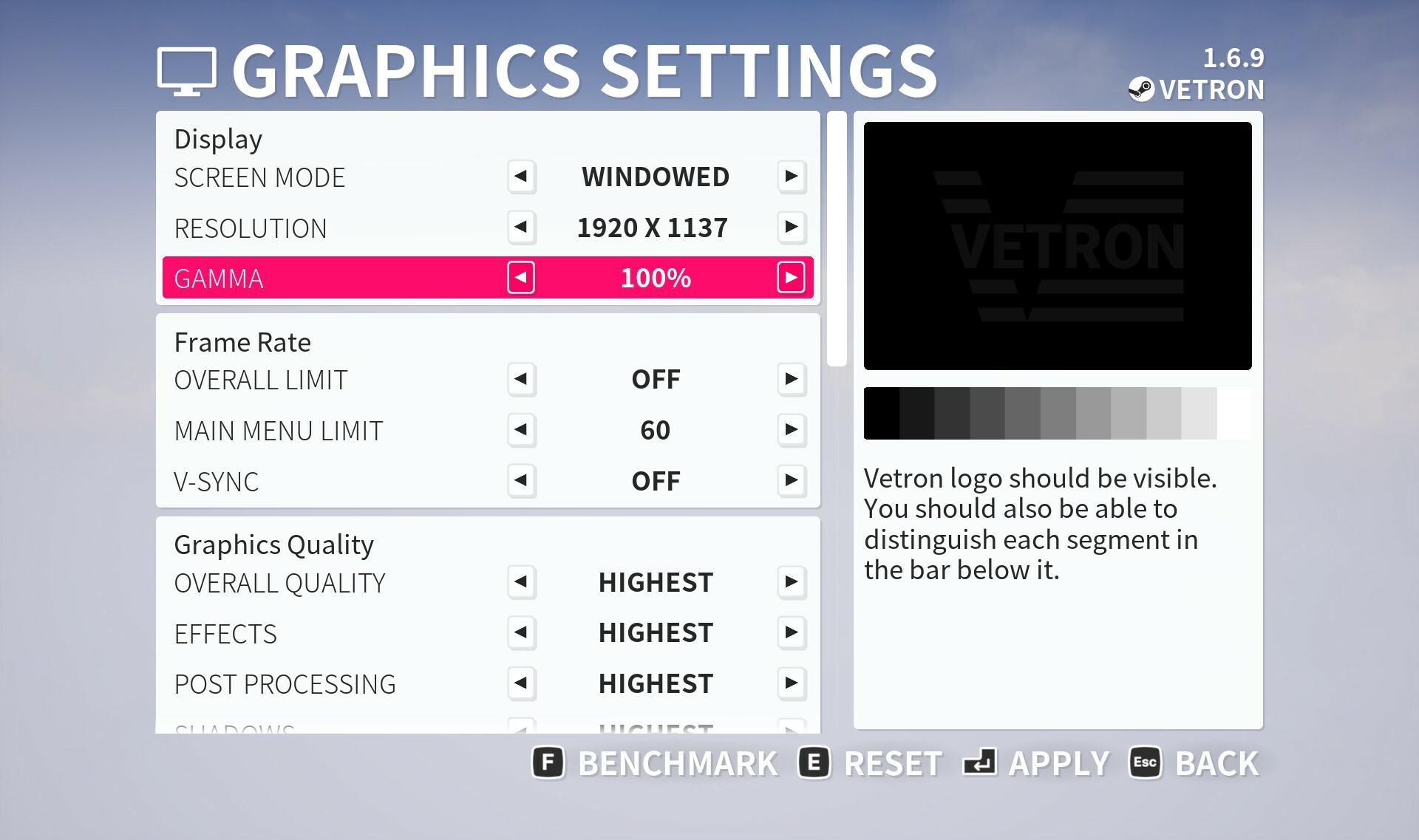
Gamma setting
In graphics settings you will find an additional option to change the overall display gamma. This has a helpful widget in side description to assist with calibrating if needed.
Providing your monitor is set right and you don't usually have to worry about it in other games this likely isn't something you'll need to play with, this is just a per-game option if needed.
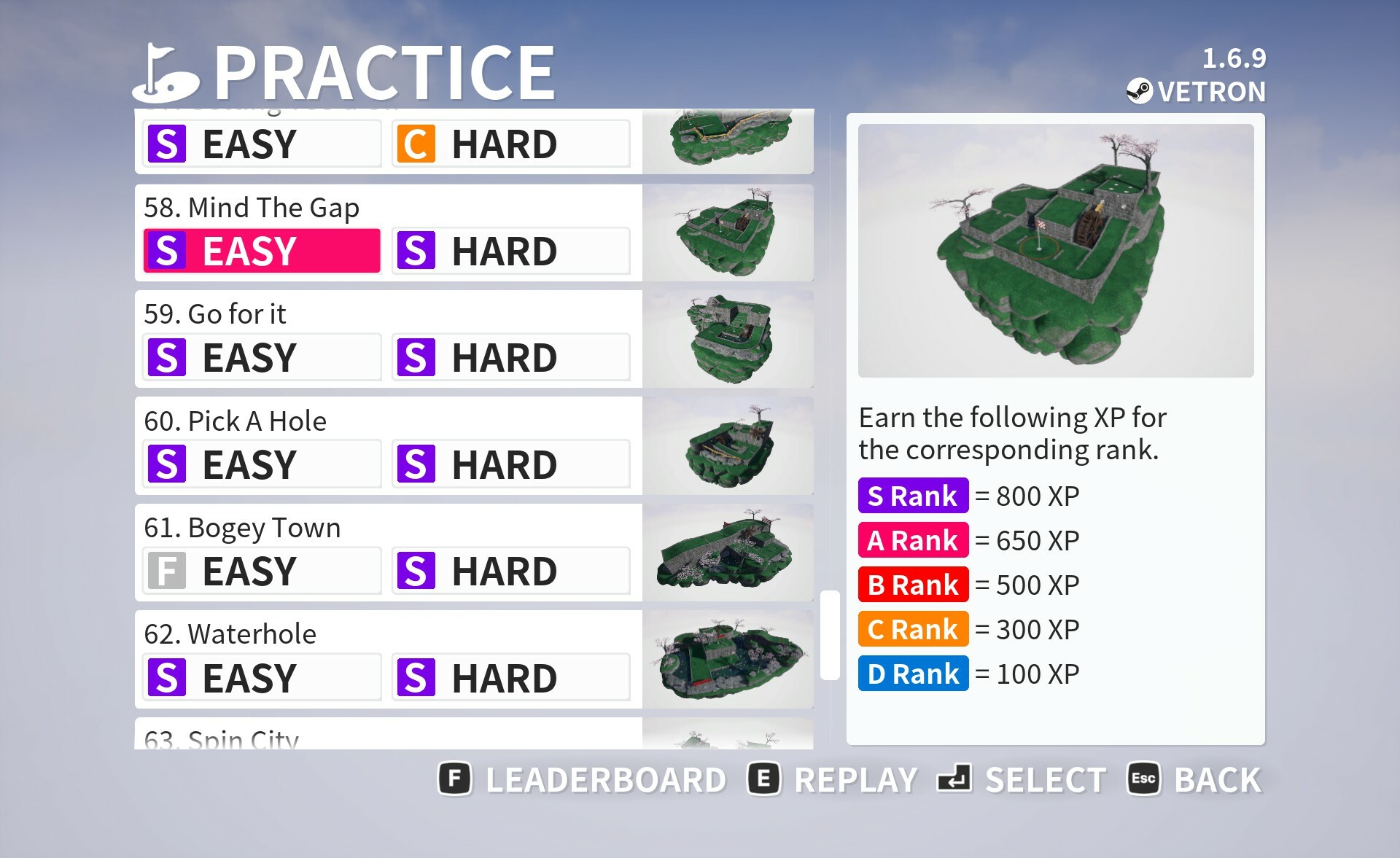
Various menu performance improvements
This won’t be something that’s hugely noticeable, but you will notice slightly more responsive leaderboard and friend list fetching for example. If you run the menu's at uncapped framerate rather than the default 60 then some menu's such as practice menu have been reworked internally to be less of a performance drain here.
The point of these changes was mostly for very low end hardware where even instances of a few too many UI elements could cause slowdowns. From a front end perspective you won't notice any functional difference.
Various bug fixes
A couple of levels got some minor fixes and tweaks where issues were identified, one such example was on the level "Mind the gap" where there was a chance to get stuck in the pipe leading to the waterwheel.
The geometry for this pipe has been reworked so should no longer happen.
Additionally while testing this I noticed a behaviour issue where if you reset the ball during a session (not practice) after going down a waterwheel, you would then fall off the waterwheel after exiting the pipe again. Maybe a niche issue but has now been fixed.
Please check the full notes below for all the changes made as its hard to mention everything, if you are aware of any issues then please let me know so they may be hotfixed.
https://store.steampowered.com/app/1914980/Golfing_In_Aether/
Patch Notes
General
- Added additional gamma display settings. Existing brightness has been made to better reflect this is a world brightness setting.
- Fixed pathfinder mistakenly triggerable on ‘Birdies nest’.
- Fixed an issue where if in a standard game (not practice) you were to traverse a waterwheel, then immediately reset to the pipe exit just before the waterwheel, you might not correctly exit the waterwheel due to a change in collision state.
- Fixed a trigger for ‘Ghost Buster’ achievement as it was possible to achieve it in an instance where it shouldn’t be achievable.
Platform
- Added improvements to the rich presence strings as well as improved support for Japanese.
Engine
- Added update to FSR to latest FSR3 version.
- Added updates to various online subsystems.
Environment
- Fixed appearance of some blending glass pieces up close.
- Added a couple of rocks and tweaked the appearance of a few placements on Tee Time to improve quality.
- Fixed an instance where pipes on “Mind the Gap” had potential to stop the ball.
- Fixed a small gap in the water on "Up to Par".
Interface
- Fixed demo main menu string not fitting nice.
- Fixed an issue with manually disconnecting a local player after recent update.
- Added performance boost to the practice menu. Note: If capped at 60fps on a recommended spec machine you won’t notice this – but extremes for low spec / high framerate will.
- Fixed view button visible in leaderboard-less mode on XP screen.
- Added very small performance boost to the HUD. This is a very small change and more noticeable on CPU bound systems trying to support 8 players.
- Added slight tweak to padding values around HUD elements so a couple more characters for names can fit. Also added dynamic scaling so longer names will have their size reduced to fit. This works fine for names 12 to 16 characters, and any longer names will just get cropped.
- Added additional header strings for ‘end practice’ and ‘end the game’ when playing offline.
- Added a display gamma slider to graphics settings for all graphical modes. This also includes calibration helper widget in the description field.
- Fixed some brightness configuration values between 125 and 150% missing.
- Fixed an issue where horizontal navigation while using a gamepad in select settings menu (e.g. gamepad) would not update the description on the side bar.
- Added tweaks to text on loading screen to instead of saying “loading” will more accurately describe the process such as “starting new game” or “connecting to online session” etc.
- Fixed an instance where global player leaderboards could be found in global friends leaderboards.
- Fixed the default state for win rate displaying as 100% when starting the game for the first time.
- Fixed an instance where the play offline new game theme select menu may inconsistently show “Invite only” rather than “new game” as a menu title.
- Fixed a left and right navigation issue on some prompts.
- Fixed the season menu not displaying the correct menu name for the back button in some instances.
- Fixed some navigation issues on the player inspect menu.
- Fixed an issue with dpad navigation on the session info menu.
- Added a rework to how the session info screen is updated. Previously was based on lobby update bindings but I’ve noticed some unreliable behaviour so the cache of this data is checked every couple of seconds (while in this one menu) and refreshed if need be. This will help catch any network related or timing problems that could occur to the visual information displayed.
- Added new “Online” settings menu to the Settings menu. This has news settings such as to disable cross-network interactions with a “Crossplay” setting. Some of the settings from game settings such as leaderboards and quick chat have been moved here instead (this menu was particularly large so this should make it easier to navigate).
Keyboard settings has been moved to a second column, and Online settings placed in its place, so this shouldn’t disrupt the navigation flow for gamepad users. - Added an option to reach the social menu via the “Online” menu.
- Added new friends list menu which works more traditionally in that you select each friend and then get to perform an action, e.g. invite.
The previous menu with having to use ‘input’ button to select friends you wished to invite was a bit awkward. This new menu will also make use of the same customization as found on the leaderboards menu. - Added localization into Japanese of various legal texts where possible.
- Added ability to remove friends you’ve added that aren’t Steam friends. Steam friends cannot be managed in-game.
- Added various performance improvements to the backend flow relating to generating friends lists so it should be more responsive.
- Added ability to report players for online behaviour issues such as offensive names, spamming, or cheating. This would come in particular use for any players you encounter that don’t have a steam profile to be reported via.
- Added some refresh-rate improvements for leaderboards on scoreboard.
- Added ability to unblock players from the player inspect menu with the blocked players menu now taking the player to this menu instead following selecting the player you wish to unblock.
- Added some refresh rate improvements to the blocked players list and friends list.

Discord Server
Be sure to check out the official discord server with channels for Golfing In Aether and my other various projects.