Wallpaper Engine 2.4 - Lighting & Shader Improvements, Local Storage & More
Wallpaper Engine · published
Hey everyone,
Wallpaper Engine 2.4 largely builds on top of the new 3D features we have added with the previous update but also improves on the existing 2D wallpaper feature set.
New 3D Features
Real-time Shadows
As an extension to the new lighting features we have added in the last updates, we are introducing real-time shadows for 3D models. You can enable shadows for your lights and models with just a few simple steps.
Volumetric Lighting
Another addition to the lighting features of Wallpaper Engine is a new volumetric lighting system. This works especially well in combination with Bloom and Display HDR, as it allows you to create very scenic scenarios with lights.
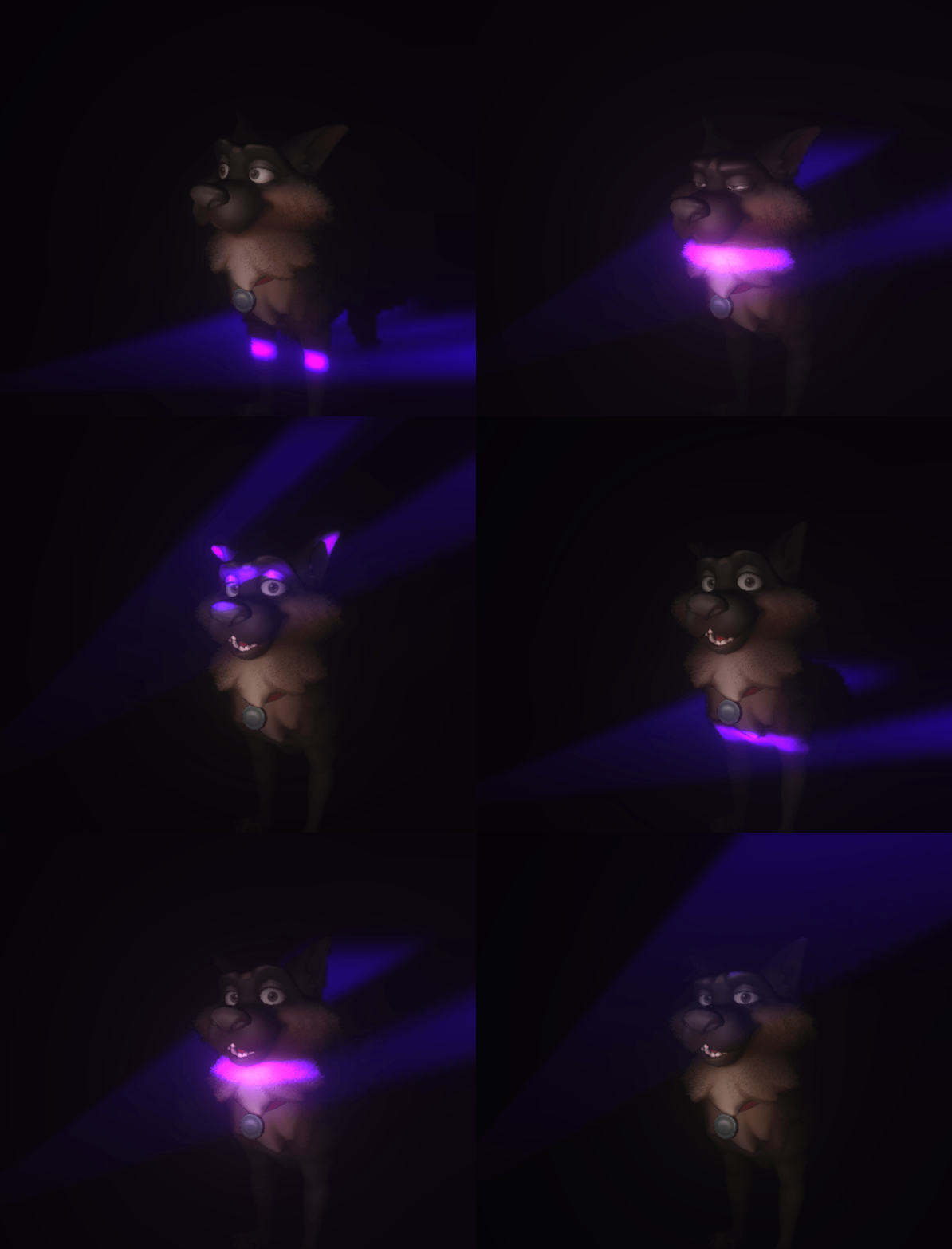
As always, we have prepared a tutorial on our designer documentation website which you can use as a step-by-step guide:
Model Shaders
We also took some time to experiment with shaders for model textures. We have added three shaders which you can make use of:
Vegetation shader
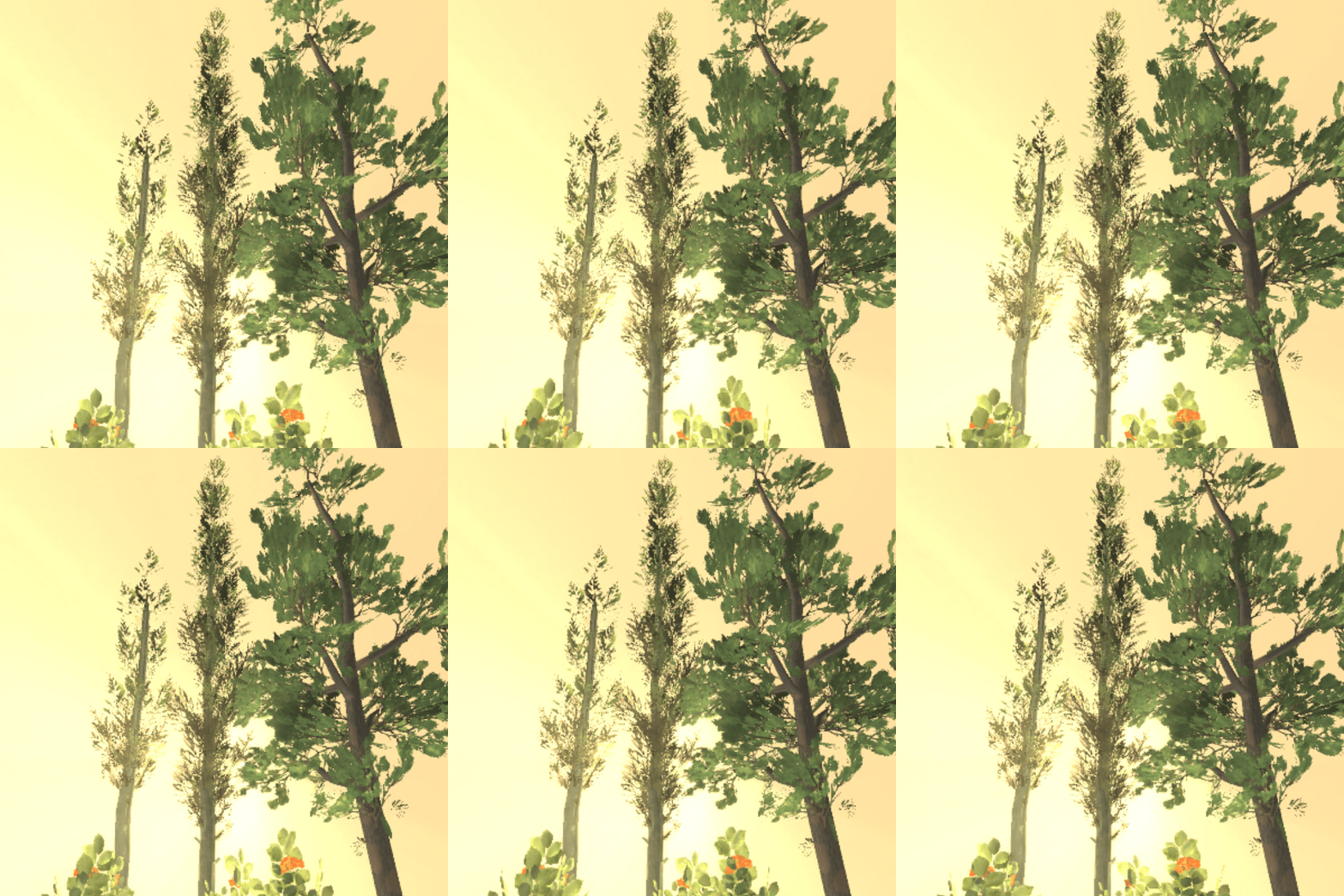
This shader allows you to mimic gusts of wind in trees and adds the ability to create double-sided lighting for leaves and other similar materials.
Fur shader
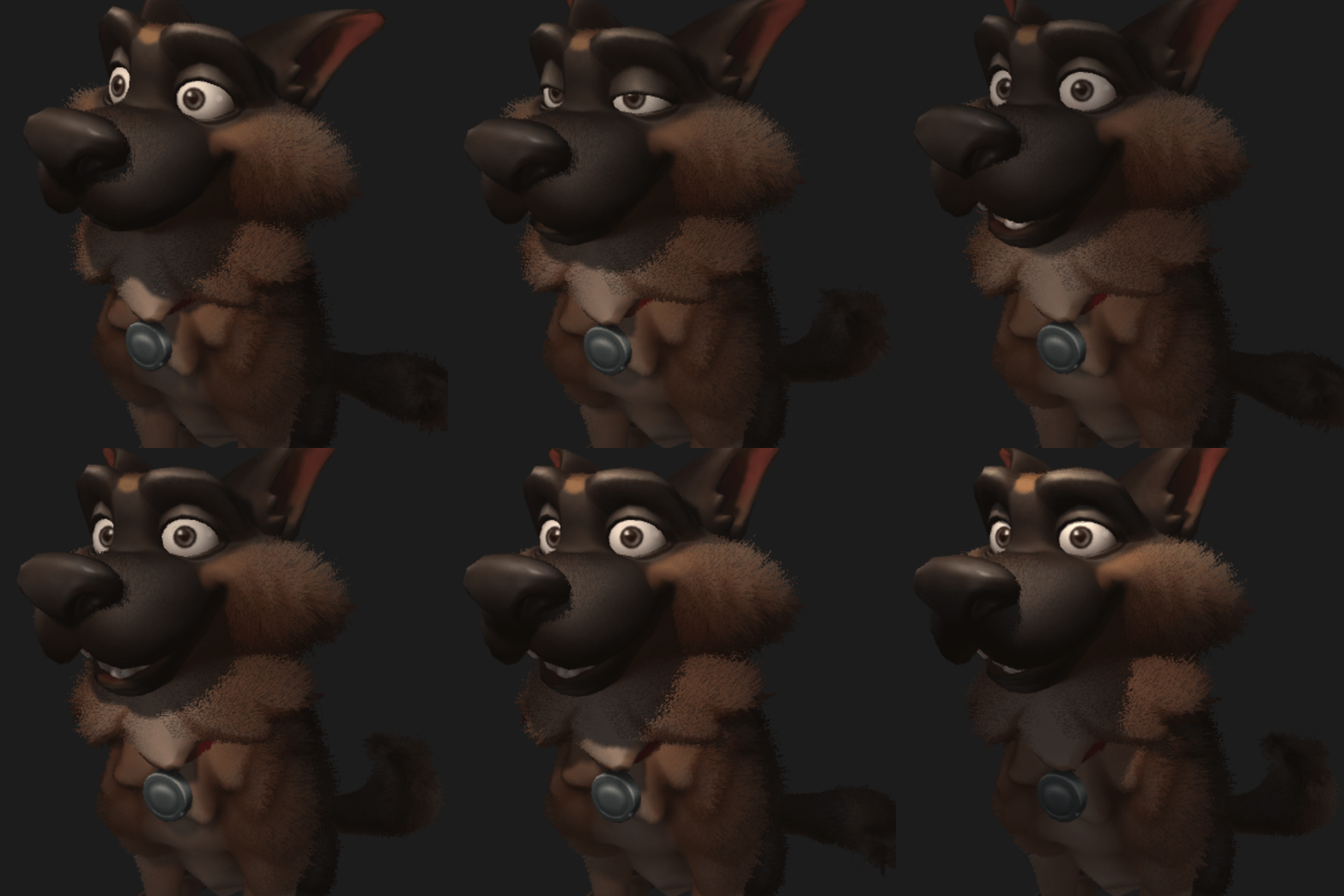
This shader enables you to add volumetric hair to a model and can be tweaked for a wide variety of use-cases. Also works well with real-time shadows.
Chroma Shader
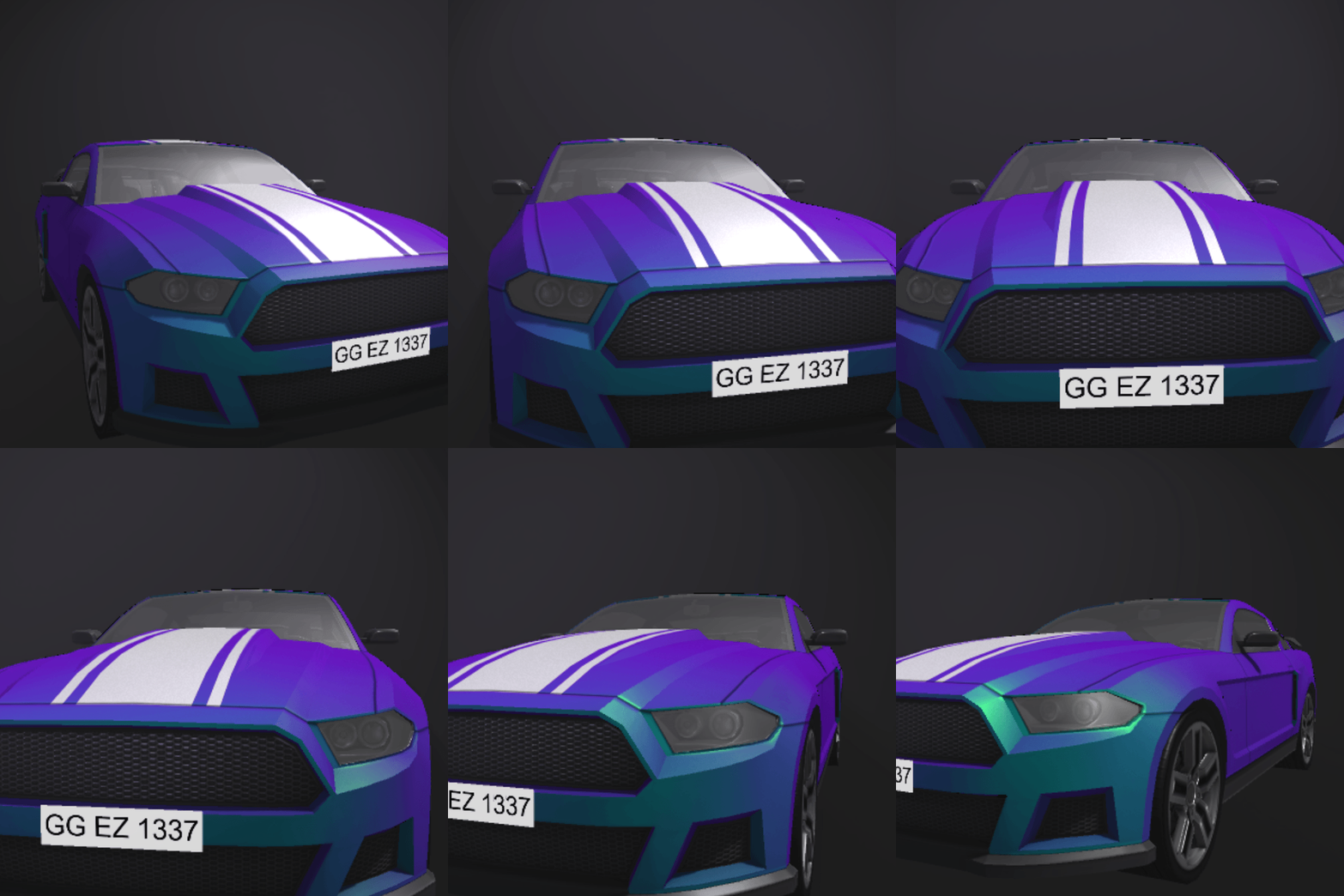
The Chroma shader adds a two-colored metallic shine to an object that changes depending on the viewing angle and distance.
Take a look at our designer documentation to learn more about these shaders and how to utilize them:
Distance Fog
Another small yet useful addition are the new fog features. The new distance and height fog settings allow you to improve the visuals your environment. Take a look at the following guide to learn more:
Additional New Features
Texture Projections
One more addition to lights, which is available in 2D and 3D wallpapers, is the new texture projection feature. It allows you to project an image, a video or even an entire layer including all effects using a spot light which enables some interesting new approaches to lighting.
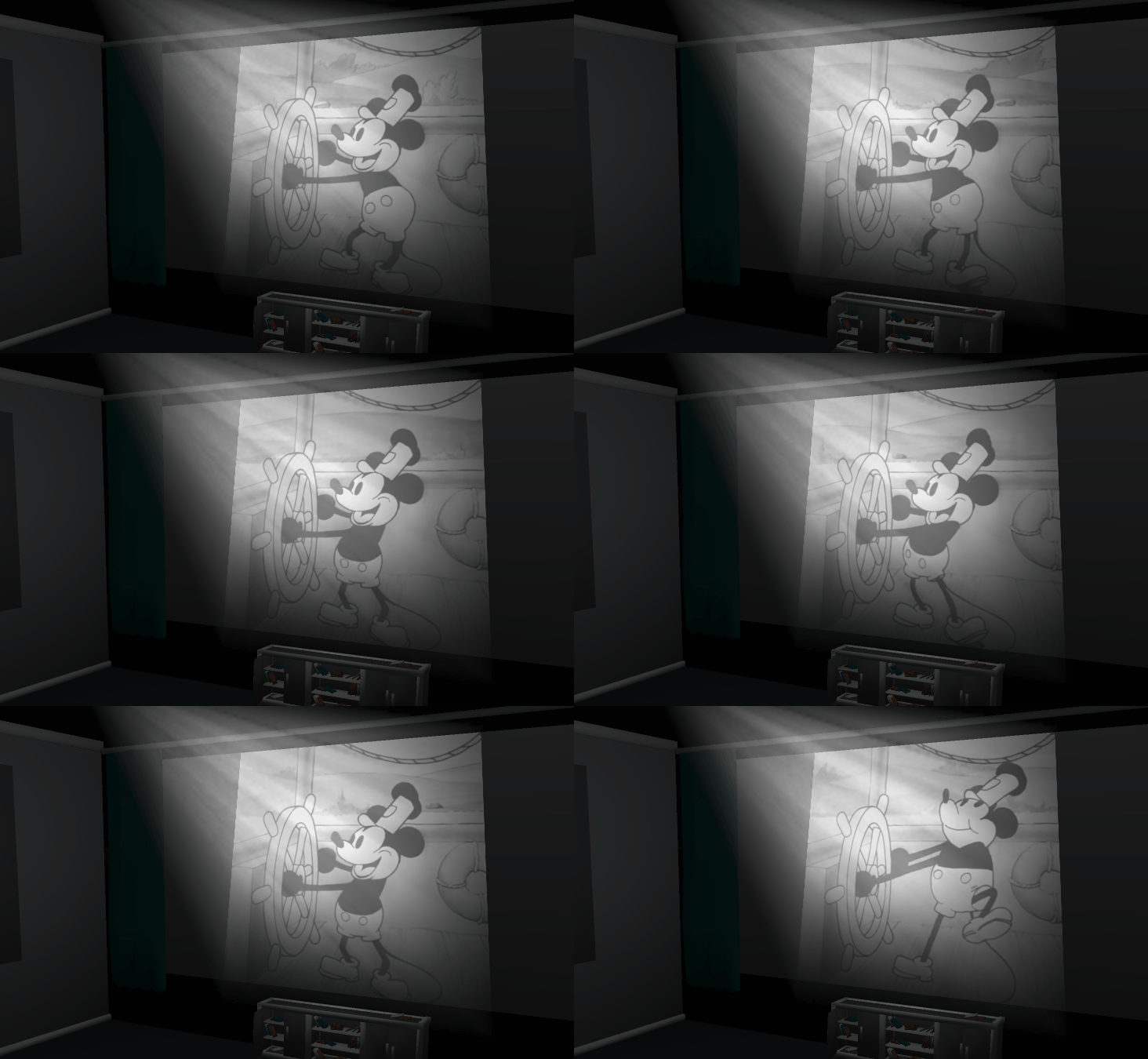
Learn more about this in our designer docs:
SceneScript: Local Storage
Previously, it was not possible to store data in Scenescript across system restarts. We are now adding the ability to store data in a local storage so that it can be accessed again from the same wallpaper even after a system or program restart. This allows you to store some data and re-use it again at a later time. As a showcase, we have updated the existing Dino Run default wallpaper with a new high-score element in the upper right corner.
To learn more about this feature, see our Wallpaper Engine Designer Documentation:
2D - Puppet Warp: Vertex Editing & Blend Shapes
Another new feature that we have created is the ability to animate the shape of puppet warp textures. This allows for very precise facial animations along the geometry of a puppet warp texture.
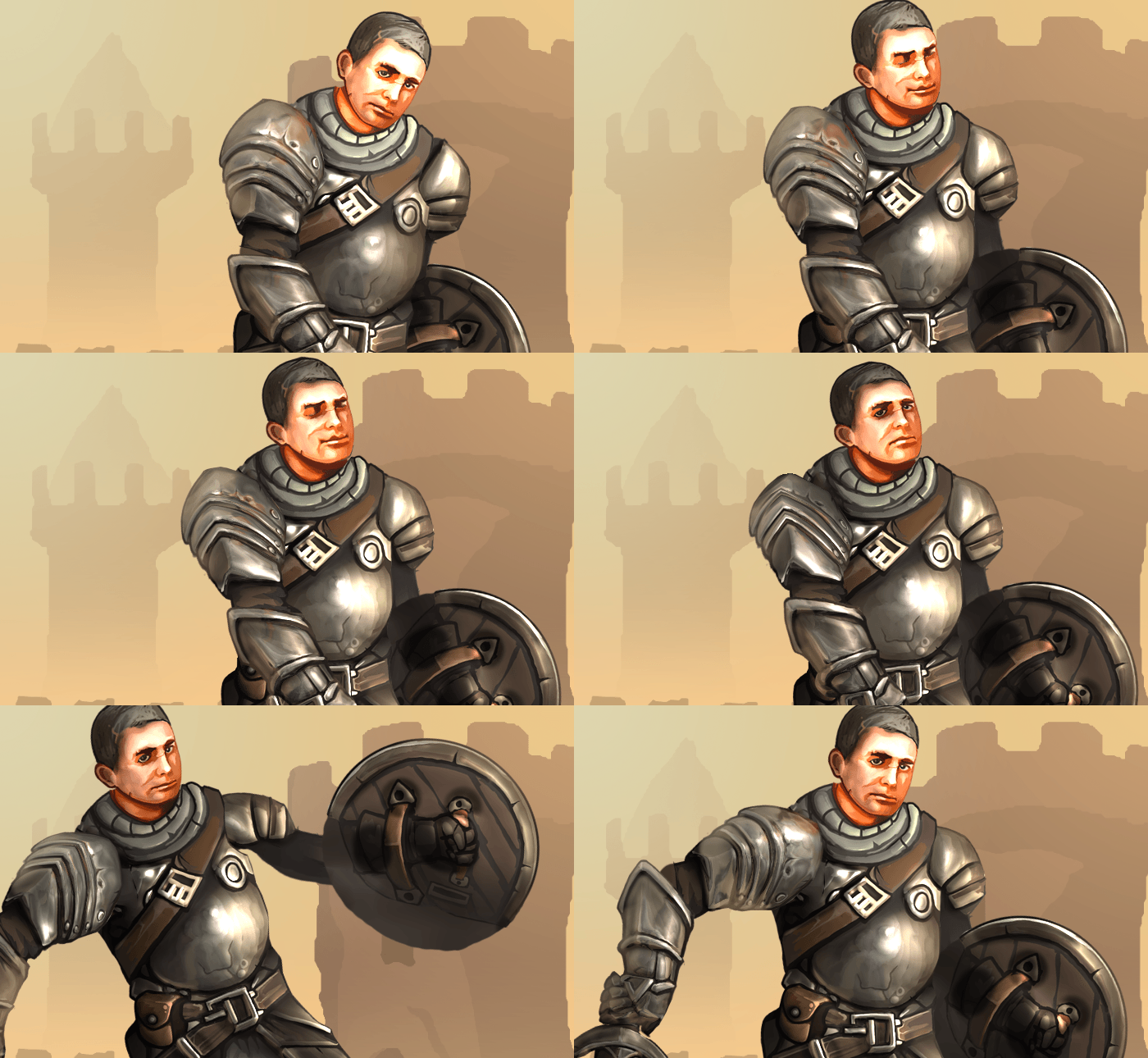
As part of the update, we have also overhauled the geometry setup for puppet warp models and added the ability to precisely reposition each element of the geometry.
To learn more about these changes, take a look at the relevant designer documentation.
Miscellaneous Improvements
Debugging User Properties in Editor
This update adds the ability to test user properties while previewing the wallpaper in the editor. Up until now, this was only possible when actually applying the wallpaper and we hope this change will speed up the testing process for you. You can find the new User Properties tab at the bottom of the editor for scene wallpapers, if it is missing for you, you can get it back by resetting the editor layout or opening it from the view menu.
New User Property Group Functionality
This update also introduces a new grouping feature for user properties, allowing for a less cluttered wallpaper configuration, as multiple related properties can be hidden away in a group:
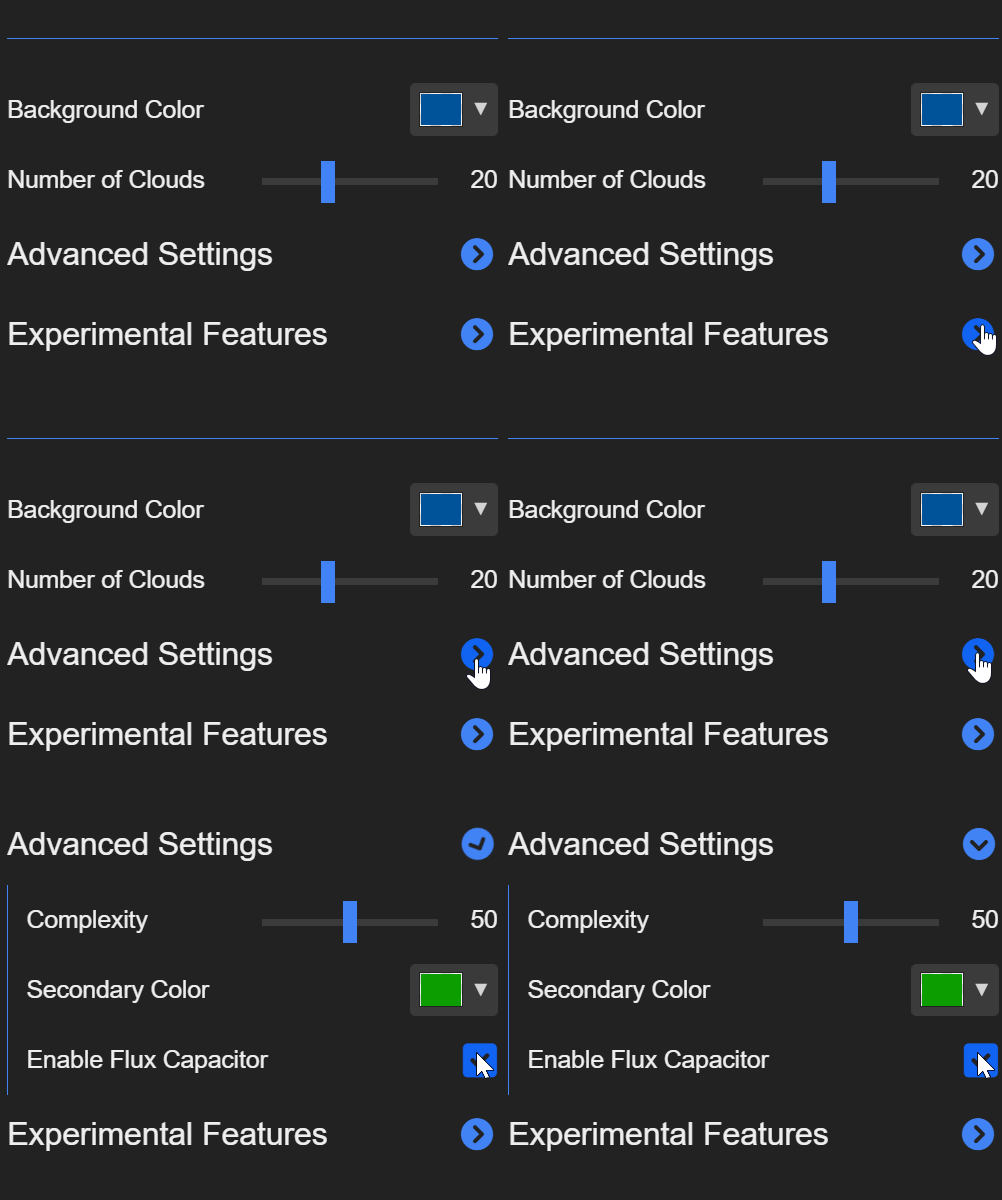
Learn more about this feature in our designer documentation.
Windows Insider Support
This update adds support for Microsoft's latest changes to Windows Insider Editions and future stable releases of Windows.
Be sure to check out the full changelog here:
Wallpaper Engine 2.4 Changelog
Additions / Changes
- Added shadow mapping for spot/point/directional lights.
- Added light volumetrics for spot and point lights.
- Added projected texture for spot lights.
- Upgraded lighting system to use more intuitive radius/intensity controls and added new falloff control for custom falloff settings per light.
- Added distance and height fog.
- Added puppet warp vertex editing and vertex animation.
- Added alpha to coverage blending for shadow mapping of i.e. foliage.
- Added post-processing controller layer to adjust volumetrics rendering order.
- Added lookAt script function for renderables.
- Added getChildren script function to iterate hierachies.
- Added localStorage to Scenescript (added highscore to stock Dino Run wallpaper).
- Added vector min/max/mix functions to Scenescript.
- Added renderable world matrix access to get directional vectors easily.
- Added user property edit and preview window.
- Added user property "group" type to add foldable groups to the browser.
- Added shader program count statistic to judge wallpaper load times.
- Added new 3D shaders: foliage, fur, chroma.
- Added support for new desktop window hierarchy on Windows Insider.
- Added camera up/down keys (q/e) for 3D scenes.
- Added texture import support for tif/tiff.
- Added frustum culling for 3D layers to main viewport and multi viewport shadow rendering.
- Added render bounds additionally to base bounding box which takes animation volumes into account.
- Added new auto bezier key frame method to create smooth animations more easily.
- Updated assimp model import library.
- Upgraded Android app to target Android 14 and updated libraries.
Bug Fixes
- Fixed missing noise option for pulse effect.
- Fixed transparency cropping issues on puppets.
- Fixed position picker.
- Fixed model clip animations with single frame.
- Fixed old submissions using a bug to render text behind 3D models and added a proper option to control this for new submissions.
- Fixed parallax property being hidden on transform layer since it's still required when building a hierarchy of layers.
- Fixed timeline animation resetting relative animation components (i.e. origin) when linking multiple properties.
- Fixed text layer padding being ignored when text layers are rendering without effects, but opaque background.
Wallpaper Engine 2.4.82 Hotfix Changelog
- Added best of 2024 collection to discover tab.
- Made mini mode resizable in height.
- Various fixes and improvements regarding the "High Performance" texture setting.
- Fixed "Cast shadow" option not being stored properly on 3D models.
- Fixed web wallpaper publishing issues.
- Improved stability during and after driver updates and other critical moments in which the graphics card drivers might reset.
- Adjusted auto bezier values.
- Added bloom tint parameter.
- Disabled bezier feature buttons based on current bezier mode.
- Added light source size option to point lights so they can be placed inside geometry more easily.
- Made invisible video textures pause decoding to improve video texture performance in scenes with many optional video textures.
- Improved default light values for 2D scenes.
Wallpaper Engine - Android Update
The Android app update will start to roll out across all app stores now. Please note that mobile app stores tend to release updates with a delay, so it might take a few days for the update to reach you.
If you have installed the APK file directly, you can grab the latest APK on our website right now: