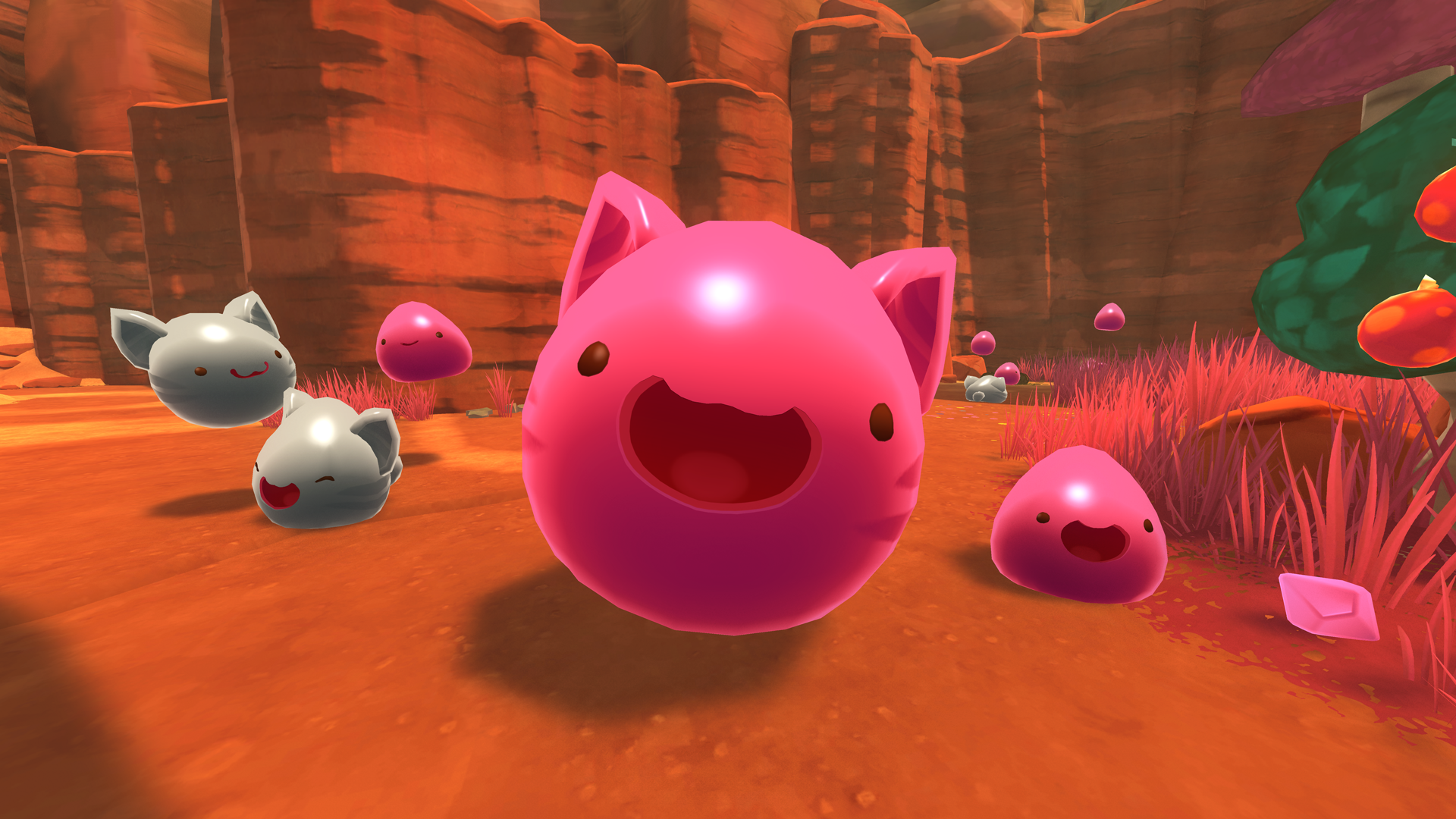
Art Blog: Let's Talk About Face Shaders
Hello! My name is Ian McConville, and I'm the Principle Artist at Monomi Park.
For Slime Rancher's 1.4.0 update, I rebuilt nearly all of the slime related shaders from the ground up! One of the most notable of these changes is that the slime faces are now more detailed and, at the same time take up less memory.
Let's take a look at how the new shaders work!
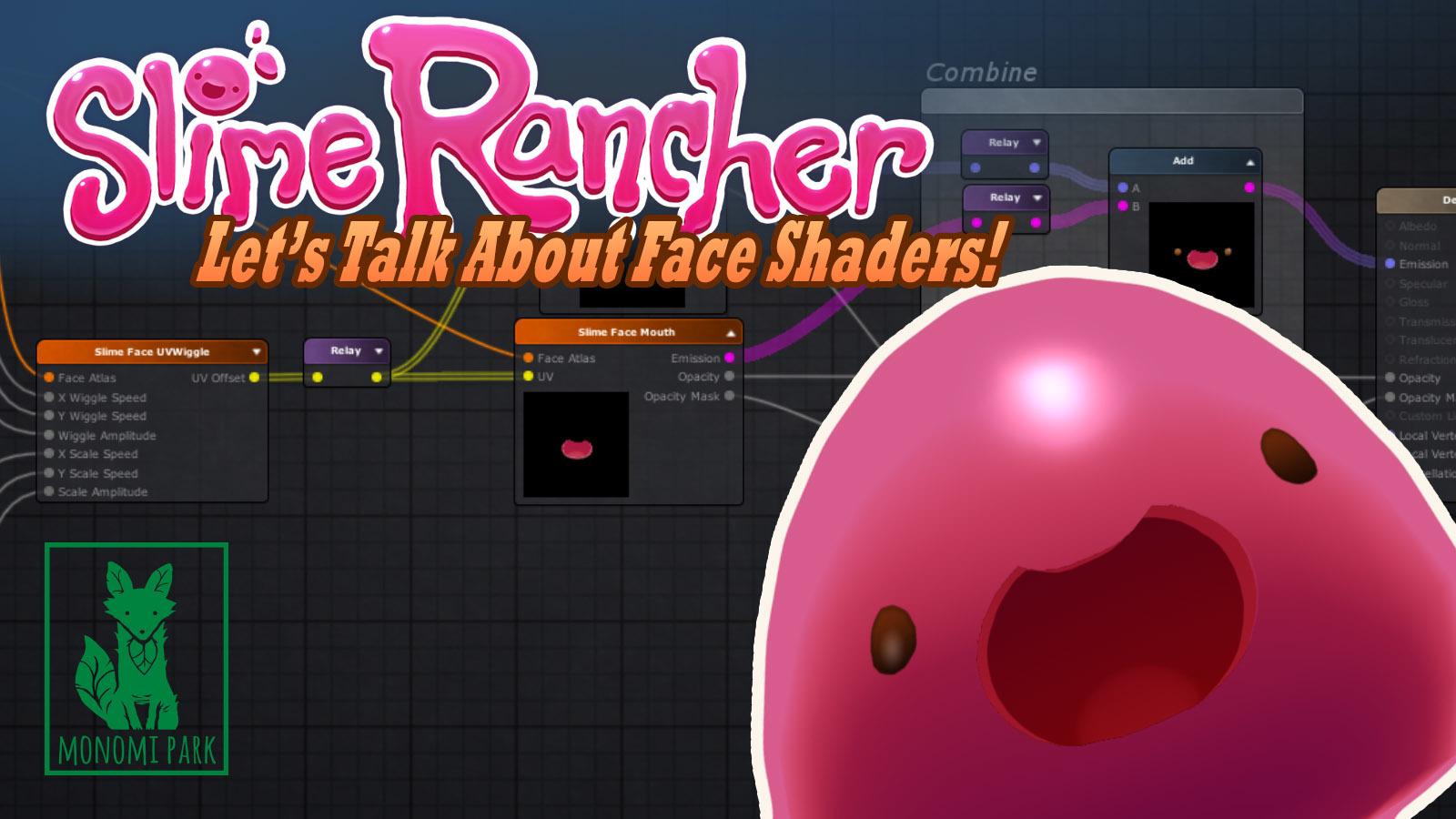
Texture - Changing the Channel!
The first thing we do when building a slime is we start with a special, custom RGBA texture. A single RGBA texture file actually contains 4 greyscale images, and each image is used as a special mask that will dictate where artist defined colors will go on the face.
- The R (red) channel is used for the eyes.
- The G (green) channel is a highlight color for the eyes.
- The B (blue) channel is a secondary eye color, but not used in this case.
- The A (alpha) is used for the Mouth.
For now, we'll focus on the R and A channels. These will be our main face mask.
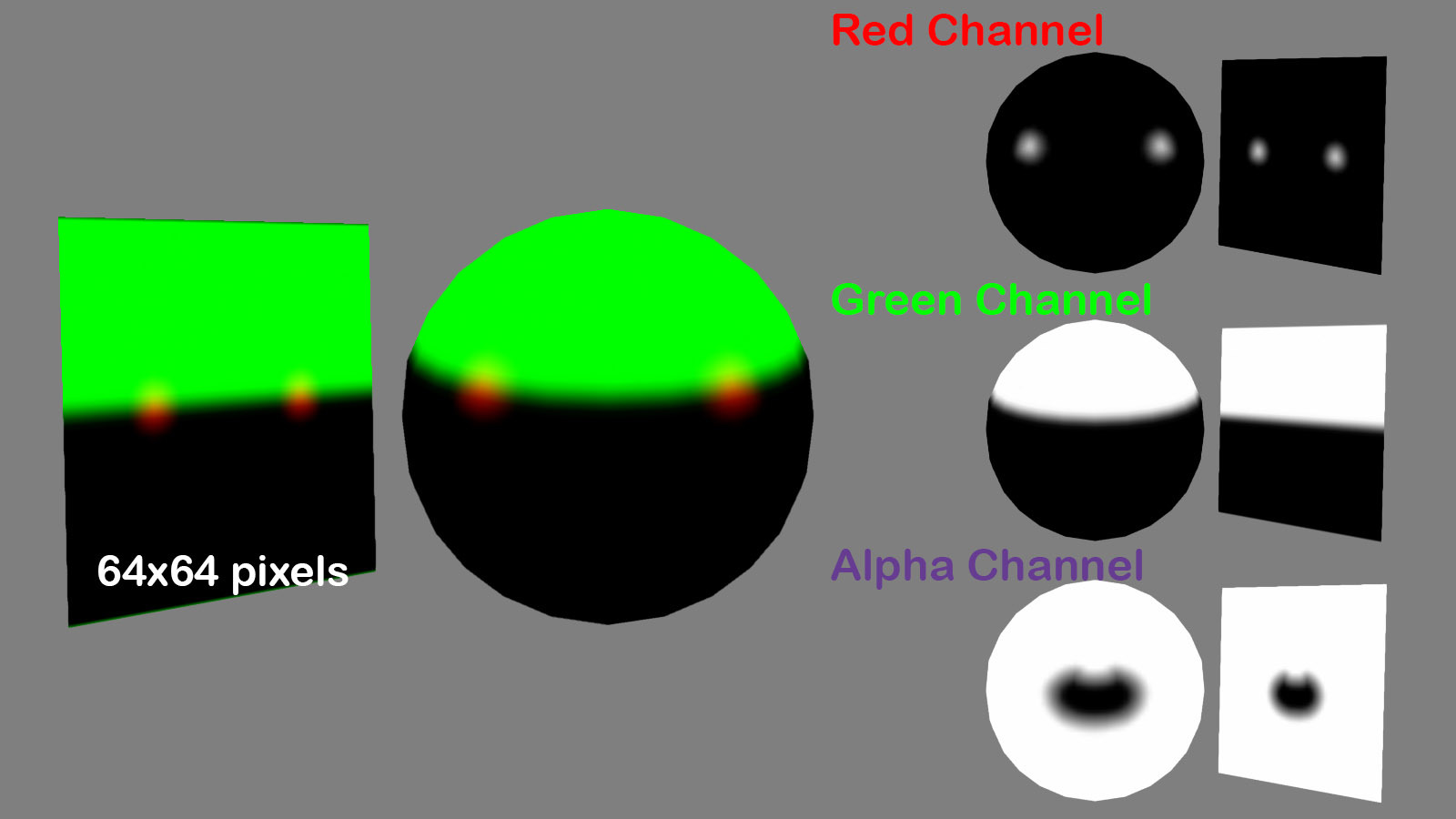
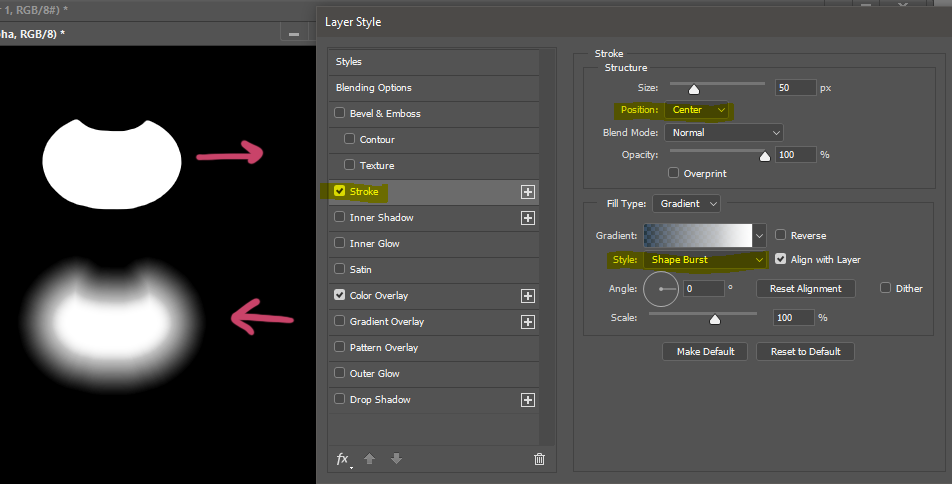
Now you're probably wondering why the mask is so FUZZY. Well, the reason is that the mask is actually a Distance Field.
These fuzzy masks will allow for much higher detail than a standard rasterized texture could, even at larger resolutions! (The texture itself is only 64x64 pixels in size, which is roughly 1/4th the size of the face textures from Slime Rancher 1.3.0's faces).
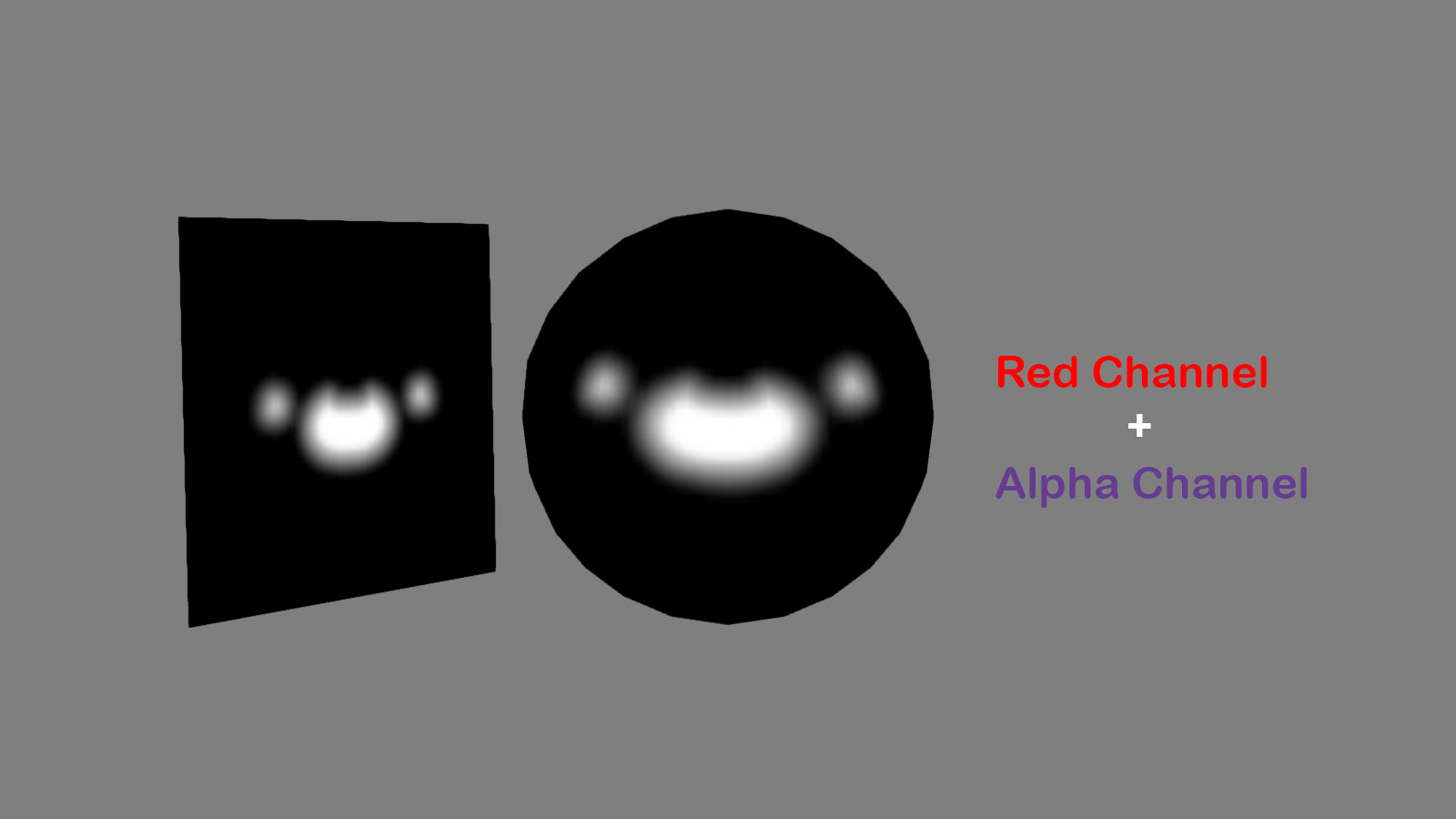
This is done by applying a very simple layer style to a high resolution mask of the mouth:
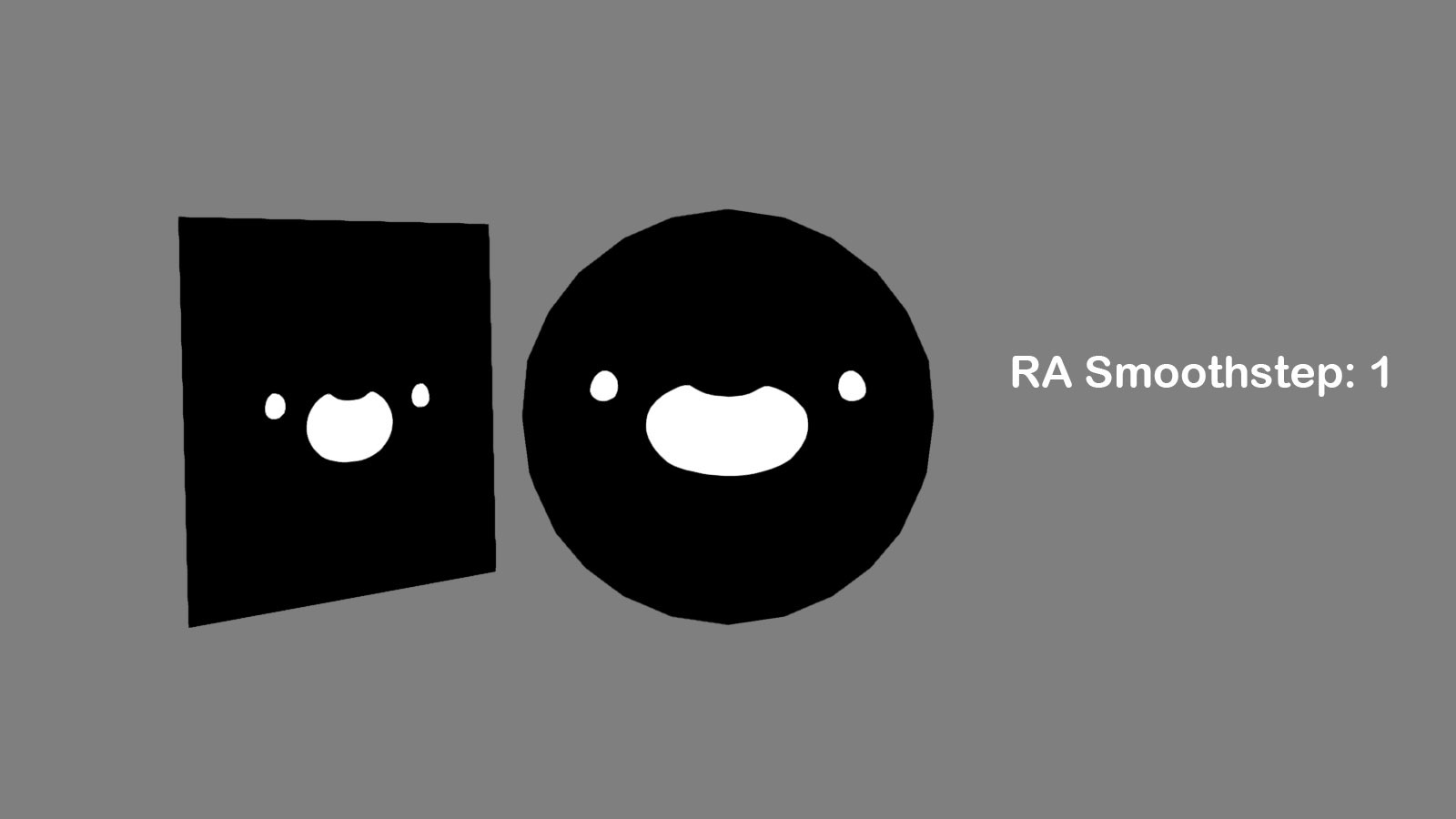
And then in the shader, we use a process called Smooth Step to sharpen the mask. Using the fuzzy values of the image we can find clean, crisp edges hidden in the texture.
This process costs a little performance at run time, but is actually cheaper on texture memory. It also has the added bonus of being extremely sharp, even when the slime is very very close to the player!
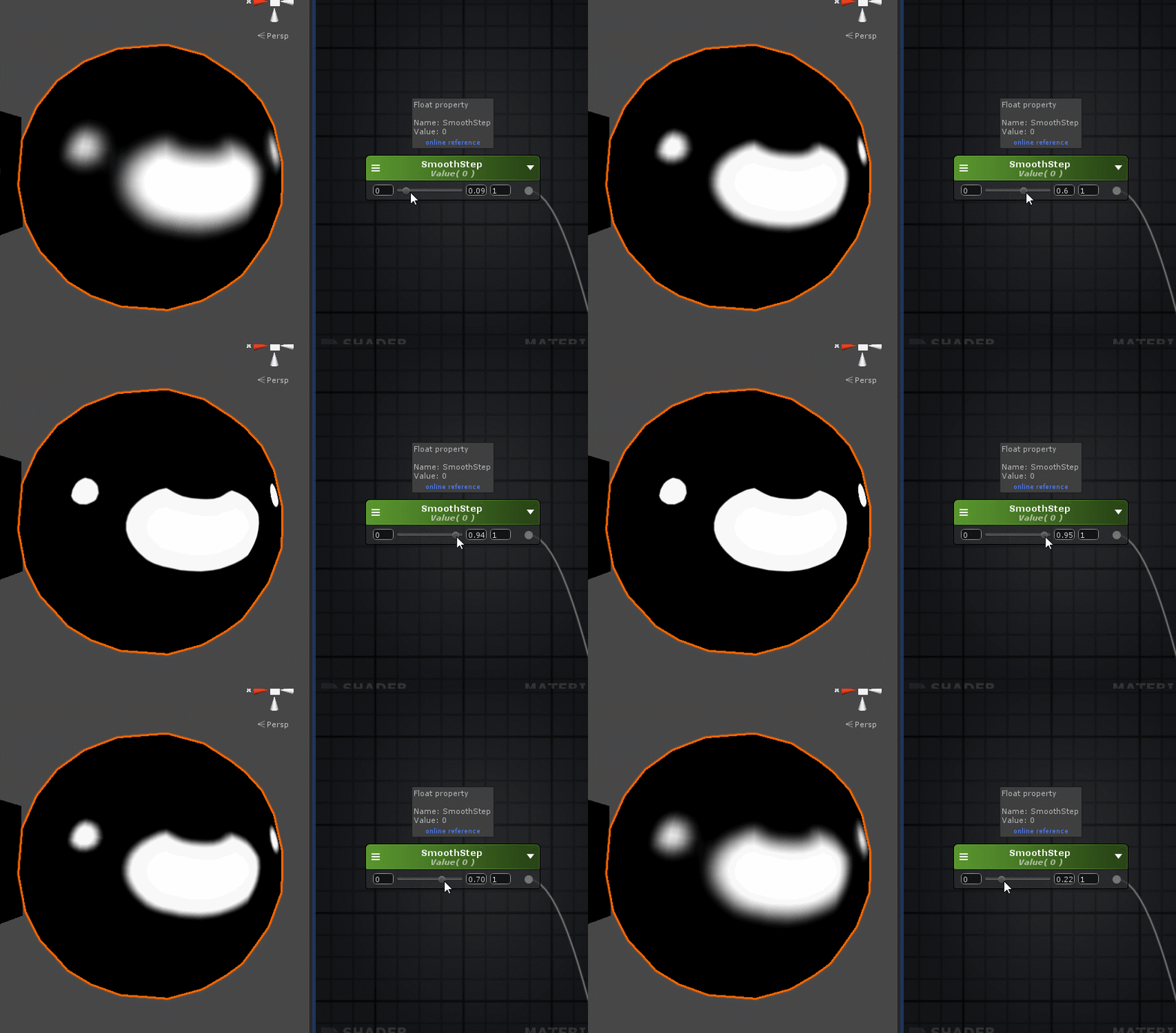
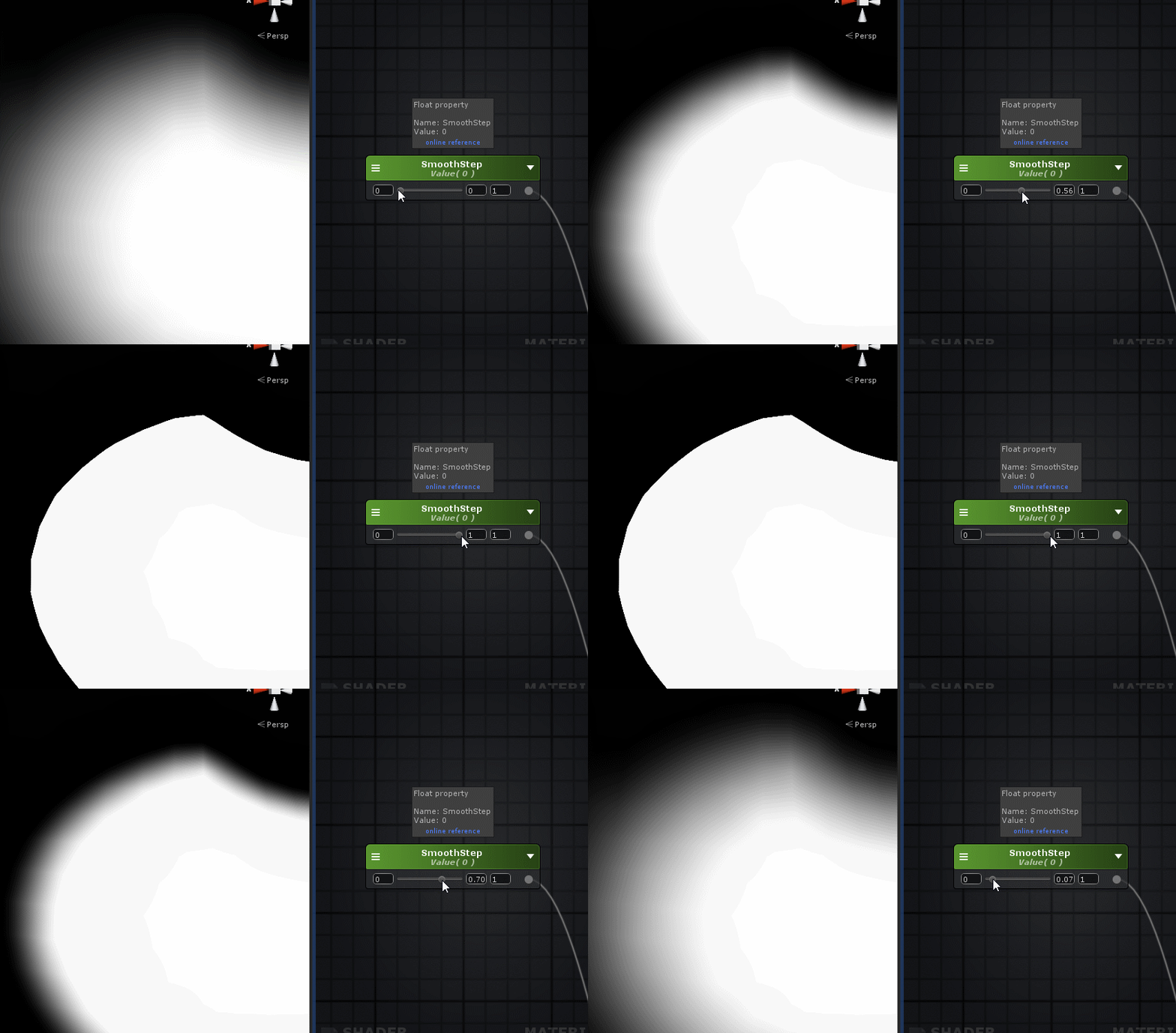
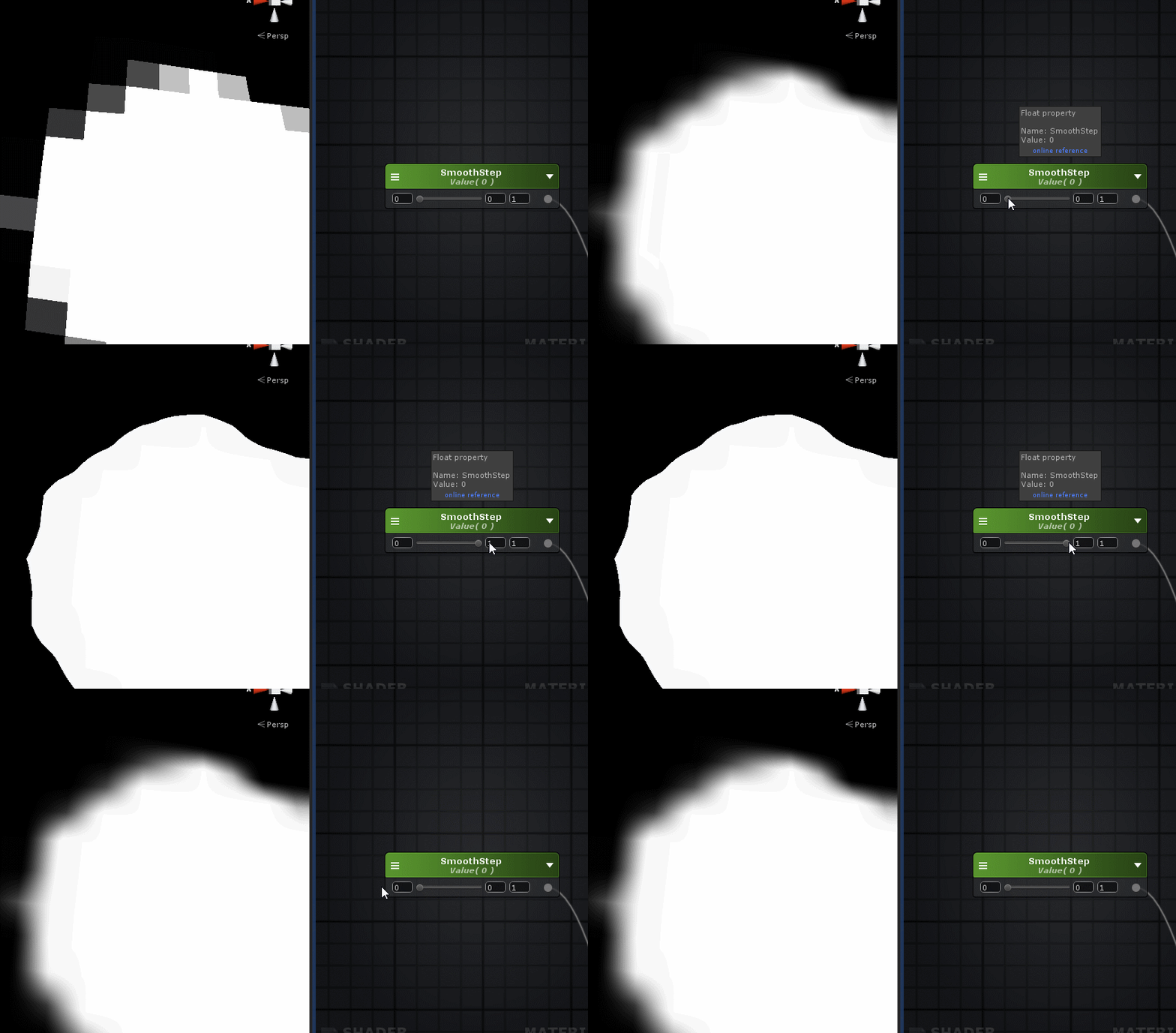
A regular texture, at the same resolution, without distance fields would look no where near as good. Even when using the Smooth Step process.
Eyes - Adding some Sparkle!
So now we have a super clean, crisp mask to work with for our eyes and mouth! It looks even sharper than the original high resolution version of the mask we started with.
Before we get to the mouth, we'll begin with the eyes. The eyes make use of the RGB channels, but again, in this case we won't be using B.
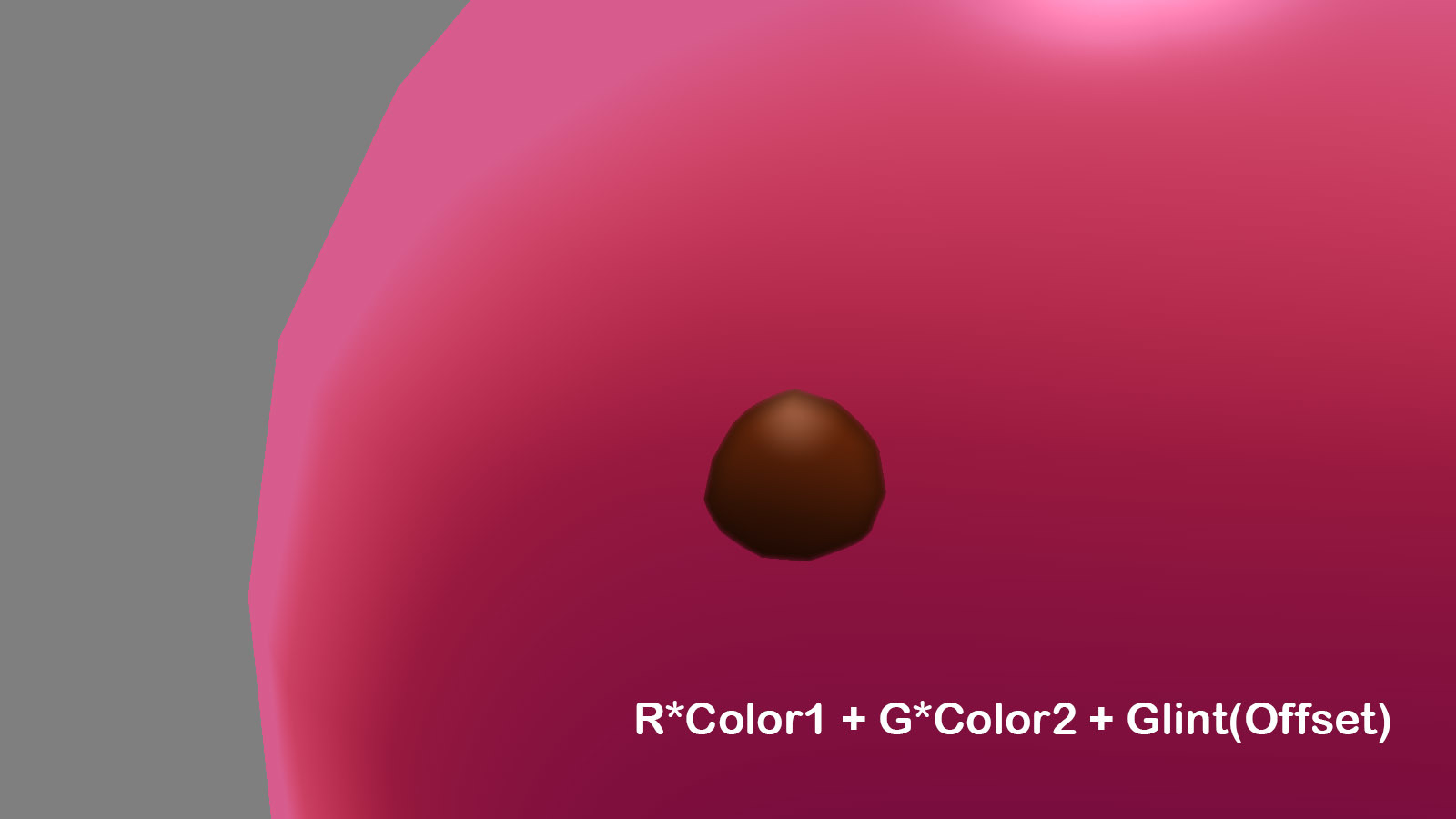
1) In the first image, we see the original texture file masked by the Eye Mask.
2) If we take only the R channel and multiply that by a dark color (color1) we'll get a flat, black eye.
3) Then we'll do the same with the G channel and add that to the colored R channel.

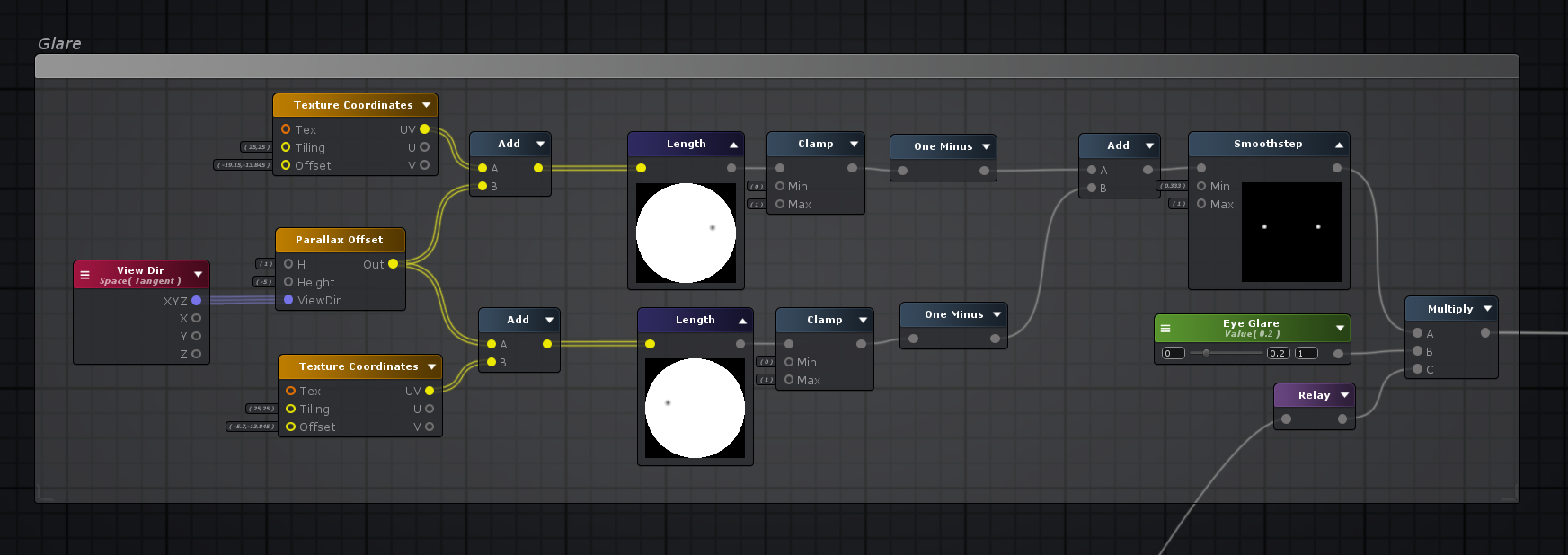
Then, using a simple node setup in the shader, some glints are generated. A UV offset is applied to the glints so that they move with the player's view.
Once we have this, it's added to the rest of the eyes.
The results: A nice (fake) glint is applied to the eye!
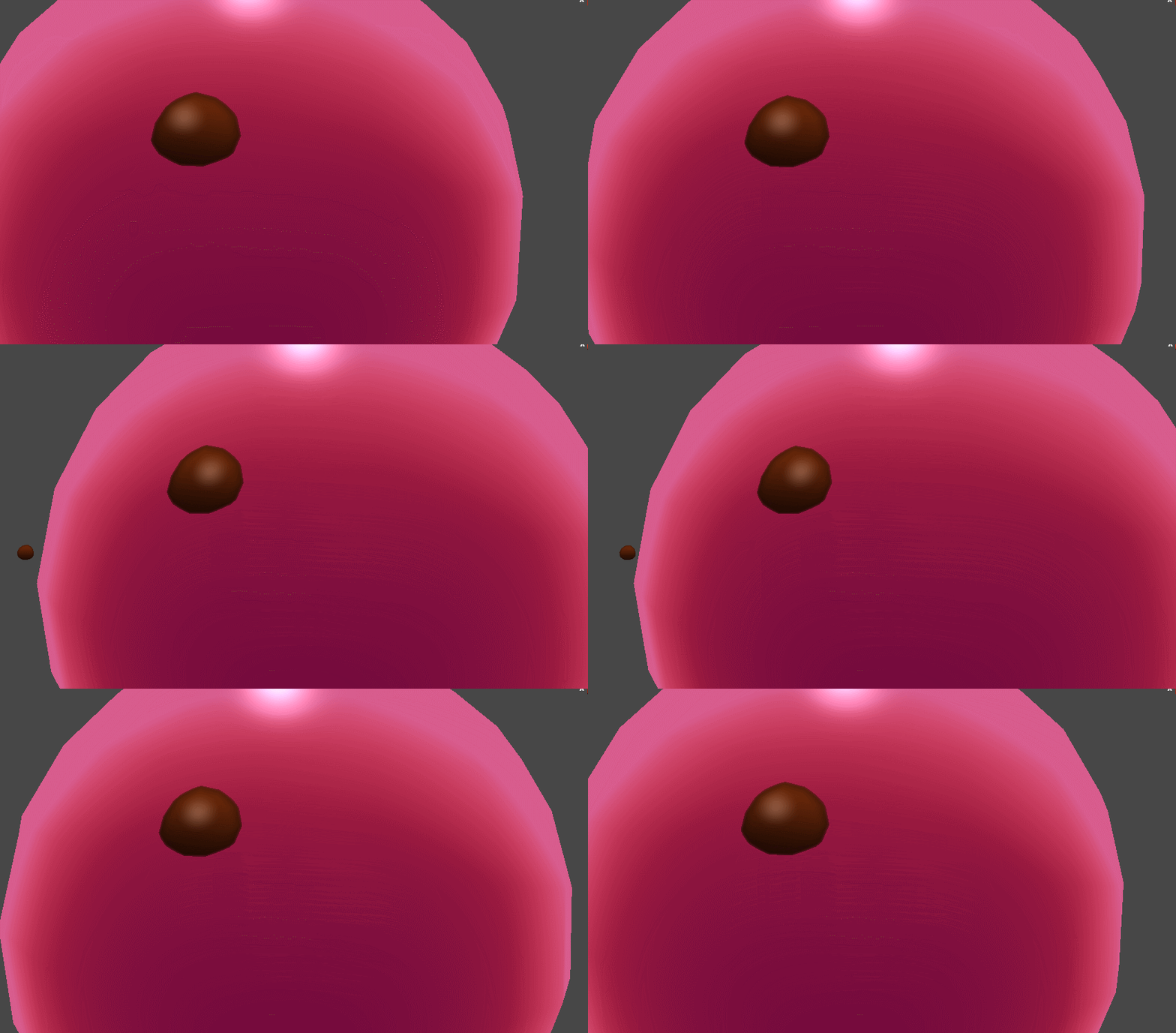
It's super cheap as it doesn't actually take the lighting information in to consideration, but it's very satisfying to look at :slimeamazed:
There's a lot more that goes into the eyes, but that was the main parts. Here's a quick glance at what the entire Eye section of the shader graph looks like.
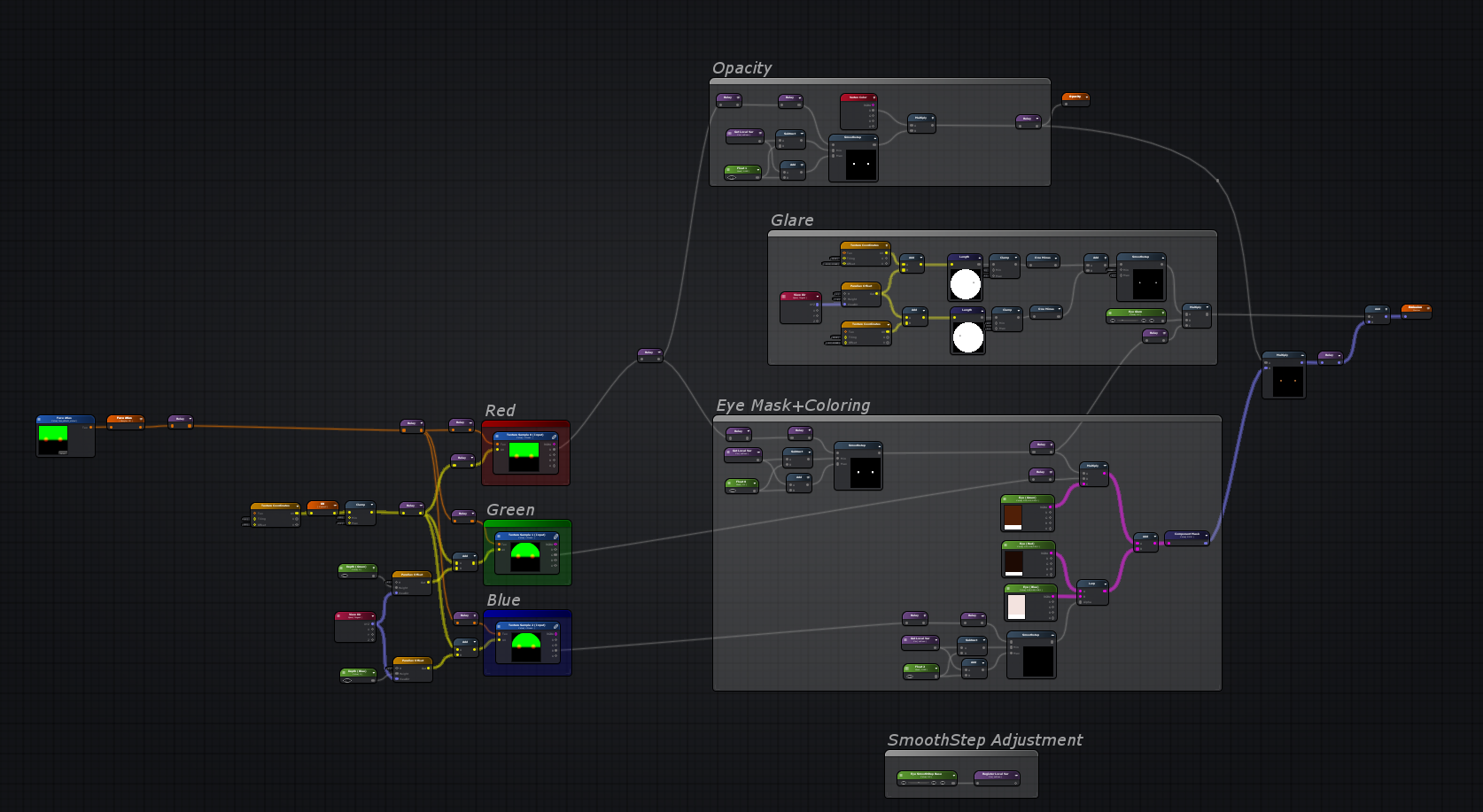
Now then, it's time to move on to the mouth.
Mouth - Wide Smile!
The mouth is just a sticker applied to the slime's body, but we still want it to feel like a 3D hole in the surface.
To start, we need the back of the mouth. The warm red tones! This is simply a gradient with a severe depth offset.
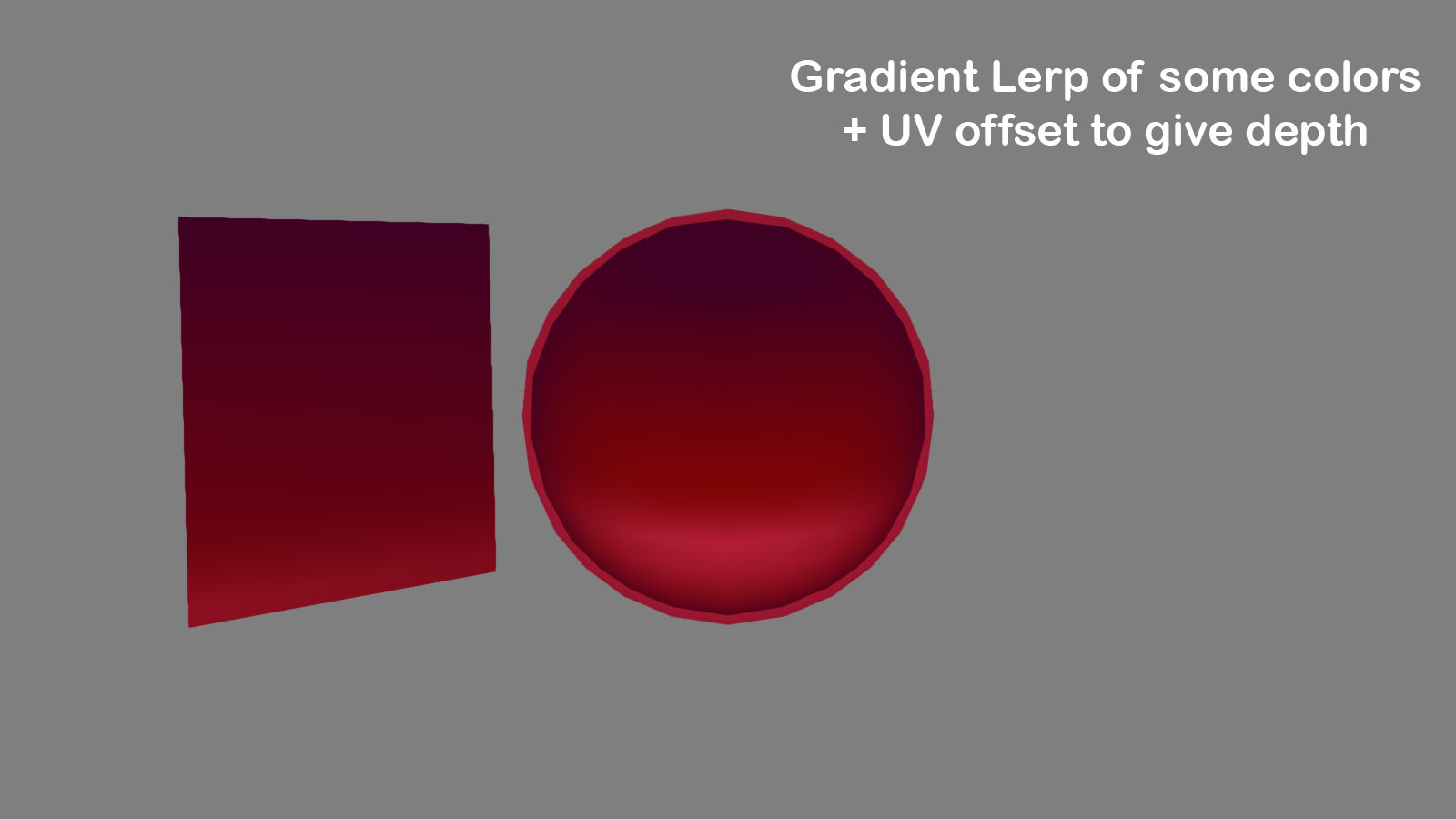
An extra visual treat, new to 1.4.0, is that slimes finally have visible tongues! This is achieved with a little shader trickery to make a circle and then a depth offset to set it in the back of the mouth.
This is added to the previous gradient before it gets colorized. Subtle, but it makes a big difference in believing that the mouth has depth :slimehappy:
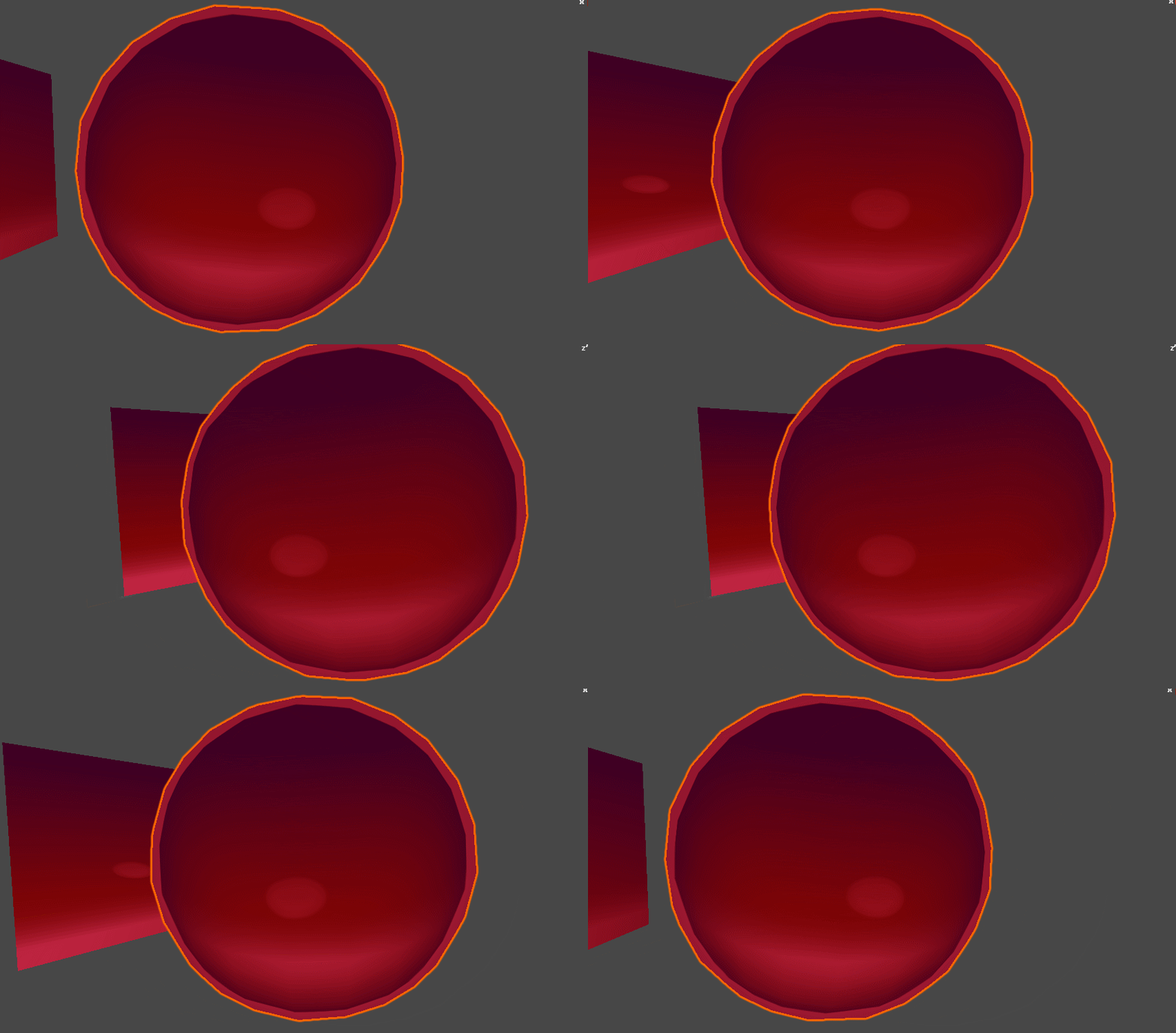
The nice thing about using the distance fields for the mouth mask is that we can adjust the smoothstep and get different sizes for the mouth. By layering various sizes of the mouth with different depths, we can get a pretty believable mask.
Then we multiply the mask over our big red gradient + tongue.
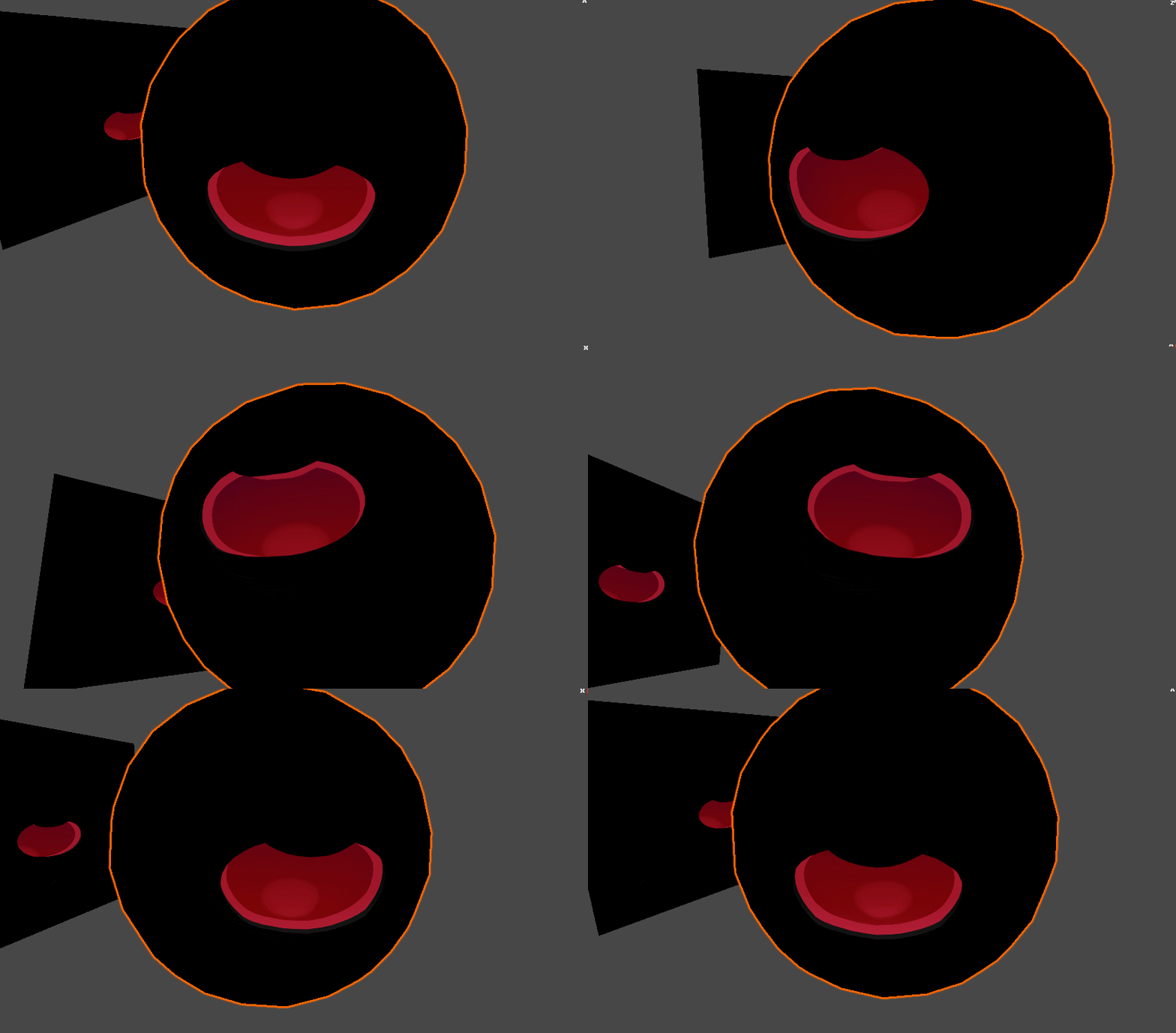
And that's the mouth!
Again, same with the eyes, there's a lot more subtly that goes into the effect. Here's a glance at the full mouth shader:
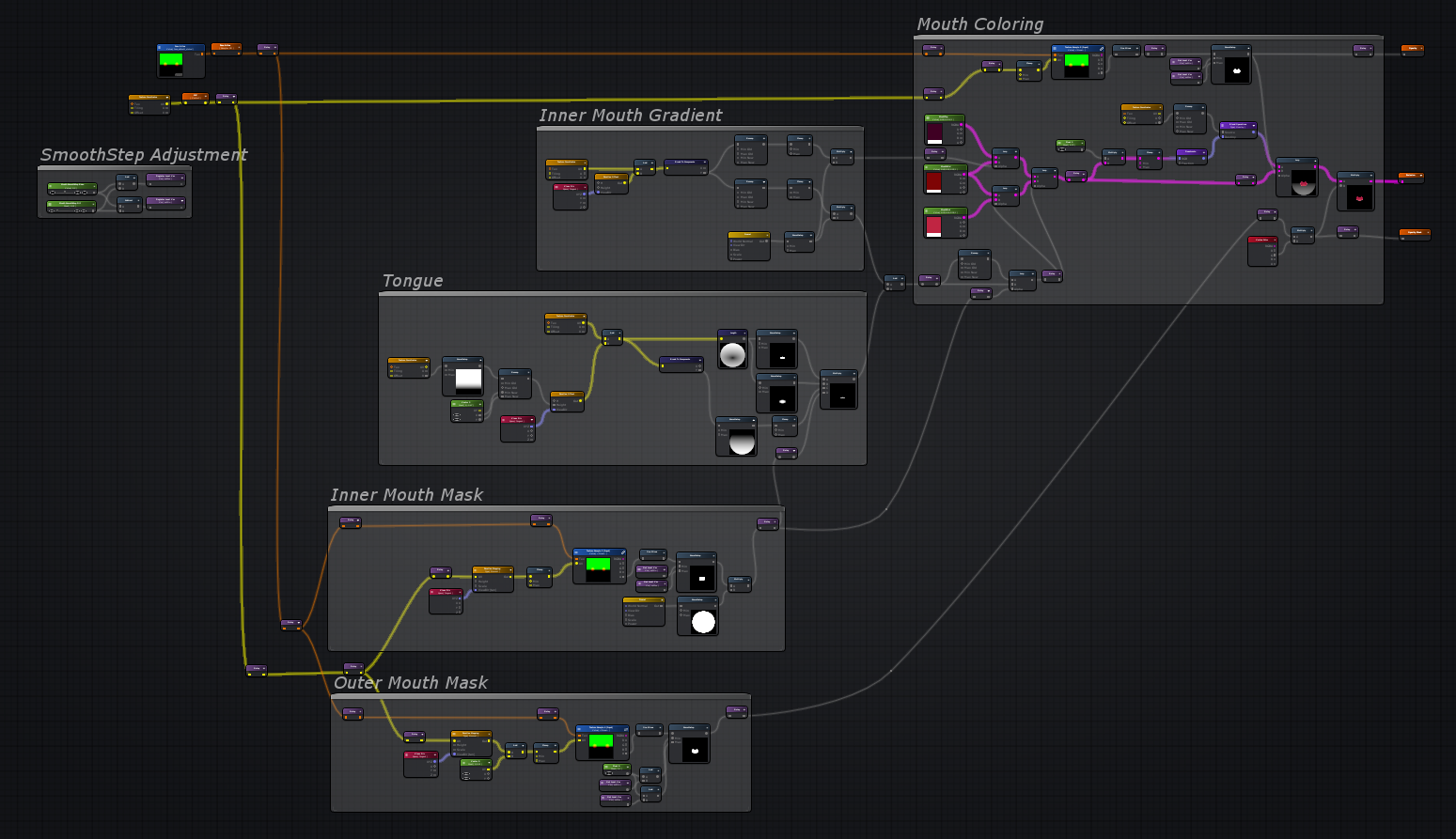
Getting Wiggly - Final Touches!
It's time to put everything together. This is almost done, but we're missing a little something to make the face feel gooey-wiggly-wobbly.
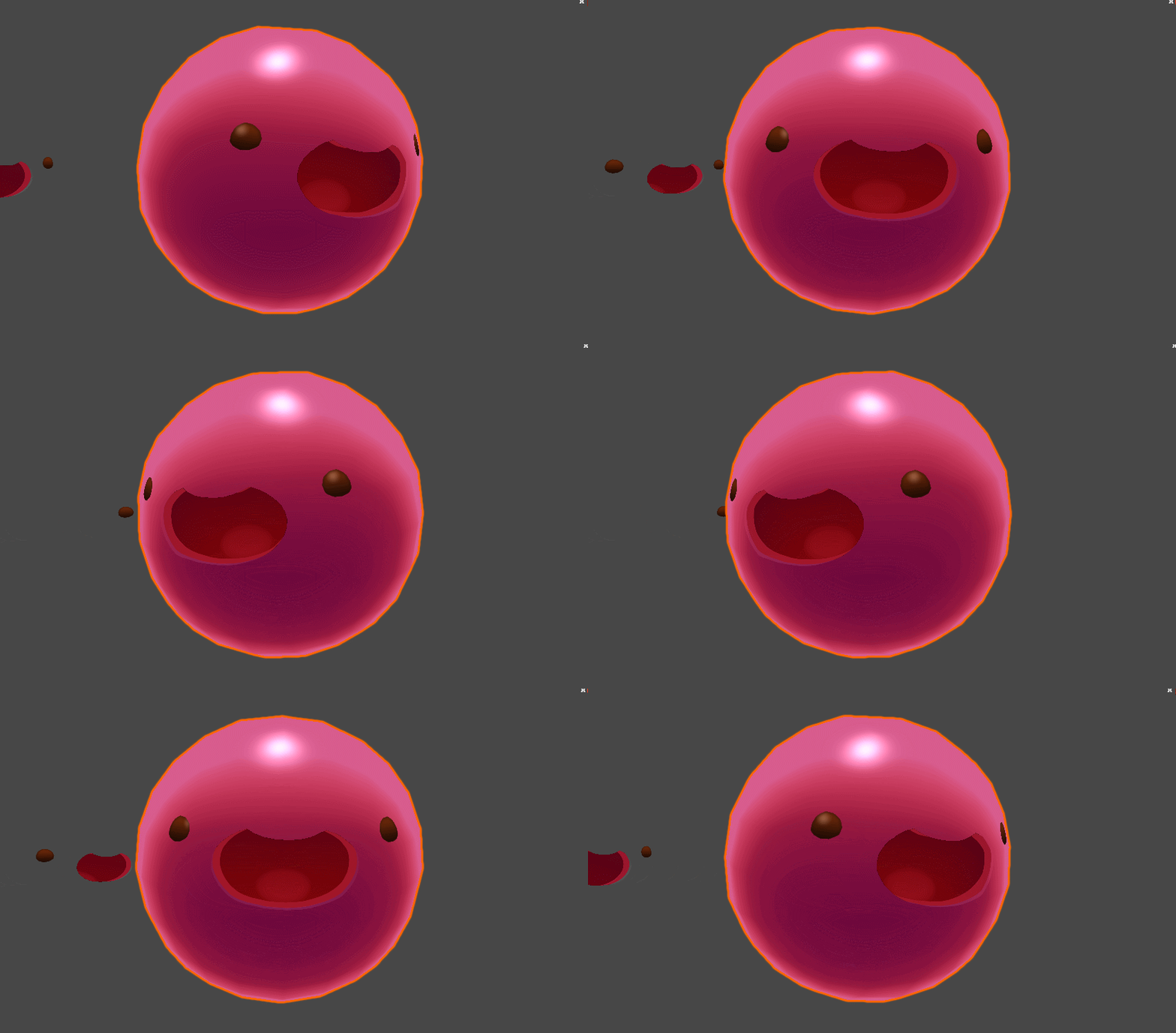
The eye and mouth texture has a UV input that we can modify for some extra noise. With a little adjusting of the wobbly values, we can make the static face warble-wander all over the place!
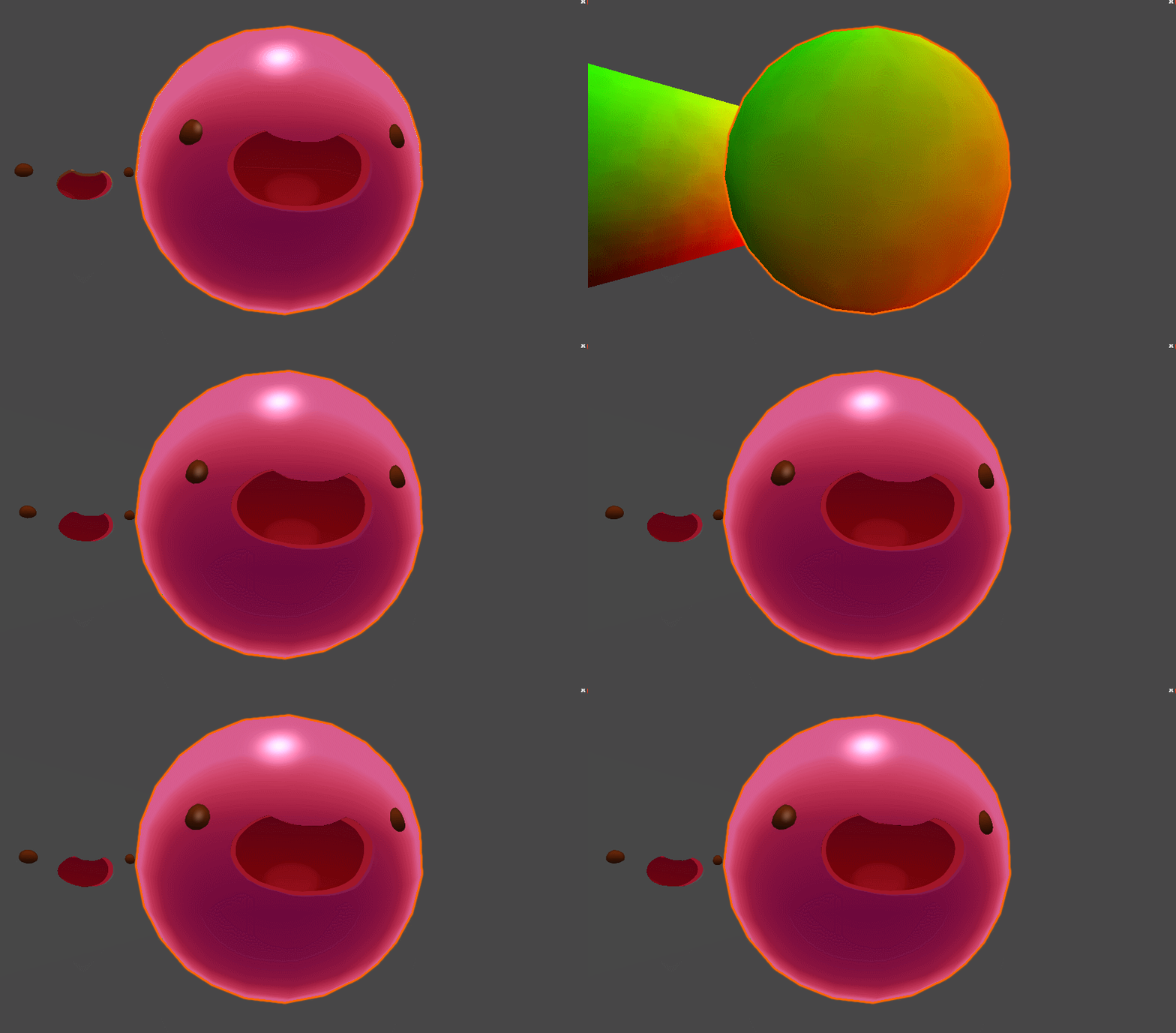
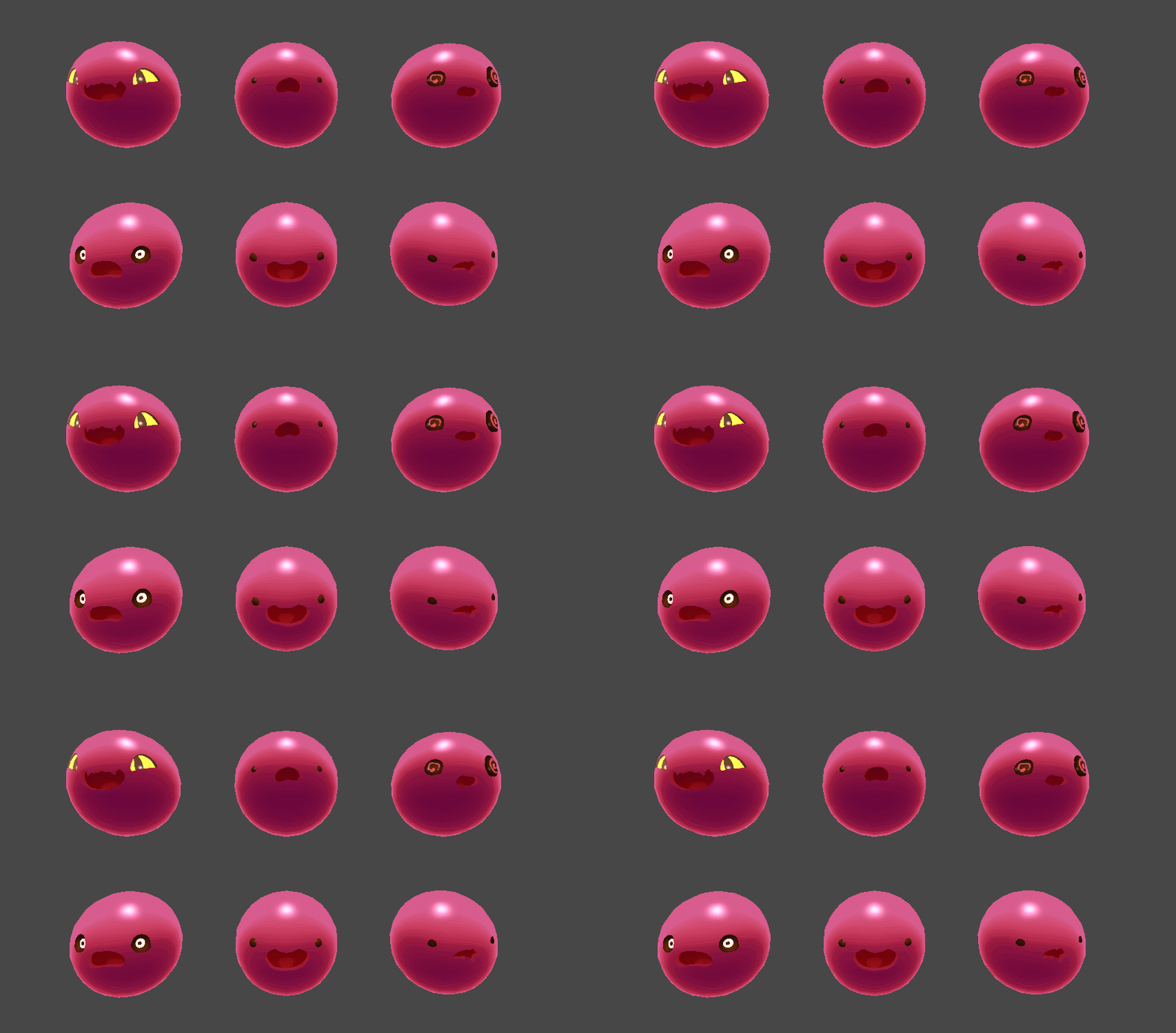
And there you have it!
By swapping out our original face texture into this shader we can make all sorts of slime faces with nice, clean edges and plenty of fake depth.
Thank you, and I hope you enjoy this and other improvements with the Slime Rancher 1.4.0 release!
Stay wiggly :slimehappy: