The thirteenth preview build of the new in-development Desktop+ version is now available.
These builds are supposed to give a glimpse into the ongoing development process.
The NewUI branch should be fine for daily use if you can live with the missing features. Don't treat it as stable, however, as it just isn't.
While bugs are to be expected and there are a few known issues already, feel free to report anything you find in the NewUI Preview Build bug report thread.
What is Desktop+ NewUI?
Desktop+ NewUI is what eventually will become Desktop+ 3.0.
See the announcement post for the NewUI Preview Build 1 for more details.
What's new in Desktop+ NewUI Preview 13?
SteamVR Theater Screen Support
Desktop+ now allows putting overlays on the SteamVR Theater Screen, which was a new addition in SteamVR 2.1.
To do this, take the overlay of your choice and set it to use the new Theater Screen origin.
There can only be one Theater Screen origin overlay active at once.
If another overlay of that origin is set to be visible, it'll hide every other one automatically. Theater Screen origin overlays will also be hidden if the SteamVR Theater Screen is taken over by an overlay of another application or when using the "Close Overlay" button below the screen.
Some overlay properties are controlled by the SteamVR Theater Screen and can't be set by Desktop+, such as overlay position, width, curvature and display mode.
All other properties and functions are supported and should work as expected.
Keyboard Multi-Laser Support in the Dashboard
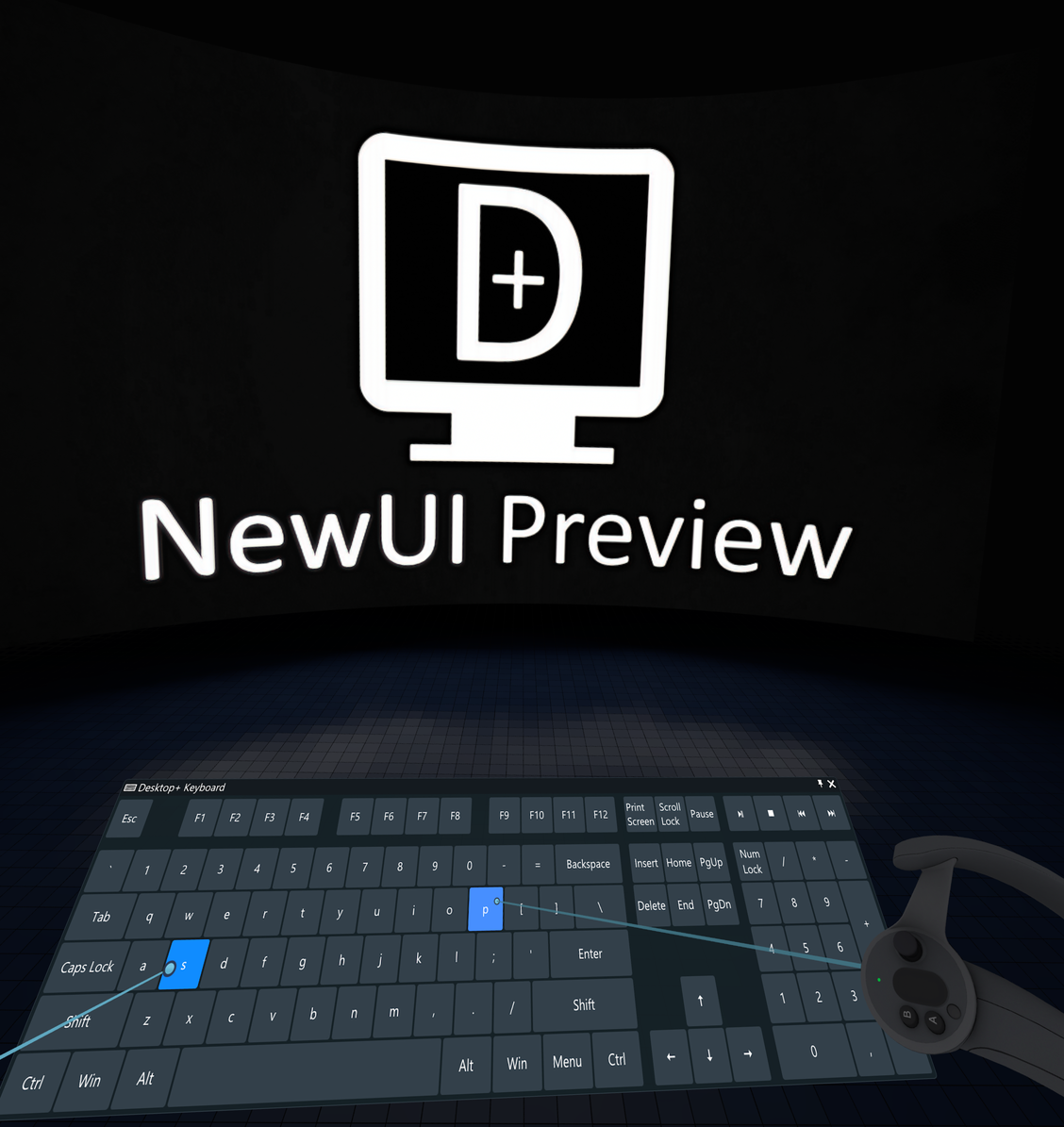
SteamVR 2.1 also added support for multi-laser input with the system laser pointer. The Desktop+ keyboard has been adjusted work with it.
Note that the API provided by SteamVR still lacks functionality for third-parties to target the secondary system laser pointer device for overlay haptic vibrations, so there's no haptics on the secondary device for the time being.
Extended Action Bindings Possibilities
The action binding listings have been revamped to more compact tables and now allow a dynamic amount of entries.
The Global Shortcuts have been increased to a maximum of 20 (entries still need to be a fixed amount in the binding manifest/Steam backend), while hotkeys are not artificially limited anymore.
This took a while to get to. Sorry to the guy who asked me about this in person back in August.
Other Changes
- Added option to select individual elements to reset to the Restore Default Settings prompt
- Added option to toggle overlay visibility by double-clicking the Overlay Properties window title icon
- Added middle click to default Desktop+ laser pointer bindings for Index & Touch Controller to match SteamVR additions
- Changed strict window matching setting into an overlay property
- Overlays will now look for window matches again when the strict window match property is changed
- Laser Pointer Override no longer triggers while left mouse button is down, is pointing outside of any desktop, or is caught by sticky desktop corners
- The distance adjustment when scrolling during an overlay drag now works better with varying aspect ratios
- Fixed overlay drags being interrupted by the system laser pointer hitting other overlays
This was caused by a regression in SteamVR 2, but has been worked around for the most part. - Fixed double action entries when restoring from default settings
- Fixed incorrect cursor offsets on Graphics Capture combined desktop overlays
- Fixed incorrect display enumeration when there's desktops across multiple GPUs
- Various other minor UI fixes and adjustments
The NewUI Preview branch also includes all changes of the stable branch up until now (v.2.8.3).
Browser overlays are available in the separate NewUI Preview + Browser branch, as explained in the initial browser overlay announcement.
The new SteamVR dashboard came with it's set of goodies and... distractions. The Theater Screen's reflections were too fancy to pass them up, so here they are.
Steam VR Fest
It is once again time for the Steam VR Fest (4th Dec to 11th Dec). Desktop+ is participating.
What that means? Expect heavy disc... well maybe it's going to be listed on the event page somewhere, that's about it.
Enjoy.