
Simulate, construct, and terraform planets and atmospheres more realistically than ever before with new materials! Planet sizes, atmospheric heating, gas and liquid colors, and more are now simulated based on the mass and phase of each material in a planet’s composition.
Learn more about how we simulate materials in two new guides
Home > Guides > Tutorials > Playing with Materials
Home > Guides > Science > Terraforming Mars

New Materials
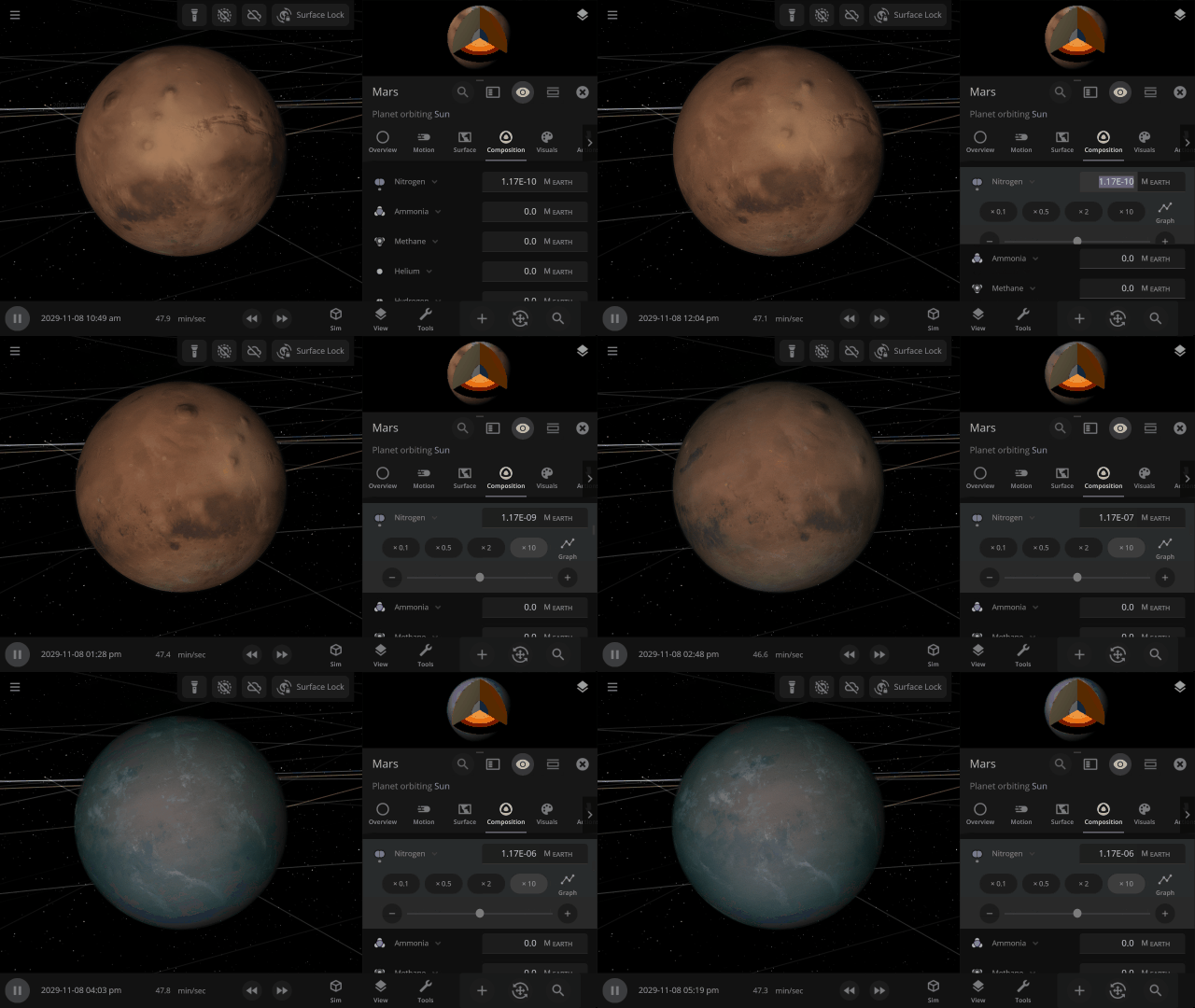
Terraform planets, rain down oceans, and expand atmospheres with 8 new materials (for a total of 12) using the Material or Planetscaping tools, or adjust the materials directly under
Properties > Composition
In addition to silicate, iron, hydrogen, and water, we are now simulating helium, carbon dioxide, oxygen, sulfur dioxide, methane, nitrogen, argon, and ammonia.

Planet Atmospheres
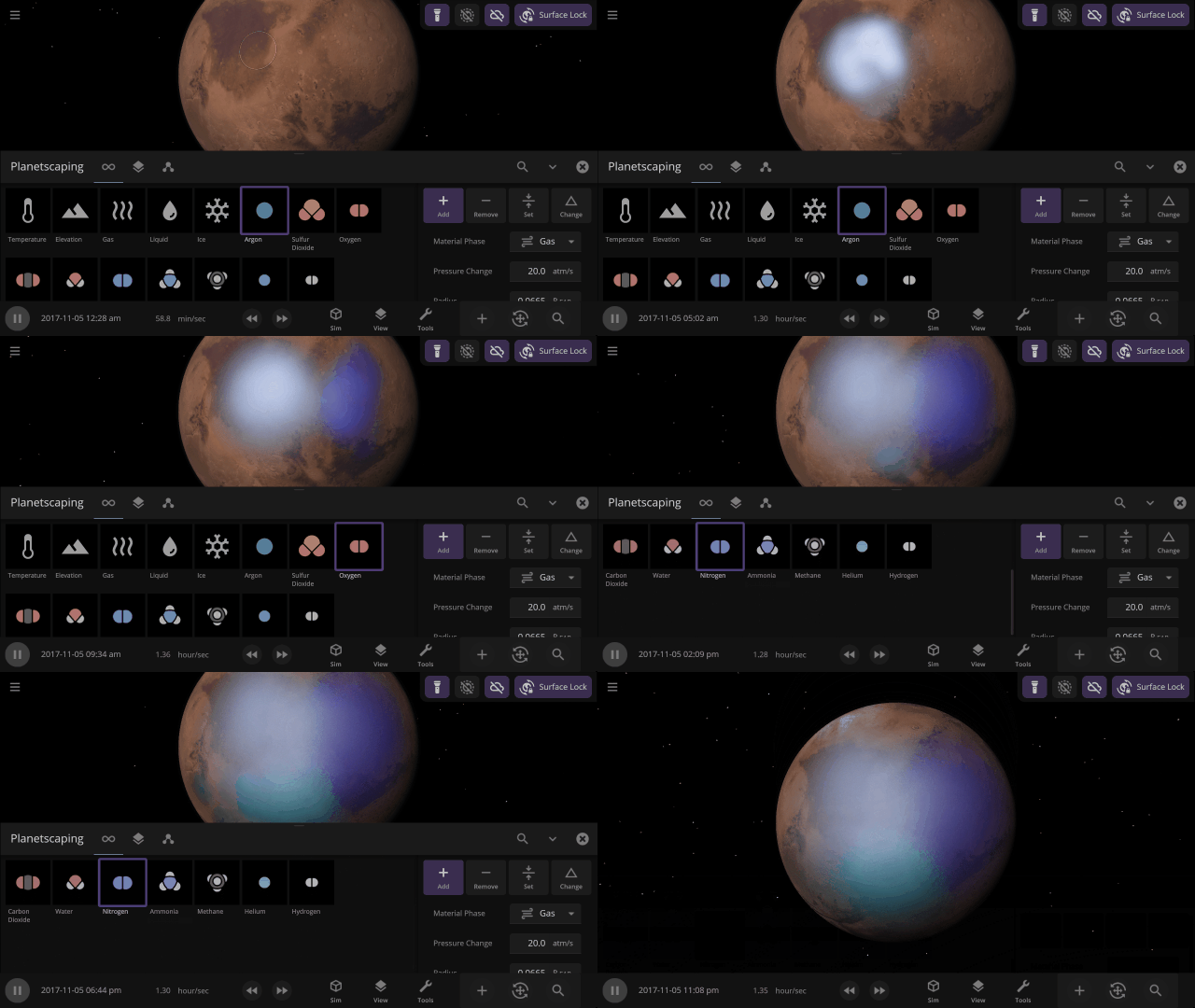
Create pleasant Earth-like or oppressive Venus-like atmospheres by adjusting the mix of materials in the atmosphere. Atmosphere colors are based on the amount of gas in a specific area, with thicker atmospheres being harder to see through.
Material Collisions
Bombard planets with materials to see their atmospheres and oceans indefinitely altered. Watch oceans boil, creating vapor-filled atmospheres. Impacts create shockwaves that push gases and punch holes in the atmosphere.

Before

After
Object Size from Composition
We’re using complex models of materials under the intense heat and pressure inside planets to compute realistic planet sizes.

More Highlights
Material colors are based on their real-life properties. Materials blend on the surface of planets and moons so you can watch oceans and gas clouds mix in real time. You can also customize material colors under
View > Advanced View Settings > Materials


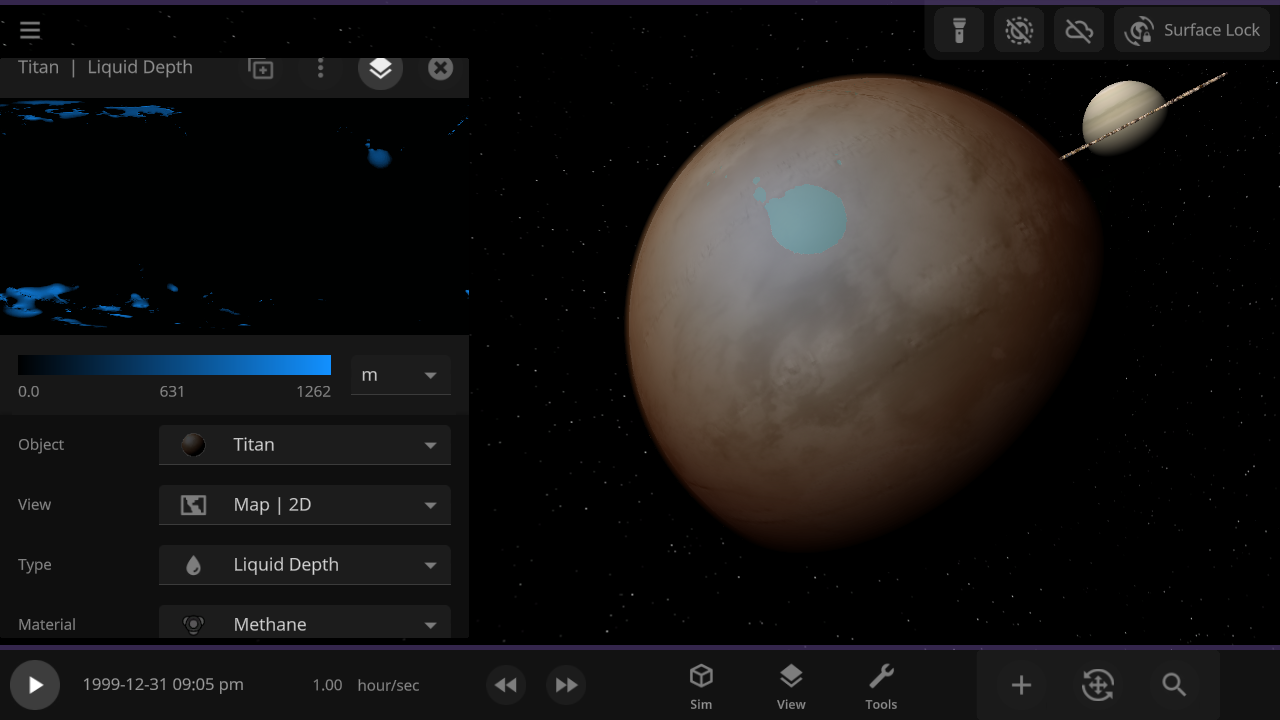
Adding materials beyond water allows us to simulate Titan’s methane lakes. In the future, these new materials will also be the foundation for simulating life.
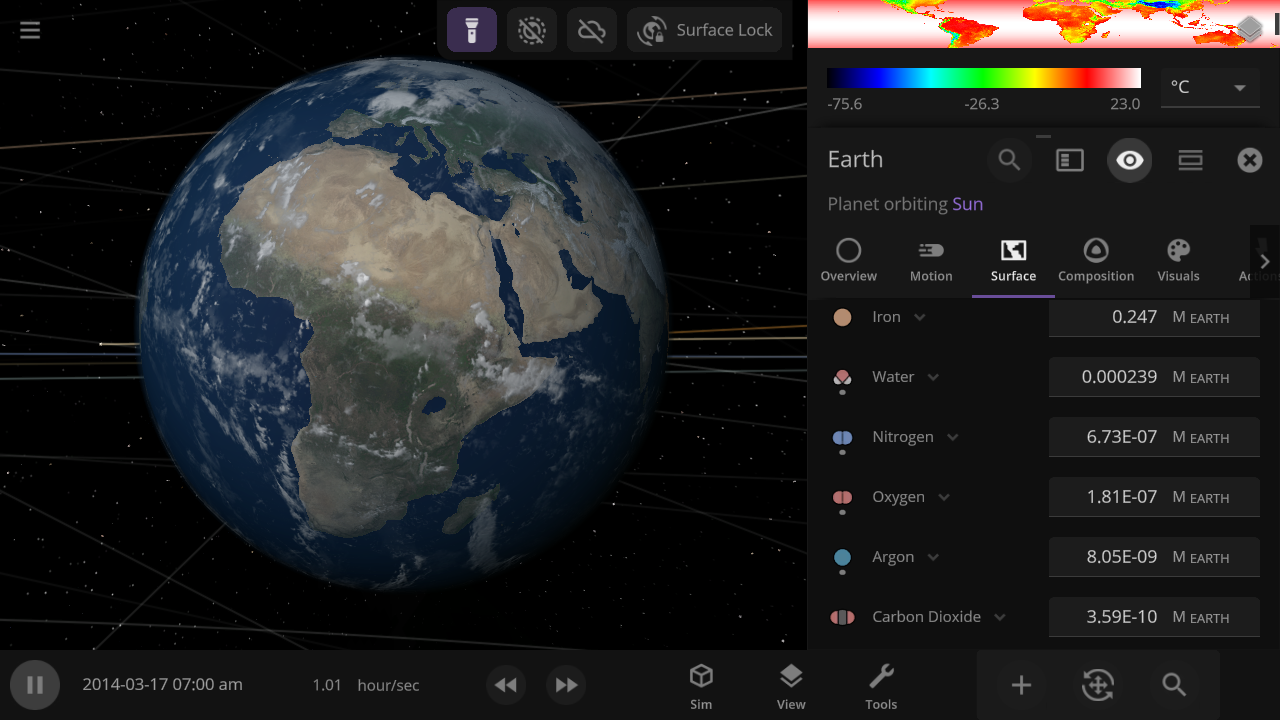
The 4 materials with the most mass will automatically be simulated across an object's surface, indicated by a dot, similar to how water was simulated. You can also override this and choose any 4 materials to simulate across an object’s surface.
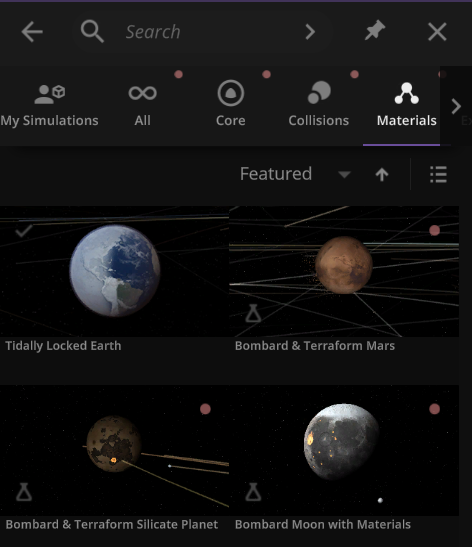
We’ve added a collection of material simulations so you can compare how they change phase between solid, liquid, and gas
Home > Open > Materials
The simulation below shows Earth with different materials in each column and a different amount of that material as a liquid in each row. Some evaporate immediately, and some stay liquid under Earth-like conditions.

Easily change the atmospheres of custom planets, old and new, using atmosphere presets of known terrestrial planets. This interface is a work in progress.

Materials masses can be viewed and adjusted by phase (solid, liquid, gas) or collectively at once under an object’s Composition.

More accessible View toggles make it easy to turn on surface lock, illuminate the dark side of planets, or toggle the visibility of atmospheres and clouds.

City Lights and Vegetation now require a habitable gas pressure of 0.6 to 1.6 bars and a new habitable temperature of -25 °C to 55 °C (previously -55 °C to 55 °C) and to appear when set to “If Habitable.”

Use object Markers (formerly called Icons) to clearly see the position and movement of objects and particles in a simulation, like nebula in a galaxy, under
View > Markers

Check out the full list of What's New in Update 34
Please report any issues on our Steam forum, on Discord, or in-game via Home > Send Feedback.
Known Limitations & Planned Improvements
- Only water vapor and gaseous carbon dioxide contribute to our simple atmospheric heating model. We plan to add heating from methane and other greenhouse gases in the future.
- Silicate and iron can only exist on the inside of a planet, not on the surface or in the atmosphere.
- To minimize the impact to performance, only a maximum of 4 materials can be simulated flowing across an object’s surface at a time. We plan to increase the number of materials simulated on object surfaces in the future.
- When a new material replaces one of the 4 simulated materials, it is evenly distributed over the surface, which can cause an atmosphere to seemingly “pop” into existence.
- Materials not simulated across the surface of objects do affect their atmospheric heating, but do not affect the atmosphere opacity.
- Planning updates to the materials interface, including:
- Viewing materials as a percentage of the mass
- Updated Phase Diagram interface
- Updated Atmosphere Preset selection interface
- Better explanation of the Composition cutaway view
- Add the ability to easily replace one material with another
The color of Titan’s atmosphere is not fully simulated because they are caused by tiny amounts of organic particles called tholins that are not simulated in Universe Sandbox. We plan to simulate the colors of hazes like those in Titan's atmosphere in the future.