Wallpaper Engine 2.3 - New 3D Model Support, Improved Lighting, Asset Hierarchy
Wallpaper Engine · published
Hey everyone,
Wallpaper Engine 2.3 completely overhauls support for 3D wallpapers, improves real-time lighting with additional light types and adds a new hierarchy and attachment system.
New 3D Model Features
Model Editor
We are introducing a brand new model editor that allows you to import FBX model files with skeletal and vertex animations. Models can now also have a much more complex material setup similar to what can already be done in 2D wallpapers for puppets, including physical-based rendering "PBR" through various texture maps. In simple terms, you can now configure model materials to properly represent different substances like a shiny piece of metal or a piece of clothing.
The model editor allows you to organize animations inside the model data and turn them into clips that you can use in your wallpaper. On top of that, you can configure individual model bones as physics (jiggle) bones and add custom logic via SceneScript events.
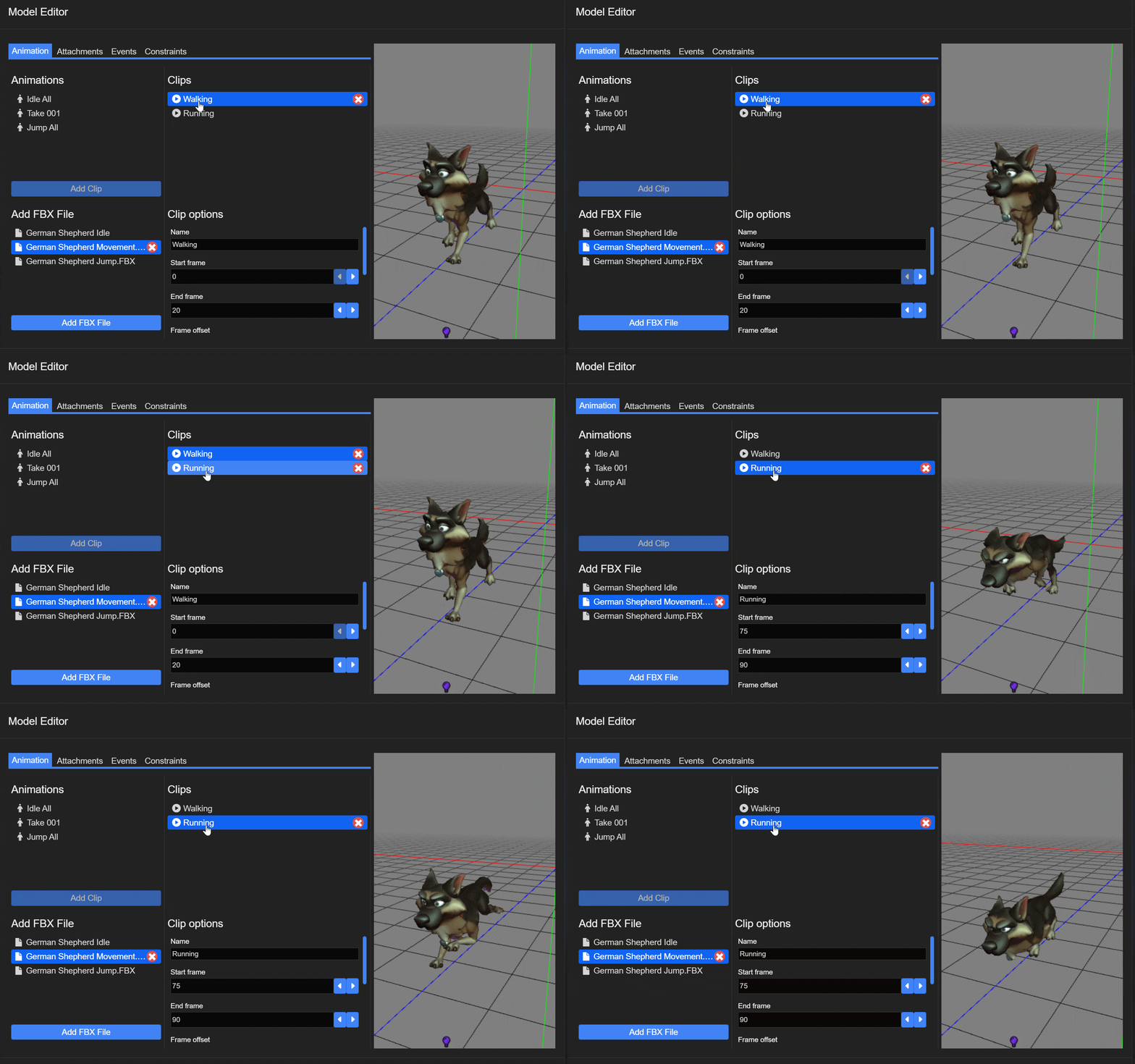
We have created a series of 3D-related tutorials, be sure to check them out on our designer documentation website.
New Camera System
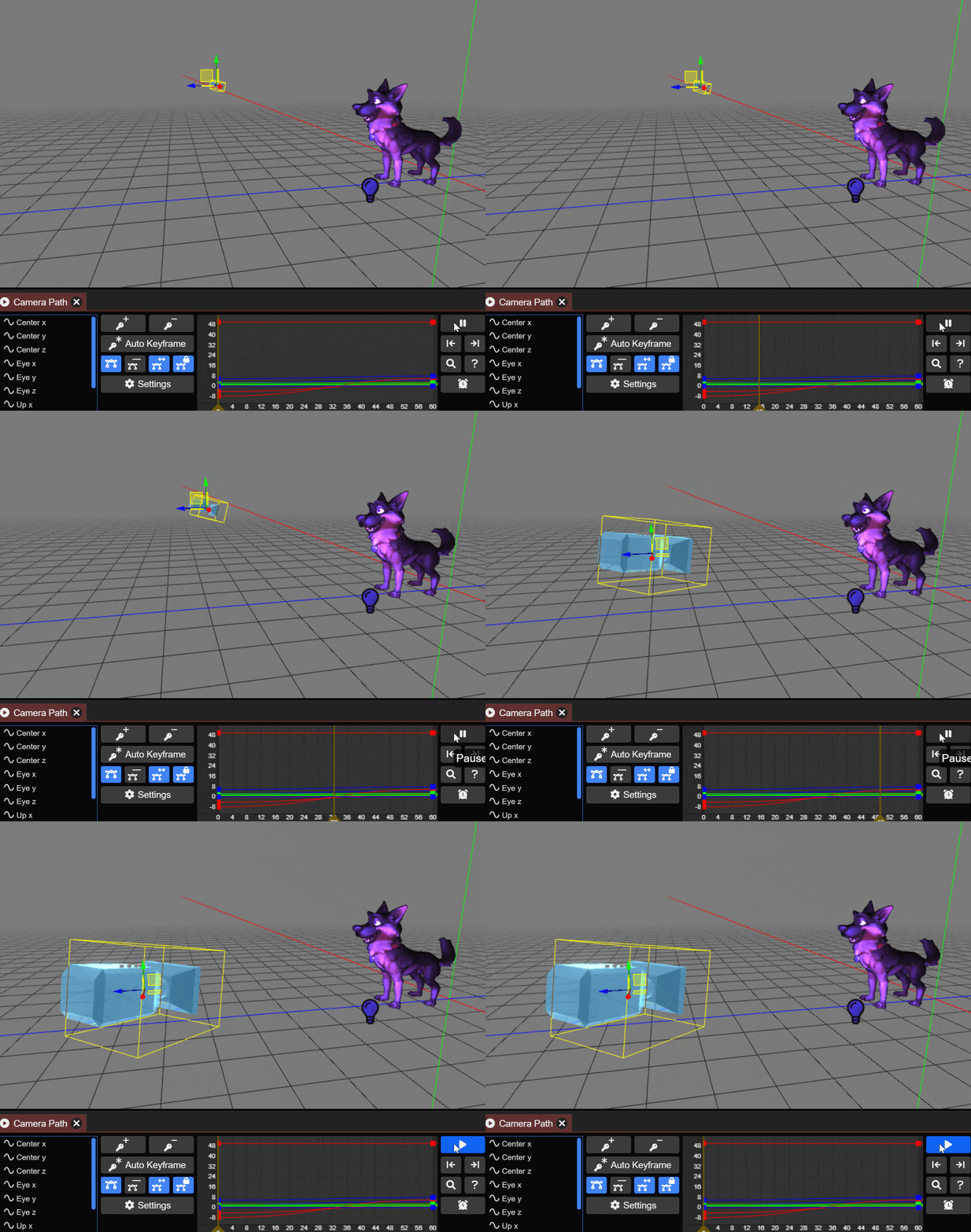
Wallpaper Engine also introduces a new camera system that brings it in line with all of the improvements we have made to the editor in the latest updates and allows for much more complex and smoother camera movements through timeline animations.
Improved Lighting
We are also expanding on the real-time lighting features for puppet warp layers. Real-time lighting works well in both 2D and 3D scenarios, so these changes are useful for all types of wallpapers.
Wallpaper Engine was previously limited to 4 real-time lights per wallpaper, we have increased this limit to 12 which enables more complex scenarios. We are also introducing three new types of lighting. Previously, all lights were simple point lights that are comparable to light bulbs emitting their light evenly from one spot. Take a look at all the light types that are now available in the editor:
Point Light
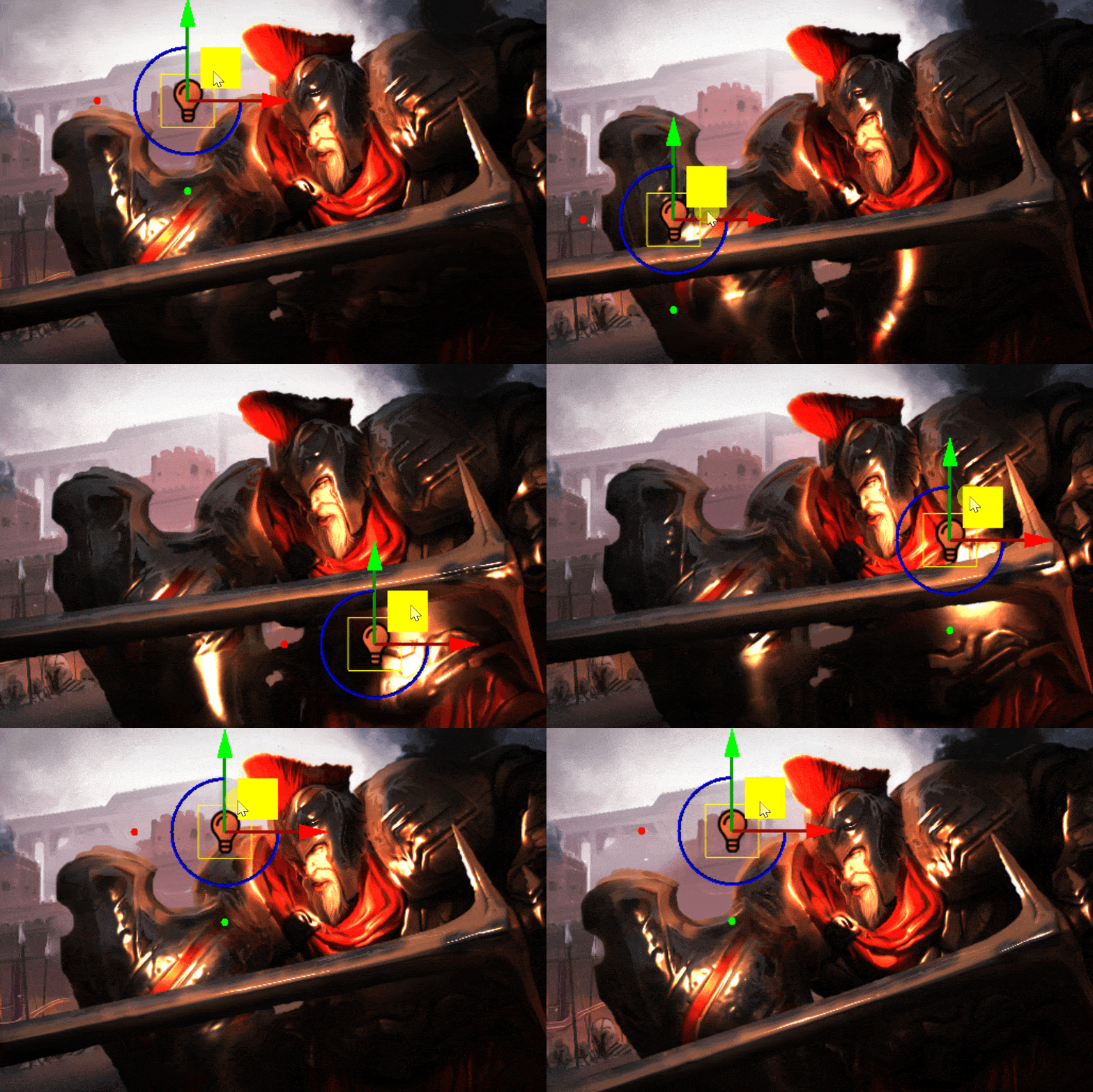
Spot Light
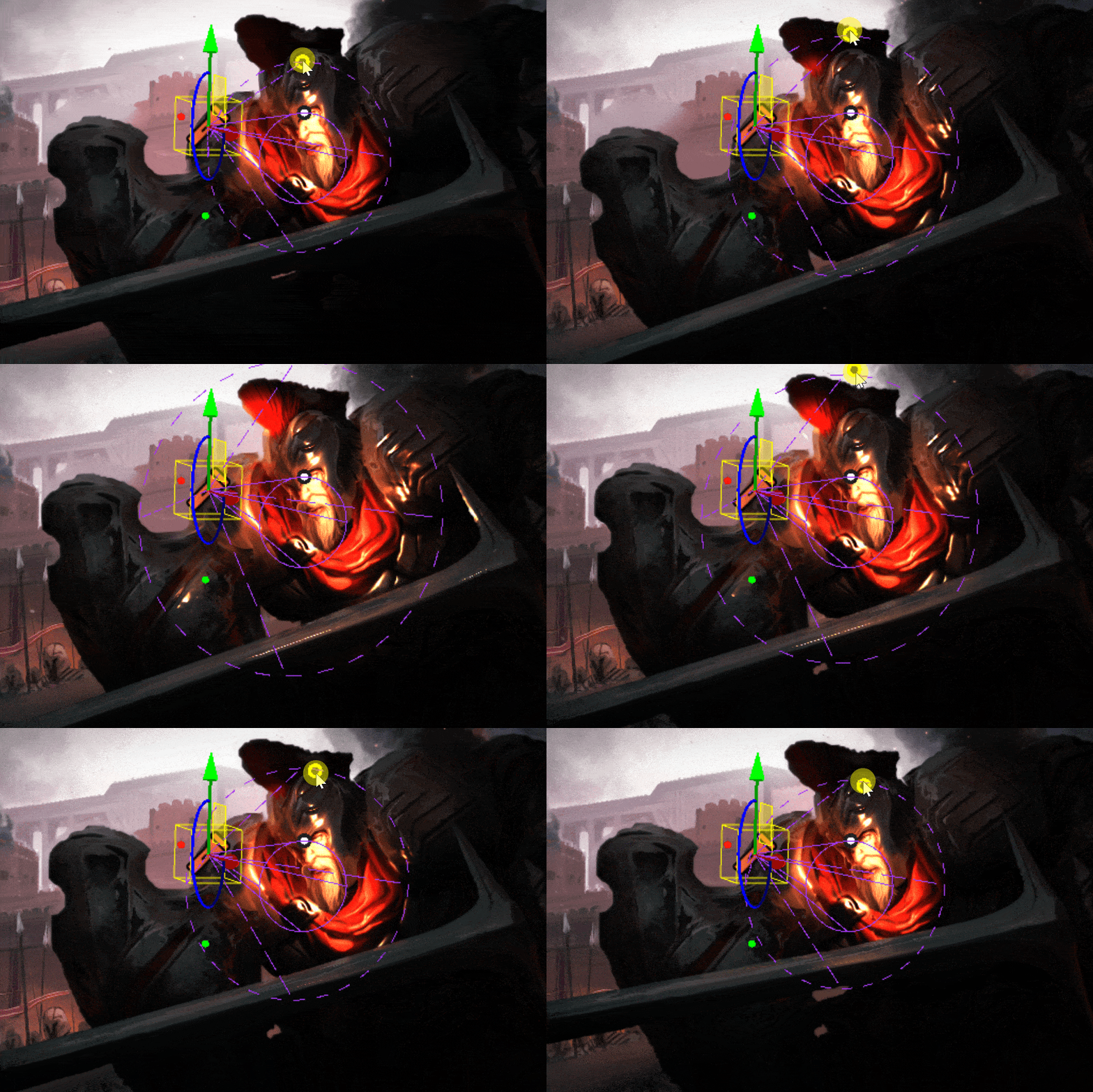
Tube Light
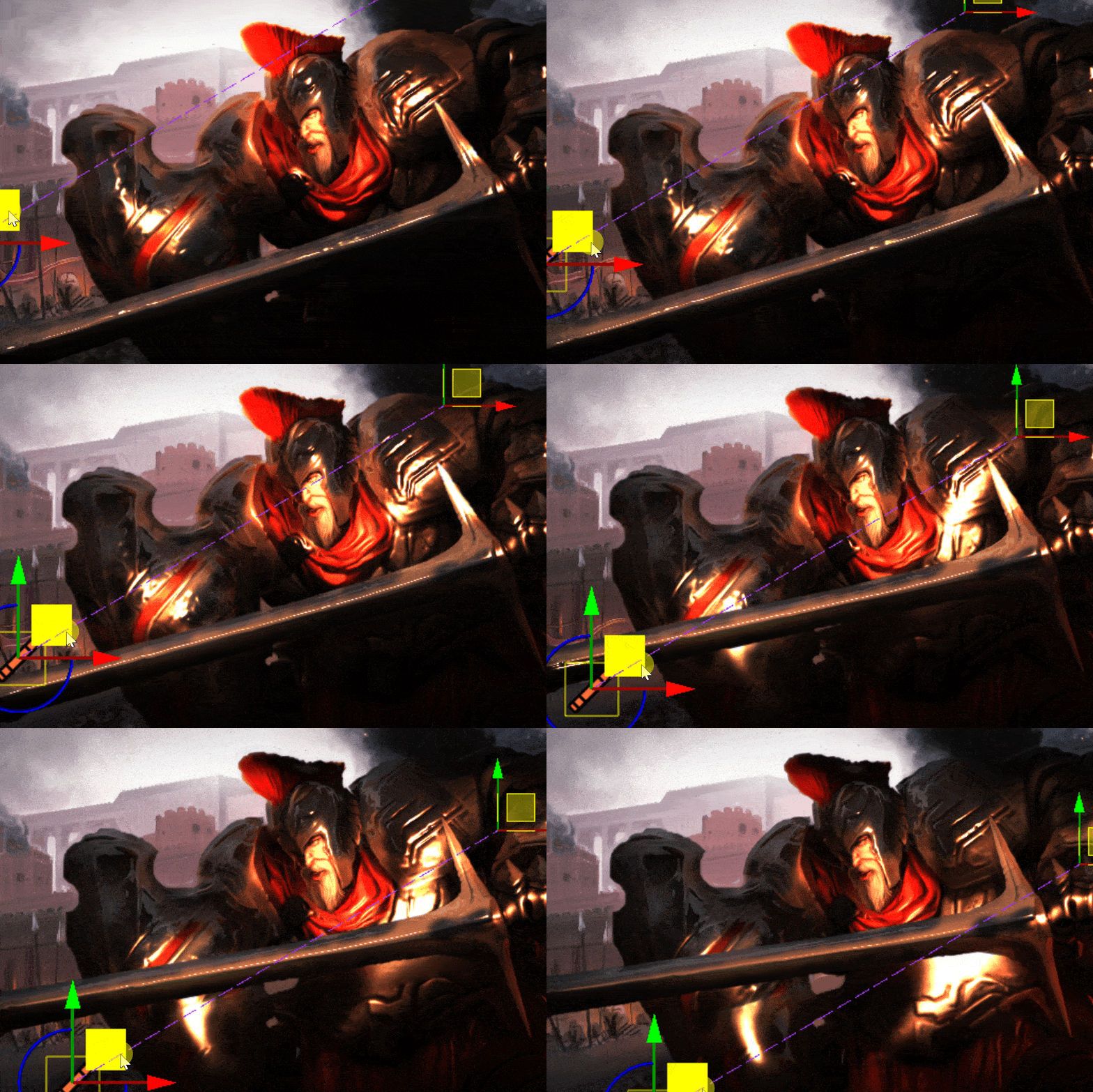
Directional Light
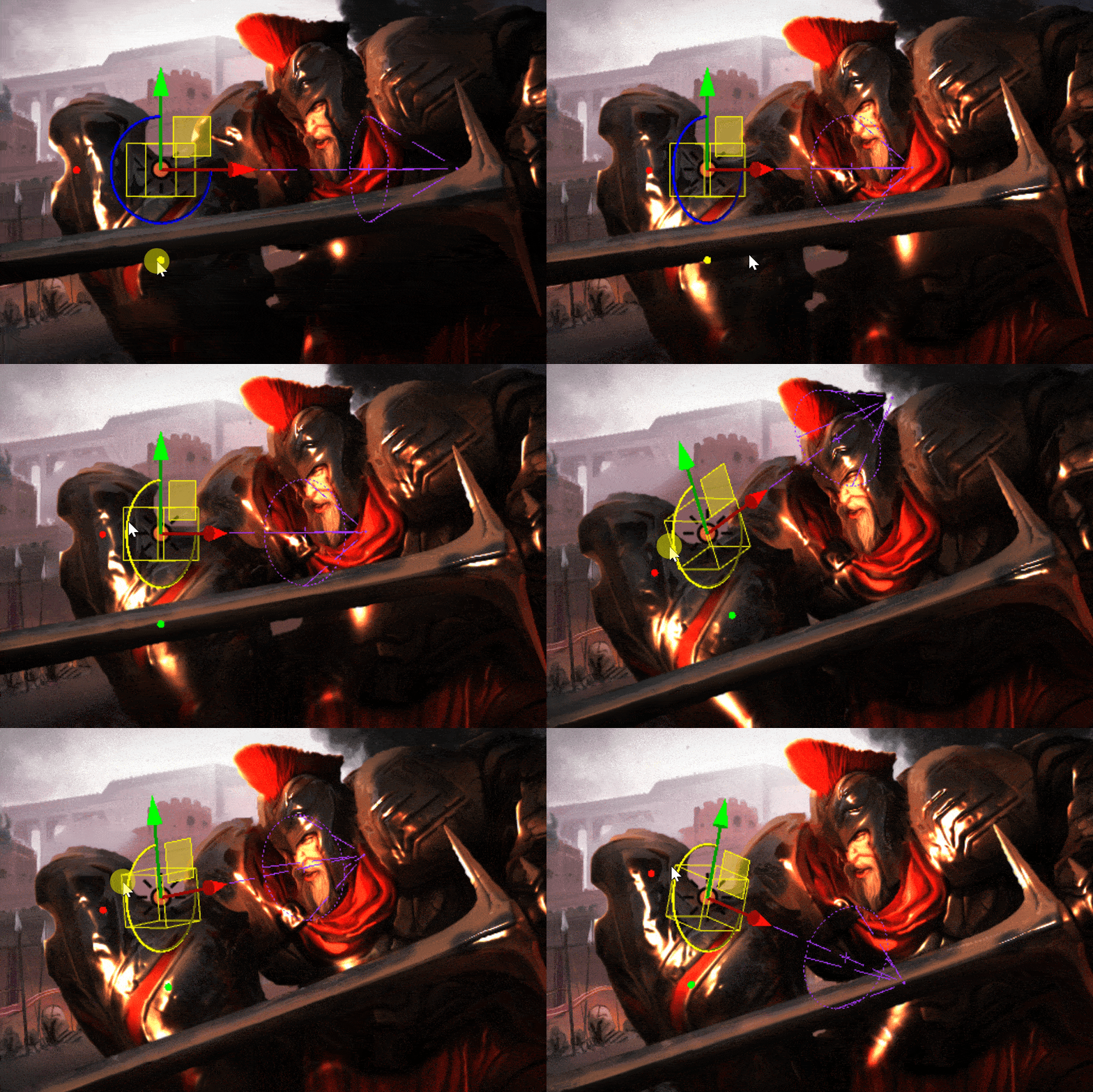
- Click here to learn more about the new light types.
Asset hierarchy and attachments
This update also introduces a new hierarchy system in the asset list. This allows you to attach an asset to another parent asset. If the parent asset is moved, rotated or scaled, so will all its children.
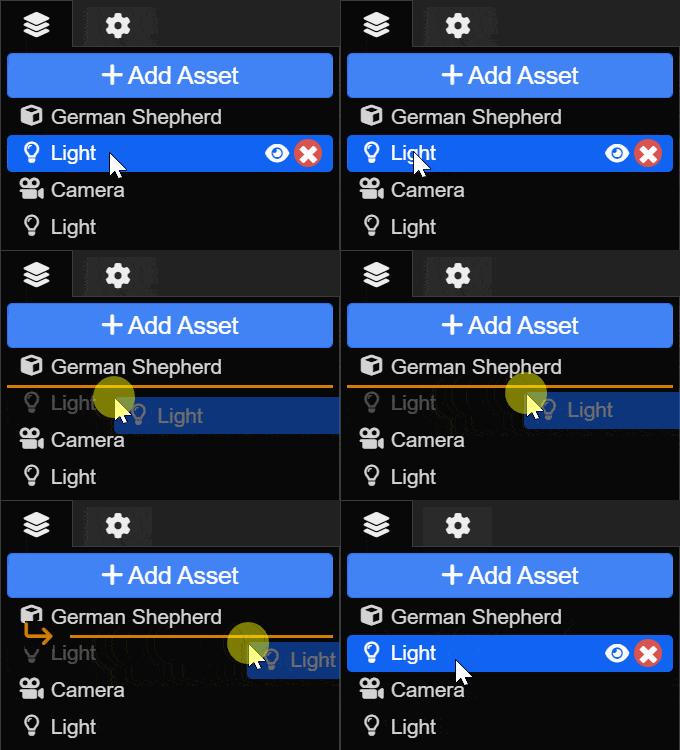
This is yet another feature that is useful in both 2D and 3D scenarios, as it greatly simplifies the way that you can link multiple objects with each other, even across complex animations. Take a look at the following example, where we have attached a light to a moving model with just a few button clicks:

To learn more about the new hierarchy and attachment system, take a look at the following tutorials:
Be sure to check out the full changelog here:
Wallpaper Engine 2.3 Changelog
3D model improvements
- Added skeletal animation and blend shape animation support to models imported from FBX files.
- Added bone constraints / physics simulation support for models with a skeleton.
- Made 3D models automatically scale on import if their scaling doesn't match Wallpaper Engine.
- Added new model shader with physically based rendering ("PBR") settings.
- Added pre-rendering system to compose layer, so that image effects can be applied to 3D models and particles on 2D wallpapers.
- Added new camera system that allows toggling between multiple cameras and paths. Allows controlling the camera like an object. Click here to view a tutorial.
- Added hitboxes and click events to models.
- Added automatic transparent object sorting to 3D scenes. Useful if you have a lot of transparent objects and a moving camera, that shows them from different angles.
- Added new 3D scene editor grid.
- Added button to switch between local space and world space rotation and translation.
General Editor Improvements
- Added scene layer hierarchy system. Click here to read a tutorial.
- Puppet models now feature attachment points that can be used to bind other assets to them. Click here to read a tutorial.
- Added new lighting system that supports more lights and new light types, including spots, tube and directional lights. Click here to see an overview of all new light types.
- Added search box to effect and asset list.
- Implemented support for Steam's new content rating system during the upload process. Adjust your Steam age rating preferences for your Steam account here.
- Added transform layer type.
- Added model/puppet attachment to image layer projection so certain image effects can be attached to objects behind them.
- Changed puppet animations to use more generic angular interpolation and match 3D skeletal animations.
- Added new shader rebuild overlay to clearly show when the editor is busy rebuilding the shader cache.
- Added normal map import x and y flip option so normal maps can be matched more easily.
- Added ability to select any layer by clicking in the scene. Select underlying layers by holding the left mouse button continuously.
- Made physics bones behave more stable when they are chained.
- Improved physics bones torque simulation.
- Added dual wave option to water waves effect so more interesting effects can be achieved with a single wave layer.
App improvements
- Various Discover tab improvements, now highlights popular wallpapers.
- Optimized performance on 2D scenes by disabling anti-aliasing automatically if a scene doesn't contain 3D elements.
- Added warning when a Windows slideshow or Windows spotlight is set as a Windows wallpaper, since it causes the live wallpaper to disappear momentarily.
- Anti-aliasing compatibility improvements for latest versions of Windows 11.
- Improved virtual desktop compatibility for latest versions of Windows 11.
- Fixed various crashes related to Windows Copilot, though it remains somewhat unstable as it significantly alters the desktop. We recommend turning Windows Copilot off for the time being.
Bug Fixes
- Fixed finished sounds playing after unpause in scenes.
- Fixed puppet texture channel animations when textures are auto cropped.
- Fixed shader preprocessor not recognizing certain commands correctly when spaces were missing, added support for #elif.
- Fixed clean project deleting files with capitalized file extension when it shouldn't.
- Fixed inversed culling mode on flipped wallpapers not being reverted during pre-render steps, causing layers to disappear.
- Fixed engine forward vector being flipped in shaders.
- Fixed "lighting 3" particle having artifacts on its border.
- Fixed particle oscillate alpha blending not being applied.
Wallpaper Engine - Android Update
The Android app update will start to roll out across all app stores now. Please note that mobile app stores tend to release updates with a delay, so it might take a few days for the update to reach you.
If you have installed the APK file directly, you can grab the latest APK on our website right now: