Did you know that it's been seven years to the day since the release of Lion Quest? It surely has been, and now FINALLY you can make your own animal. Welcome to Lion Quest 1.6.0, an exciting new update to the game which adds in a character creator called the Animal Maker.
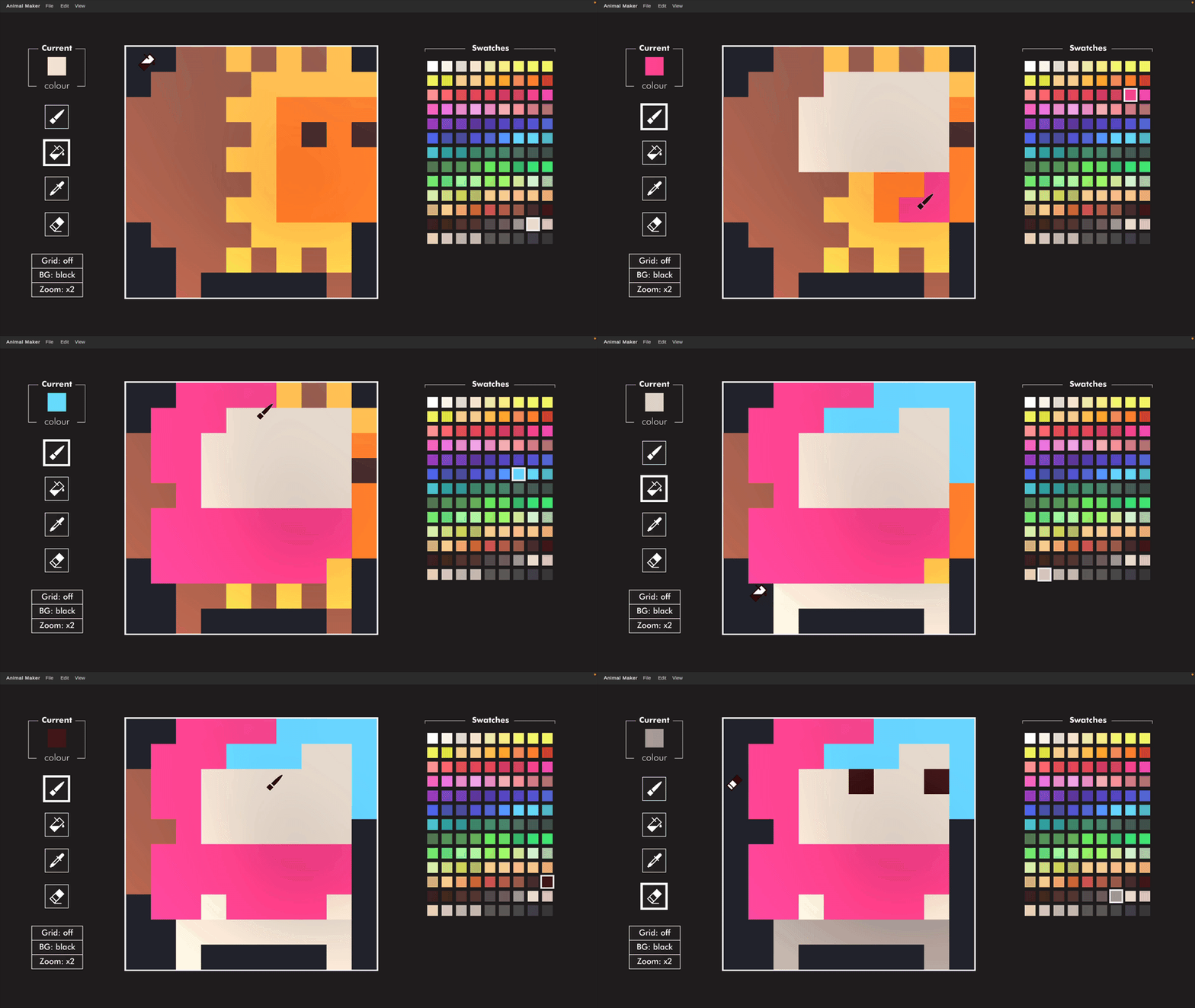
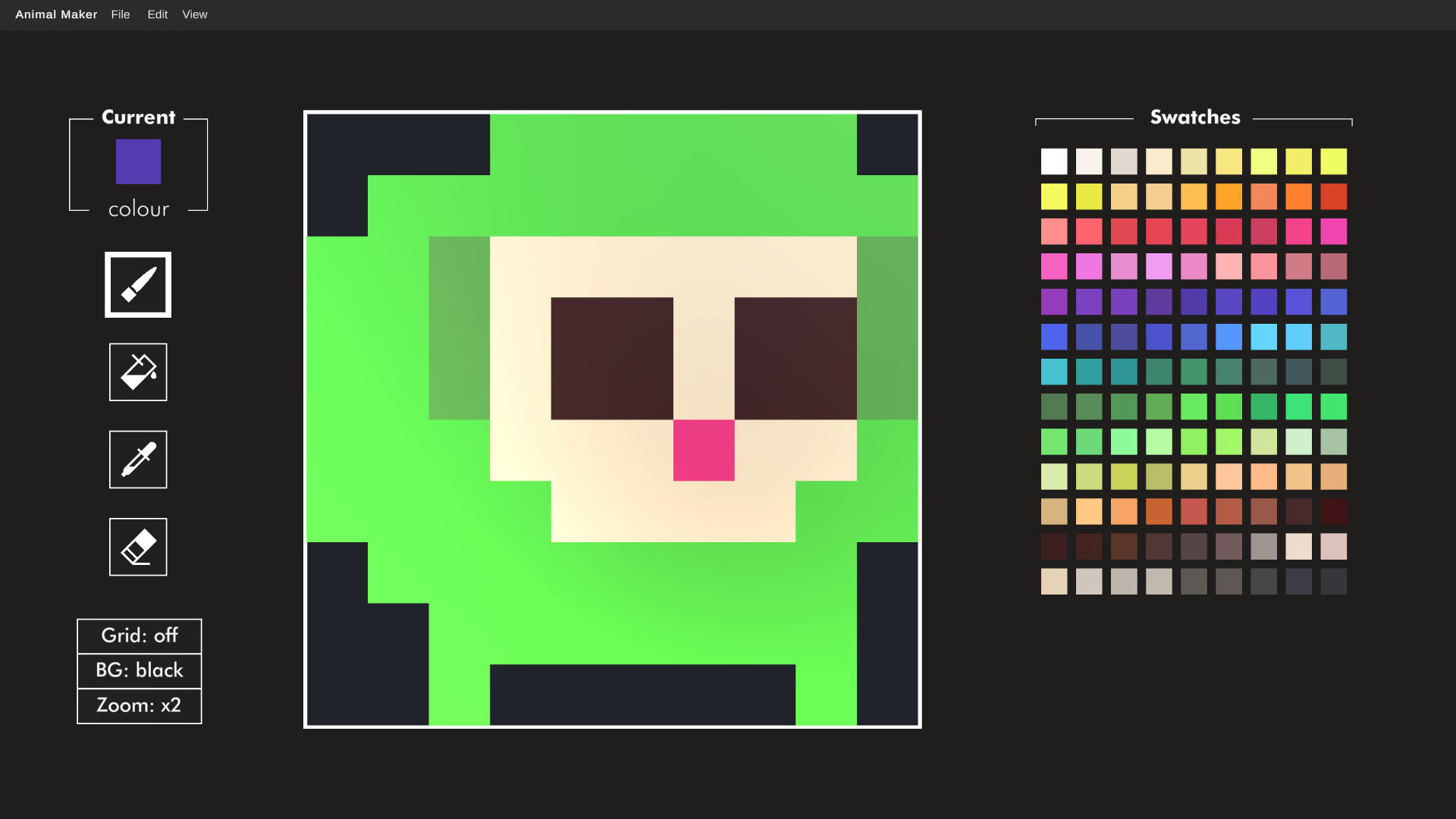
With the Animal Maker you've got all the tools needed to modify your existing character (e.g you can change their colour or give them a fun hat), but it's also flexible enough for you to create a brand new design. The only limits are your imagination and the 10x10 square grid!
Save and Share your characters
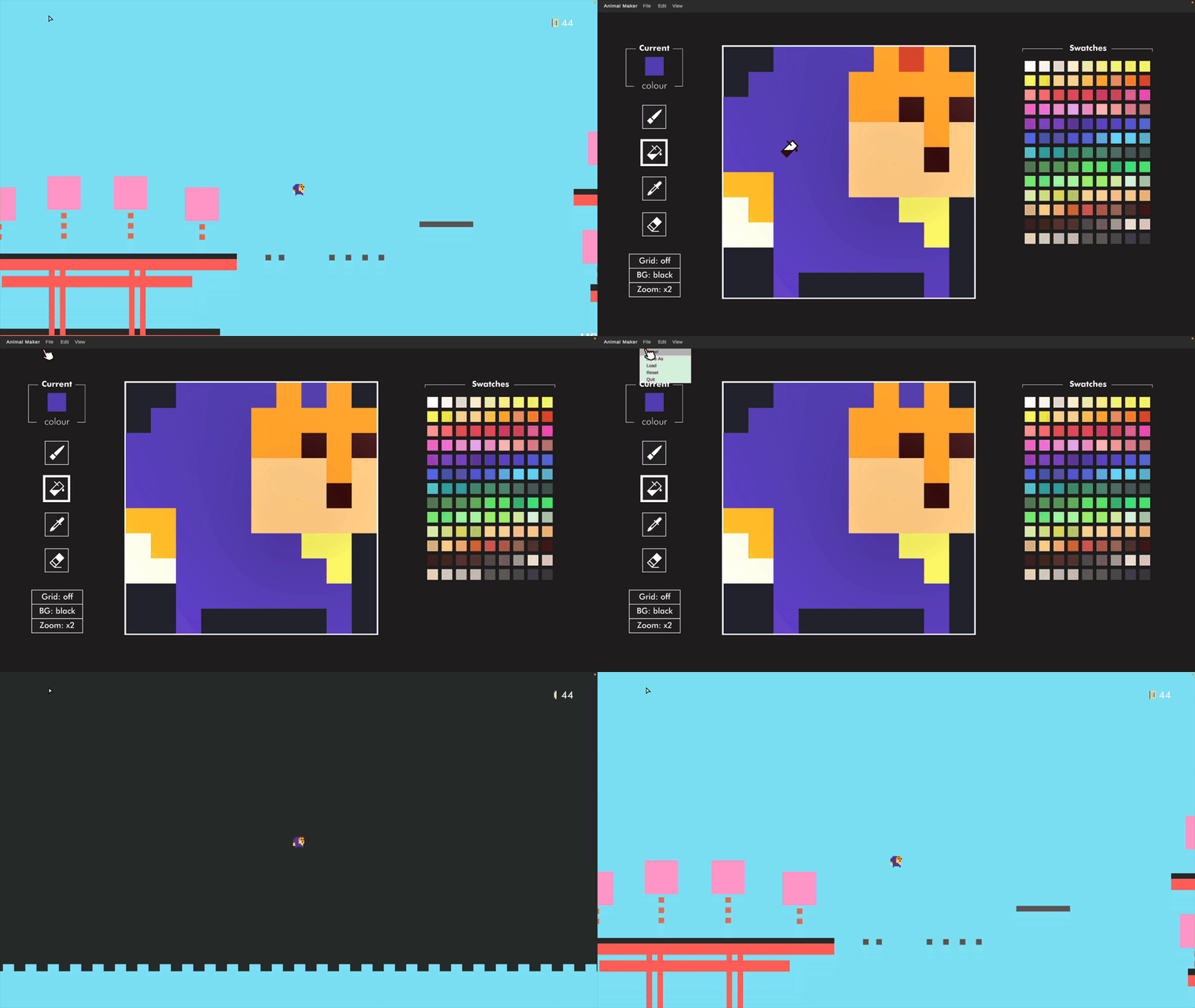
Once you're done you can save your animal as a code on your computer and then load it back any time. It's also super easy to share, codes can be exchanged and loaded as .txt files. You can also copy the character code to the clipboard using EDIT ––> COPY or paste one in by pressing EDIT ––> PASTE.
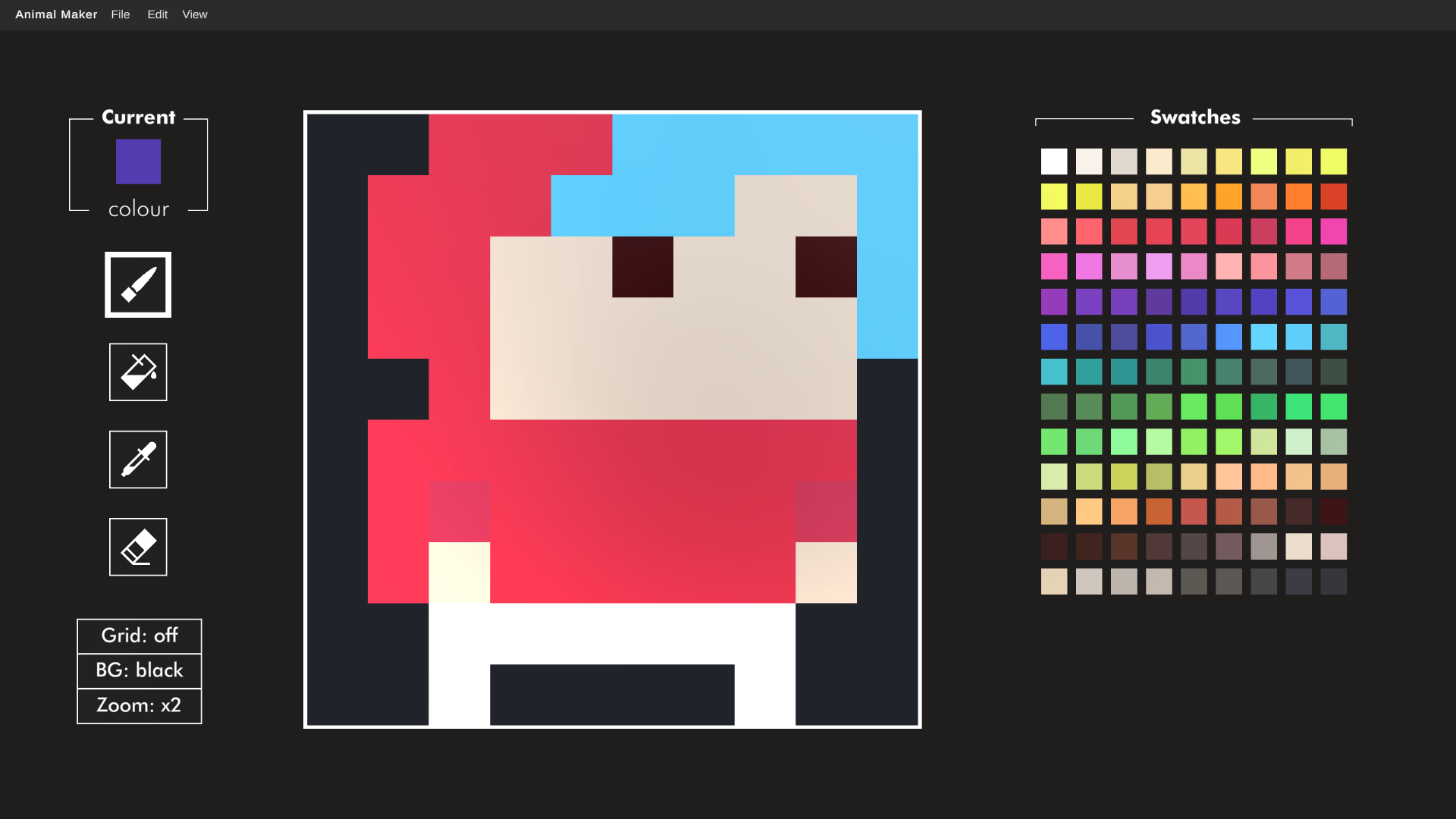
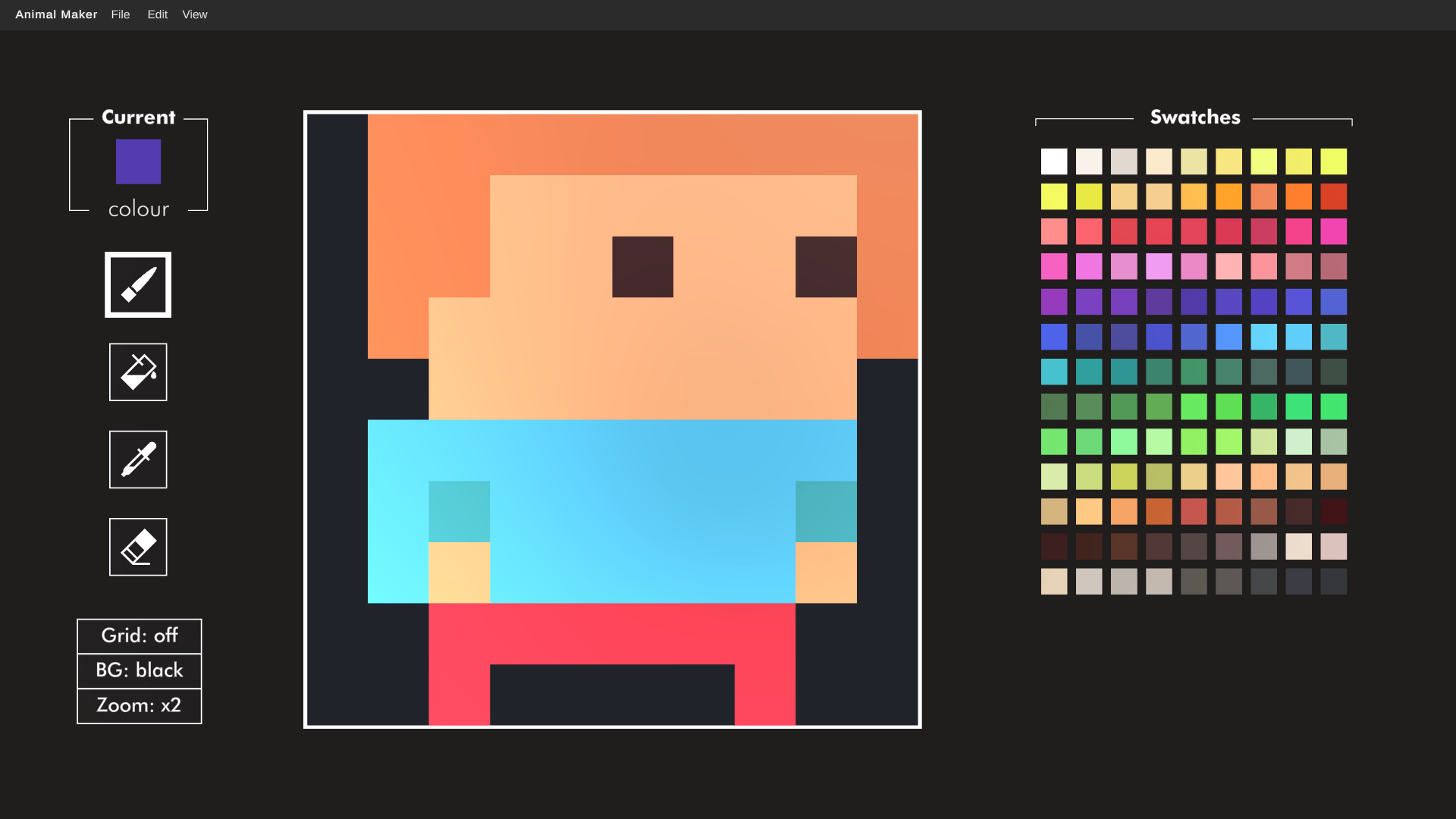
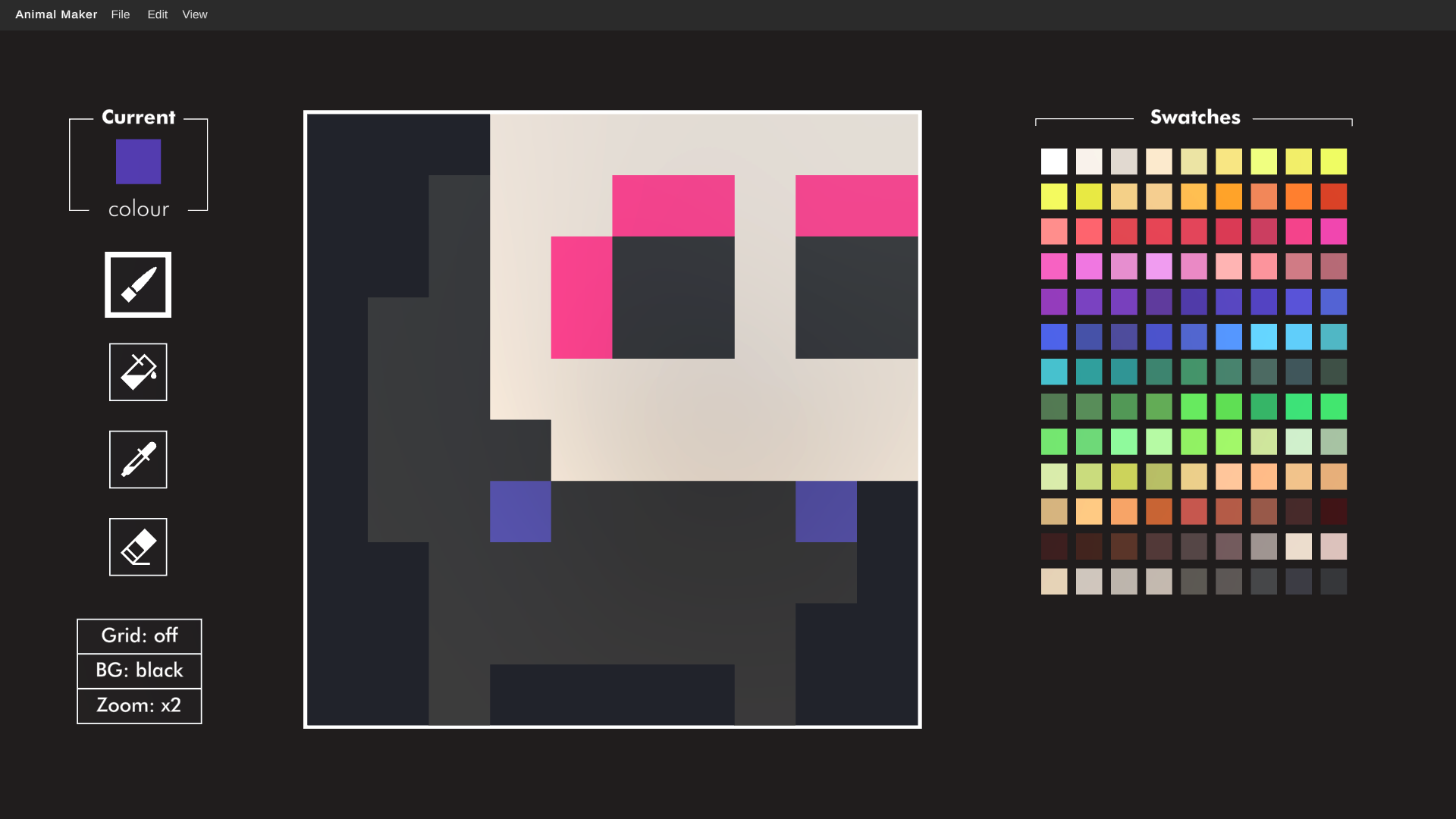
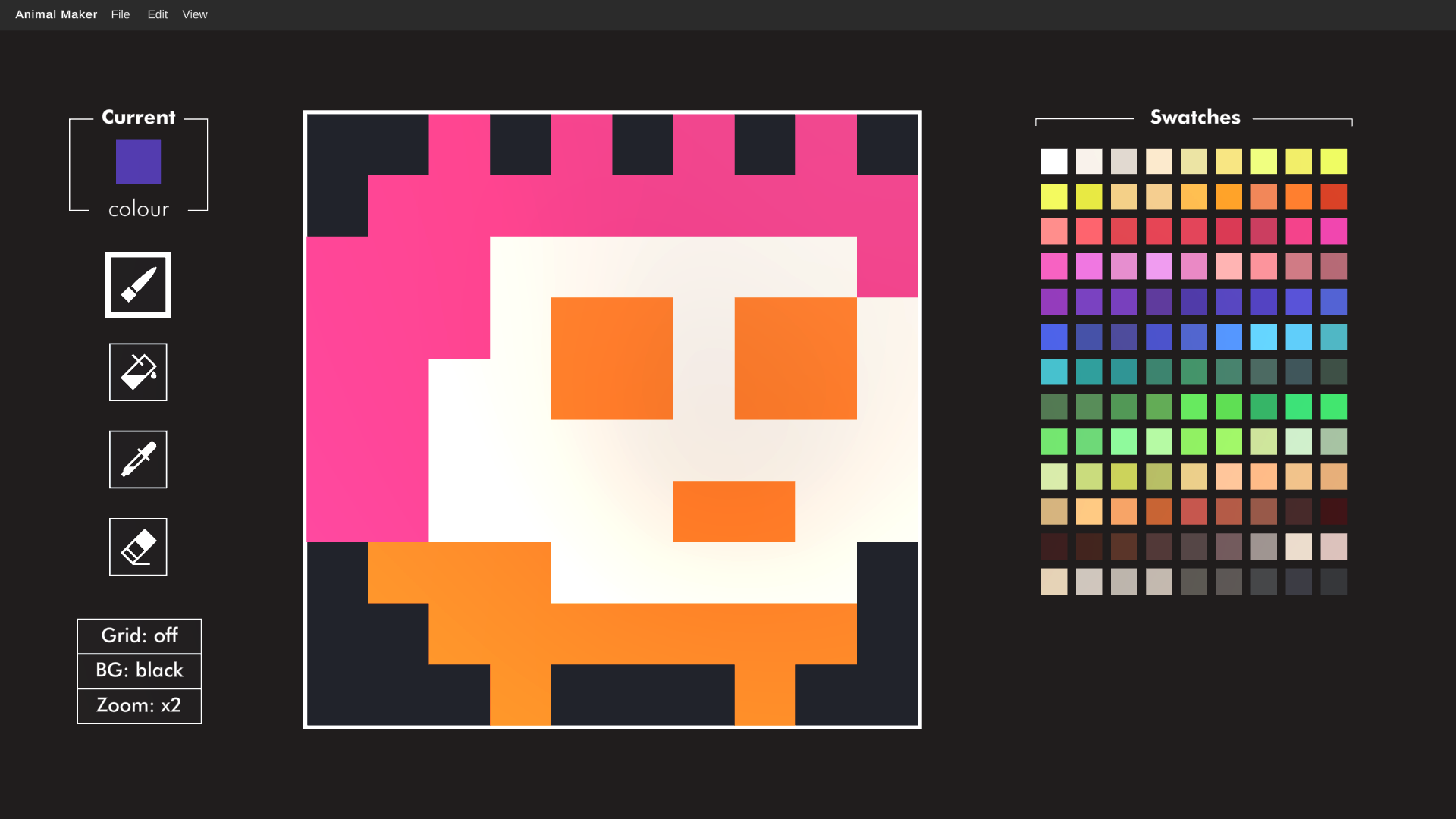
Here's some characters I've made. This even includes Jimmy the Sloth, who was featured in Sloth Tales and Lion Quest Infinity, but wasn't previously playable in the original Lion Quest.
00000000006906906906906906900000006906906906906906906906906906906906700400400400400400406706906906700409809800409809806706906906700409809800409809806706906906900400400402600400406906906906906900400400400406906900006906906906906906906906900000000006906906906906906906900000000006900000000000000006900009908401
00000004904904901801801801801800004904904901801801810710701800004904910710709910710709901800004904910710710710710710701800000004910710710710710710700000004904904904904904904904900000004904804904904904904904800000004910704904904904904910700000000011511511511511511500000000000011500000000000011500000016715701
00001601601601601601601601601600001601608808808808808808801600001601608808809808808809801600001608808808808808808808801600000008808808808808808808800000005305305305305305305305300000005305405305305305305305400000005308805305305305305308800000000002302302302302302300000000000002300000000000002300000016615601
00000000000300300300300300300300000011700300302602600302602600000011700302611711700311711700011711700302611711700311711700011711700300300300300300300300011711711700300300300300300300011711704811711711711704800000000011711711711711711711700000000011711711711711711700000000000011700000000000011700000010009201
00000002600002600002600002600000002602602602602602602602602602602602600200200200200200202602602602600201701700201701700202602600200201701700201701700202602600200200200200200200200202602600200200200201701700200200001701701700200200200200200000000001701701701701701701700000000000001700000000001700000009211301
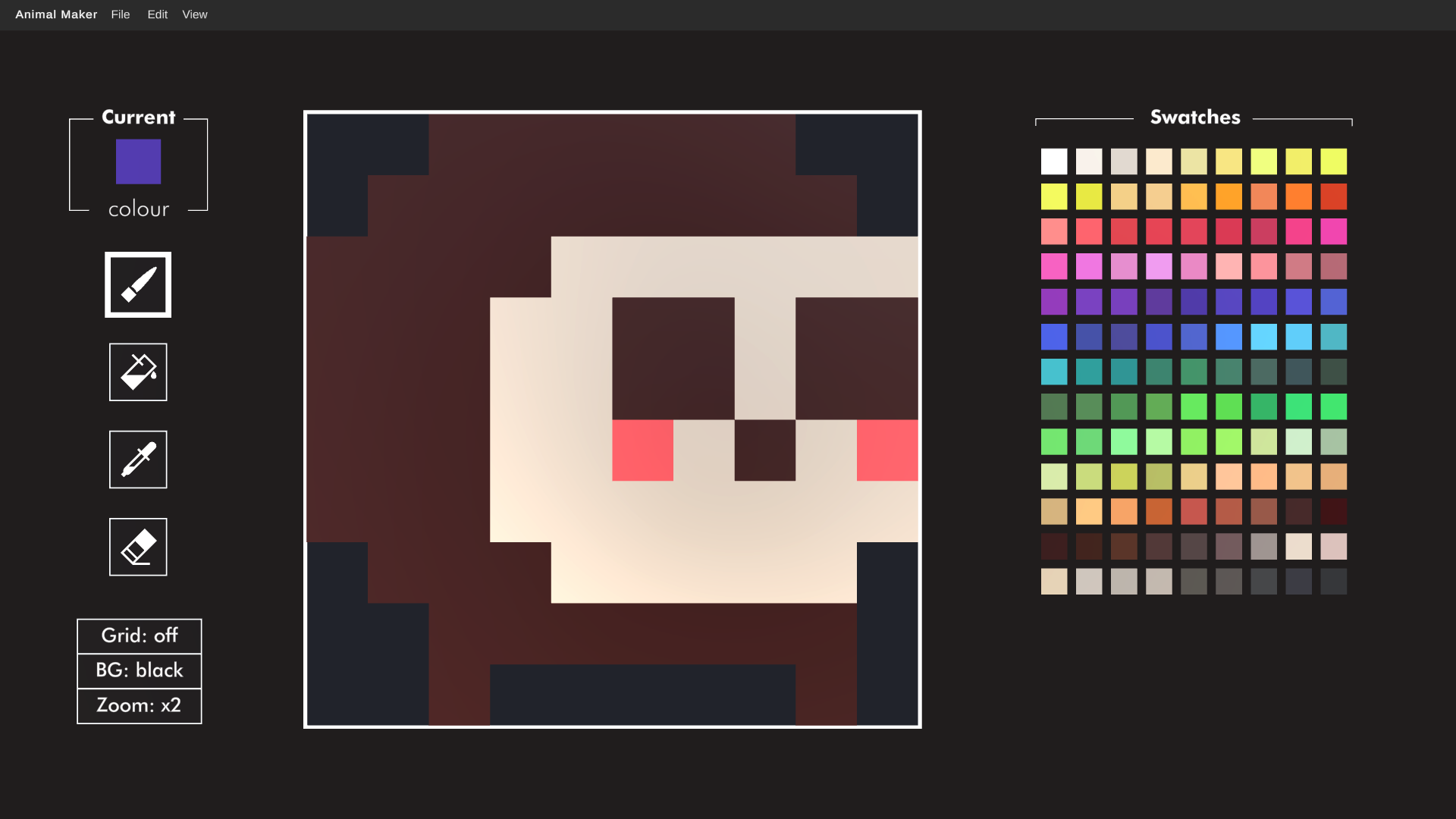
00000010010010010010010000000000010010010010010010010010000010010010010010710710710710710710010010010710709809810709809810010010010710709809810709809810010010010710702010709810702010010010010710710710710710710700010010010010710710710710700000000010010010010010010010000000000010000000000000000010000000900901
And just to confirm, you copy any of the above codes and then from the Animal Maker screen you press EDIT ––> PASTE to load them in. Then you go FILE ––> DONE to return to the game as your new character.
Some tips for making your own animal:
- There's a new icon on the level select labelled AM (which stands for Animal Maker) to look out for. But you can also just select Animal Maker from the pause menu on the level select, and this is the easiest way to load up the character creation screen.
- Your character should face right slightly. If you draw them facing left then it will look like they're walking backwards in the game.
- The bottom row of the grid is animated, so here's where your character's legs go
Also important to know is that the customisations are made over whatever character you're playing as when you open up the Animal Maker. This means progress, stats and special abilities (such as Roy the Pig's double jump) are all inherited by your custom character.
Oh, and the characters created here are fully compatible with another game I've made called CAPITALISM The action board game for one player. You can copy and paste codes between the two games, use the same custom characters and even copy over your favourite animals from Lion Quest into that game. Here's the code for the main Cowboy character, who you can now play as in Lion Quest:
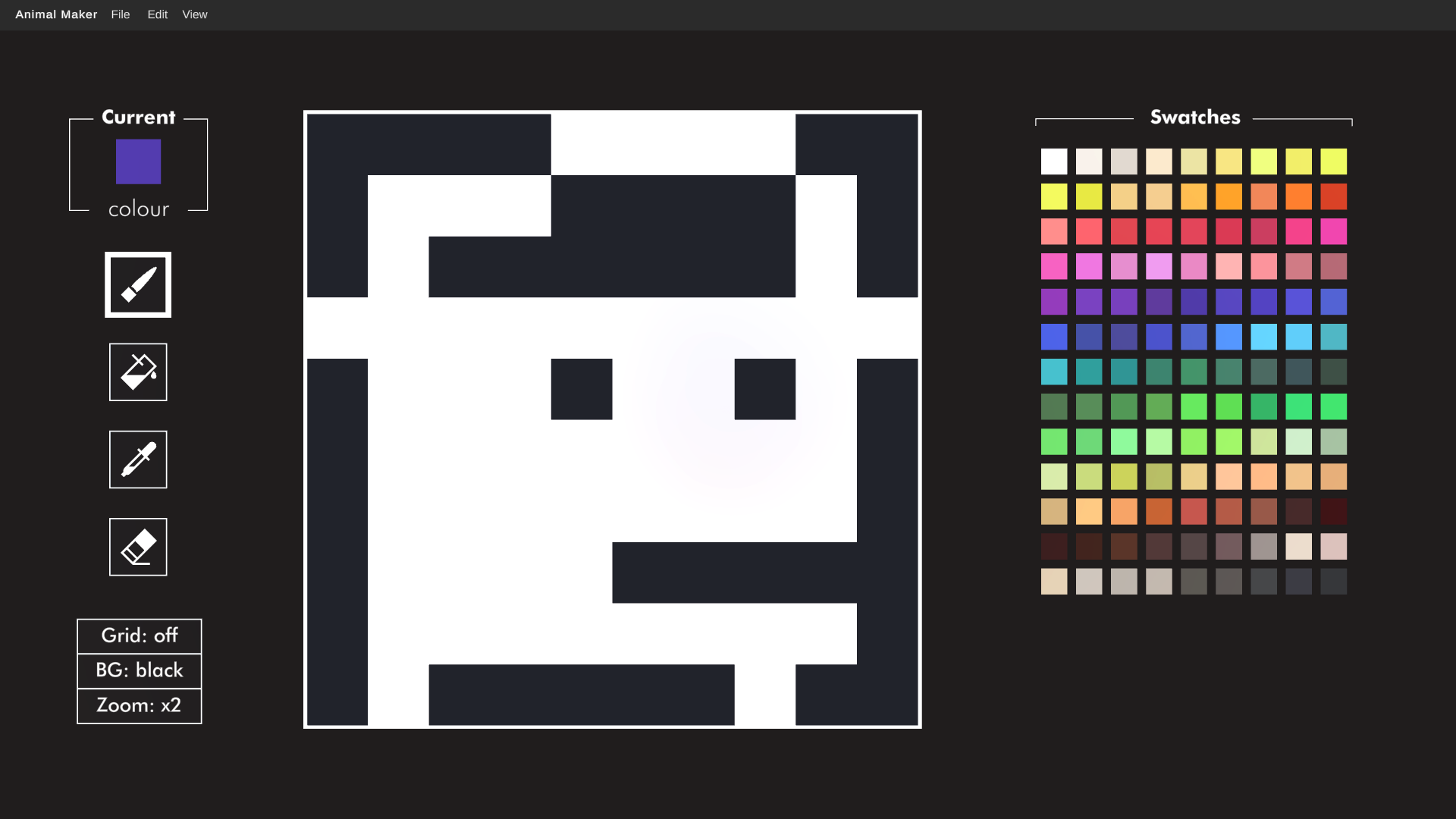
00000000000000100100100100000000000100100100000000000000100000000100000000000000000000100000100100100100100100100100100100000100100100000100100000100000000100100100100100100100100000000100100100100100100100100000000100100100100000000000000000000100100100100100100100100000000100000000000000000100000012808001
How do I stop being a custom character?
Either change animal from the character selector screen or open up the Animal Maker and go FILE ––> RESET
Is anything else new?
There's a couple more minor fixes and optimisations that have also made their way into this update, as well as a new custom cursor used in the rest of the game.
---
That's all for today, have fun making your animals.