Hi folks,
A new update is now available which finally introduces the first animals to the new version!
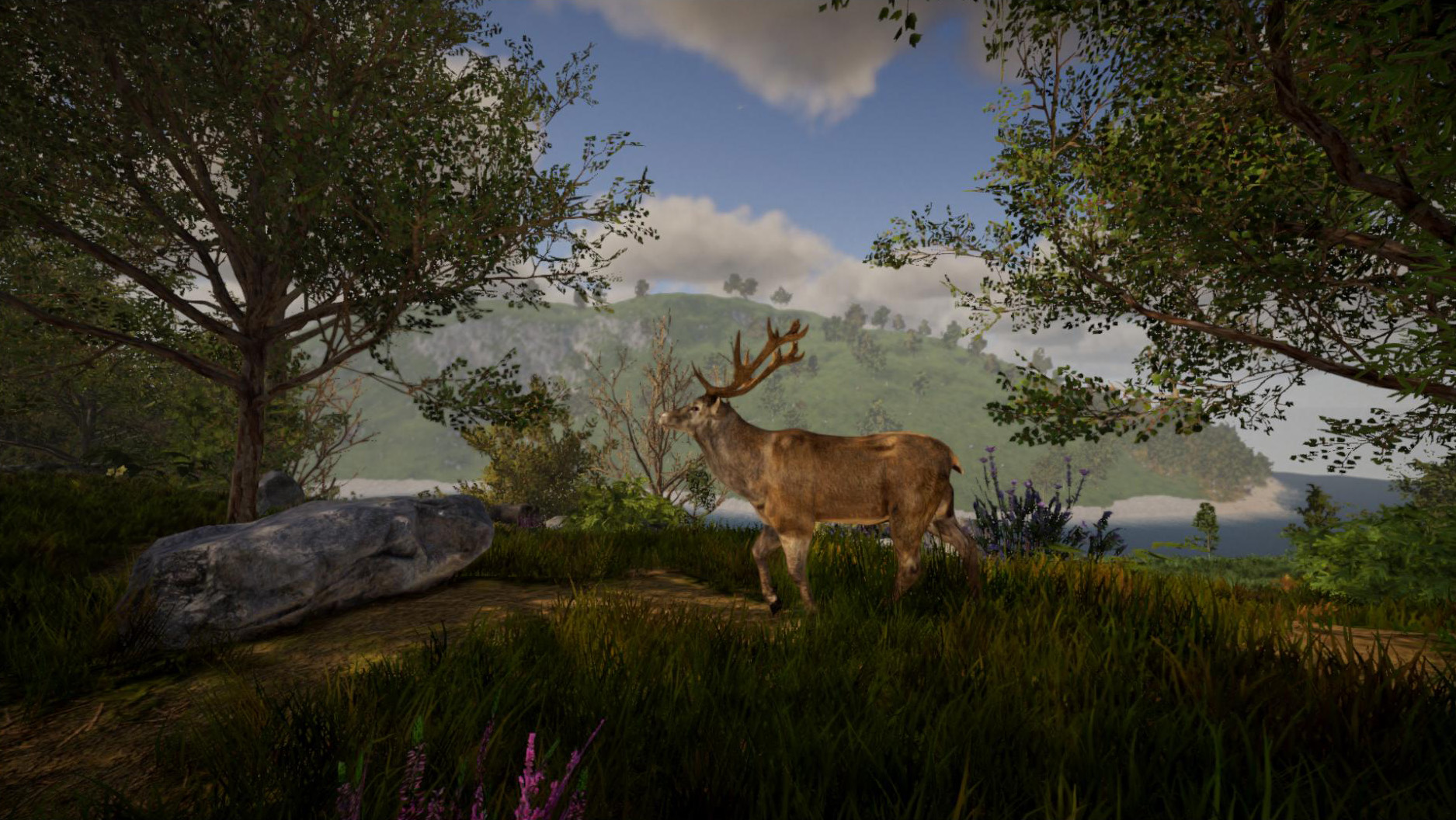
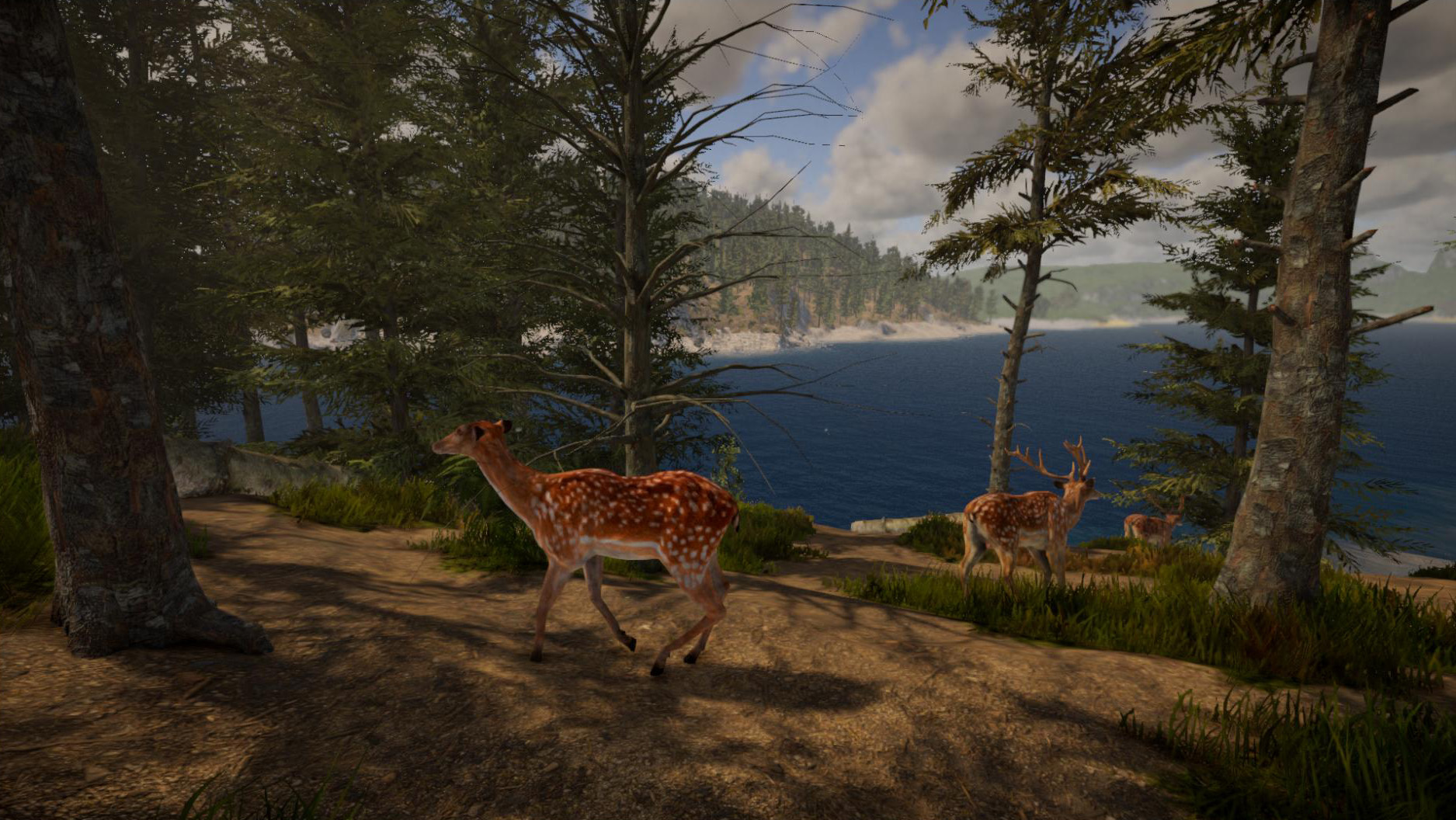
In total, this update introduces 29 different animals as well as different variants for some animals (13 variants in total). This includes male and female animals for most animals as well as cubs.
Animals will spawn persistently in unmodified chunks - new animals will also respawn if the animal population becomes too small.
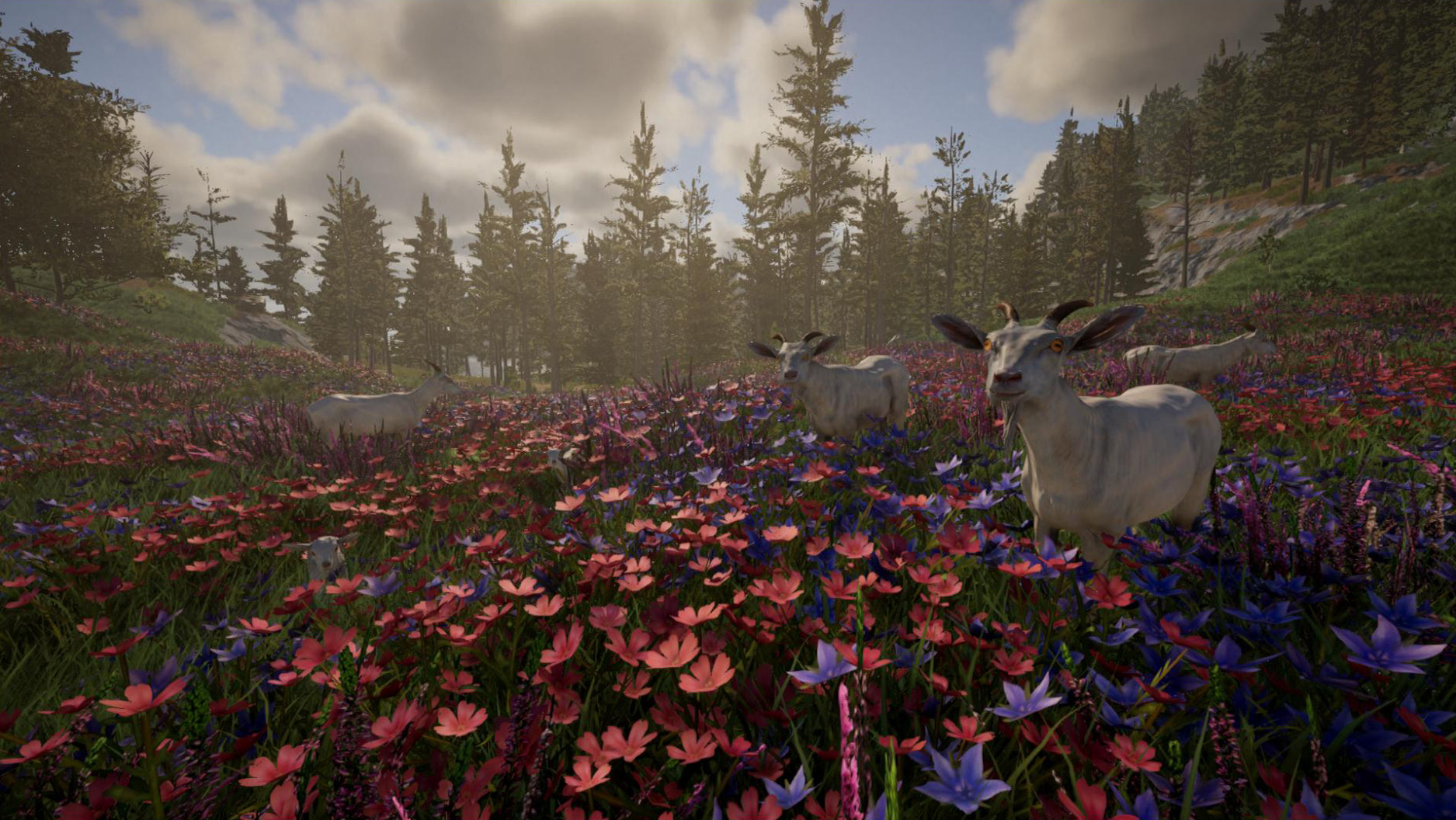
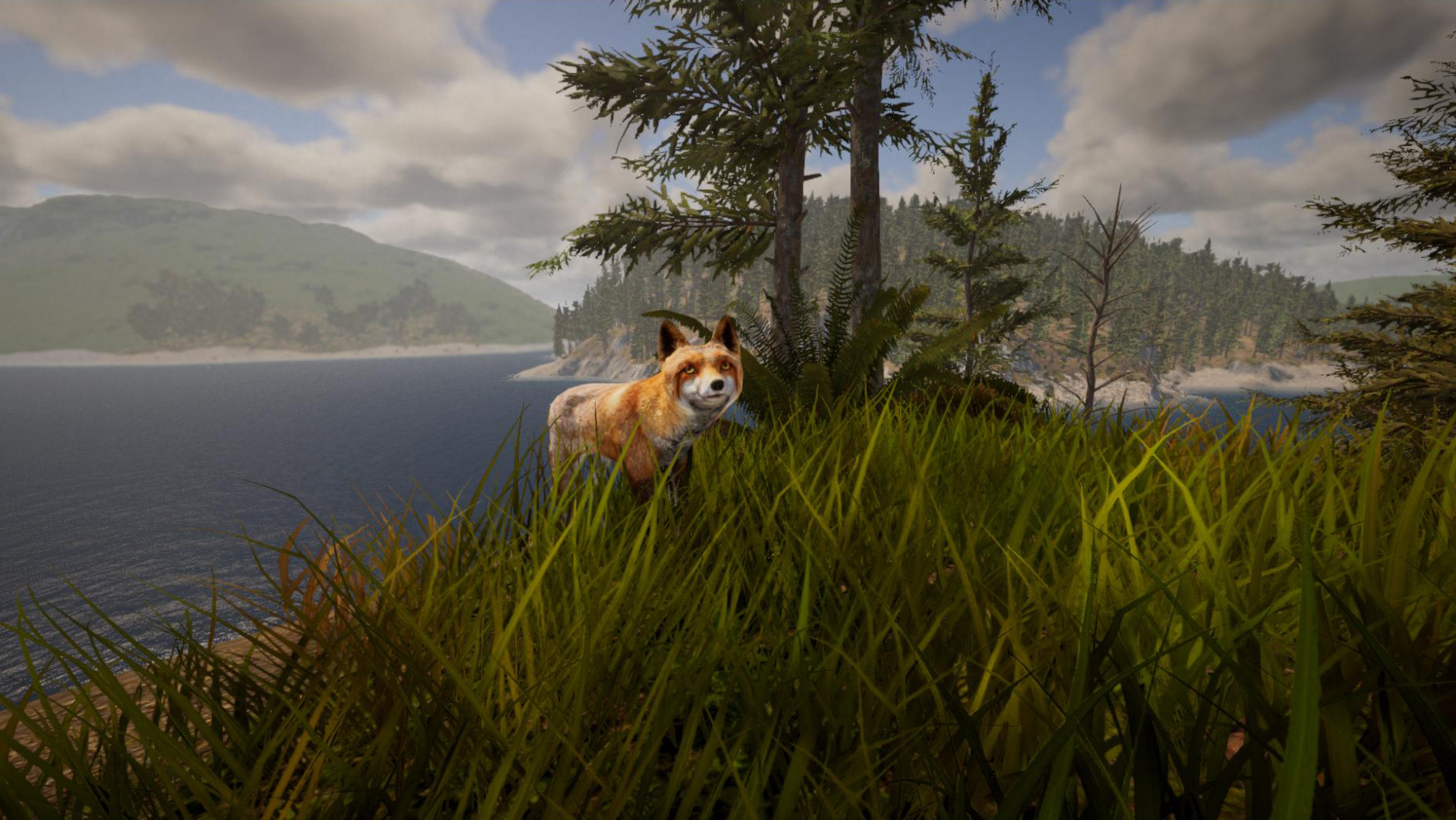
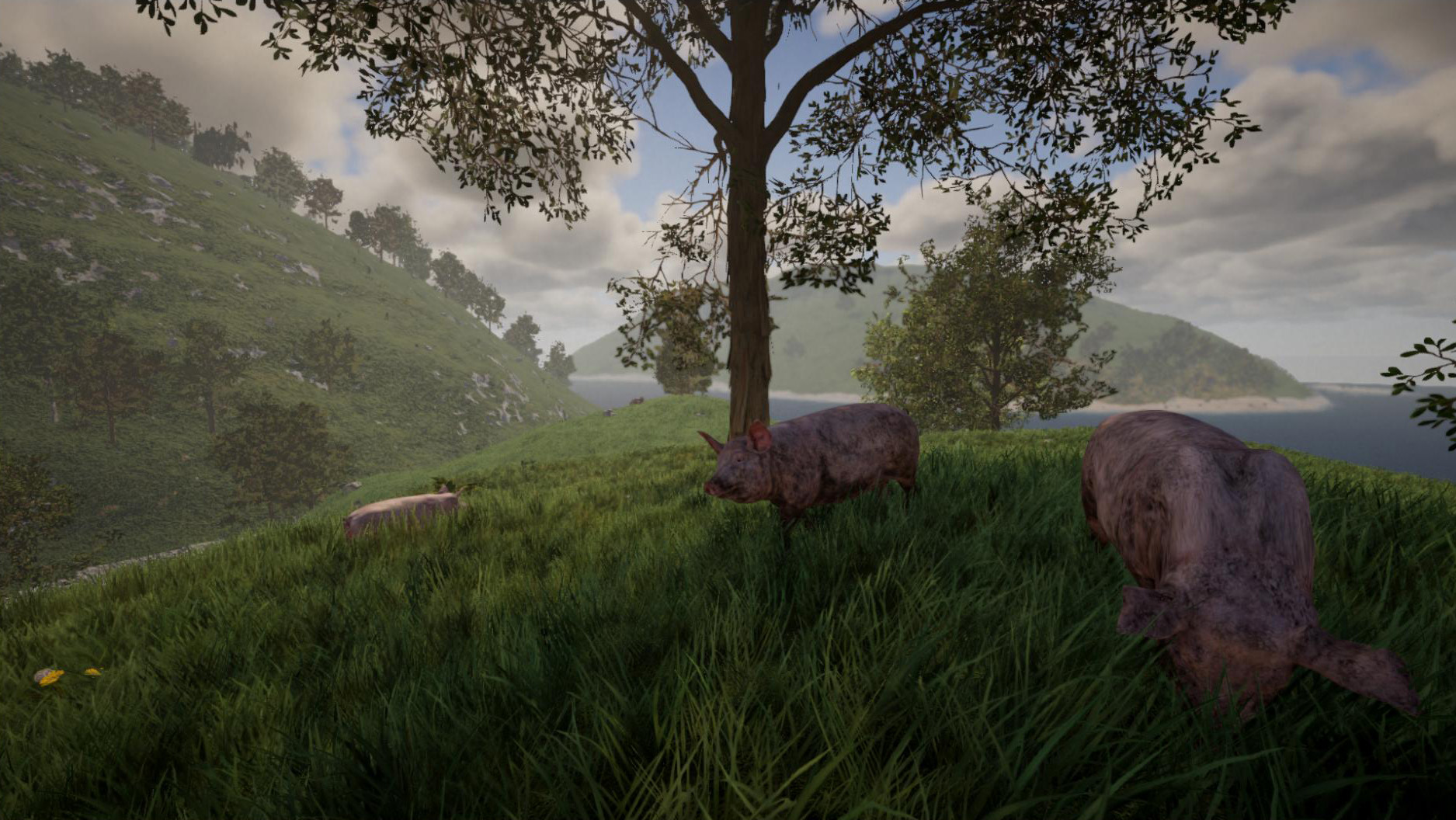
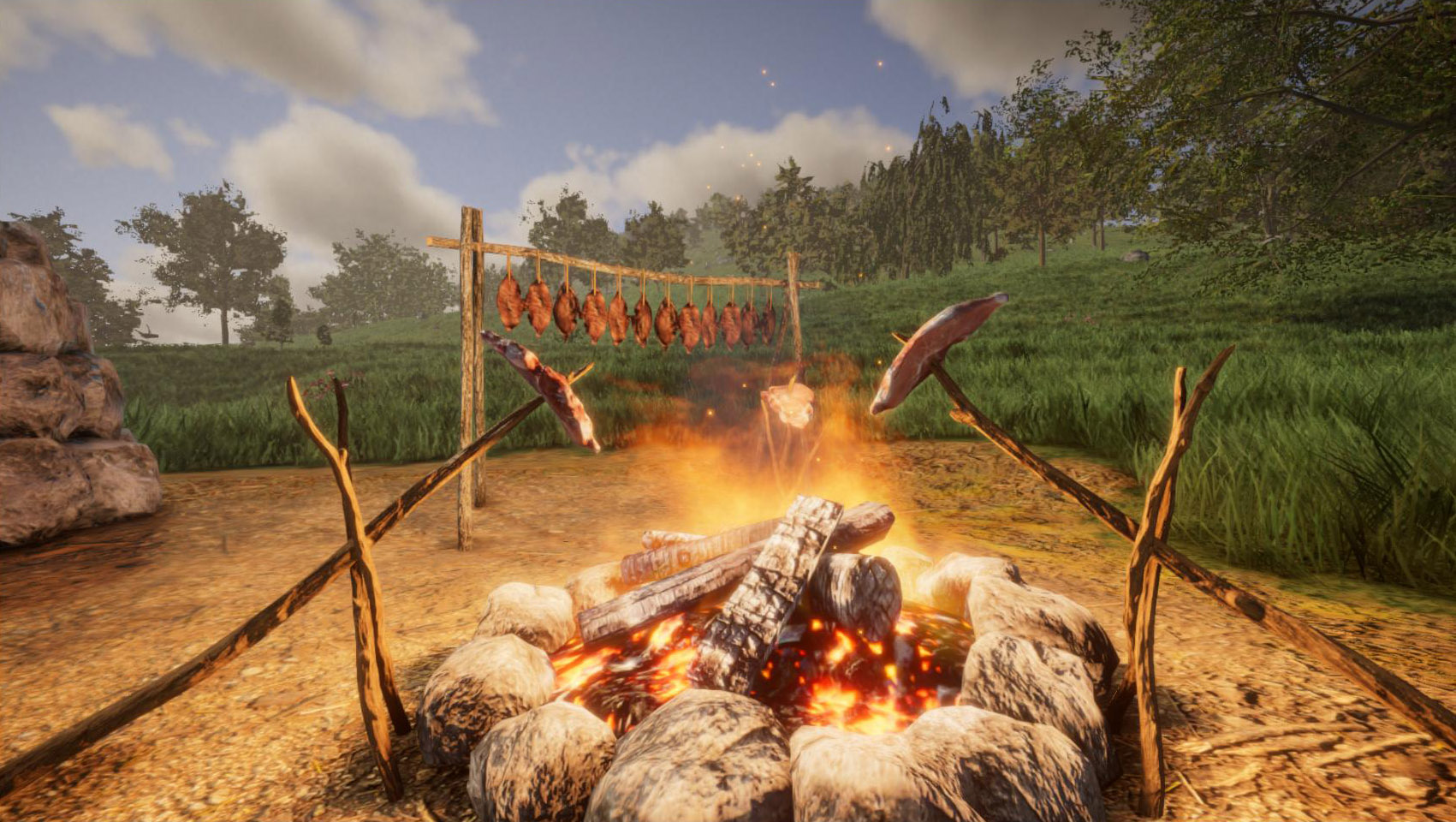
You can now get wool from sheeps by using shears and meat from dead animals by using a knife - currently there is only one type of meat available (as a placeholder), but more types of meat will be ready in the near future. To make the meat edible, you can either cook it on a campfire (by using a skewer), or use the drying rack to dry and preserve the meat (which is easier than cooking meat, but this also takes a lot longer).
Apart from animals, this update also introduces new items: A modern mining drill and an ore detector. Both items can be crafted at the modern workbench. There is also a new playable piano available with this update. We've also added a new creative mode edit tool (F8) - this acts like the "edit" console command, but you can modify multiple elements simultaneously. Right now this is only supported for constrution elements, but we will also make this tool available for objects like furniture or lamps.
It's now possible to store terrain in blueprints by the way. And of course this update introduces various other changes and bugfixes, please find the full changelog below.
We've now also finalized some preparations for releasing a first experimental version of the new Plugin / Modding API. We'll provide more information about that soon - probably within the next 2 weeks.
Stay tuned for the next update! :)
Changelog 0.6 (2023-03-01):
- Animals: pig, piglet, cow, bull, calf, goat, billy goat, goatling, sheep, ram, lamb, chicken, chick, hare, earthworm, deer, stag, deer calf, red deer, wild boar, wild sow, wild piglet
- 13 different variants for various animals
- New item: miningdrill
- New item: ore detector
- New item: steak/meat (raw, cooked, burned, dried)
- New item: wool
- New object: skewer (used to cook meat)
- New object: playable piano
- New object: snowman
- You can now use the drying rack to dry meat
- Added creative mode edit tools (F8) for construction elements (single edit and area selection)
- You can now also save terrain in blueprints
- Added IPv6 support for dedicated servers (multiplayer)
- You can now access and loot the inventory of dead players
- Added options to identify or hide dead bodies (radial menu)
- Added "DisableGravity" attribute (see "edit attribute" command) to objects (like furniture) and plants (to disable gravity per element)
- Main menu now shows a warning if there is a DirectX/graphics error caused by an outdated or broken graphics driver
- Blueprint menu now also shows the blueprint size / dimensions
- Added setting to graphics menu to enable/disable wind on grass and trees
- Added two new music tracks
- Added console command "toggleterrain" to hide/show the terrain
- Multiplayer: Player list (i) now has an option to teleport a player back to his last spawn point
- API: Added "uidebugger" console command to retrieve the path of any UI element on the screen
- Updated to Unity version 2022.1.23f1
- The item hotbar (when selecting an item with the mouse wheel) is more responsive now
- Fire (torches, campfires etc) gets now extinguished when the area is flooded with water
- Torches and other small objects are now stackable in inventory
- Singleplayer settings (fly mode, stamina, fall damage etc) are now also applied in P2P multiplayer sessions ("Play with friends")
- Hotkeys for compass and light are now exposed in controls settings
- To change a block shape retroactively, a primitive workbench is now sufficient
- Improved detection of nearby crafting stations (in crafting menu)
- Color picker is now also available for windows in crafting menu
- More shapes are now available in crafting menu for glass material (e.g. half cylinder, cone etc). NOTE: You can always use the "item pnb" command to get all shapes with glass material
- If game gets stuck during load (e.g. due to out-of-video-memory error), you will now get an error message
- "Rotate" key binding in controls settings now works (useful for controllers or to rotate elements in manual placement mode)
- Texture selection (inventory key) is now also available for creative mode terrain area tool (F5 -> 4)
- Console command "findbase" now works properly
- Fixed texture issue on construction elements when you're far away from the world origin
- Fixed precision issues on blueprints when being placed far away from the world origin
- Fixed rendering issue of torch flame in front of glass (while holding torch in hands)
- Fixed fire not being visible behind glass panes
- Fixed "edit resize" command not working properly when editing mirrored elements
- Fixed size command not working properly if element had a negative size (need feedback)
- Fixed "Game_Username" setting in config.properties file not working in non-Steam versions
- Rain no longer quenches thirst if player is inside a building or cave
- Changing the color of a lamp or luminous block no longer resets the brightness
- Fixed crash when killing a player in a boat (in multiplayer)
- Fixed players being invisible sometimes in multiplayer
- Fixed players not being added to areas properly in multiplayer
- Fixed misplaced hairs from player models on screenshots (need feedback)
- Fixed stretched HUD on screenshots when playing in windowed mode (need feedback)
- Fixed resolution setting not working for screenshots
- Fixed wrong icon in inventory when exchanging two blueprint items
- Fixed wrong player nametags in multiplayer