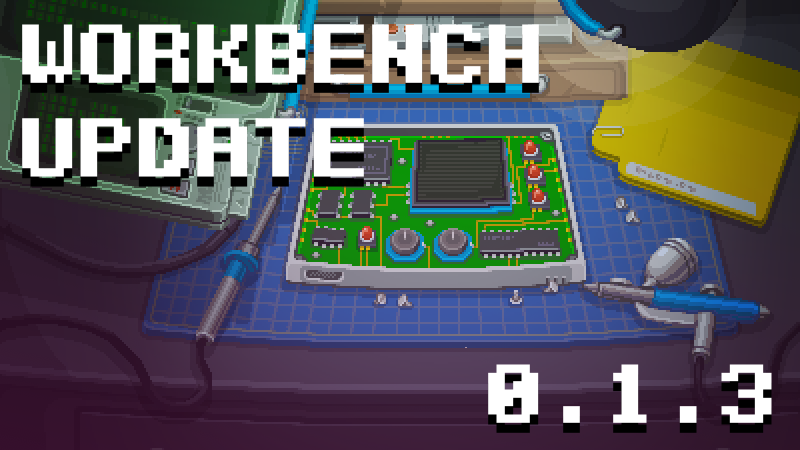
Hello Gadgeteers! We just released Retro Gadgets Update 0.1.3, also know as Workbench Update.
In this update we added a bunch of workbench-related features, implemented a couple of advanced drawing options for the Video Chip, fixed some bugs and hopefully improved the performances a bit.
New Features:
- DrawCustomSprite() and RasterCustomSprite() added to VideoChip.
These new methods allow the user to draw a part of the sprite-sheet ignoring the standard grid. - You can now control the color of the desktop lamp using: `desk.SetLampColor(color:color)`
- Recorder Tool:
A video recorder tool has been added to the top-left part of your Workshop. By pressing the record button you can start recording right away. right now the recorder has two modes:
Automatic portrait and fullscreen landscape.
Fullscreen landscape simply records the entire screen, while Automatic Portrait mode tries to follow your mouse cursor and focuses on essential parts of the screen. This should generate interesting videos that are ready to use for popular portrait-mode social networks. - Minitool:
We added a pager-like tool to display small text messages. The mini-tool will deliver important game hints. Custom messages can be triggered directly by the user from the desk table.
desk.ShowMessage(message:string, persistent:boolean)
desk.ShowWarning(message:string, persistent:boolean)
desk.ShowError(message:string, persistent:boolean)
desk.HideMessage()
Messages last a standard amount of time, or can be made persistent by setting the "persistent" argument to true. HideMessage() Clears the last displayed message. - Cutting Mats can now be changed real time when you have no gadget active on your Workbench. A small tab pops up in the lower right of the cutting mat that allows you to cycle through all the mats available in your cuttingmats/active folder.
- In the game options, we added an option to disable the bloom effect.
Bug Fixes and improvements:
- Reworked many buttons and IU elements in the Multitool
- Updated and repositioned a few visual elements in the workshop to reduce visual clutter
- We reworked the 2D lights on the game desktop to slightly improve performance on older computers.
- Fixed a bug that caused an error when turning on a Gadget with a CPU without a code asset assigned
- Fixed a bug that always could return 0 when accessing the AudioChip "ChannelsCount" property
- Fixed a bug that caused variables returned by require() to be duplicated. This could cause TypeMismatch errors even if the actual type was the same.
- Fixed a bug that displayed the "downloaded gadget" post-it during widget mode.
More from Retro Gadgets
Other announcements
Steam Programming Fest 2026: let's celebrate with two themed bundles!Hello Gadgeteers! In occasion of the Steam Programming Fest 2026 , Evil Licorice has partnered with some exceptional developers for a special promotion that will last even after the end of the event. Two different bundles have been created, including Retro Gadgets and other mindblowing titles about programming and puzzles. Retro Gadgets x Zachtronics Bundle Includes our own Retro Gadgets and tw…Story mode is near, and it's been a long journey.This post is here to tell you a little bit more about the development, the story mode and answer the most common questions we've received. What is Story Mode? At its core, the Retro Gadgets Story Mode is a new game mode that will complement the current Sandbox Mode. It will be released to close the Early Access cycle for the game, forming part of the official 1.0 release. It will be included in…Retro Gadgets 0.2.2 now available: folders and paths!Hello Gadgeteers! We're bringing to you a brand new update, this time focused on managing folders and paths, plus a few important bug fixes. 📂 It is now possible to create folders and use them to organize your Gadget's assets 📂In Lua you can specify a relative or absolute path by using require followed by the path (absolute paths begin with / and start from the root) 📂 When requiring a folde…