Update 1.12.1
Workshop Support! New Minigames! New Board Map and more in the latest and biggest update to Pummel Party yet! Check out the details below.
Workshop Support
Pummel Party now supports both minigame and board mods through the steam workshop.
Players will be able to create these mods using the inbuilt Mod Editor and upload them to the steam workshop where other players will be able to install and download them using the Workshop Browser.
Mod Editor Beta
So how do you create mods? With this latest update Pummel Party now includes an inbuilt mod editor. Which facilitates the entire process of creating and publishing a workshop mod.
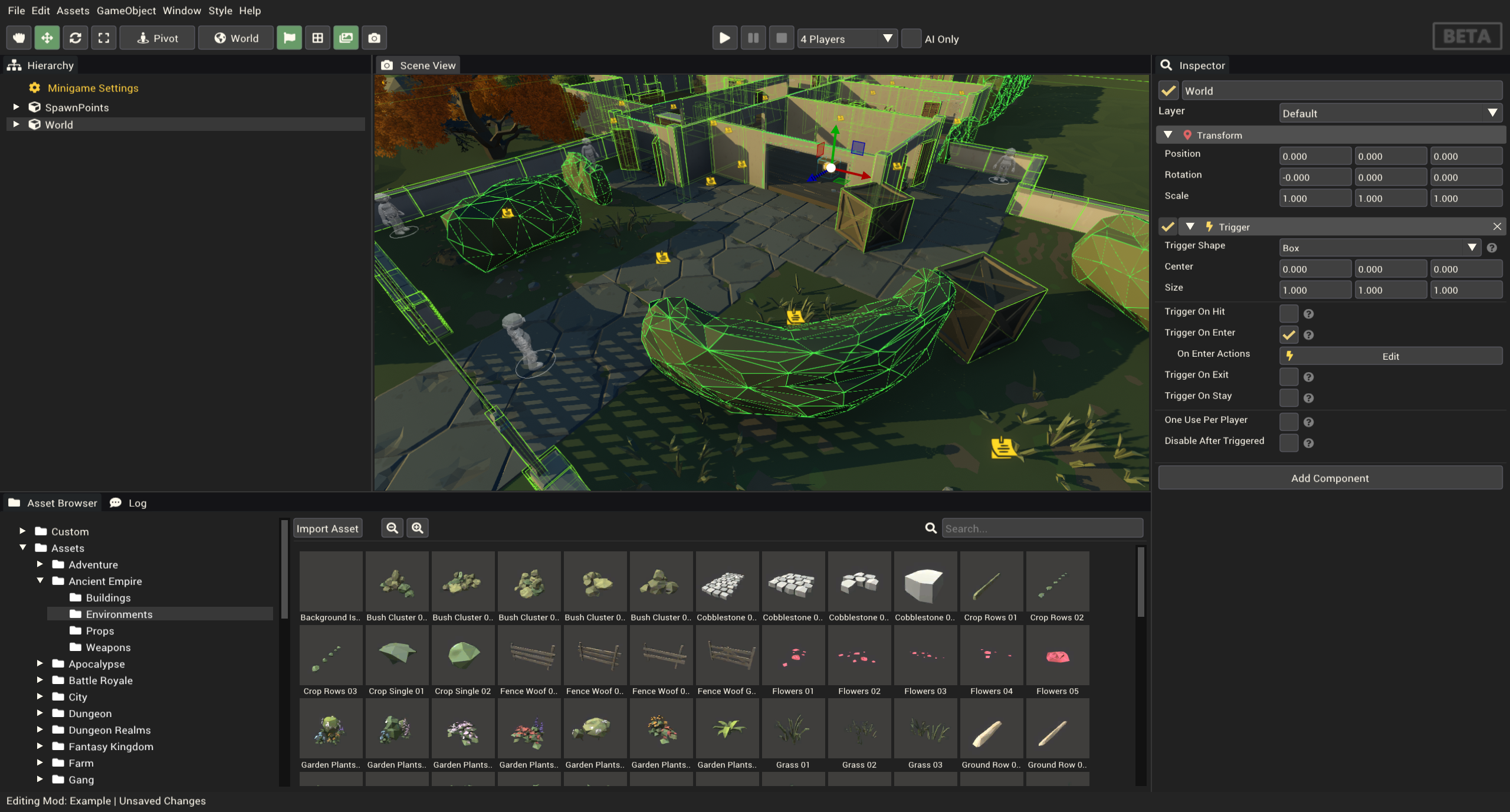
Minigame Mods
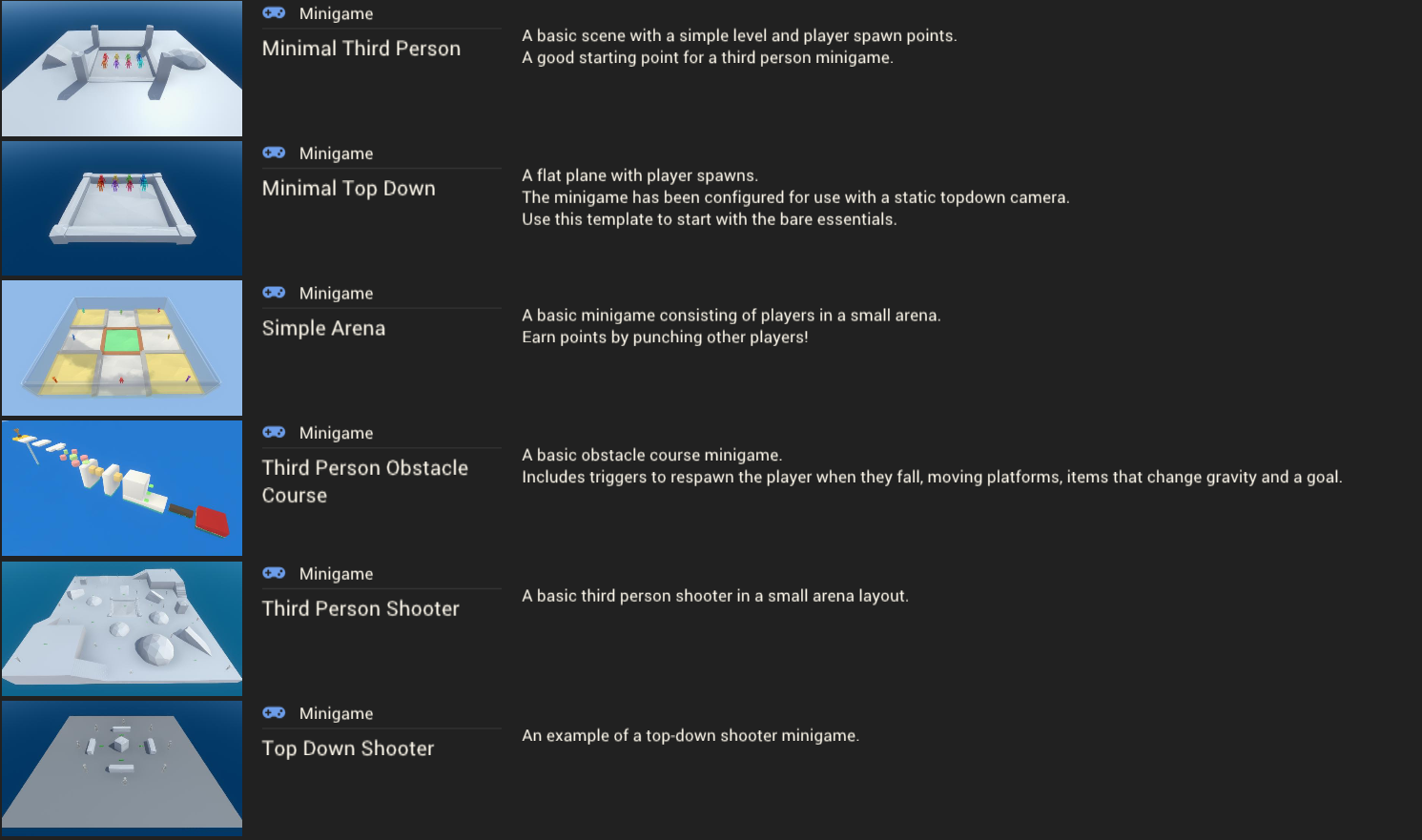
Choose from six different minigame templates for bringing your own minigame ideas to life!
- Minimal Third Person
- Minimal Top Down
- Simple Arena
- Third Person Obstacle Course
- Third Person Shooter
- Top Down Shooter
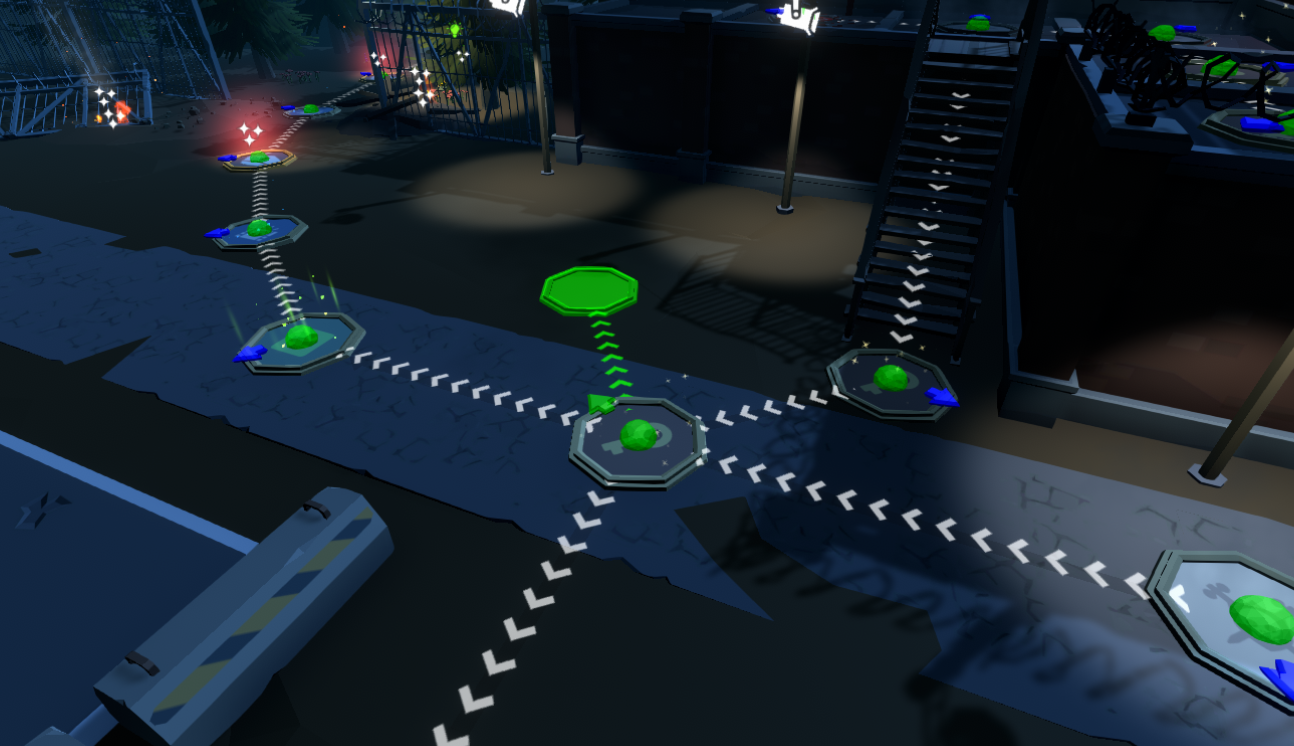
Board Mods
With the included features users will be able to quickly and easily create new board maps.
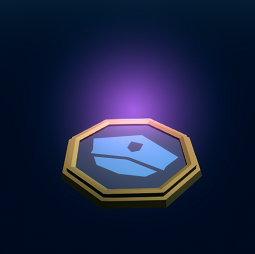
Custom Board Spaces
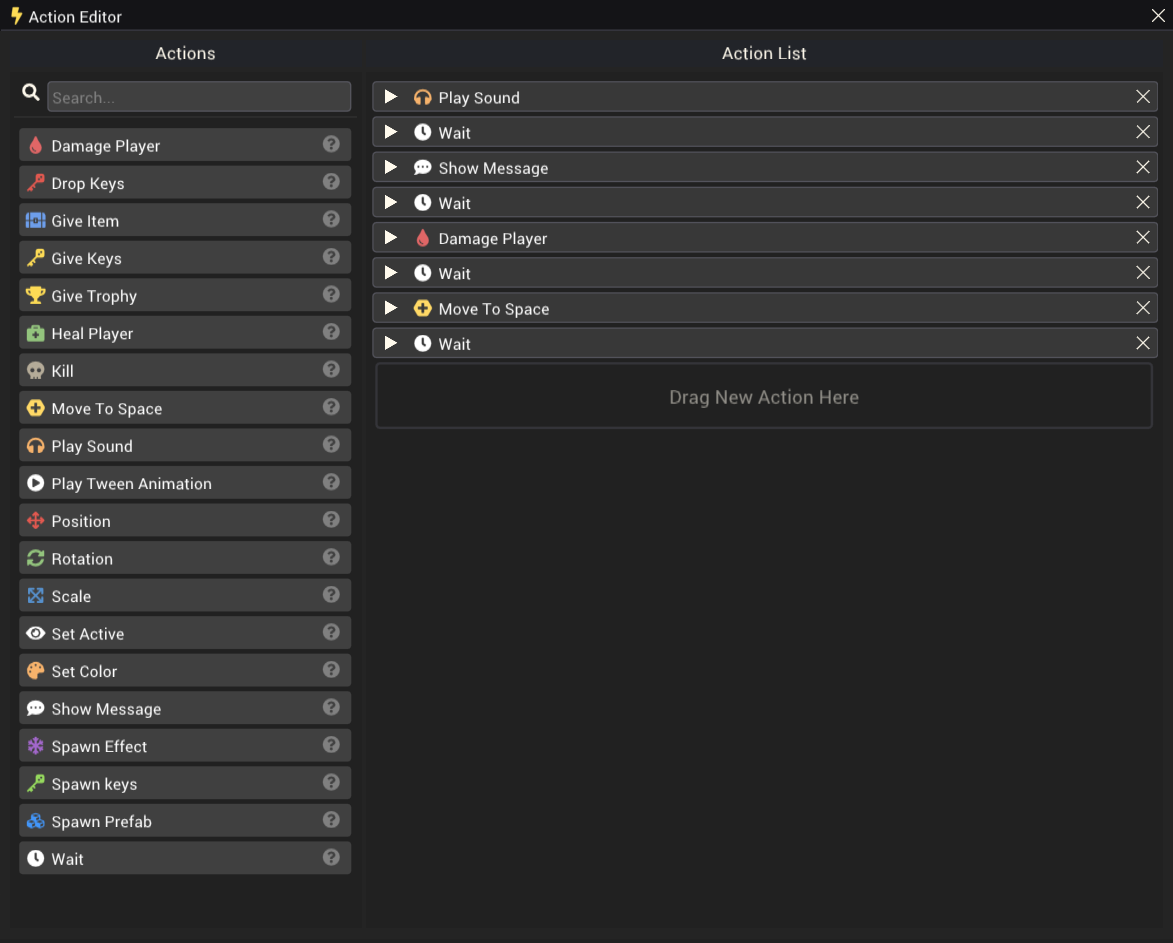
Create custom board spaces and interactions using the Action Editor.
Action Editor
The action editor provides an easy way to create custom logic for both minigames and custom board nodes. Actions are triggered by events in minigames and when a player lands on a custom space on a custom board map, actions are executed sequentially and handle necessary networking logic. Different actions are available in boards and minigames.
Importing
The pummel party mod editor supports importing and display of custom sounds, models and images.
- Images (*.png, *.jpg)
- Sound (*.wav)
- Model (*.obj)
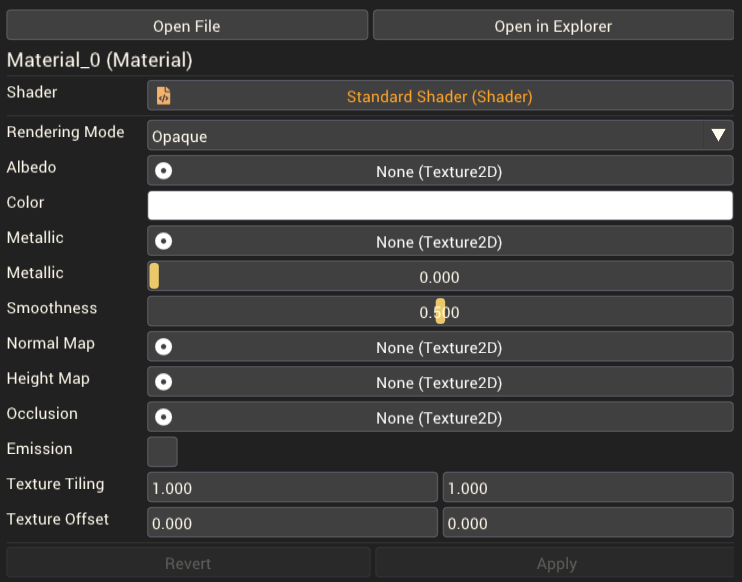
Custom materials can also be created using imported images.
Workshop Browser
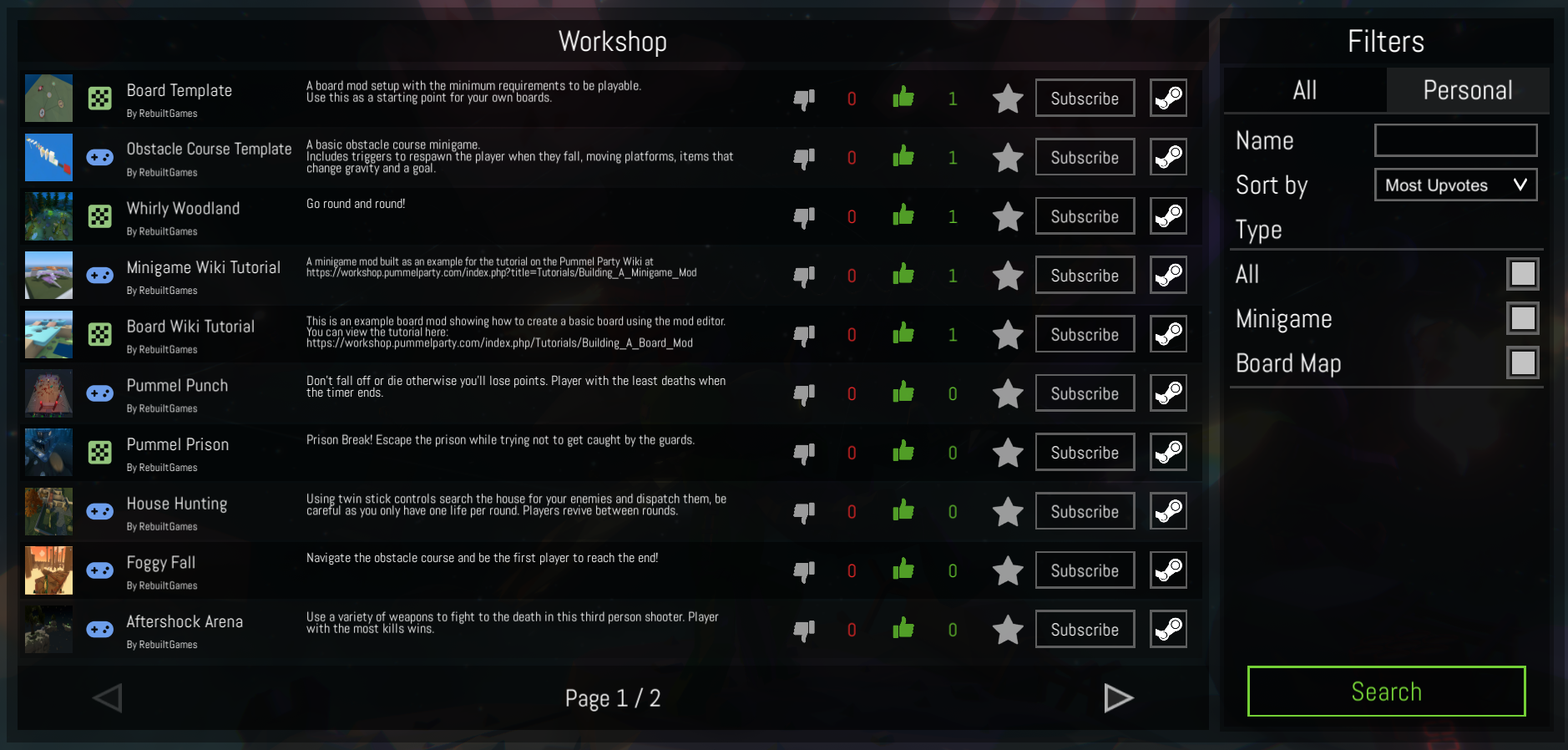
The workshop browser provides access to search, filter and subscribe to mods from the steam workshop inside pummel party.
Workshop Wiki
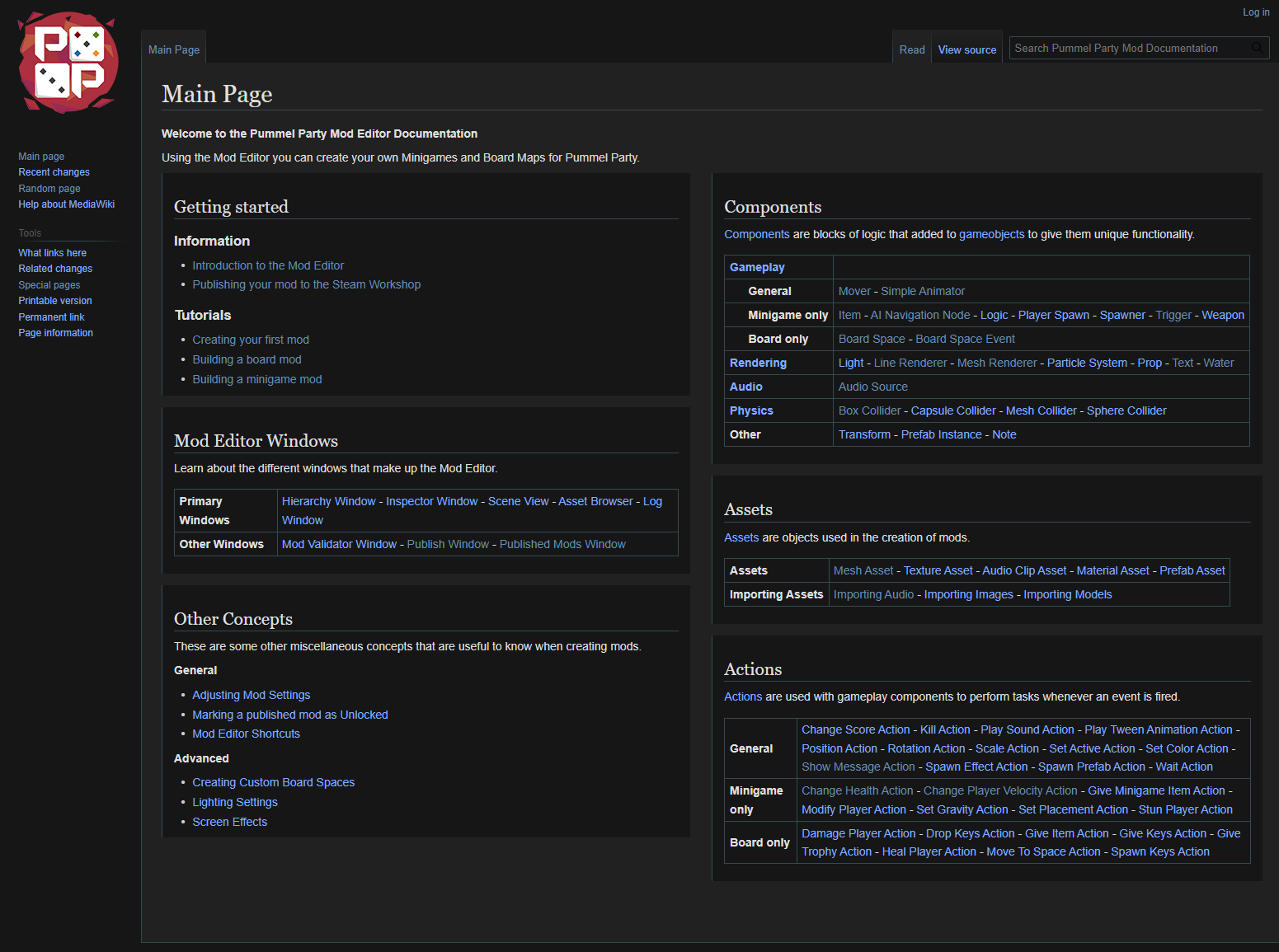
The workshop wiki, available at https://workshop.pummelparty.com/ contains a wealth of information and tutorials that players will find useful to get started modding Pummel Party. We believes it's not only important to provide the tools but to also provide documentation on how to use those tools, we hope you'll find it useful!
New minigames
Included with this update are four new minigames which have been created using the new Mod Editor.
This means you can also edit and use these minigames as templates for your own creations!
Aftershock Arena
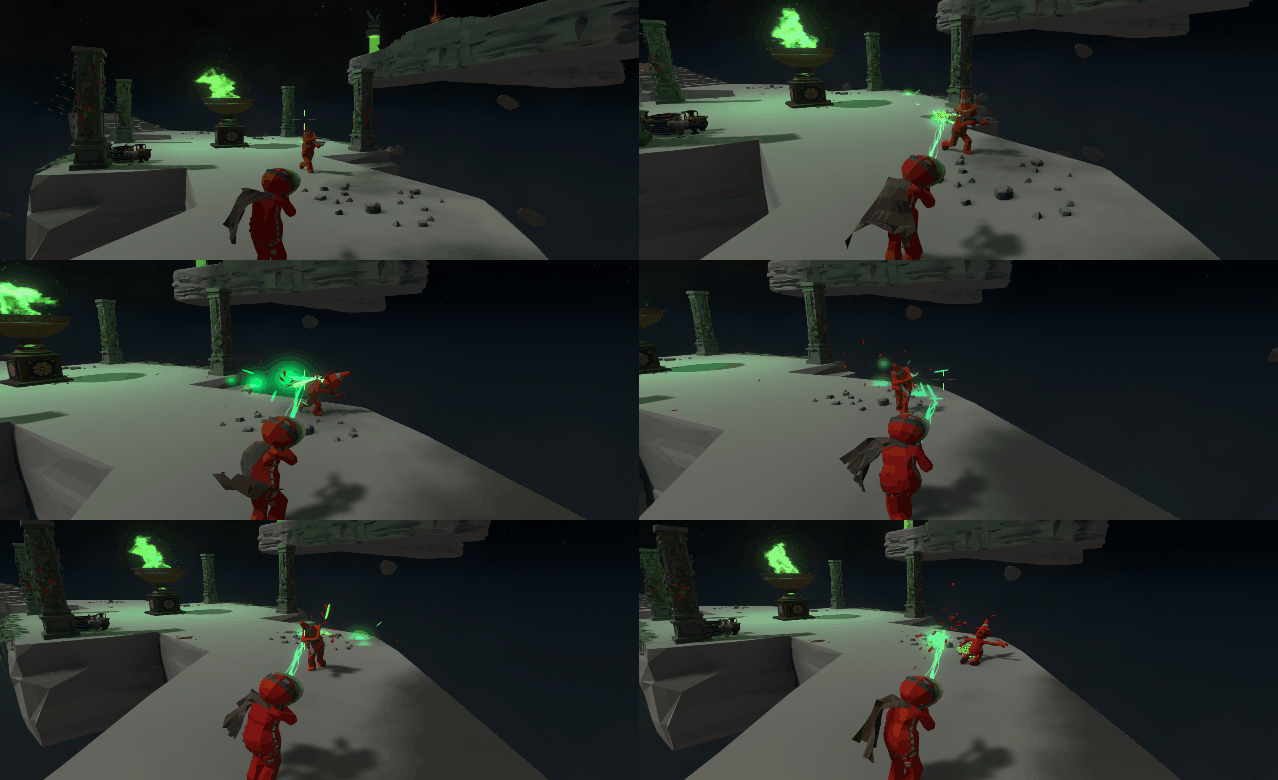
Use a variety of weapons to fight to the death in this third person shooter. Player with the most kills wins.
Pummel Punch
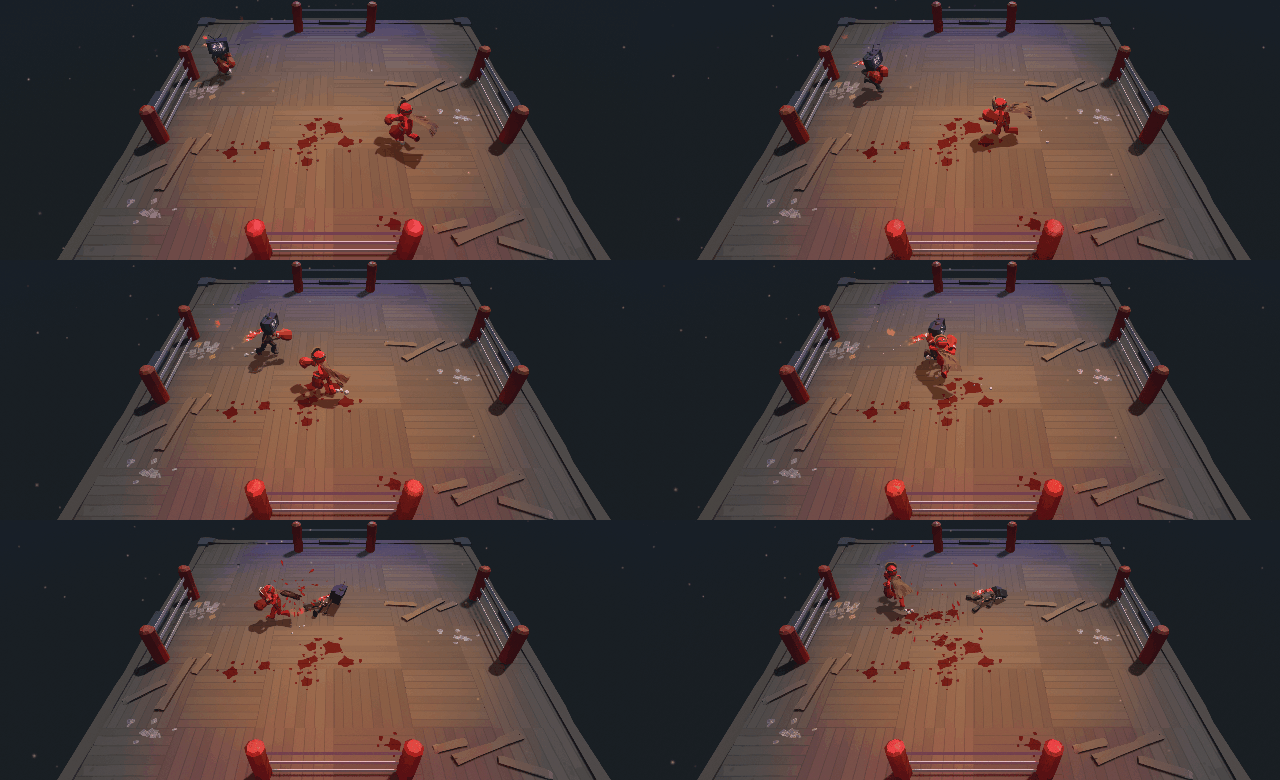
Don't fall off or die otherwise you'll lose points. Player with the least deaths when the timer ends.
Foggy Fall
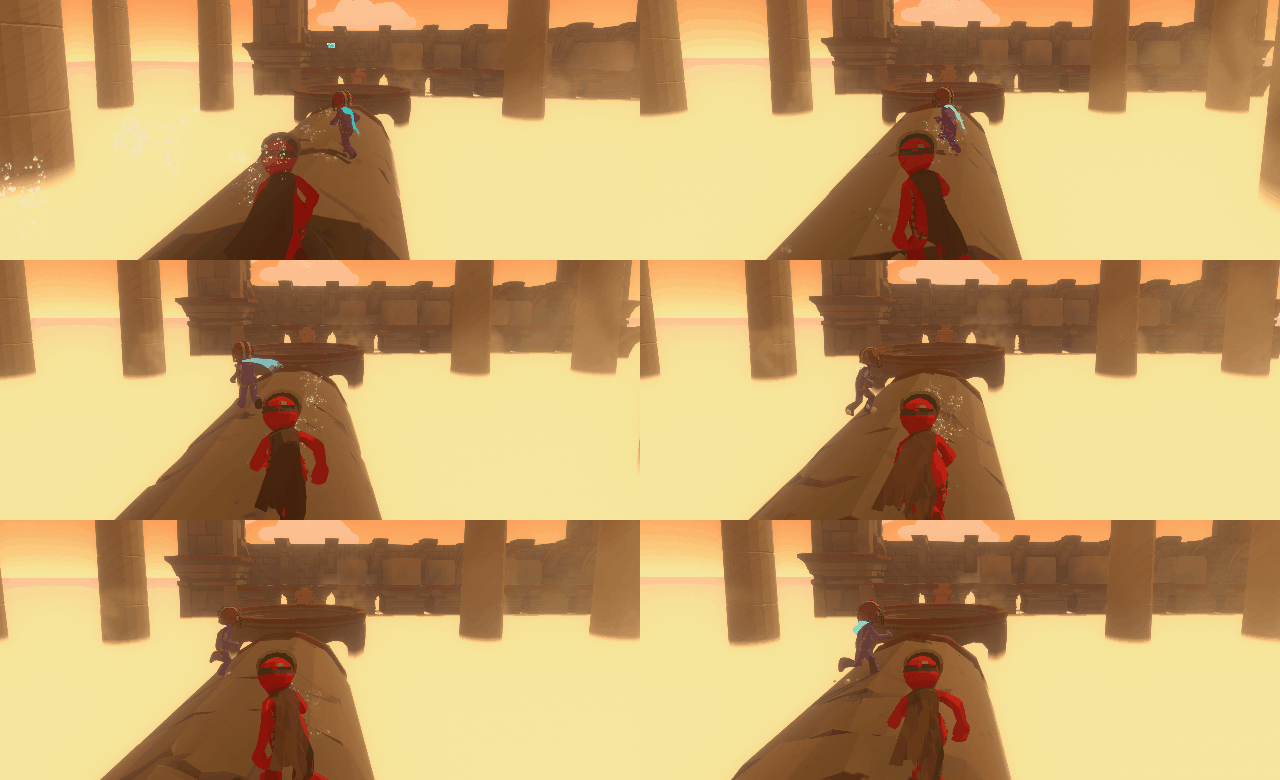
Navigate the obstacle course and be the first player to reach the end!
House Hunting
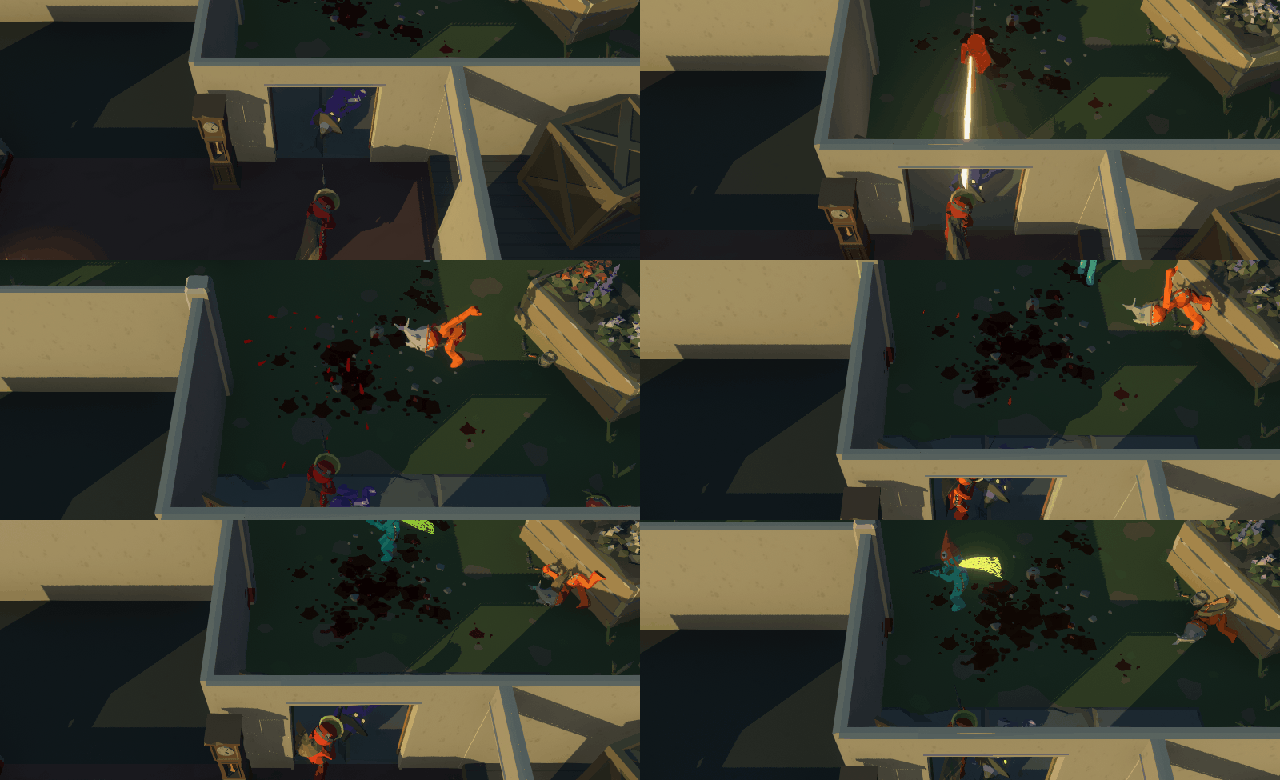
Using twin stick controls search the house for your enemies and dispatch them, be careful as you only have one life per round. Players revive between rounds.
Pummel Prison Board
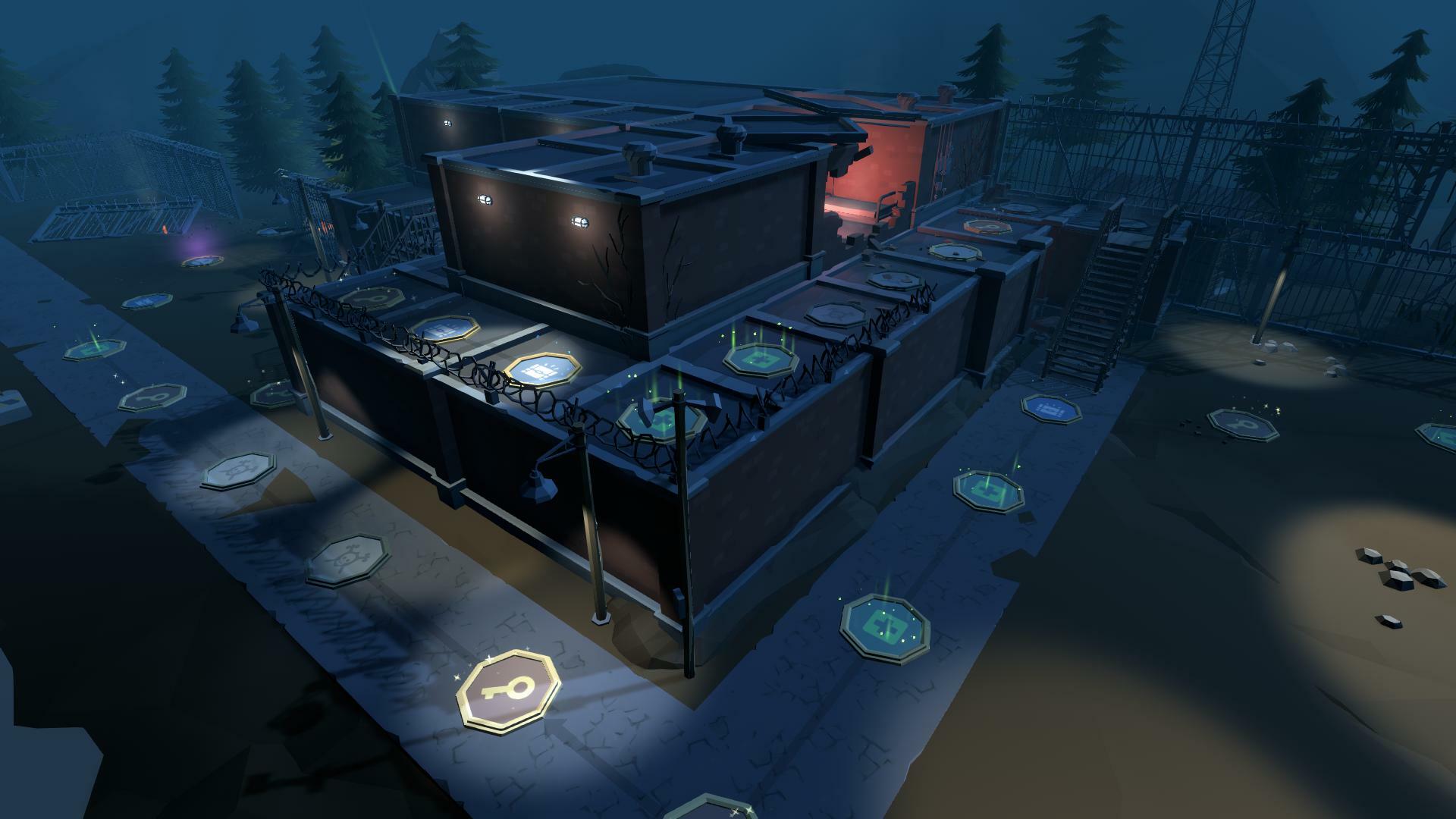
A new board map is available "Pummel Prison". As with the new minigames this board was also created using the mod editor.
- Prison Break! Escape the prison while trying not to get caught by the guards.
Misc
Minigames upgraded from four to eight players max
Previously a number of minigames were only available to four or few players (Listed below). Now all minigames can be played with up to eight players.
- Animal Arithmetic
- Bouncing Balls
- Elemental Escalation
- Gift Grab
- Grifting Gifts
- Mortar Mayhem
- Rockin Rhythm
- Swift Shooters
We hope you enjoy this latest update and can't wait to see what everyone creates using the new tools. A big thank you for all your kind comments and support, we really appreciate it.