DMM Connect Chat v2022.2.2
.
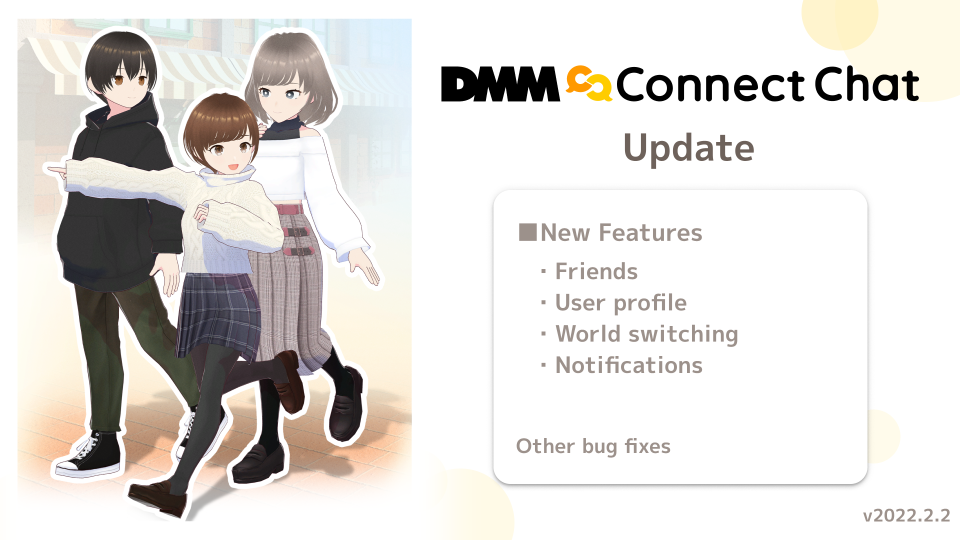
DMM Connect Chat v2022.2.2 Official Release
New Features
Adding friends
A friends tab has been added to the home menu, which can be accessed from the footer menu.
The friends list displays a list of "Friends in public rooms", "Friends", and "Acquaintances".
When a friend is added, that friend first appears in the "Acquaintances” list, and can be then dragged (moved) to the "Friends” list.
Addition of following functions/features:
- Friends list
- User search button (search by username exact match)
- Visiting friends who are in public rooms
- Viewing friends’ online status
- Guest users must be logged in
New user profile screen
The screen that appears when selecting another user after pressing the menu button has been updated.
It can be displayed by selecting a user directly, by selecting the user from comments, or by searching for a user on the friends screen.
Addition of following functions/features:
- Setting the volume of each user individually (settings are saved on the server)
- Sending and approving friend requests
- Kicking and blocking users
- Checking friend’s online status
Notifications and notifications list
.
New notifications will be displayed in the upper left corner of the screen, and a notification button has been added to the footer menu.
Addition of following functions/features:
- Notification of friend requests
- Notification when a friend comes online
- Display of unread notifications
- Approval of friend requests from the notification list
World switching
.
From the room tab in settings, you can now switch background worlds of a room.
This function allows everyone in the room to switch worlds together without having to open a portal or wait for everyone to join.
Once you select the world you want to switch to, and a majority of the users approve, the new world will be loaded for everyone at the same time.
Addition of following functions/features:
- World switch button and world selection screen to the room settings
- World switch vote screen
Fixes and improvements
- Added Esc and WASD key operation guides on the screen when in desktop mode.
- Modified the hover SE of the action menu (ring menu) to sound when in VR mode.
- Fixed issue where reappearance in a room after unblocking was not working.
- Added "Exit app" button in "Other settings".
- Fixed issue where camera and penlight could not be held when entering a room with more than 50 people in the room.
- Improved display of events with no performers.
- Modified so that items such as penlights will also become non-visible (hidden) when hiding nearby users in live events, etc.
- Added toast display to indicate when browser is opened in the background in VR mode.
- Fixed pages not returning to their initial position when the UI is reopened.
- Modified so that comment field does not open with T key when the menu is open.
- Fixed problem that (sometimes) users could not release items properly.
- Updated translation of the English version.
- Modified so that VS2022 runtime is no longer needed and only VS2019 is used and automatically installed by Steam.
- Adjusted UI background color, margins and sizes of buttons.
- Fixed issue where camera shutter sound was not adjustable in the UI volume settings.
- Fixed problem with room information display after entering an event.
- Fixed issue where the nameplate hiding setting was not reflected when restarting the system.
- Modified so that the agreement of the terms of use of both the Connectchat web page and the Connectchat application can be completed on the same page.
- Added the help button to other settings.
- Changed the camera and penlight to follow user when in VR mode.
To report bugs and leave feedback, please use the official DMM Connect Chat contact page.
https://help.dmm.com/-/list/=/mid=566/
We will keep improving and adding new features to DMM Connect Chat.
If you enjoy our app, please leave a review and let us know!
See you in DMM Connect Chat.