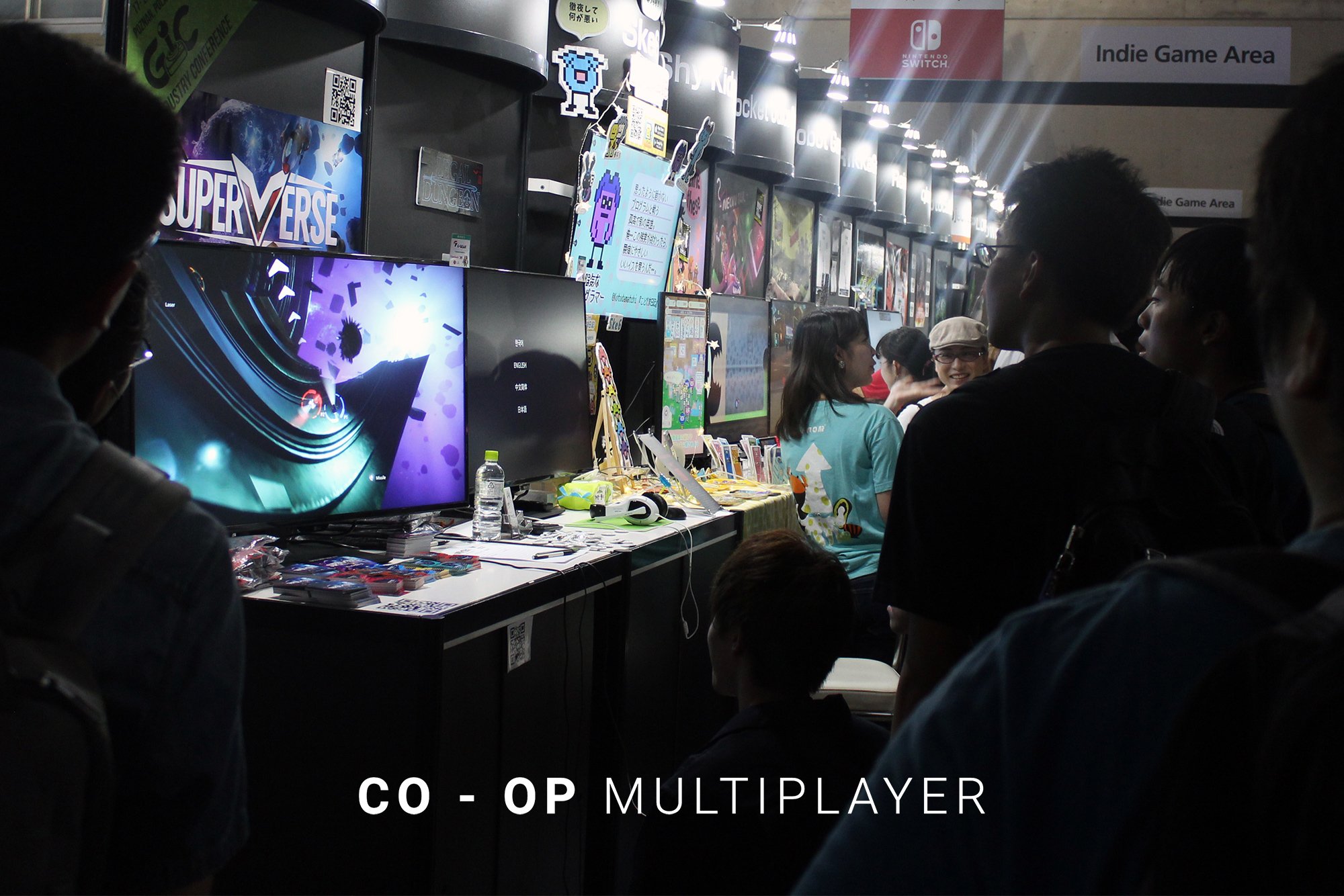
Update #4 brings a highly anticipated Local Co-op Multiplayer mode to SUPERVERSE game.
How to play
Up to 4 players can play the game together on the same computer.
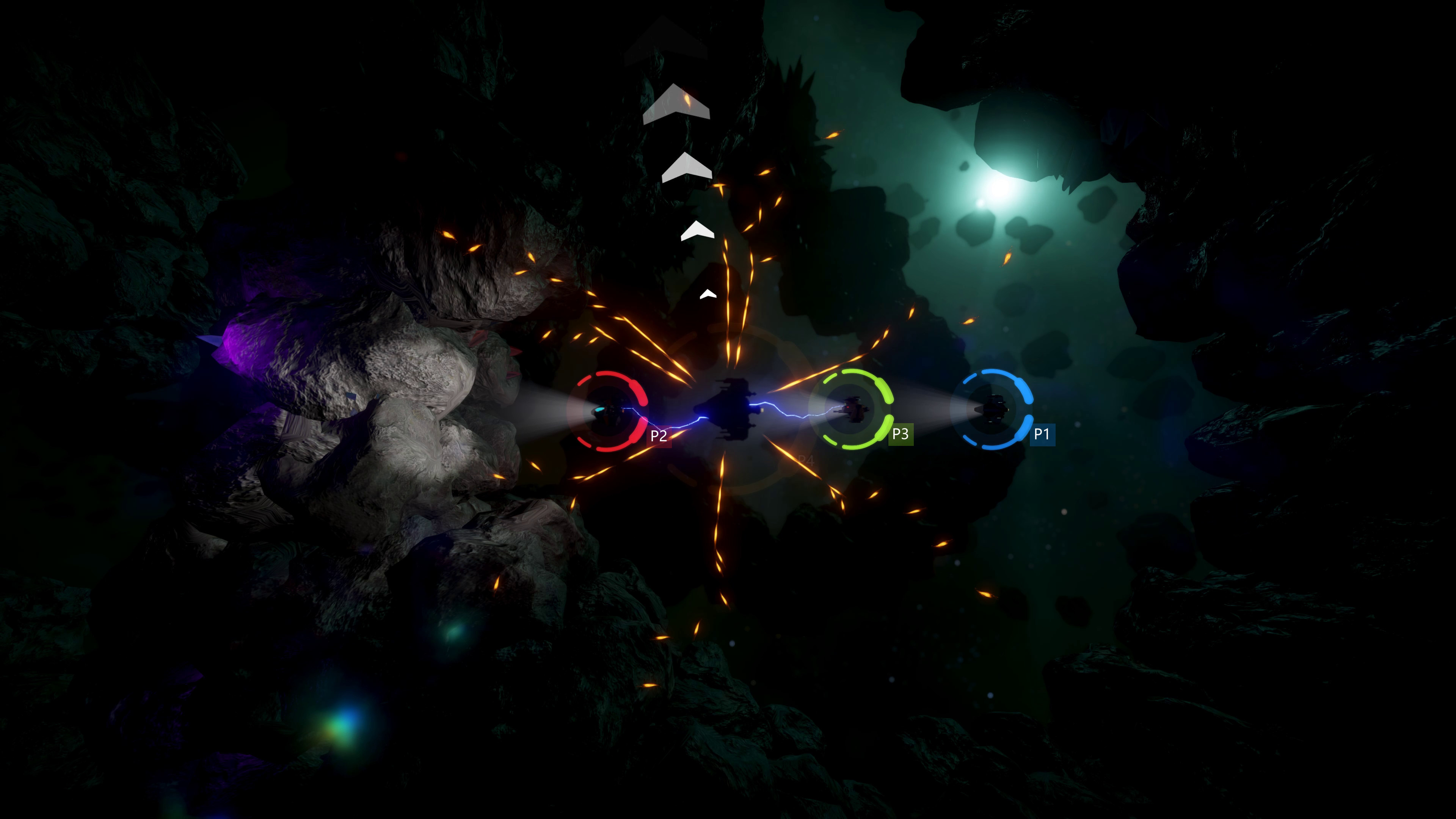
In co-op game players are represented by distinctly colored HUD (blue, red, green and yellow) and P1 to P4 icons above spaceship.
Joining the game
To play co-op, begin new game by selecting Play from main menu, the same way you would start the game for single-player mode. Select the spaceship and game will launch as usual.
Another player wishing to join the game should press FIRE button on the game controller (typically the green 'A' button on Xbox compatible game controller) or on the keyboard (SPACE / ENTER / CTRL). This will bring up the spaceship selection screen. Player can select ship and color and join the game.
Leaving the game
At any point player can leave the game and allow others to continue playing by pausing the game, entering the in-game menu and selecting Leave game P2 (where P2 refers to player who will leave the game).
Respawning
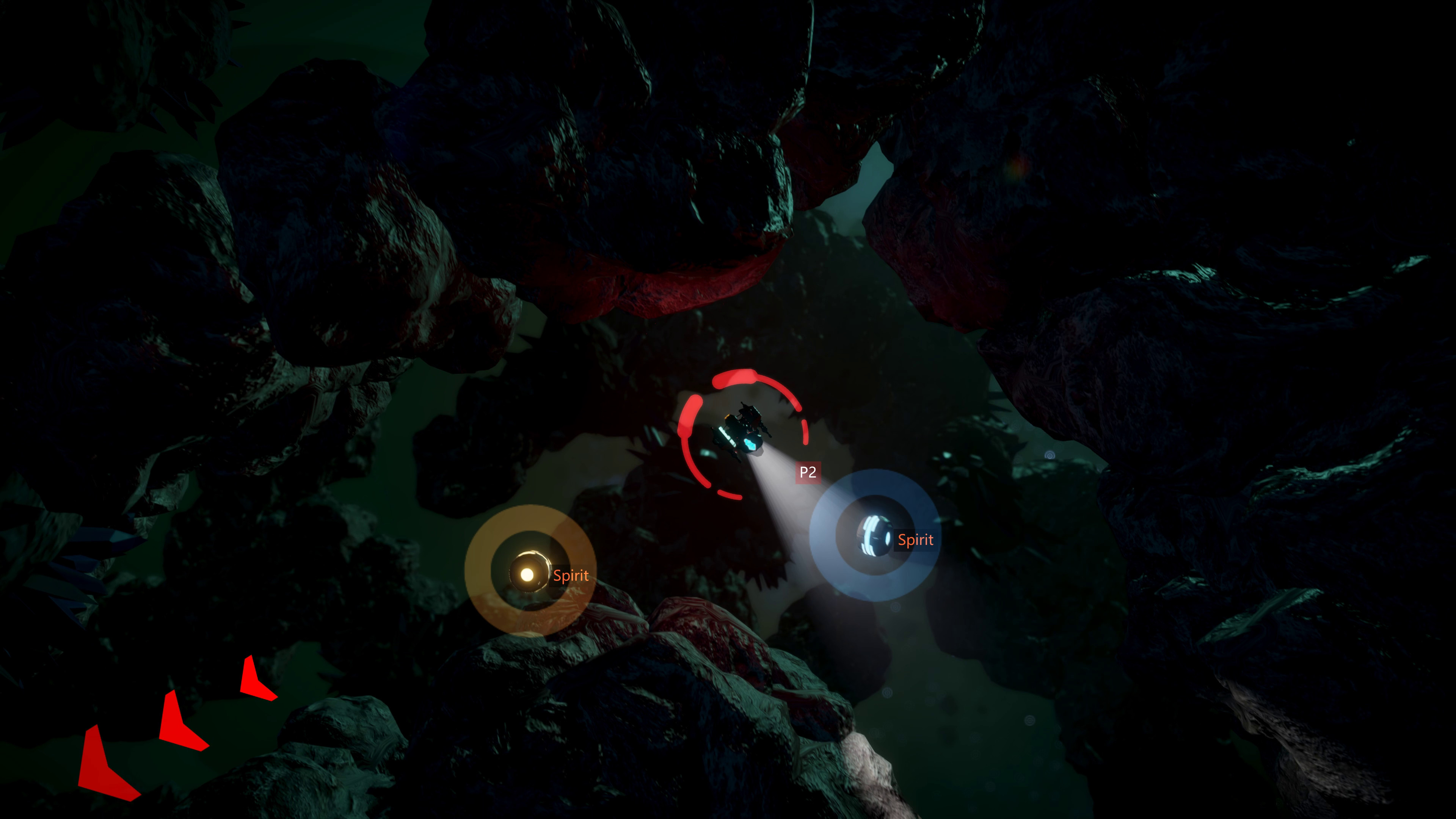
In case the player's spaceship gets destroyed, its core AI program will be preserved in the Spirit pod. Other players may continue playing, but they may also choose to resurrect their companion by salvaging spirit pod. This will respawn spaceship and put it back in action. When level is successful finished all players will again respawn in next one.
Remote Play Together
You can enjoy playing SUPERVERSE with your friends even if they are not in the same room by using Steam's Remote Play Together feature. This way you can run the game on your computer and invite friends online to join the co-op multiplayer SUPERVERSE.
Here's a quick guide on how to invite your remote friend and play together:
https://steamcommunity.com/games/593110/announcements/detail/3032537193879549687
Introducing new spaceship
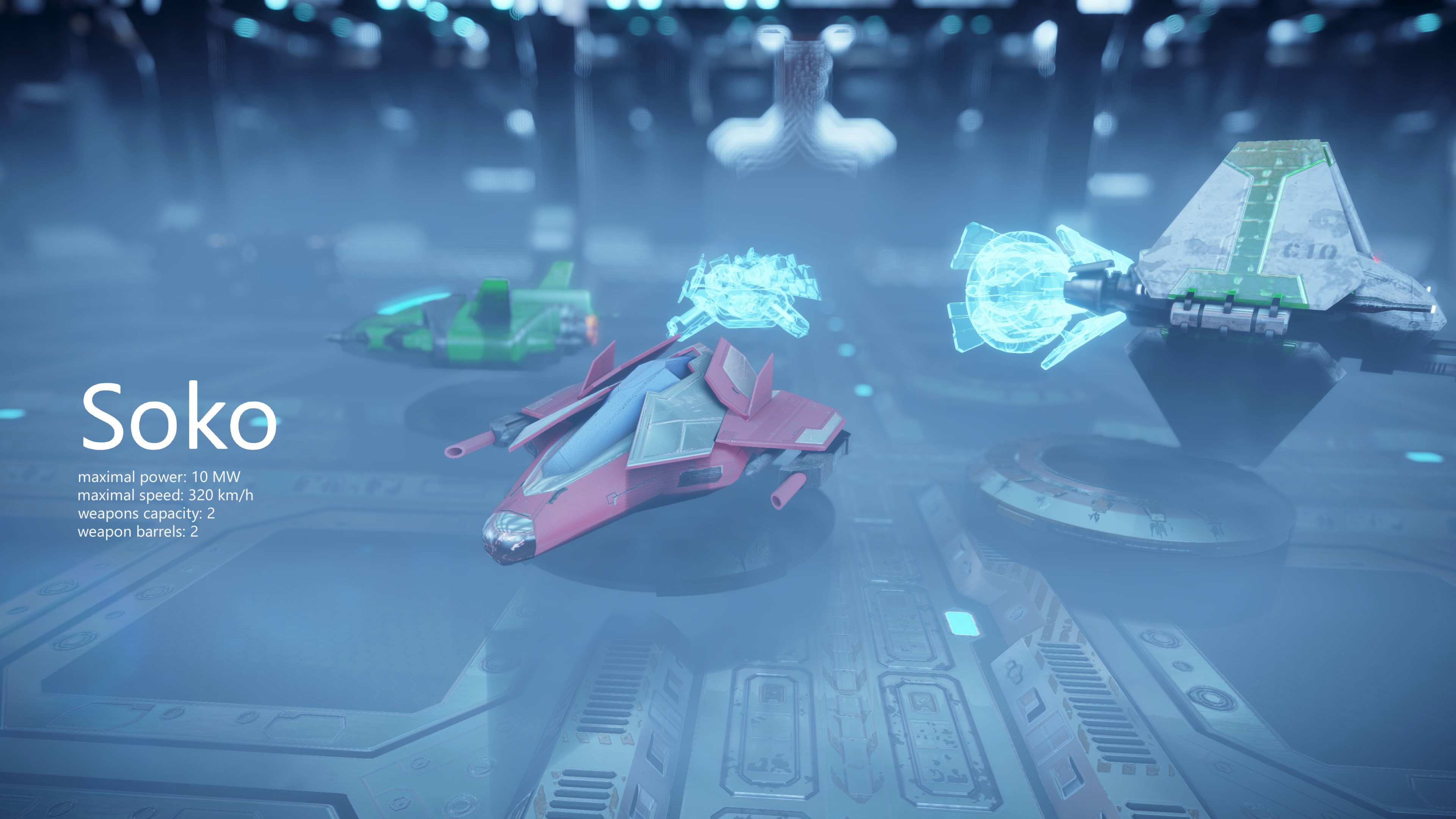
We proudly present Soko, fast and agile, but still well armed and powerful, state of the art spacecraft.
Keyboard controls extended
We have extended the keyboard controls scheme with additional keys for easier playing on some setups:
- SPACE key can be used for firing from the primary weapon, in addition to CTRL and ENTER.
- SHIFT key can be used for firing from the secondary weapon, besides ALT.
- PAUSE and ESC keys can pause the game, enter the in-game menu, or be used to navigate back in the menus.
Other updates
Update also brings improved stability and minor game balance changes.
FMOD Studio sound system has been updated to the latest version, which solves several crashes and bugs. This should resolve the issue where the game sounds went silent suddenly, but music and voices could still be heard. Please let us know if you experience such a situation again.
For more detailed changelog read below.
2019-12-17
Added
• Local Co-op Multiplayer mode, up to 4 players.
• New spaceship: Soko.
Changed
• FMOD & FMOD Studio updated to v1.10.18.
• Crystal item recharges the energy of every ship to 100%.
• Camera updates to support multiple players.