Hey folks,
This update introduces various glass panes and a total of 19 glass textures, as well as lots of bugfixes and Quality-of-Life changes.
Construction elements now spawn debris when destroying them (this can be disabled), and we've also reworked the grid (G) for the building tools (it's now similar to the grid in the Java version). Speaking of building tools, when placing multiple blocks on a row, you can now change the gap between elements. It's also possible to assign names to your size presets, and we've changed the pivot size for very small elements.
We've also added removal tools for the creative mode (F7) - this helps you to remove trees, objects or construction elements in no time. You can also enable the good ol' creative mode light (L). If desired, you can change the light intensity in the settings.
If you want to create an equirectangular image (360° image), try out the "panorama" command - it works properly now.
Apart from these things, we've also made some changes when it comes to the graphics: We've fixed a few issues with certain construction textures, the ambient occlusion effect is now improved, shadows get properly updated whenever the environment is modified, and the game can now handle direct specular reflections, which improves the visual appearance of reflective and wet surfaces (e.g. after rain).
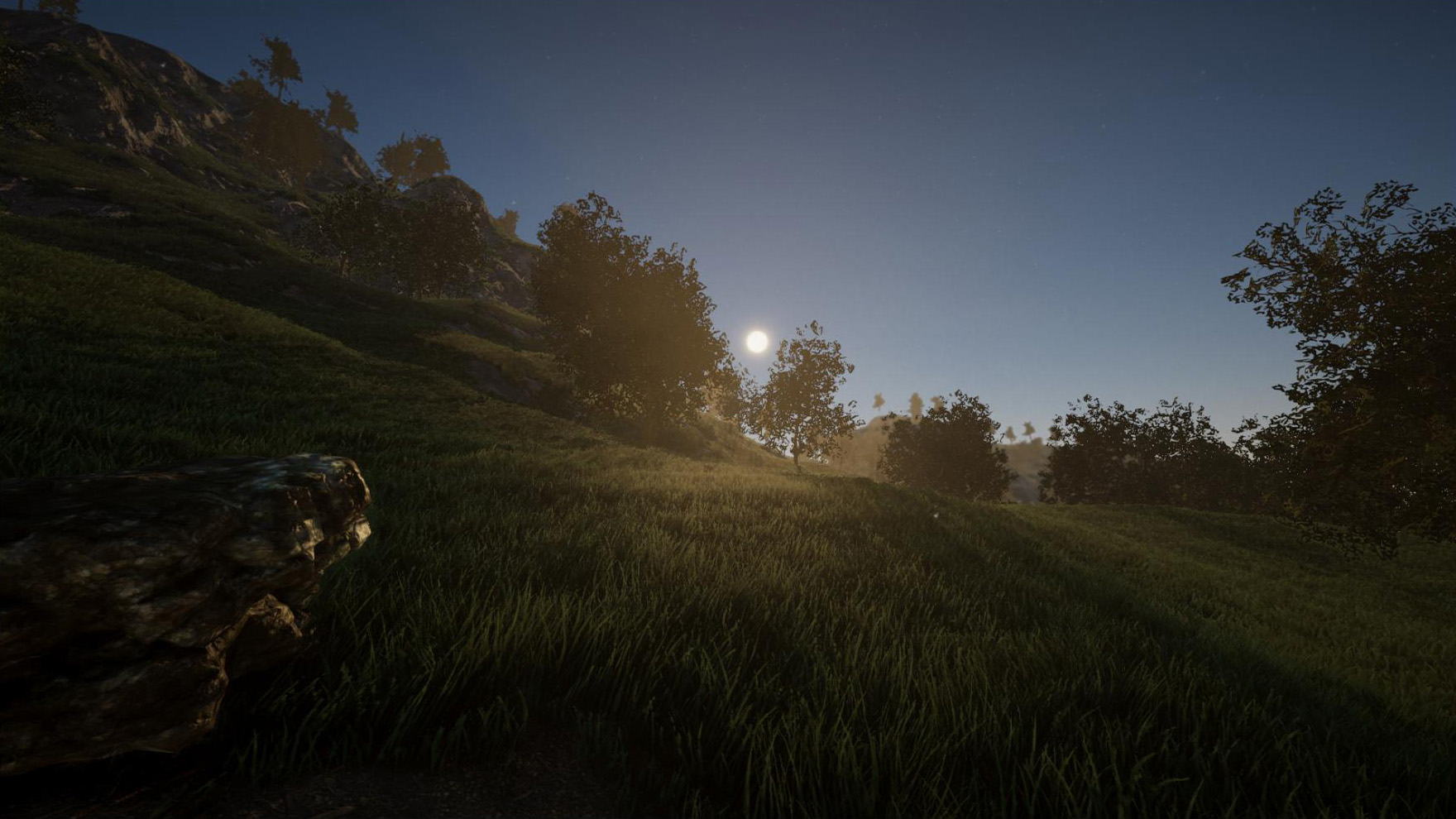
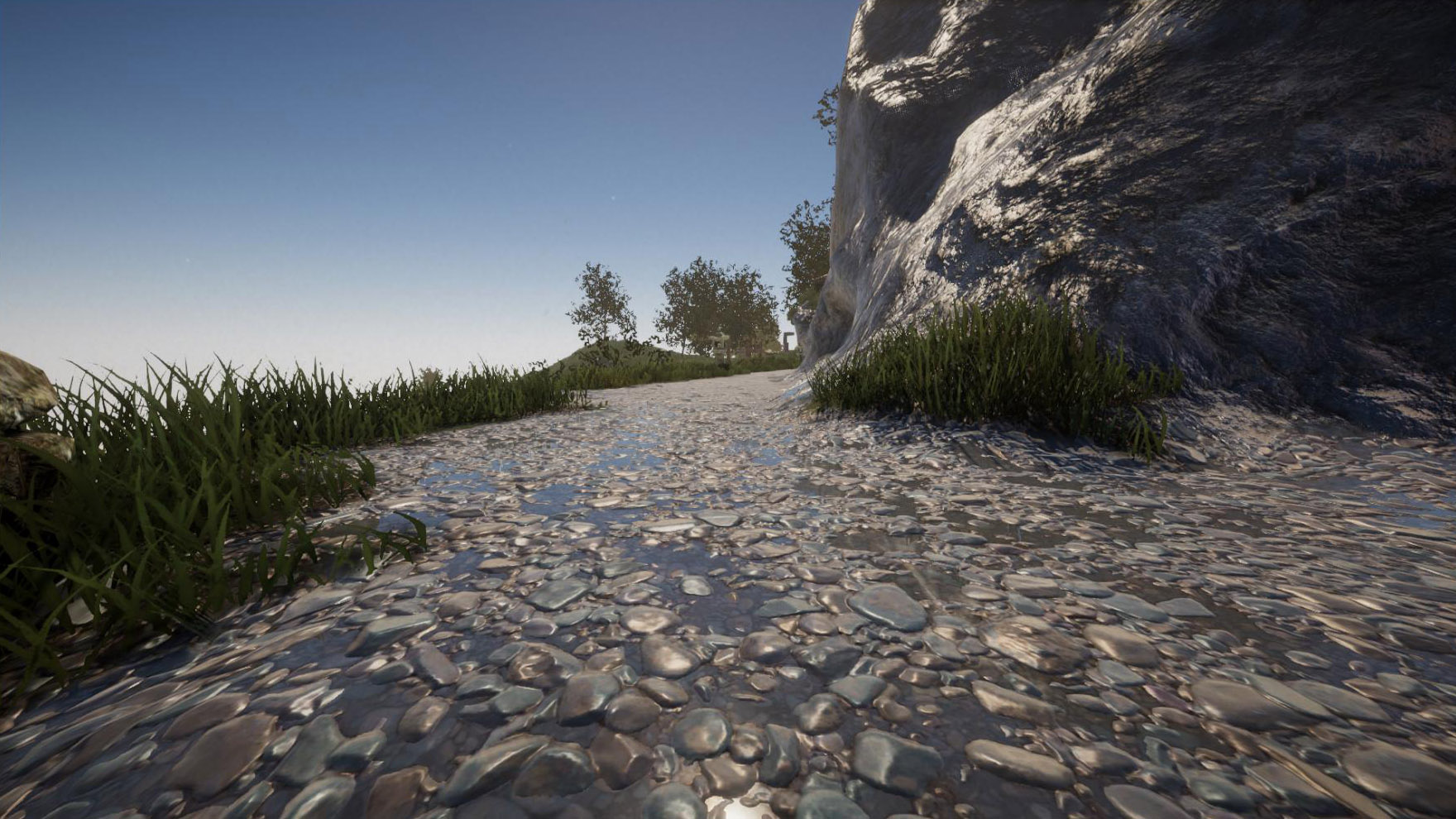
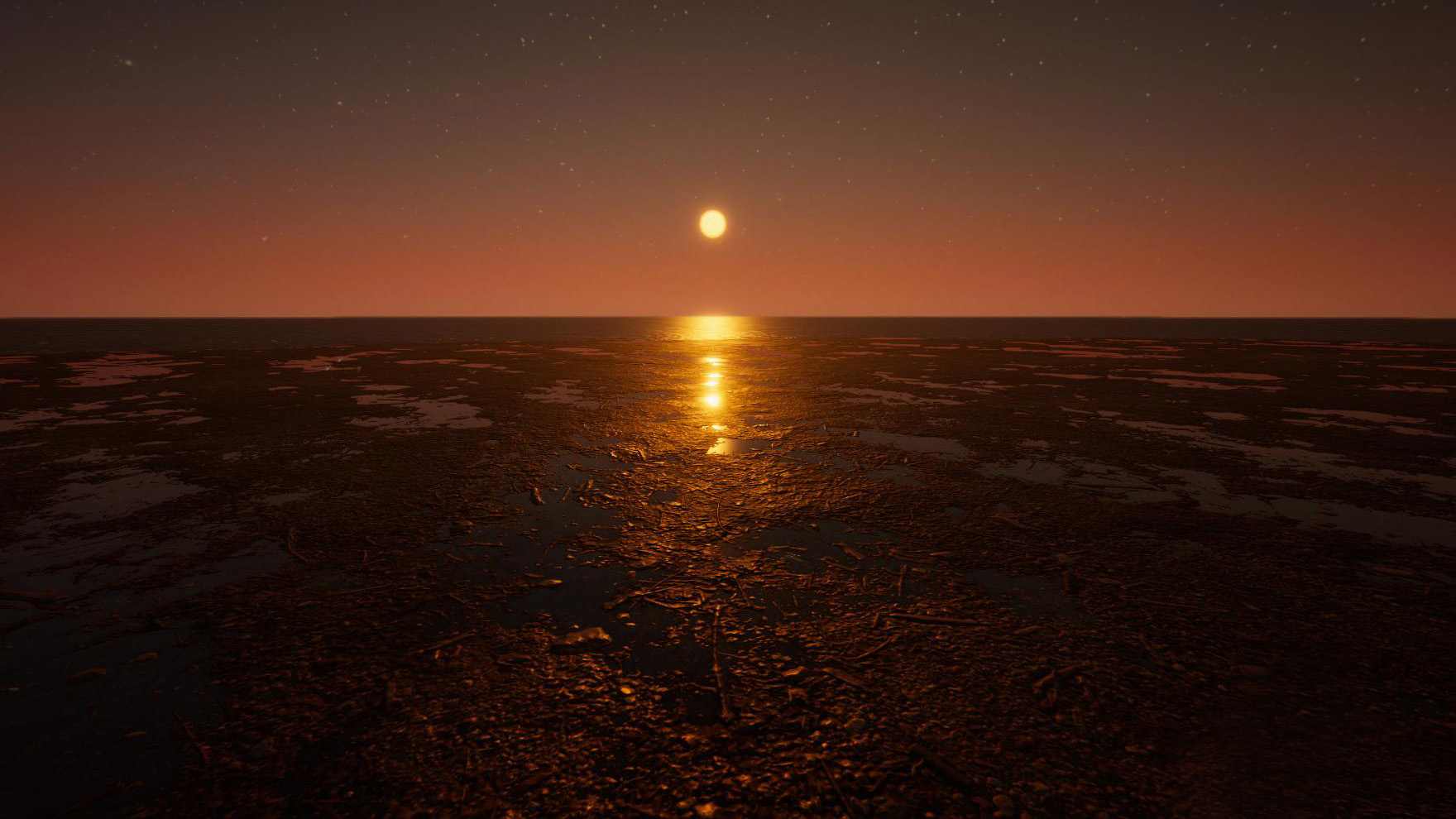
Last but not least there are some other, smaller changes and several bugfixes. Find the full changelog below. We're currently working on Multiplayer, which includes P2P support ("Play with friends" option) and dedicated servers. We'll provide more information about that soon, so stay tuned!
Changelog 2021-06-21 (0.2.1):
- Added 19 glass textures
- Added 6 different glass panes (construction shapes)
- Construction elements now spawn proper debris when destroying them
- Added new grid for building tools (similar to the grid in the Java version)
- When placing multiple blocks in a row, you can now change the gap between them
- Added specular reflections to items and the environment
- Block texture selection categories are now collapsible (default state can be set in options)
- Added creative mode light (L) (intensity can be changed in settings)
- Added creative mode removal tools (F7)
- You can now assign names to your building size presets (see building menu)
- Added quality settings for ambient occlusion effect
- Screenshots now optionally include the HUD and UI (can be changed in settings)
- Panini projection can now be changed in graphics settings ("view adjustment")
- "panorama" command (to create panorama screenshots) no longer includes player arms
- Disabling building marker no longer hides block count numbers
- Reduced pivot size for small elements
- Changed alignment of some building textures
- Creative mode terrain flatten tool (return key) level no longer resets if distance is too great
- Projectiles now deal damage to construction elements (depending on material)
- You no longer get kicked from a singleplayer game for using an invalid player name
- It's no longer possible to shoot with a firearm while sprinting
- Updated Unity version (2021.1.11f1)
- Fixed certain construction textures appearing pixelated if directly lit
- Fixed seams between cylinders and hollow cylinders
- Fixed wrong surface offset on flipped/mirrored construction elements
- Fixed underground blocks not loading properly in certain situations
- Fixed motion blur causing issues on screenshots and panorama screenshots
- Fixed issues with object gravity (objects breaking for no apparent reason etc)
- Fixed sporadically missing collide sounds of felled trees
- Changing visibility of creative mode toolbar works properly now
- Changing the shadow view distance in the settings work properly now
- Placing or removing construction elements now properly updates shadows of nearby lights