Status
SteamPeaks
ChartsSalesUpcomingPatchesNewsCalculator
New on SteamEvery app, DLC and depot the minute Steam creates itAppsEvery app on Steam, newest change firstPackagesSubs and bundles, and what each containsDepotsDepots, manifests and install sizesTagsSteam's user tags and the games under themDevelopers & publishersCompanies and their cataloguesTechnologiesEngines, SDKs and anti-cheat found in the filesChange historyEvery PICS changelist as it lands
SignalsNineteen readings of the whole catalogueCompareAny games side by sideRecordsAll-time peaks and the days they were setReportsWeekly and monthly write-upsAlerts & newsroomWatch a game, get told when it movesSteam statusIs Steam up, right nowWeb API explorerTry the endpoints in the browser
NewsSteam's own announcements and the sales calendarCalculatorWhat a Steam account is worth, and its pile of shame
/
Sign in
/
SteamPeaks
The ultimate resource for Steam data.
ExploreChartsSalesSales and festsUpcomingPatchesNewsRecordsTrendingSignals
DatabaseAppsPackagesDepotsTagsDevelopersTechnologiesChange history
ToolsCalculatorCompareSearchAlertsSteam statusAPI
SiteMethodologyFAQDiscordSupportSign in via Steam
Not affiliated with Valve or Steam. Game names and artwork belong to their owners. All times UTC.
PrivacyCookiesFair useStatus
LIVNewsNo Green Screen Needed...Ever!
In-game event

No Green Screen Needed...Ever!

LIV · published 27 Jul 2021, 00:24 UTC

All newsPlayers around this dateRead on Steam

We’ve got some major feature updates cooking for you with Quest-on-PC and Segmentive Keying!

Quest-on-PC

You can use your Quest wirelessly with your PC! Your PC can take care of all the recording and streaming, while you get to enjoy cord-free gameplay. We’ve worked hard on making it as simple as possible to setup, but if you need help, check out our walkthrough on Zendesk!

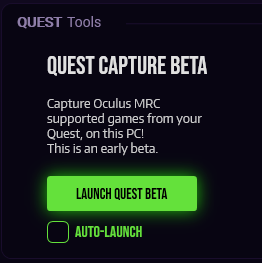
Once you boot up LIV, all you need to do is click on the Quest-on-PC Launch button from the main menu!
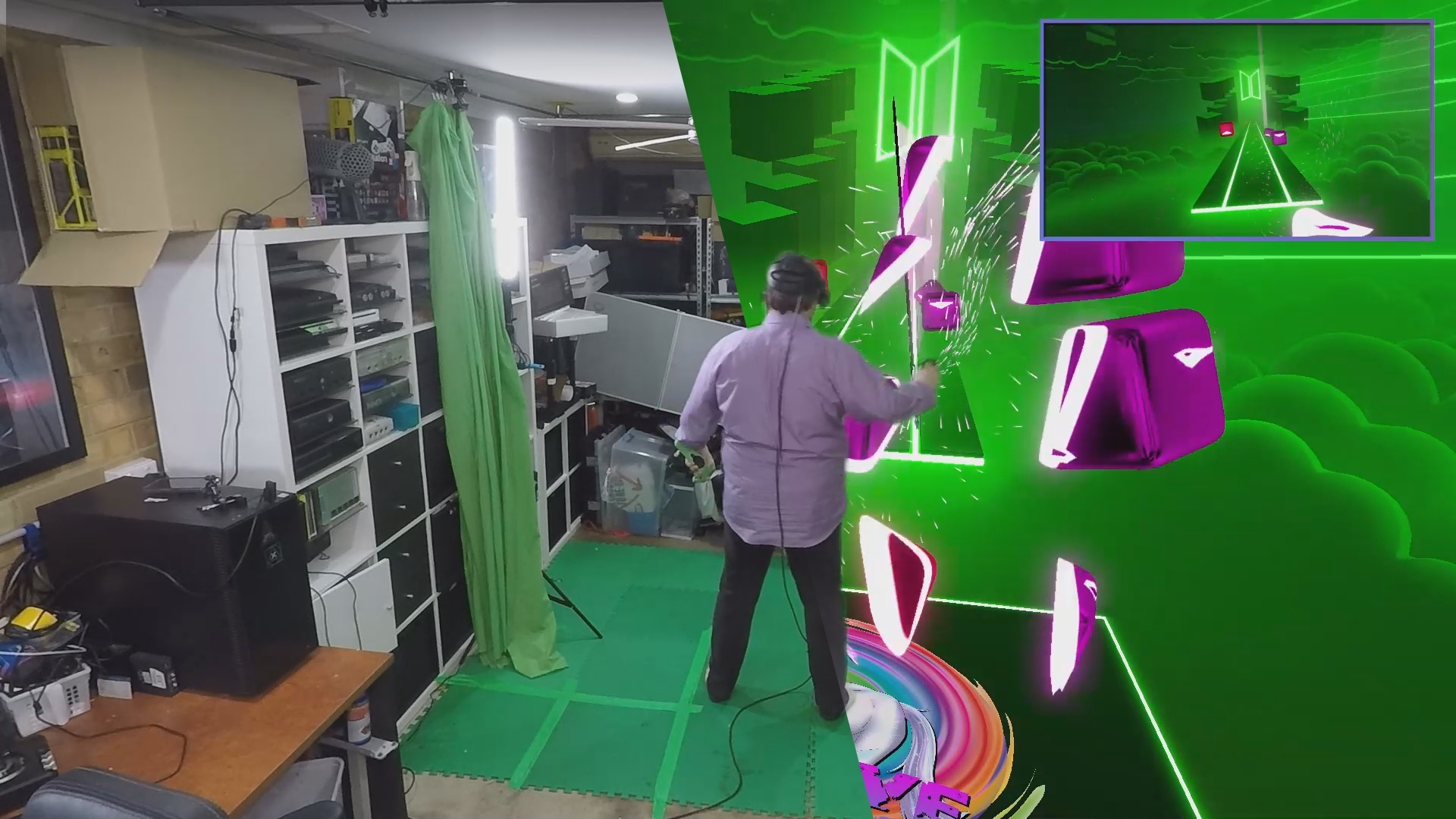
No green screen needed thanks to Segmentive Keying!

We’ve taken it a step further too: whether you’re using Quest-on-PC or normal PCVR, you no longer need a green screen! Just flip the Segmentive Keying toggle, and our machine learning technology will cut out your background and keep you in the shot! Find Segmentive Keying in the "edit camera" menu on the LIV PCVR app, and in the keying section if you're using Quest-on-PC.
Learn more -- read our blog post on how we can do automatic background removal with Segmentive Keying!

Of course, a green screen and quality lighting will always produce the cleanest results, but here are some quick tips to make Segmentive Keying look 99% as good:

1. Make sure your room is evenly lit with lots of light!

2. Have as plain of a background as possible, a clean mono-colored wall looks best!

3. Segmentive Keying does additional CPU strain, you’ll need a more modern CPU for smooth
video in mixed reality.

We really want to boost your videos, whether you make it with Segmentive Keying, Quest-on-PC, or the traditional LIV PCVR setup. Please share anything you make with us on our Discord or Twitter!

We're trying to push for overwhelmingly positive reviews on Steam - so, if you love LIV, we'd love your valuable reviewbles!

More from LIV

Other announcements

All news
Game update12 Nov 2025Unity Security patch# LIV 2.16.3 ## Changelogs - Updated version used to build Unity for security reasons.Game update2 Jul 2025Patch for error loggingThis patch release only consist of internal fixies with LIV's error reporting within VIVR.Game update16 Jun 2025StreamerKit patch fix# LIV 2.16.1 StreamerKit Fixes! Twitch deprecated and retired some older APIs we were still calling onto. This update restore the following Twitch EventSub functionalities in LIV StreamerKit: - Follow notifications - Subs notification - Bits notifications - Point rewards notification (for custom created rewards) - Viewer count Due to limitations of the Twitch API, the viewer count only update e…