Quaver Update 0.23.0 Patch Notes
A new Quaver client update has been released!
For this update, we worked on improving skinning, the editor, and much more!
Skinning Improvements
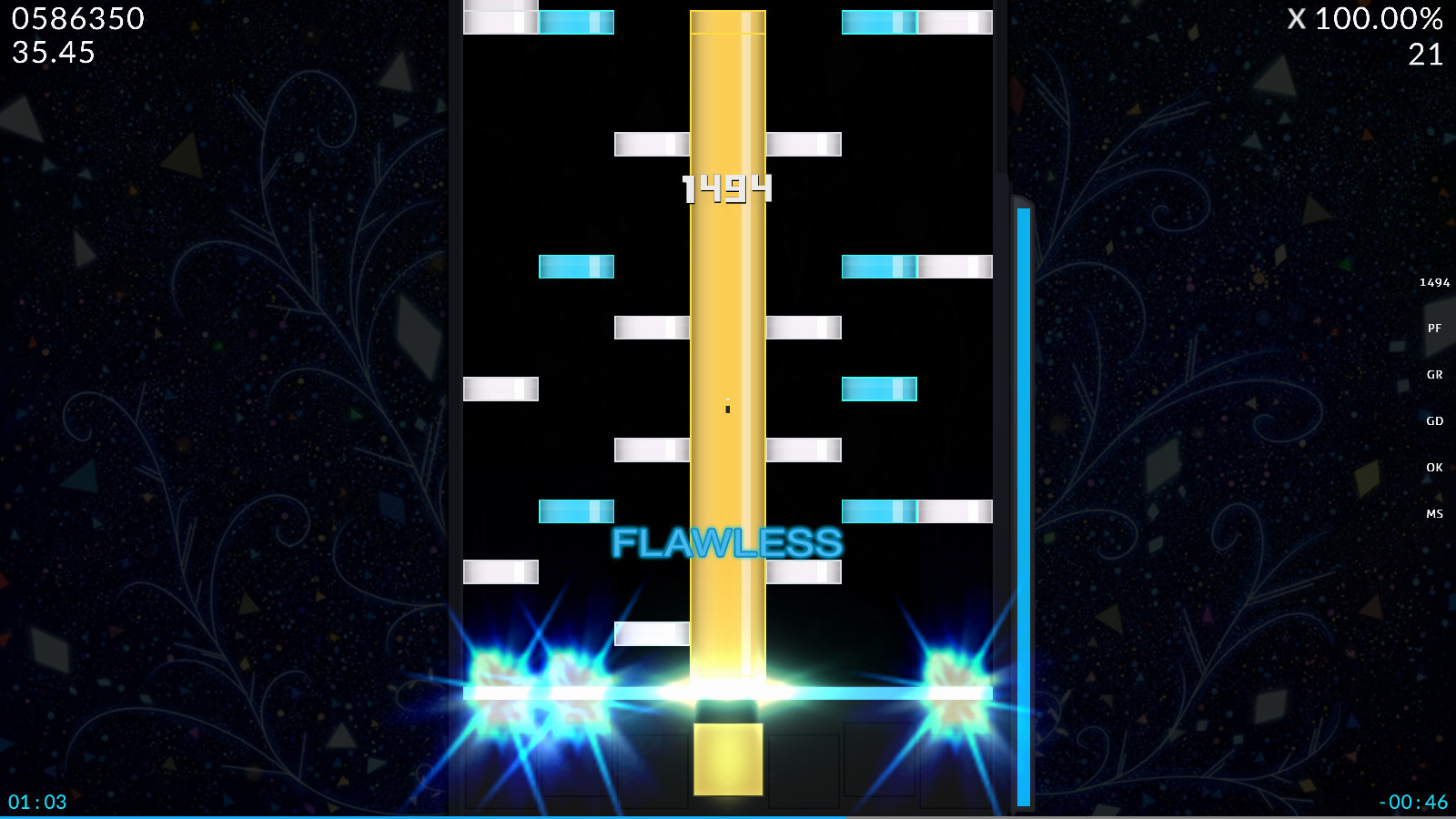
Improving the process of creating skins is an on-going development process, and with this update we've worked on the first batch of improvements.
Keep in mind that there may be breaking changes during the beta while we work to improve skinning. We will try our best to avoid breaking changes, but sometimes it is inevitable.
Here's what we've added and changed.
- Replaced the skin.ini config values "HitLightingWidth" and "HitLightingHeight" with "HitLightingScale" and "HoldLightingScale." You can now control the sizes of the hit and hold lighting textures individually, and changing the sizes of them is now consistent with other elements.
- Added "HitLightingColumnRotation" and "HoldLightingColumnRotation" skin.ini config values to be able to rotate the hit/hold lighting based on the column it is in.
- Added a "DefaultSkin" skin.ini config value to be able to explicitly set the default skin your custom skin will use. If none is specified, it will use the default skin the player has set in the options menu.
- Removed "UseAndRotateHitObjectSheet" and separated it into two settings. Added "UseHitObjectSheet" to use a spritesheet for skins that use different note textures per beat snap and "RotateHitObjectsByColumn" to rotate the notes depending on the column that they're in. This allows you to create bar skins which use beat snap colors much easier.
- Added a "JudgementHitBurstFps" skin.ini config value to explicitly set the animation frame rate of judgement hit burst textures.
- Added a "WidthForNoteHeightScale" skin.ini config value to be able to customize the height of the objects without having to resize all of your images manually.
If you need a full breakdown of everything skin config related, check out our wiki!
More Editor Shortcuts
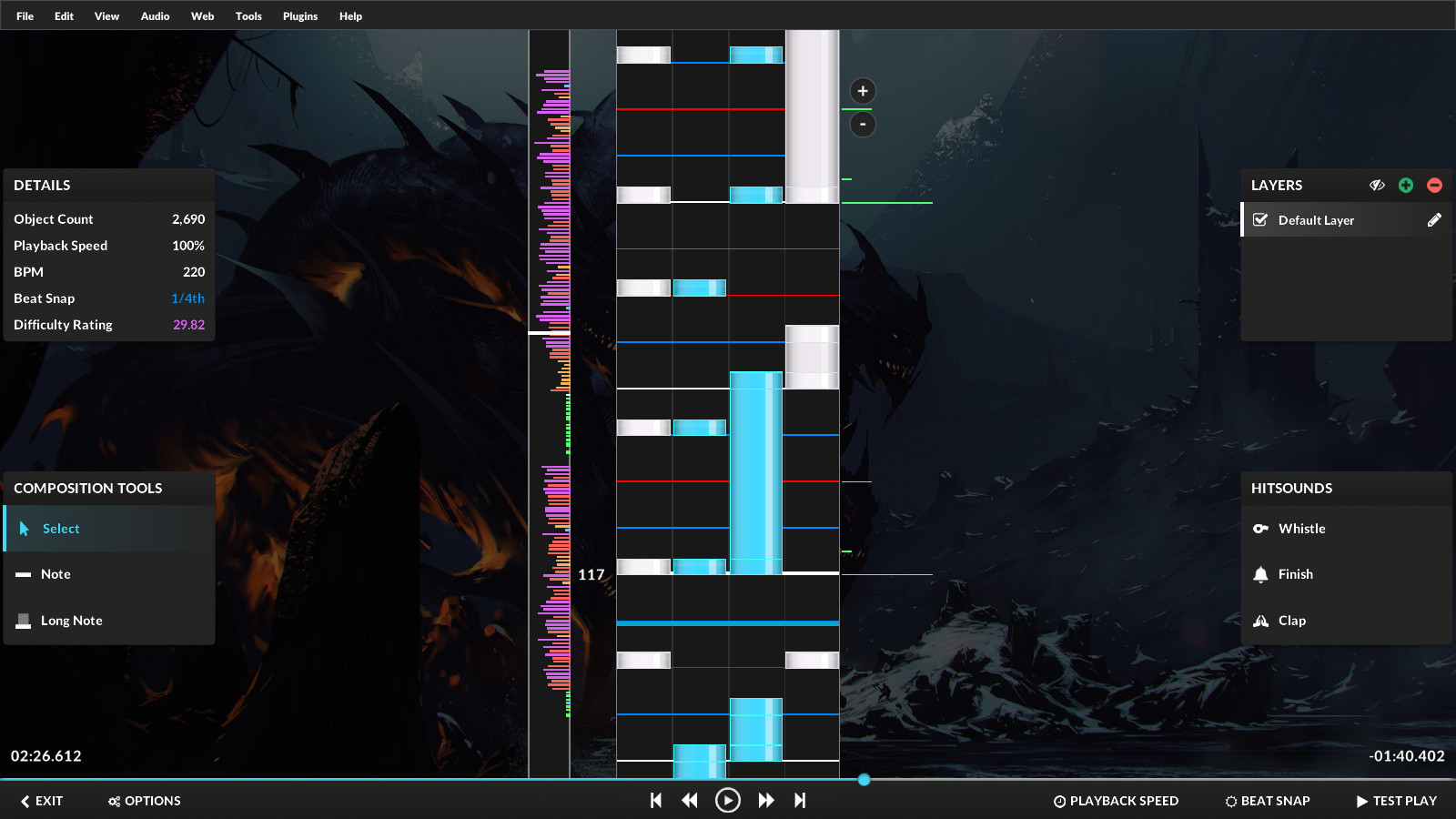
A few new keyboard shortcuts have been added to the editor. Here's what we've added:
- You can now place normal notes using the number row keys. However, you cannot currently place long notes with them just yet!
- Pressing Ctrl + I will place a scroll velocity point at the current time.
- Pressing Ctrl + Shift + I will place a timing point at the current time.
- Pressing Shift + Up/Down will now switch the active layer.
- Pressing Home/End will skip to the beginning/end of the map respectively.
- Pressing Shift + H will show/hide the current layer.
You can check out the full list of editor shortcuts here.
Other Additions & Bug Fixes
- The "BPM Affects SV" option in the editor now works properly and is toggle-able.
- The left and right audio channels of the editor's waveform have been swapped. Previously they were displayed incorrectly.
- "CreateTimingPoint()" for editor plugins is now able to take float values for its parameters.
- Added wiki links to the "Help" section of the editor's file menu bar.
- In song select/multiplayer, using the "CTRL + +" keybind at 1.95x rate will now increase the speed to 2.0x.
- The "Rate" leaderboards for .05x speeds above 1.0x are now working.
- The "Ratio" value in the results screen now displays "0" if no marvelous judgements have been hit and infinity (∞) if marvelous judgements have been hit but no perfects were hit.
- Added an "actions.SetHitObjectSelection()" function for editor plugins.
- Fixed timing points & scroll velocities in the editor not pasting to the correct location.
- Added CTRL/Shift + Click functionality for the select button for the timing point/scroll velocity panels in the editor.
- Disabled the hitlighting and judgement hit burst animations scaling with the playback rate of the song.
- Fixed the judgement hit burst animation disappearing and it having the incorrect sizing.
- Fixed a crash when the game is unable to read the skin.ini file.
Discord Donator Role

If you're a donator, you are now able to get an exclusive role on our Discord server! Setting this up is super simple:
- Join our Discord Server.
- Connect your Discord account on the Donator Settings page.
- You should now have a green "Donator" role on the Discord server which lasts throughout the duration of your subscription.
Thank you to all of the generous people who have decided to support our project!