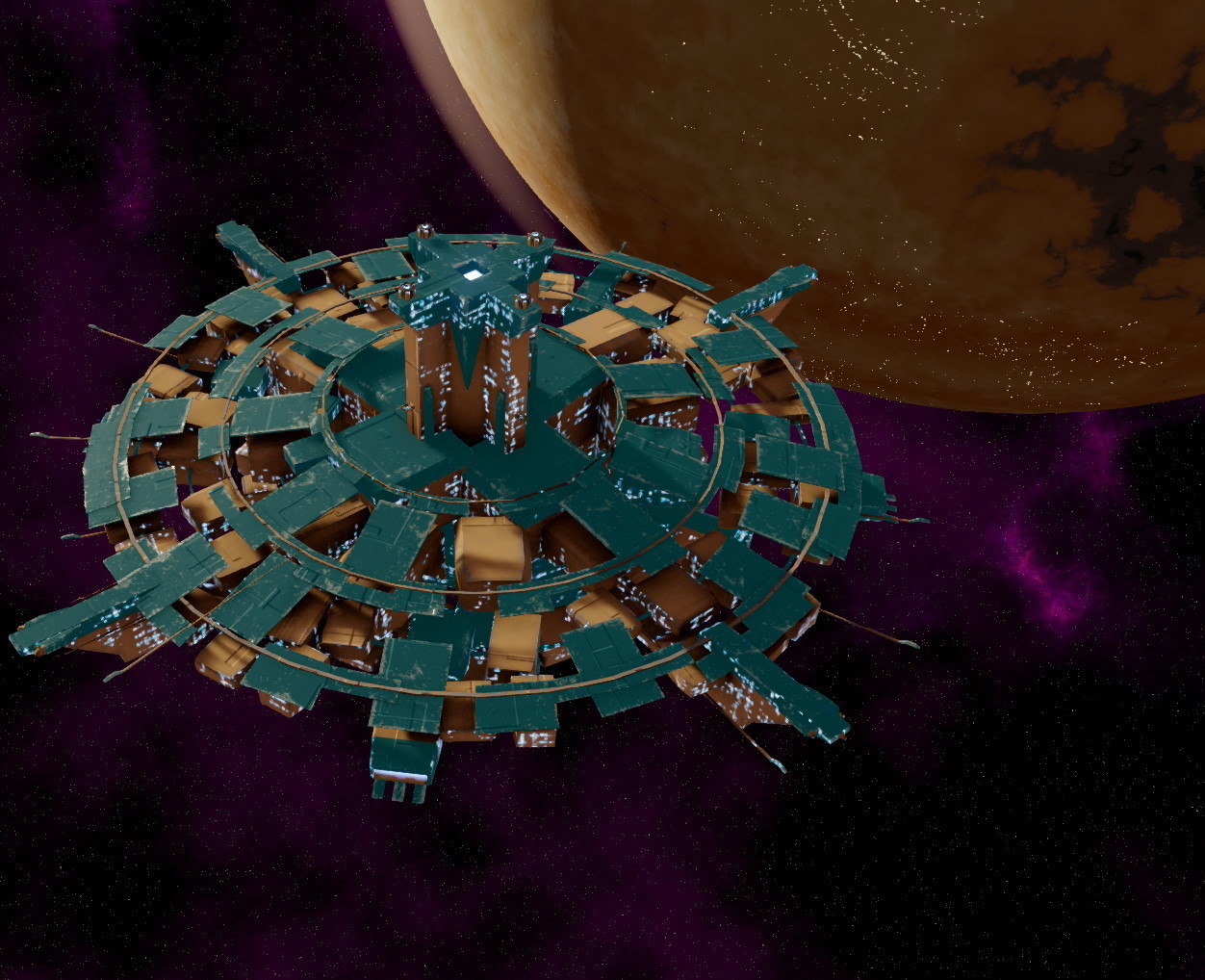
A Teekan Spaceport in orbit around a planet
We’ve been working on Distant Worlds 2 for more than four years now and we thought it was time to start giving you a few peeks behind the curtain. There is much more we’ll be showing over the coming months, but we’ll give you a first look today.
Please note that the screenshots included here are not from a final, polished release build so will in places include some unfinished areas and missing or placeholder art. There is much that is still subject to change between our current development build and the release.
In general, our goal for Distant Worlds 2 was to make a better Distant Worlds 1, with a new and modern engine. That is a pretty tall order given that by the time we got to the final Distant Worlds: Universe release, about nine years of development and design had gone into Distant Worlds 1.
Distant Worlds 2 is based on an entirely new 64-bit, multi-core capable 3D engine which provides us better performance and the ability to create even larger galaxies with more to explore, more stories to tell and even larger battles. In addition, it allows us to support a fully scalable interface.
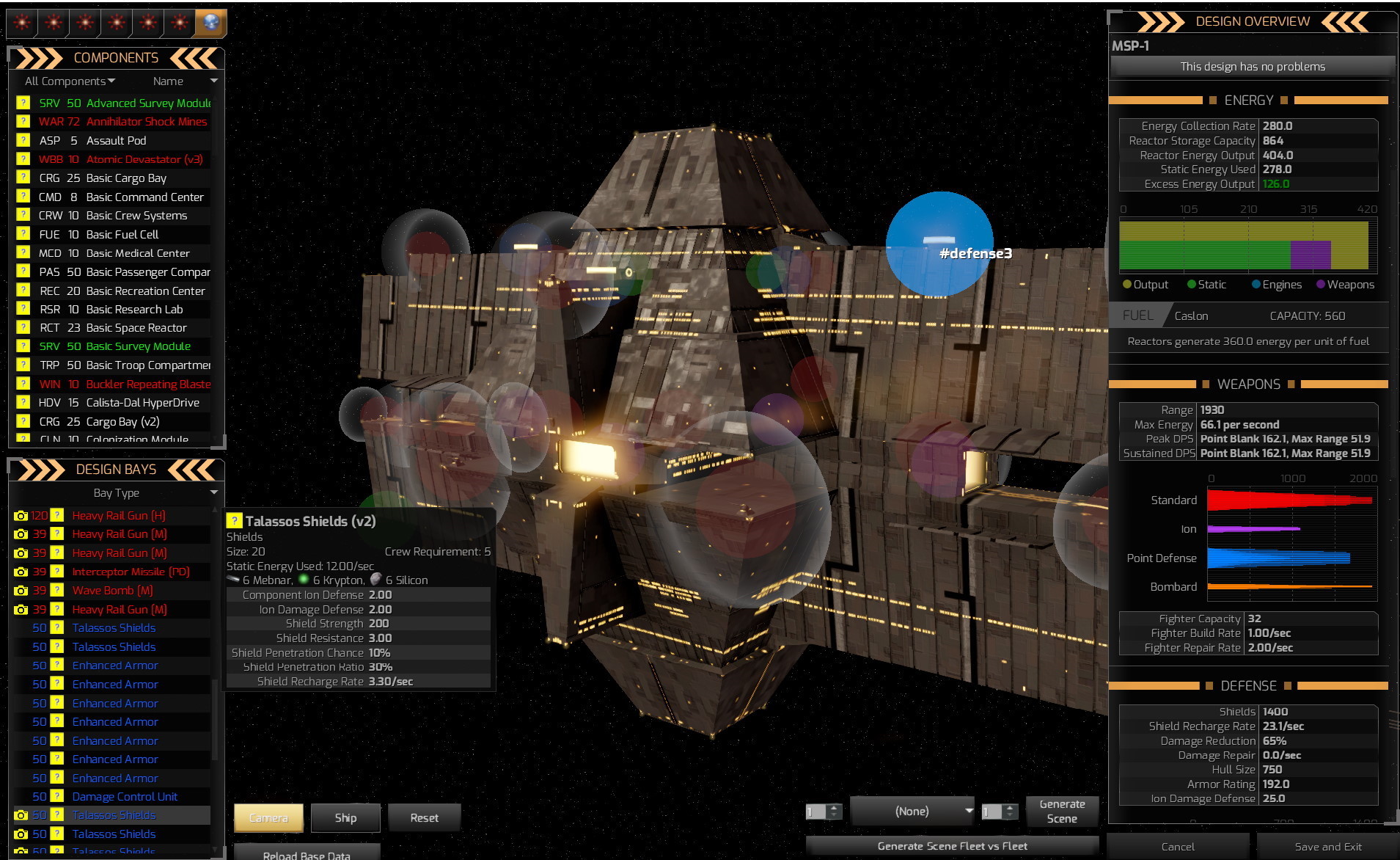
A Mortalen Spaceport with component slot markers turned on
For this first peek, we’d like to speak briefly about Ship Design. In this screenshot, you can see the ship design interface and a view of a Mortalen Spaceport.
In Distant Worlds 1, ships were two dimensional units basically defined by their size. Size determined how much could fit in a ship. Each component that could fit in a ship had a size and while you needed some minimum components to get a ship to work, beyond that you could put in whatever you wanted, as long as you stayed within the maximum size. Your size was also essentially your bag of hit points and any damage that wasn’t soaked up by your shields or your armor started destroying components.
In Distant Worlds 2, ships are a bit more interesting.
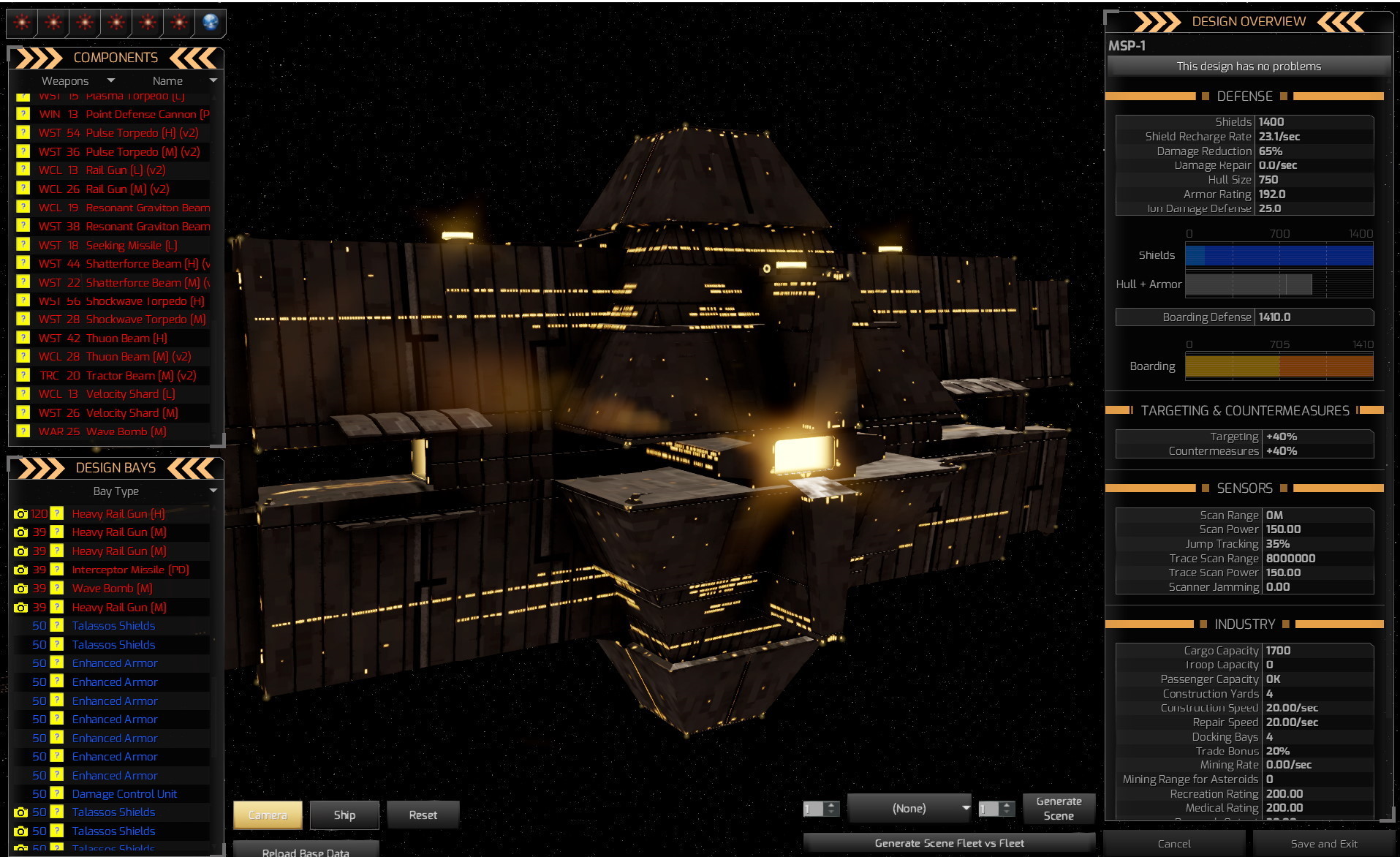
A Mortalen Spaceport with component slot markers turned off
For one thing, they are now three dimensional models. For another, ships now have a hull, which has its own armor rating and ability to take damage, as well as additional space that can fit components.
That additional space is divided into slots, which are organized by the broad component category they are intended to fit. When a ship takes a hit, assuming it gets past the shields (which now can allow some damage to “leak” through, but also can have some base resistance against small shots, similar to the reactive rating for armor) and the armor, it may hit the hull or it may hit a component.
If your hull is too badly damaged, your ship will be destroyed. If you lose the wrong components, you could also be effectively dead in space, but not necessarily destroyed.
When you are deciding how to build a ship now, you first research a hull, which defines the hull armor, hull size and the size and number of components it can fit.
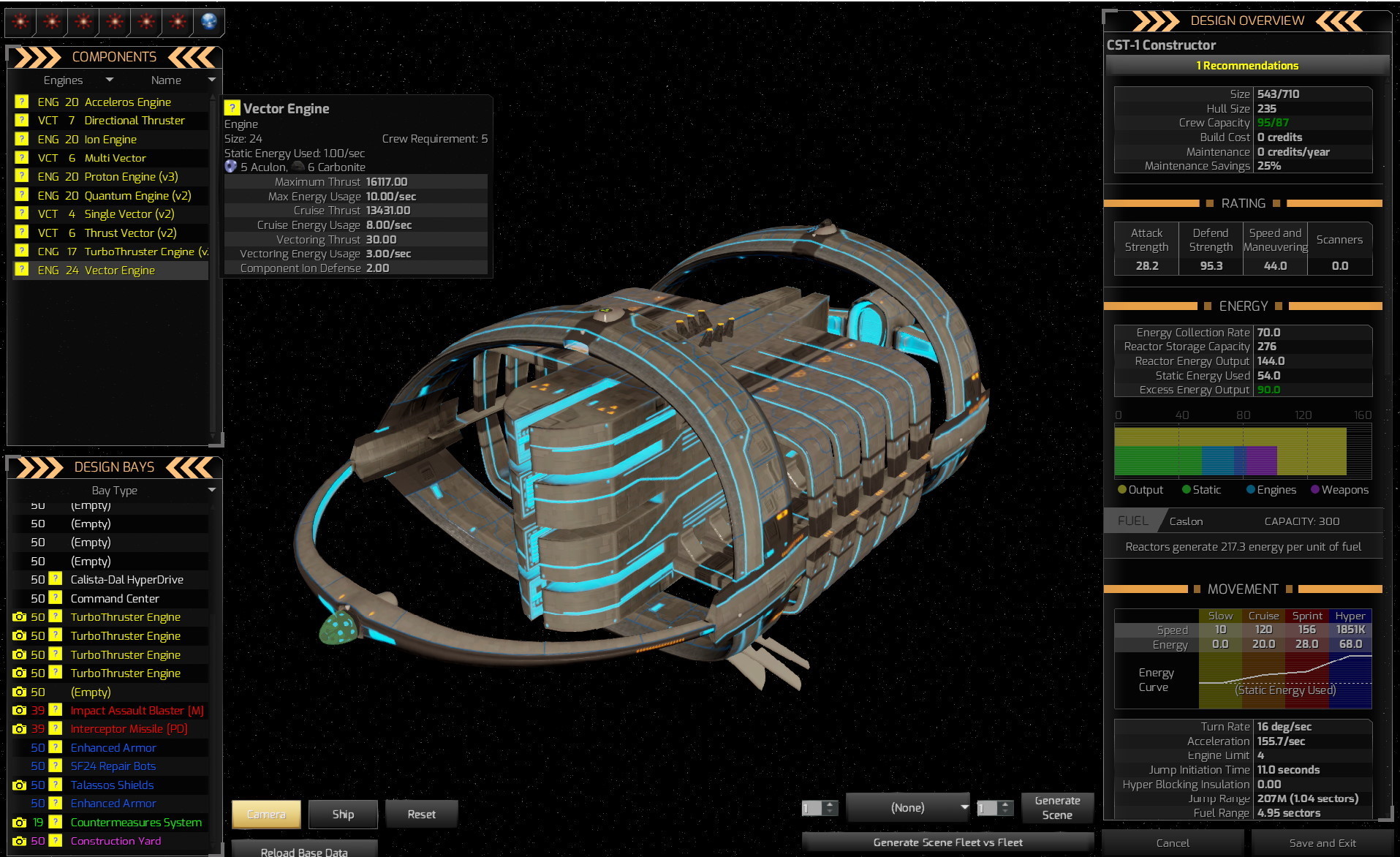
This is a shot of an Ackdarian Construction Ship
Some of these component slots are external (for example, all the weapons and engine, the hangar, some of the defenses). In the case of an external slot, adding a component there is actually reflected on the 3D model of the ship. A ship with four weapons will have four visible weapons, whereas a ship with one will only have one. A ship that has filled out all its possible engine slots to be as fast as possible will visible have more engines, and so on.
In many cases, this means that you can see significant differences in the ship model based on the design style chosen for a particular ship. It’s worth noting that you almost never have enough available space in the hull to fill every possible slot. As with Distant Worlds 1, you can choose to specialize a ship in one or a few areas, or to try to balance its capabilities across all areas.
Within the ship design interface, you can easily view the different categories of components, review the component slots in your selected hull and also see the visualization of the ship and the component slot locations in the center. The right side allows you to see a summary of your ship’s capabilities in a variety of areas.
There’s more to say about ship design, but that’s all we will cover for now. We’ll leave you with a few screenshots that show a bit more of the game.
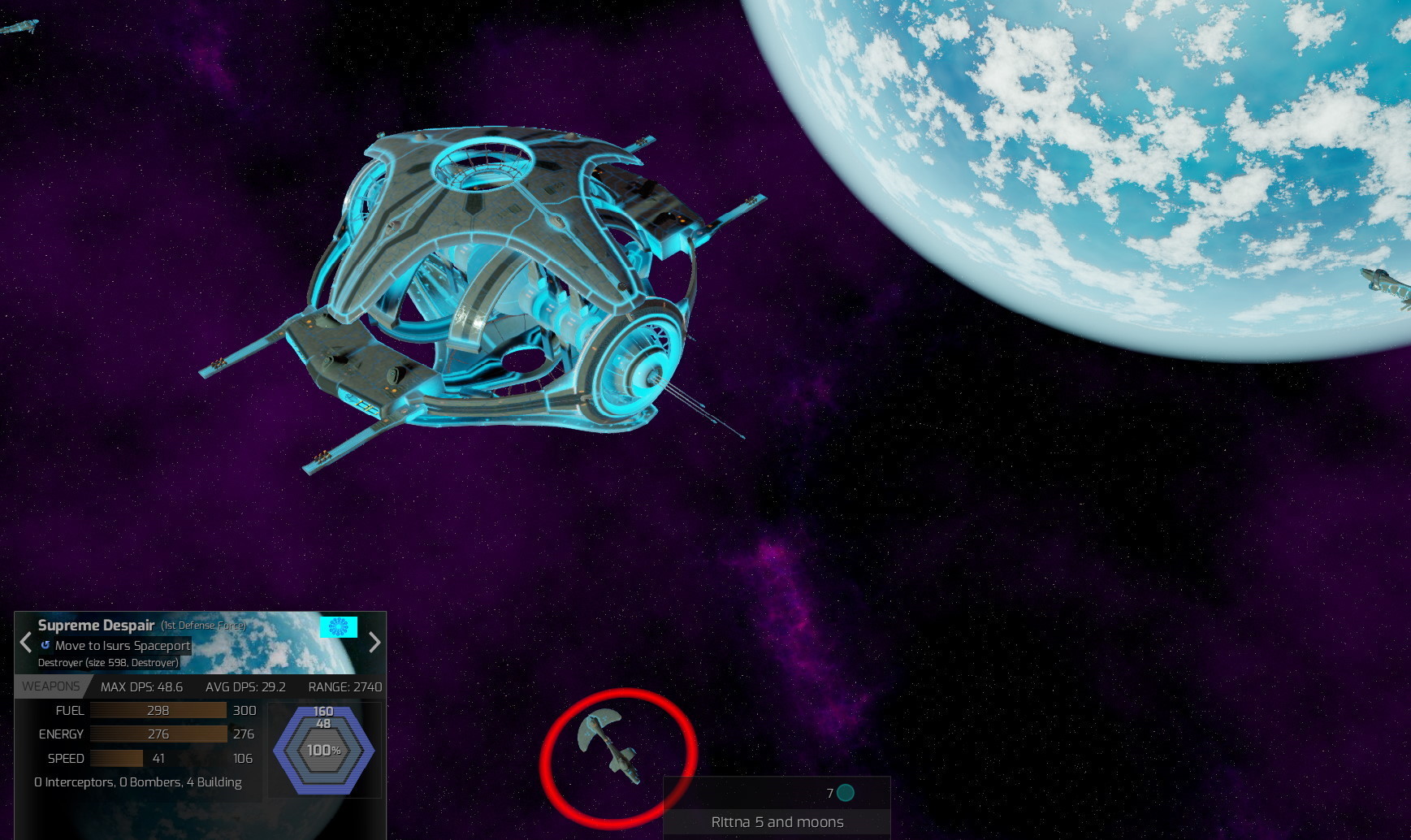
This is an Ackdarian Spaceport in orbit around an Ocean Planet
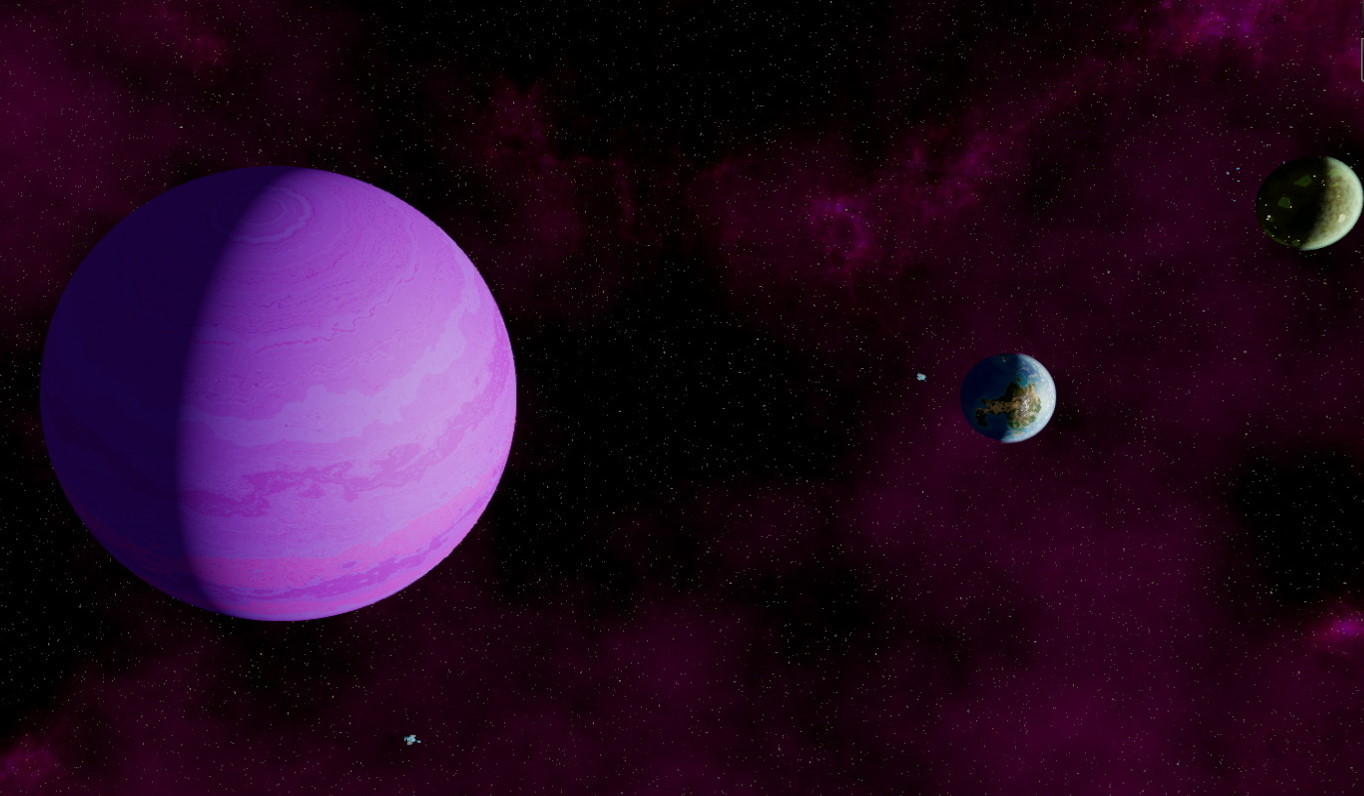
This is view of the planet Sreloor 5 and its moons
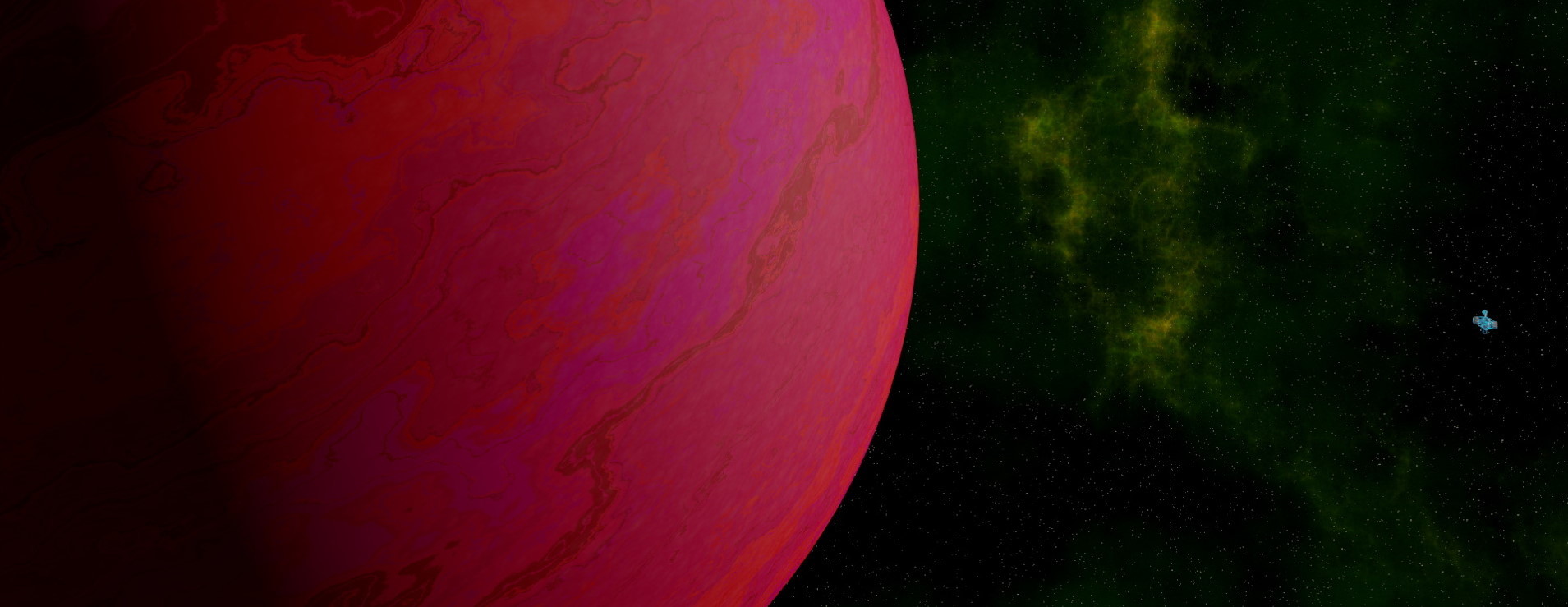
This is view of a red gas giant with a mining station in orbit
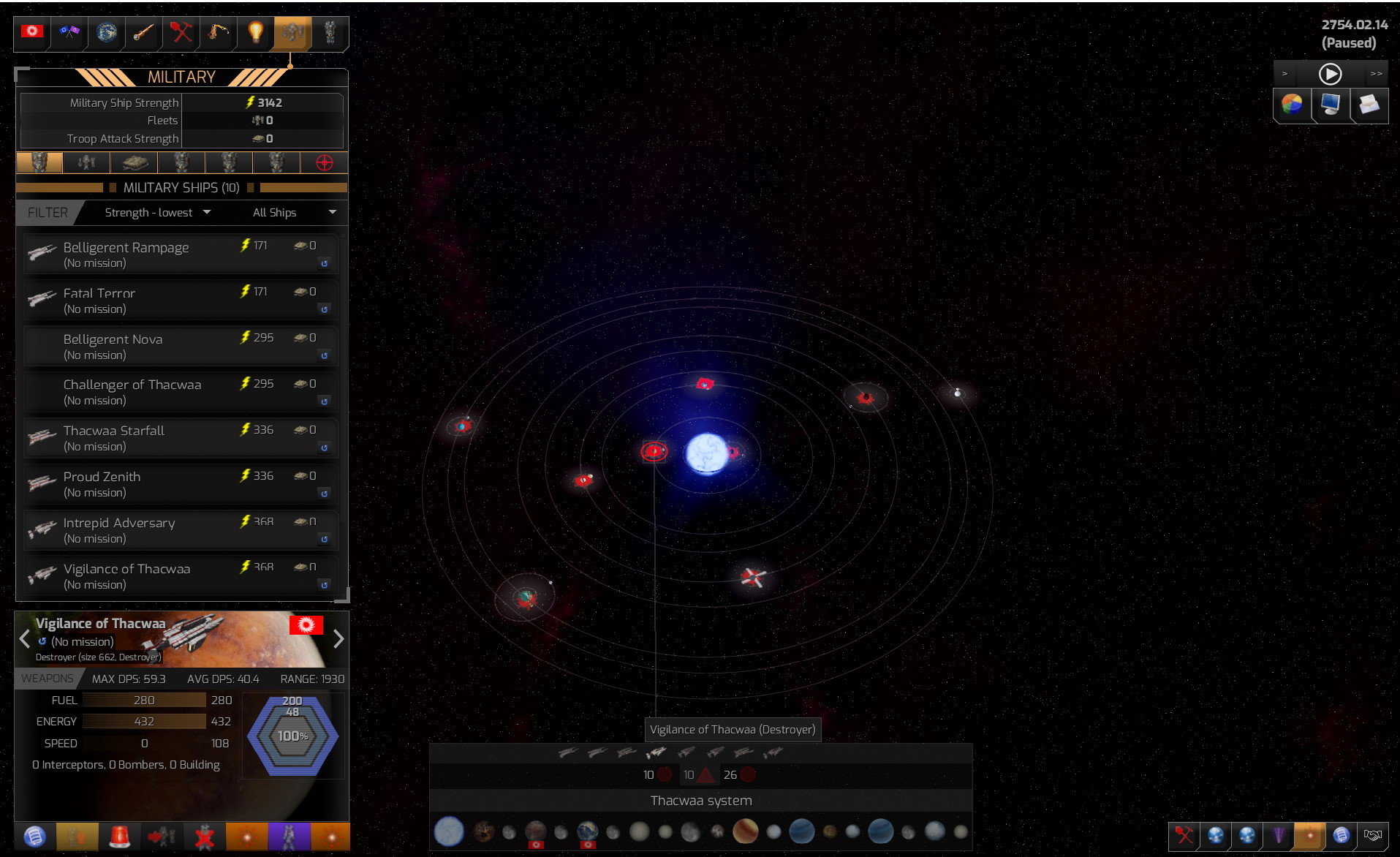
This is a peek at the main interface, still work in progress, but showing a system view in the center, various main interface dialogs in the top left, including the Military one which is open, the selection dialog in the bottom left with some information regarding the selected Mortalen Destroyer, a summary of the planets, ships and stations in the system being viewed in the bottom center, map overlay toggles in the bottom right and victory, settings, message and speed controls in the top right.
We appreciate your interest in Distant Worlds 2 and we hope you enjoyed this preview of Ship Design!
Stay tuned for further information